
To keep everyone happy during gaming nights, choose headsets if private, clear communication and immersive sound are priorities; they’re comfortable for long sessions and take up little space. Speakers create a social atmosphere with shared sound but can cause noise issues. Consider your budget and room setup—headsets are more affordable and space-friendly, while quality speakers boost ambient sound. For more tips on balancing sound options and creating a fun, enjoyable gaming environment, keep exploring.
Key Takeaways
- Use headsets for private, clear communication and better team coordination during gaming nights.
- Choose speakers for a social, shared experience that allows everyone to enjoy the game without wearing devices.
- Prioritize comfort and fit to prevent fatigue during long gaming sessions, whether using headsets or speakers.
- Consider room space and setup; headsets are ideal for small or cluttered areas, while speakers suit open, spacious environments.
- Balance budget and sound quality; headsets are more affordable and portable, whereas quality speakers offer immersive audio at higher costs.
Immersive Audio Experience: Headsets Vs Speakers
When it comes to creating an immersive audio experience during gaming nights, headsets often deliver a more personal and focused sound environment. You’ll notice how they block out external noise, allowing you to zero in on in-game details like footsteps, gunfire, or subtle ambient sounds. This clarity helps you stay engaged and react quickly. Headsets also provide a consistent audio experience regardless of your surroundings, making them ideal for competitive gaming. With adjustable settings and surround sound options, you can customize your experience to match the game’s environment. Although speakers offer a broad soundstage, they may not deliver the same pinpoint accuracy or isolation. Overall, headsets put you directly in the game’s world, heightening immersion and focus. Additionally, audio technology advances continue to improve headphone sound quality, making them an even more compelling choice for serious gamers. For example, innovations in noise cancellation further enhance the immersive experience by reducing background distractions. Modern sound engineering techniques also contribute to more natural and precise audio reproduction, heightening the overall gaming experience. Furthermore, the integration of smart home audio systems can optimize sound settings based on your environment, creating a seamless gaming atmosphere. Recent hardware improvements also ensure that headsets can deliver higher fidelity audio with lower latency, making them more responsive for competitive play.
Social Interaction and Communication Dynamics
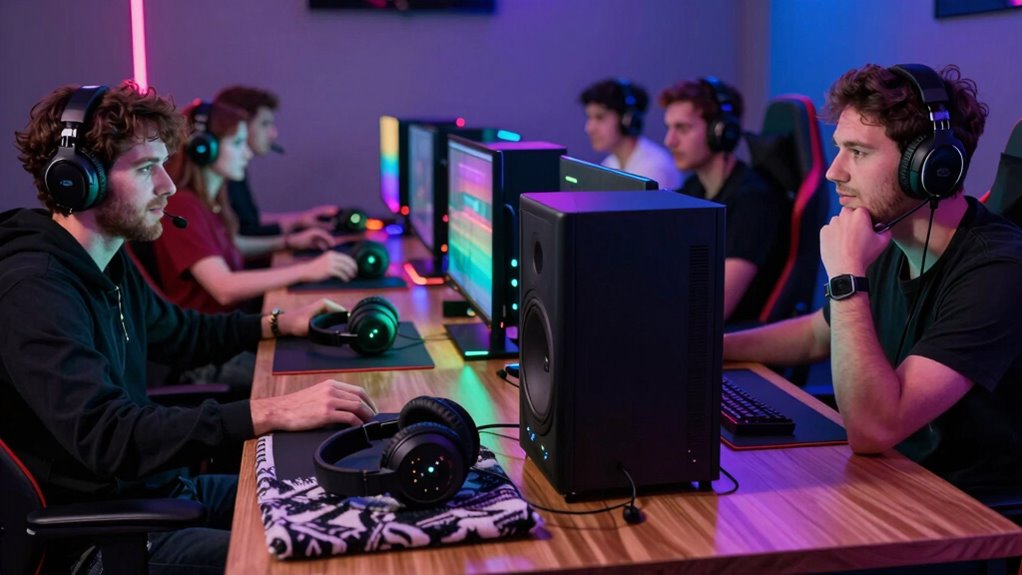
Headsets considerably enhance social interaction and communication during gaming nights by allowing you to speak and listen simultaneously without external distractions. This setup ensures you stay connected with your teammates clearly and instantly, fostering better teamwork. With a headset, background noise from others or the environment doesn’t interfere, so your conversations remain crisp. The table below highlights some key differences:
| Headsets | Speakers |
|---|---|
| Close communication | Less direct interaction |
| Clear voice chat | External noise interference |
| Private conversations | Shared sound experience |
Using a headset keeps your communication tight and private, making coordination easier. Conversely, speakers may limit quick, precise exchanges, especially in noisy environments. Choosing the right setup depends on how much you value seamless communication versus social ambiance. For optimal experience, consider the audio quality and comfort features of your devices to ensure long gaming sessions remain enjoyable. Additionally, understanding the communication dynamics involved can help you select the best option for your gaming style. Proper device selection tailored to your needs can significantly improve the overall gaming experience. Moreover, being aware of the environmental considerations can help you choose between headsets and speakers to optimize comfort and clarity during extended gaming sessions. Recognizing the importance of personal preferences can further refine your choice for a more satisfying gaming night.
Sound Quality and Clarity Considerations
When choosing between headsets and speakers, sound quality and clarity play a vital role. You’ll want to take into account how well each option delivers audio fidelity and depth, making your gaming experience more immersive. Additionally, clear communication is essential, so think about which setup offers the best clarity for in-game chats. Features like sound performance ratings and noise-cancellation technology can significantly impact your overall experience. To improve your writing, using tools that detect passive voice can help make your sentences more direct and engaging. Moreover, understanding the impact of cookies on user experience can help you select equipment that enhances overall usability and comfort during long gaming sessions. Recognizing the cultural significance of symbols can also inspire your choice of gaming accessories that resonate with your personal style and interests. Proper ergonomic design and piercing care and hygiene considerations can contribute to a comfortable and enjoyable gaming environment over extended periods.
Audio Fidelity and Depth
Audio fidelity and depth play a crucial role in your gaming experience, as clear and immersive sound can make the difference between missing an important cue or reacting in time. High-quality audio captures subtle details, like distant footsteps or ambient environmental cues, enhancing your situational awareness. Headsets often excel here, offering crisp, detailed sound with rich bass and precise positioning, giving you a sense of depth that pulls you into the game world. Speakers can also deliver impressive fidelity, especially with quality setups, but they sometimes lack the intimacy and detail that headsets provide. Ultimately, the goal is to choose audio equipment that reproduces sounds faithfully, creating an immersive experience that heightens your responsiveness and enjoyment during gameplay. Recognized brands and features for sound quality can help ensure you get consistent audio fidelity, especially when investing in high-quality sound components. Additionally, understanding the difference between sound clarity and depth can help you select the best option for your gaming needs, as accurate sound reproduction is vital for an optimal gaming experience. A thorough understanding of audio fidelity principles can further assist you in making informed decisions about your gaming audio setup.
Clarity in Communication
Clear communication is essential during gaming sessions, as misheard instructions or missed cues can cost you the victory. When choosing between headsets and speakers, sound clarity plays a pivotal role. Headsets often provide better detail and isolation, allowing you to hear footsteps, gunfire, and team calls more precisely. They reduce background noise, ensuring you catch every word without distraction. Speakers, on the other hand, can sometimes muddy sounds or create echoes, especially in noisy environments. To keep everyone on the same page, prioritize equipment that delivers crisp, clear audio. High-quality microphones in headsets also help teammates understand you clearly. Drawing from principles of sound quality and clarity, selecting the right audio setup can significantly enhance in-game communication. Additionally, sound isolation in headsets minimizes external interruptions, further improving communication. Proper audio calibration ensures your equipment performs at its best, reducing discrepancies in sound quality. Investing in well-designed audio gear can make a noticeable difference in how effectively your team communicates. It’s also important to consider consistent sound levels to avoid sudden volume changes that could disrupt gameplay. Ultimately, clear, well-defined sound enhances coordination, minimizes misunderstandings, and boosts your chances of winning.
Comfort and Wearability During Extended Gaming Sessions
When gaming for hours, comfort becomes vital, whether you’re wearing a headset or sitting near speakers. You’ll want a fit that stays secure without causing pressure or discomfort over time. Adjustability features can make a big difference in keeping you comfortable during long sessions. Additionally, choosing ergonomic designs can help reduce strain and improve overall comfort during extended gaming marathons.
Comfort Over Long Hours
During long gaming sessions, comfort becomes a crucial factor in choosing between headsets and speakers. If you prefer headsets, ensure they have plush padding and lightweight design to avoid discomfort after hours. Speakers offer freedom from wearing anything, reducing fatigue. However, they can cause ear fatigue if volume levels are too high or sound is too intense. Consider your seating setup and personal preferences.
| Headsets | Speakers |
|---|---|
| Cushioned ear cups reduce pressure | No physical contact, less pressure |
| Lightweight designs lessen fatigue | Less wearing fatigue, more relaxed |
| Adjustable headbands improve fit | No fit adjustments needed |
| Can cause ear fatigue at high volume | Less direct ear pressure |
Fit and Adjustability
Choosing between headsets and speakers for extended gaming sessions hinges considerably on how well each option fits and adjusts to your head and ears. With a headset, comfort depends on adjustable headbands and ear cup sizes. Look for padded, breathable materials to prevent discomfort during long hours. Proper adjustability ensures the headset stays secure without causing pressure points. Speakers, on the other hand, don’t require fitting, but placement matters—too close can cause fatigue, while too far reduces immersion. If you choose headphones, opt for models with flexible headbands and rotatable ear cups. For speakers, focus on positioning to achieve balanced sound without straining or fatigue. Ultimately, a good fit and easy adjustability enhance your gaming comfort, helping you stay focused longer.
Space and Setup Requirements for Each Option
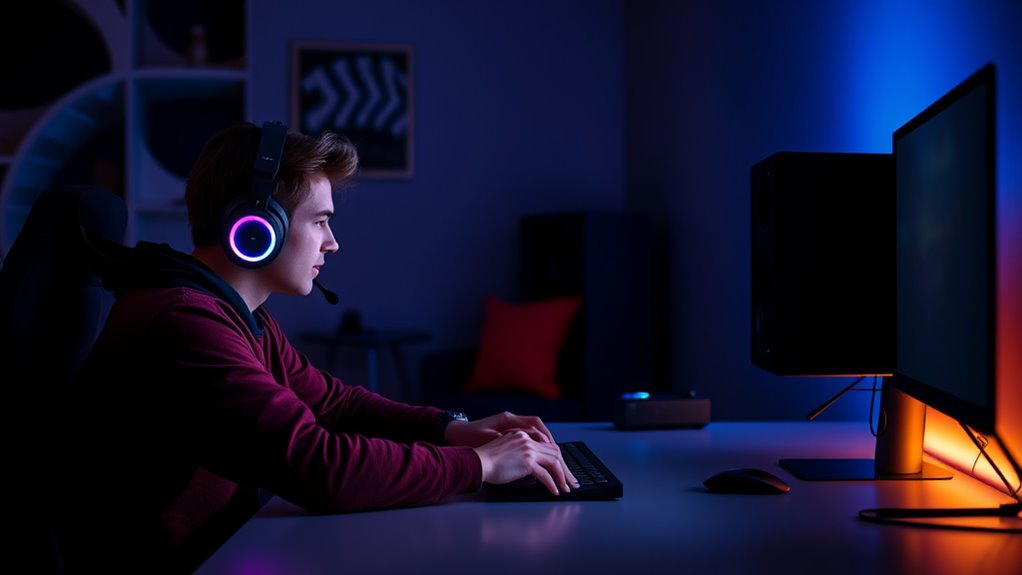
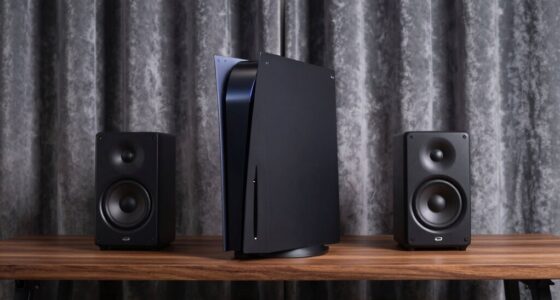
Headsets require minimal space and can be easily tucked away when not in use, making them ideal for small or cluttered setups. You don’t need extra furniture or dedicated areas, just a comfortable chair and a clear space for your device. They’re portable and easy to store, so you can quickly set up or pack away as needed. In contrast, speakers need more room to avoid sound distortion and to create an immersive experience. You’ll need space for multiple speakers, stands, or mounts, and enough room for sound waves to travel freely. A larger, open environment helps speakers perform most effectively, but it can be challenging in tight or cluttered spaces. Overall, headsets are more flexible for limited areas, while speakers demand more planning and space to excel.
Cost and Budgeting for Your Gaming Environment
While headsets typically cost less upfront and don’t require additional equipment, investing in quality speakers can add to your overall budget. Headsets are often more affordable, especially since you won’t need extra gear like amplifiers or stands. They also eliminate the need for multiple audio devices, keeping costs lower. On the other hand, quality speakers tend to be pricier, particularly if you want immersive sound and clear audio for gaming. Besides the initial purchase, consider potential expenses for speaker stands, cables, or soundproofing to improve your setup. If you’re on a tight budget, headsets offer a cost-effective solution. However, if you’re aiming for superior sound quality and a more immersive experience, investing in good speakers might stretch your budget but pay off in the long run.
Noise Levels and Disturbance Management
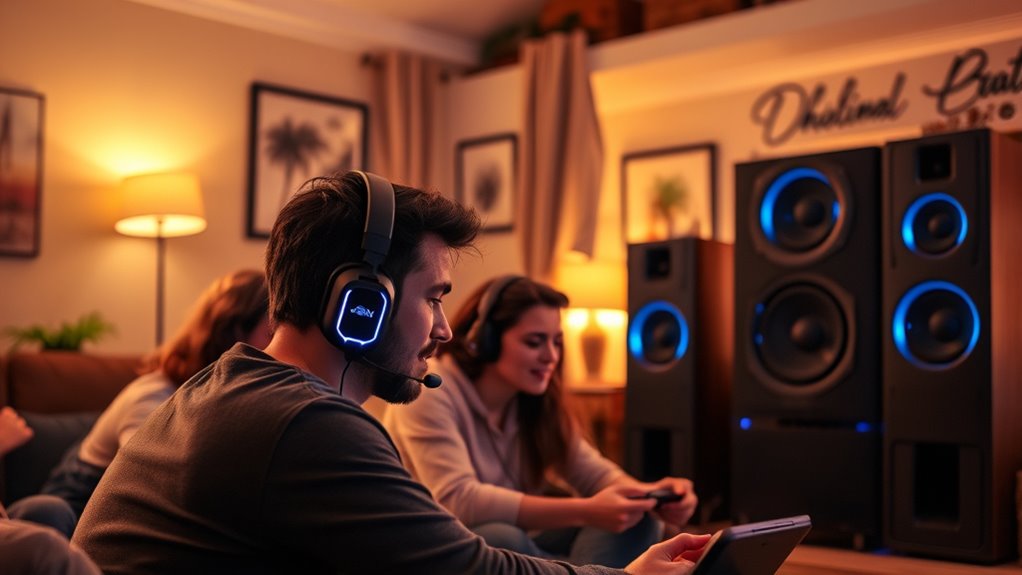
Noise levels can substantially impact your gaming experience and your neighbors’ peace. If you play loudly, you risk disturbing others and facing complaints. Headsets offer a clear advantage here—they contain sound directly to your ears, minimizing noise leakage. This way, you can enjoy immersive sound without worrying about disturbing others in your household or apartment. Speakers, on the other hand, produce sound outward, making it harder to control noise levels. If you prefer speakers, consider using volume controls, soundproofing, or setting up in a room isolated from shared walls. Managing noise is essential for maintaining good relationships and avoiding conflicts. Always be mindful of your environment, especially during late-night gaming sessions, to keep everyone happy and undisturbed.
Versatility and Compatibility With Devices
When it comes to versatility and compatibility, headsets often stand out because many models are designed to work seamlessly with a wide range of devices, including PCs, gaming consoles, and smartphones. This flexibility makes them convenient for various gaming setups and multimedia use. You can easily switch between devices without needing multiple accessories. Some headsets connect via USB, others through 3.5mm jacks, and some even have wireless options. This broad compatibility assures you won’t be limited by your device choice. Plus, many headsets include built-in microphones, making them suitable for in-game chat and calls. This adaptability helps create a streamlined experience, whether you’re gaming, listening to music, or participating in video calls. Overall, headsets offer a level of compatibility that speakers typically can’t match.
Tips for Creating a Balanced Gaming Atmosphere
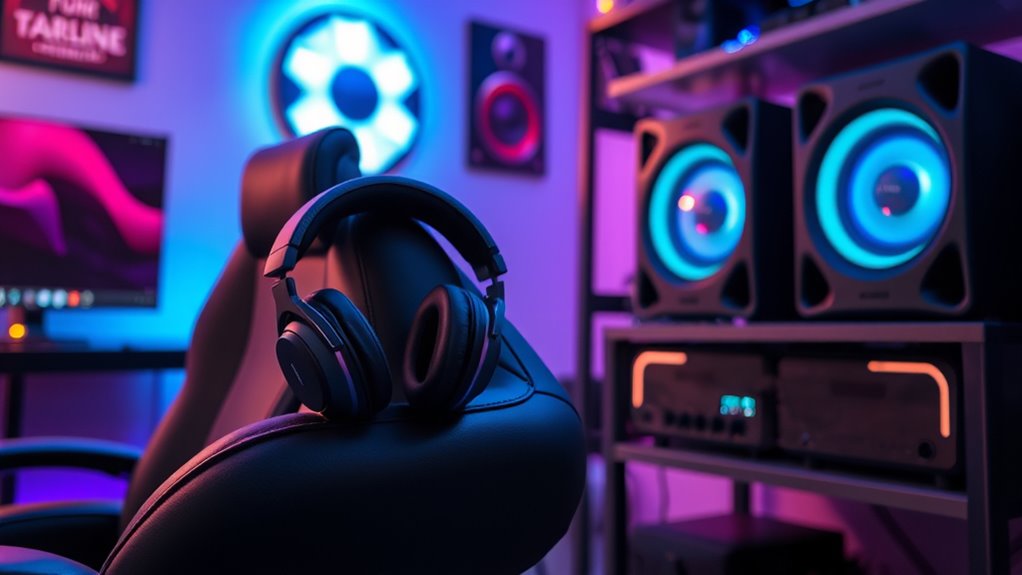
Creating a balanced gaming atmosphere involves managing sound levels so that you enjoy immersive audio without disturbing others. Start by setting your headset volume to a comfortable level that lets you hear all game details clearly, but isn’t excessively loud. If you’re using speakers, keep the volume moderate, ensuring it doesn’t spill into other rooms or disturb nearby neighbors. Use voice chat settings to avoid loud conversations that might drown out game sounds or annoy others. Consider establishing quiet hours or designated gaming times if you share your space. Additionally, use soundproofing or soft furnishings to reduce noise leakage. Regularly check in with others around you to ensure everyone remains comfortable, creating a fun, inclusive environment that respects everyone’s peace.
Frequently Asked Questions
Can Headsets Cause Ear Fatigue During Long Gaming Sessions?
Yes, headsets can cause ear fatigue during long gaming sessions. When you wear them for extended periods, the tight fit and pressure can lead to discomfort and soreness. Additionally, loud volumes and poor insulation might cause your ears to feel tired or even hurt. To prevent this, take regular breaks, adjust the fit, and keep the volume at a comfortable level. Your ears will thank you for it.
Are There Wireless Options Available for Both Headsets and Speakers?
Yes, there are wireless options for both headsets and speakers. Wireless headsets offer freedom of movement and are great for long gaming sessions, while wireless speakers let everyone enjoy the game’s sound without cables cluttering the space. You can find high-quality options in various price ranges, ensuring everyone stays comfortable and engaged. Just make sure to check connectivity and battery life to keep your gaming night seamless and fun.
How Do Ambient Room Acoustics Affect Sound Quality in Gaming Setups?
Ambient room acoustics profoundly impact your gaming sound quality. Hard surfaces like walls and windows reflect sound waves, causing echoes and muddiness, while soft furnishings absorb sound, creating clearer audio. To improve your setup, add rugs, curtains, or wall panels to reduce reflections. Proper placement of speakers and headsets also helps, ensuring you get immersive, crisp sound without unwanted echoes that can distract or diminish your gaming experience.
What Safety Precautions Should Be Taken When Using High-Volume Audio Devices?
You should keep the volume at safe levels to protect your hearing, ideally below 85 decibels. Take regular breaks every hour to prevent ear fatigue and potential damage. Use volume-limiting features or ear protection if available. Confirm your room is well-ventilated to avoid overheating devices, and stay aware of your surroundings to prevent accidents caused by high-volume sounds. Always prioritize safety to enjoy gaming without risks.
How Do Headsets and Speakers Impact Multiplayer Game Team Coordination?
Headsets enhance team coordination by providing clear, direct communication, so you can quickly share strategies and callouts without background noise interference. Speakers, on the other hand, can make it harder to hear teammates, especially in noisy environments, which might lead to missed cues or confusion. To keep your team on the same page, encourage the use of headsets for communication, ensuring everyone stays connected and coordinated during gameplay.
Conclusion
Whether you choose headsets or speakers, imagine your gaming night as a vibrant scene—headsets wrap you in a personal, crystal-clear bubble, while speakers fill the room with rich, shared sound. The key is balancing immersion with interaction, comfort with clarity. With the right setup, you create a lively atmosphere where everyone’s happy, whether they’re lost in their own world or sharing the thrill together. Make your choice, then enjoy the perfect gaming symphony.