If your system’s hardware, connectivity, or display calibration is holding back, then a 120Hz refresh rate won’t make much difference. High frame rates only improve smoothness if your GPU can render consistently, and your display responds promptly. Lag, poor color accuracy, or performance bottlenecks can all reduce the benefits you expect from a high refresh rate. To get the most out of 120Hz, you need a balanced setup—stay tuned to uncover how to optimize it.

Get audio and creator gear delivered free — and shop member deals
- Fast, free delivery on millions of items
- Access to Prime Big Deal Days deals on October 6–7
- Prime Video, Amazon Music and more included
Key Takeaways
- High refresh rates offer limited benefits if display lag from hardware or connections causes delays.
- Poor GPU performance can result in stuttered gameplay, negating the smoothness of 120Hz.
- Inaccurate color reproduction reduces visual clarity, undermining the immersive advantages of high refresh rates.
- System performance bottlenecks lower frame rates, making high refresh rates less effective for smooth gameplay.
- Overall hardware imbalance diminishes the impact of a high-refresh-rate display, requiring a balanced setup for optimal experience.
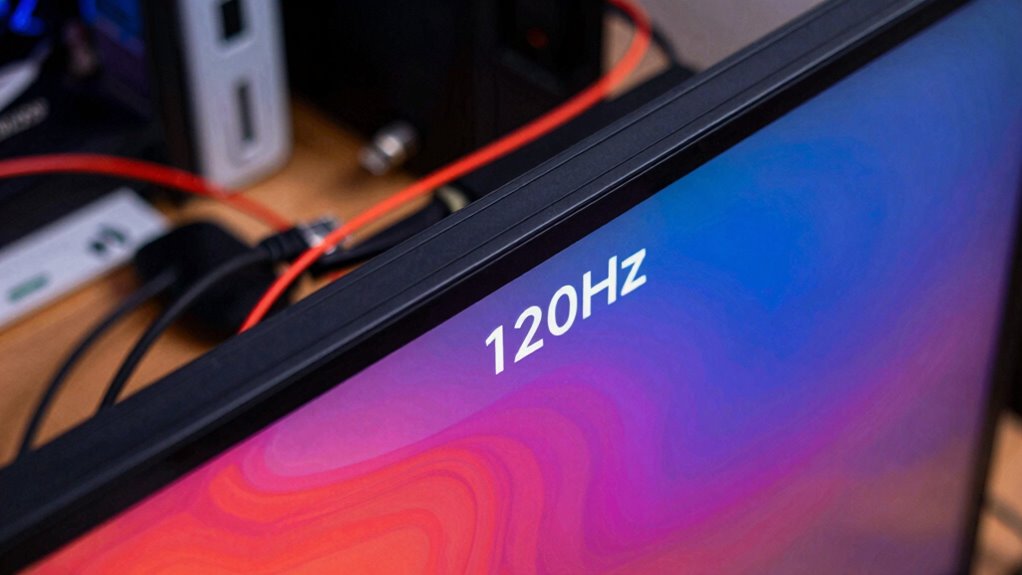
A high refresh rate like 120Hz promises smoother gameplay and more responsive visuals, but if the rest of your setup isn’t up to par, that advantage quickly diminishes. When you push your display to 120Hz, you expect ultra-smooth motion and quick reactions, but those benefits can be undermined if other components introduce display lag. Display lag is the delay between a game’s action and what you see on the screen, which can make fast-paced gameplay feel sluggish or unresponsive. Even with a high refresh rate, if your GPU or connection struggles to keep up, the visual feedback won’t be as immediate, and you might not notice much difference compared to a lower refresh rate. It’s like having a sports car with a powerful engine but poor tires—you won’t get the full experience or performance. Additionally, display lag can be caused by hardware limitations or settings that aren’t optimized for high refresh rates. Color accuracy is another critical factor that’s often overlooked when considering high refresh rates. When your display isn’t calibrated correctly or if it’s not capable of showing true colors, the visual quality suffers, regardless of how many times the screen refreshes per second. Poor color reproduction can make game environments look dull or unrealistic, detracting from immersion. This becomes even more apparent in titles where visual fidelity matters, such as immersive RPGs or competitive shooters where clarity is key. If your display’s color accuracy is off, you might miss subtle cues or misjudge enemy positions, which can be a bigger disadvantage than the refresh rate itself. Moreover, a high refresh rate doesn’t automatically mean better visuals if your system’s overall performance is lacking. Frame rates tend to drop under heavy load, leading to inconsistent gameplay that can feel choppy despite your display’s capabilities. If your hardware struggles with rendering, you’ll experience stuttering, which nullifies the benefits of a 120Hz refresh rate. You might as well be stuck on 60Hz because the smoothness just isn’t there. In these cases, investing in a high-refresh-rate monitor becomes less meaningful; you need to make sure your GPU, CPU, and connection are optimized for high-performance gaming first. Ensuring your hardware components are up to date and capable of handling high refresh rates can significantly improve your experience. Additionally, paying attention to hardware compatibility can prevent bottlenecks that diminish performance. It’s also important to consider the impact of software settings that may not be optimized for high refresh rates, which can further hinder performance. In the end, the true gaming experience depends on the entire chain, not just the display refresh rate. If display lag is high or color accuracy is poor, those issues overshadow the advantages of a 120Hz screen. To get the most out of your setup, focus on balancing high refresh rates with responsive hardware and accurate display calibration. Only then can you truly enjoy the fluid gameplay and vibrant visuals that a 120Hz monitor promises.
gaming monitor with high color accuracy
As an affiliate, we earn on qualifying purchases.
As an affiliate, we earn on qualifying purchases.
Frequently Asked Questions
How Does Refresh Rate Affect Gaming Performance?
A higher refresh rate, like 120Hz, improves gaming performance by providing smoother visuals, making fast movements clearer. However, if your system uses frame interpolation or motion smoothing, those effects can create artificial motion, reducing the benefits of a high refresh rate. You should disable these features to truly enjoy the fluidity of 120Hz, ensuring your gameplay feels natural and responsive without unwanted artifacts.
What Other Components Influence Overall Display Quality?
You can’t judge display quality solely by refresh rate; other components matter too. Your monitor’s color accuracy guarantees vibrant, true-to-life images, while wide viewing angles let you see details clearly from any position. If these aren’t up to par, even a 120Hz refresh rate won’t make your experience perfect. Remember, a chain is only as strong as its weakest link, so prioritize overall display quality for the best gaming or viewing experience.
Is Higher Refresh Rate Always Better for All Content?
Higher refresh rates aren’t always better for all content because of refresh rate misconceptions and content compatibility. If you’re watching movies or browsing static images, a 120Hz display won’t make much difference. For fast-paced gaming or sports, it’s beneficial. Still, your experience depends on whether your device, GPU, and content support higher refresh rates smoothly. Without proper compatibility, the extra frames won’t enhance your viewing, and could even cause issues.
How Do GPU Capabilities Impact 120HZ Performance?
Your GPU capabilities directly impact 120Hz performance by influencing rendering latency and avoiding bottlenecks. If your GPU struggles with rendering frames quickly, you’ll experience lag or stuttering, even at high refresh rates. A powerful GPU reduces rendering latency, ensuring smoother visuals. Without this, high refresh rates won’t deliver their full benefit, as the GPU can’t keep up, causing frame drops and diminishing the advantage of 120Hz displays.
Can Software Optimizations Improve Perceived Smoothness?
Yes, software optimizations can improve perceived smoothness by using techniques like frame interpolation and latency reduction. Frame interpolation creates extra frames, making motion appear smoother, while latency reduction minimizes delays between your input and on-screen response. These adjustments can enhance your experience, especially if your hardware isn’t delivering full 120Hz performance. Just keep in mind that over-reliance on such software tricks might introduce artifacts or input lag.
120Hz gaming monitor with low input lag
As an affiliate, we earn on qualifying purchases.
As an affiliate, we earn on qualifying purchases.
Conclusion
Imagine buying a high-performance sports car, only to drive it on a cracked, bumpy road. No matter how fast or sleek it is, the ride will still be rough. That’s exactly how 120Hz matters less if your rest of the setup is flawed. A smooth, crisp display depends on every part working in harmony. Otherwise, all that high refresh rate does is make you notice how much the rest of your tech chain is holding you back.
GPU performance booster for gaming
As an affiliate, we earn on qualifying purchases.
As an affiliate, we earn on qualifying purchases.
As an affiliate, we earn on qualifying purchases.
Fall Picks
fall essentials
As an affiliate, we earn on qualifying purchases.