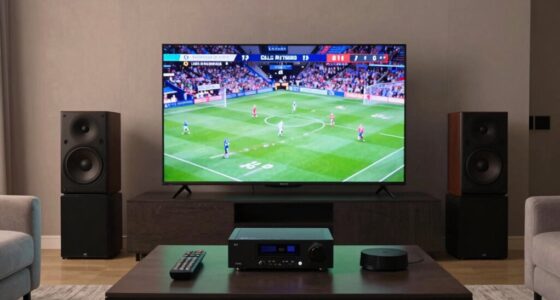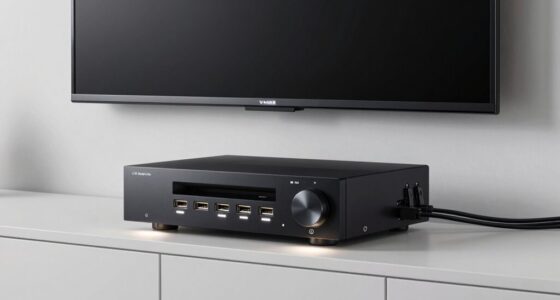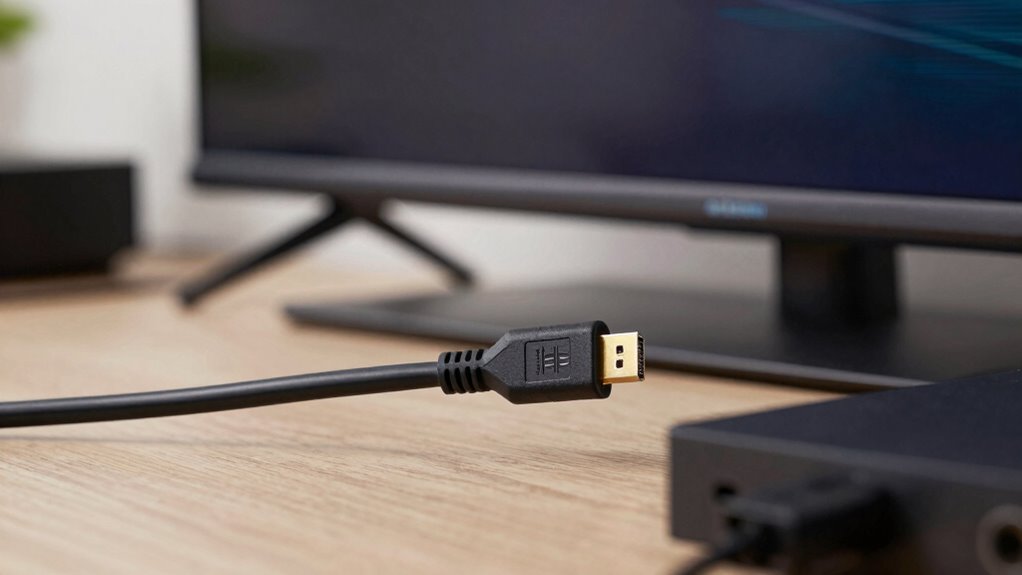

Long HDMI runs can fail in good systems because signal strength drops as the cable length increases, causing issues like flickering images, color problems, or audio dropouts. Even high-quality cables have limits, and excess length without boosters or extenders weakens the signal further. Interference and poor shielding make matters worse. If you want to understand how to prevent these problems and keep your setup working perfectly, there’s more to discover that can help you out.
Key Takeaways
- Signal degradation over long distances causes image flickering, color issues, and audio dropouts despite good system components.
- Poor-quality cables lack adequate shielding, leading to interference and reduced signal strength over extended runs.
- Even high-quality cables have maximum effective lengths; exceeding them results in performance loss.
- Passive cables without boosters or extenders struggle to maintain signal integrity over long distances.
- Long HDMI runs require active cables or extenders to prevent signal loss and preserve picture and sound quality.
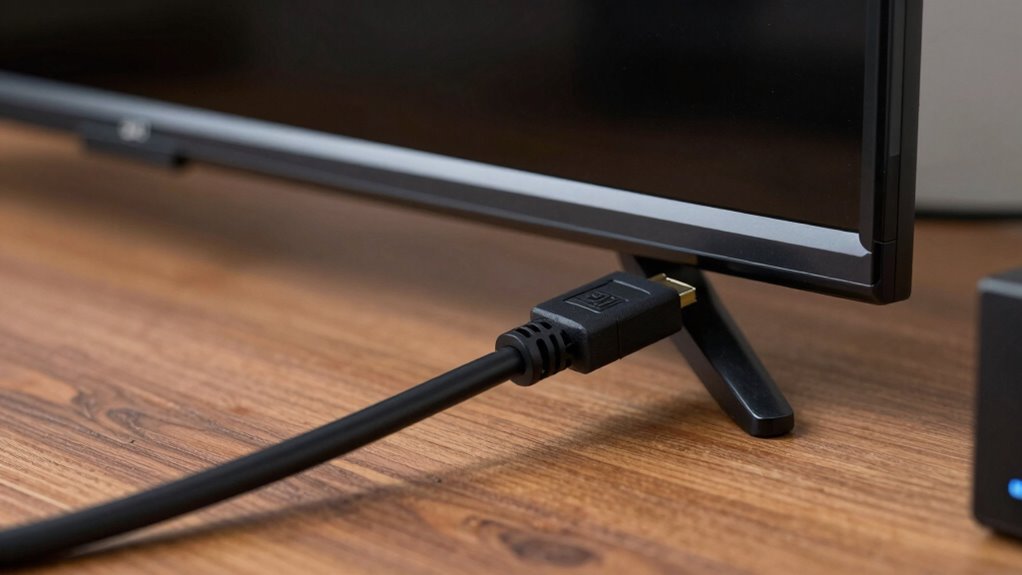
Ever wondered how long your HDMI cable should be to get the best picture and sound quality? The truth is, the length of your HDMI cable can considerably influence your viewing experience, especially if the cable quality isn’t up to par. When you use a cable that’s too long or poorly made, signal degradation becomes a real issue. This means your high-definition content may not look as sharp or sound as clear as it should. Even in otherwise good systems, long HDMI runs often fail because the signal weakens over distance, leading to flickering images, color loss, or audio dropouts.
Long HDMI cables can cause signal loss, resulting in flickering images, color issues, or audio dropouts.
The problem isn’t just about length; cable quality plays an essential role too. Cheaper or poorly manufactured cables often lack the necessary shielding and robust connectors to maintain a strong signal over longer distances. As the signal travels through these inferior cables, it can become distorted or diminished, making it harder for your devices to communicate effectively. This is especially true if your setup involves running cables through walls or over long distances without proper boosters or extenders. When signal degradation occurs, you might notice a blurry picture, color shifting, or intermittent audio that disrupts your viewing experience. Additionally, cable shielding can help prevent interference and preserve signal quality over longer runs.
Many people assume that simply using a longer cable won’t cause issues, but that’s a misconception. The longer the cable, the more susceptible it is to interference and signal loss. Even high-quality cables have their limits, and pushing beyond those limits without appropriate technology can result in poor performance. This is why you see some systems struggle over longer HDMI runs, despite having excellent components. The weak link often isn’t the source or display, but the cable itself. Upgrading to cables with better shielding, thicker wiring, and solid connectors can make a huge difference in preserving signal integrity over longer distances. Additionally, understanding the importance of cable length and quality can help you make better choices for your setup. Moreover, using active HDMI cables or extenders can significantly improve performance over long distances where passive cables fall short.
To avoid these problems, you should consider using active HDMI cables or signal extenders if your setup requires lengthy runs. These help boost the signal strength, preventing degradation and ensuring your picture and sound remain crisp and clear. Keep in mind that shorter cables typically maintain a better signal, so use the shortest length necessary for your setup. When choosing a cable, prioritize quality over price—investing in a reliable, well-made HDMI cable can save you from the frustration of poor image quality and audio issues down the line. It’s also beneficial to be aware of signal boosters that can help extend the range without sacrificing quality. Ultimately, understanding the importance of cable quality and length helps you enjoy a seamless, high-quality viewing experience without the headaches caused by long HDMI runs.

RUBMUD Fiber Optic HDMI Cable 50ft, 8K Long HDMI 2.1 Cable, Ultra High Speed Fiber HDMI Cord, 48Gbps, 8K@60Hz 4K@120Hz, Dynamic HDR, eARC, HDCP 2.2&2.3, 3D, for HDTV Monitor Game Laptop Xbox PS4/PS5
- Supports 8K and 4K Resolutions: 8K@60Hz, 4K@120Hz, HDR, Dolby Vision
- High-Speed 48Gbps Bandwidth: Fast data transfer for high-quality video
- Long Distance Transmission: Up to 300 meters lossless signal
As an affiliate, we earn on qualifying purchases.
As an affiliate, we earn on qualifying purchases.
Frequently Asked Questions
Can HDMI Amplifiers Fix Long-Distance Signal Issues?
Yes, HDMI amplifiers, signal boosters, or cable extenders can fix long-distance signal issues. They amplify or regenerate the HDMI signal, ensuring it travels further without degradation. When you use a quality HDMI amplifier or signal booster, it compensates for cable length limitations. Cable extenders, especially those with built-in amplifiers, help maintain crisp picture and sound quality over long distances, solving common HDMI transmission problems.
Do Different HDMI Versions Affect Cable Length Limitations?
Imagine upgrading your system to HDMI 2.1, expecting seamless 8K streaming. Different HDMI versions impact cable length limits due to evolving bandwidth standards. HDMI version compatibility is essential, as newer versions like HDMI 2.0 or 2.1 support longer cable runs within established cable length standards. If your cable isn’t rated for the right version or length, signal degradation occurs, causing issues even in otherwise good systems. Always match your cables to the HDMI version and standards needed.
How Does Cable Quality Impact Long HDMI Transmission?
Cable quality greatly impacts long HDMI transmission because better cable shielding reduces interference, ensuring a clearer signal over longer distances. High-quality connector quality also plays an essential role, providing secure connections that minimize signal loss. When you use cables with superior shielding and connectors, you’re more likely to maintain high-quality video and audio signals, even over extended runs. Poor-quality cables, in contrast,, often lead to signal degradation and failures.
Are There Wireless Alternatives for Long HDMI Runs?
Wireless streaming options like wireless HDMI transmitters can be a good alternative for long HDMI runs, but you need to watch out for signal interference from other wireless devices. These systems use radio frequencies, so any interference can cause lag or degraded picture quality. To guarantee a stable connection, choose a high-quality transmitter, minimize obstacles, and keep the transmitter and receiver within a clear line of sight.
What Are the Signs of HDMI Signal Degradation?
You’ll notice HDMI signal degradation through flickering images, color distortions, or audio dropouts. These issues often stem from HDMI interference, poor cable flexibility, or longer runs exceeding the cable’s ideal length. When signals weaken, you may also see pixelation or a complete loss of picture. If you experience these signs, consider upgrading to high-quality, shielded cables, or adding signal boosters to maintain a clear, stable connection.

OREI HDMI Over Ethernet Extender via CAT6/7-4K@60Hz Up to 230 ft – HDMI 2.0 & HDCP 2.2 Compliant – 18Gbps Video Bandwidth with HDR 10 – Power Over Cable – 1 Year Warranty (UHD-IPC230-K)
- Extended HDMI Signal Range: Up to 230 feet over Cat6/7 cable
- Supports 4K HDR Video: UHD 4K@60Hz with HDR10+
- High-Quality Audio Support: Dolby Digital and high bandwidth
As an affiliate, we earn on qualifying purchases.
As an affiliate, we earn on qualifying purchases.
Conclusion
If you’re experiencing issues with long HDMI runs, remember that signal degradation is common beyond certain lengths. For example, a home theater setup with a 50-foot cable might struggle with picture quality, even if everything else seems fine. To avoid this, consider using active HDMI extenders or signal boosters. By understanding these limits and investing in proper equipment, you can enjoy reliable, high-quality audio and video without compromise, even over longer distances.

Highwings 8K 10K 4K HDMI Cable 48Gbps 6.6FT/2M, Certified Ultra High Speed
- Supports 8K at 60Hz: Ultra-high speed HDMI 2.1 technology
- High Data Transfer Rate: Supports 48Gbps for seamless video
- Backward Compatible: Compatible with HDMI 2.0 and earlier
As an affiliate, we earn on qualifying purchases.
As an affiliate, we earn on qualifying purchases.

8K HDMI Booster Repeater, Active Signal Amplifier HDMI 2.1 Extender Supports 8K@60Hz / 4K@240Hz, Extends HDMI 1080P Up to 50m for PS5, Xbox Series, Projector, HDCP 2.3 with USB-C Power Port
- Signal Boosting and Range: Extends HDMI up to 50m with amplification
- Supports 8K and 4K Ultra HD: Delivers 8K@60Hz and 4K@240Hz visuals
- High-Quality Video Transmission: Supports HDR, 3D, and full RGB 4:4:4
As an affiliate, we earn on qualifying purchases.
As an affiliate, we earn on qualifying purchases.