
If your AV cabinet stops responding to remote controls, it’s likely confusion between IR and RF signals. IR remotes need a clear line of sight and can be blocked by clutter, while RF remotes do not require direct visibility but can suffer from interference from other wireless devices. Proper placement, signal extenders, and understanding each remote type help avoid these issues. Keep your setup optimized, and you’ll gain control without interruptions—if you want to learn how to troubleshoot further, keep going.
Key Takeaways
- IR signals require a clear line of sight; obstacles inside cabinets can block remote control.
- RF remotes don’t need direct sight but may experience interference from other wireless devices.
- Incorrect remote-device pairing or placement of IR sensors can cause control issues.
- Cluttered AV cabinets can obstruct IR signals more than RF, leading to inconsistent responses.
- Using IR extenders or optimizing sensor placement helps maintain reliable device control.
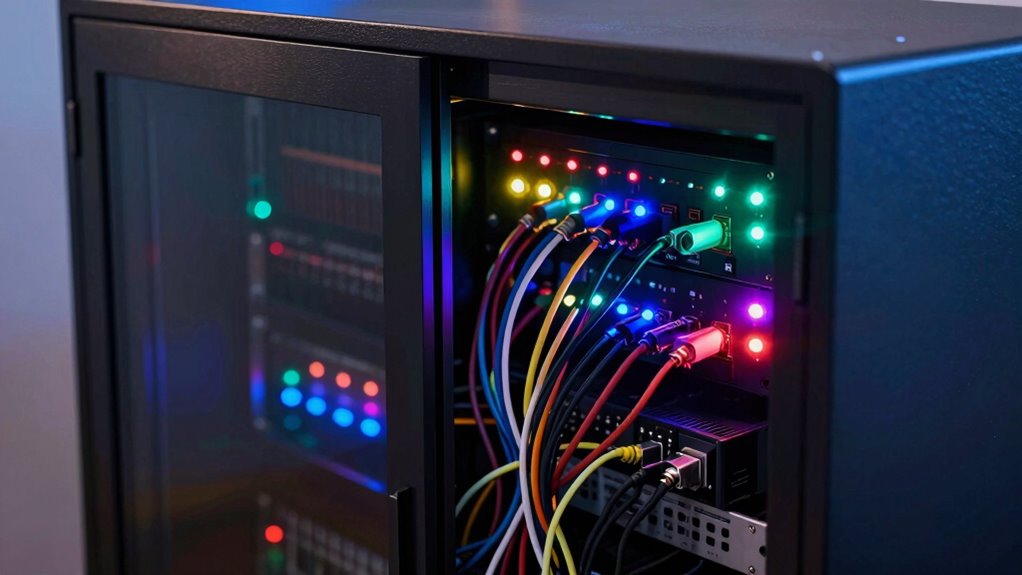
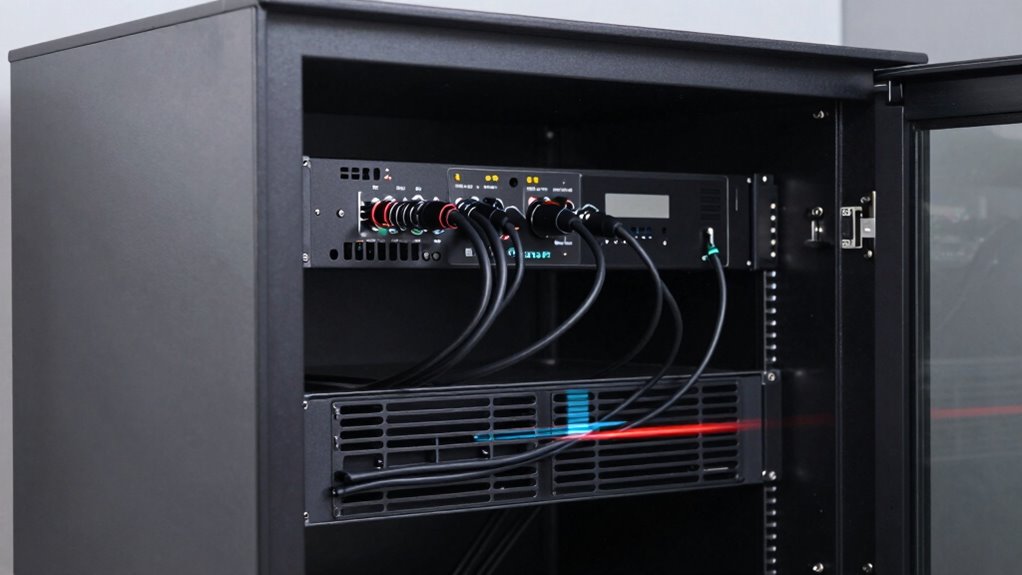
When setting up your AV cabinet, confusion between infrared (IR) and radio frequency (RF) remotes can cause frustrating issues with device control. You might find that some devices respond inconsistently or not at all, which is often due to wireless interference or signal clarity problems. Understanding the differences between IR and RF is vital to troubleshoot these issues effectively and guarantee smooth operation of your home theater system. A clear grasp of signal transmission methods can help you choose the right solutions for your setup.
IR remotes use light signals that travel in straight lines, meaning they require a clear line of sight to communicate with your devices. If something blocks the signal—like a tall speaker, a piece of furniture, or even your hand—the remote won’t work. This limitation is a common source of frustration, especially in cluttered AV cabinets where devices are stacked or placed behind other components. To improve IR signal clarity, you might need to reposition your devices or add IR extenders or repeaters that bounce signals around obstacles, making sure your remote’s commands reach their intended targets. Additionally, signal clarity can be affected by the quality of the remote’s emitter and the sensors on your devices. Recognizing the limitations of IR signals helps in planning effective device placement and troubleshooting.
RF remotes, on the other hand, send signals via radio waves, allowing them to communicate without line of sight. This makes RF remotes more flexible and less susceptible to interference from objects or furniture. However, they aren’t immune to wireless interference from other devices operating on similar frequencies, like Wi-Fi routers, cordless phones, or Bluetooth gadgets. When RF signals collide or weaken, your remote may become unreliable or inconsistent, leading to control issues. To mitigate this, you should place your RF receiver in a central location free from electronic clutter that can cause interference, and consider using remotes with frequency-hopping capabilities to reduce signal conflicts. Being aware of wireless interference sources can help you better shield your system from disruptions and maintain reliable control.
In many setups, confusion arises because IR and RF remotes look similar and may use the same control system, but their communication methods differ dramatically. If your system isn’t configured correctly—say, an RF remote is set to control a device expecting IR signals—you’ll experience a breakdown in communication. Making sure your setup, such as pairing RF remotes with the right receivers and confirming device compatibility, is essential. Additionally, maintaining a clean signal environment by minimizing electronic noise and ensuring proper placement of IR sensors or RF receivers helps preserve signal clarity. Proper remote configuration is often overlooked but crucial for seamless operation.
Ultimately, the key to avoiding IR vs RF confusion lies in understanding how each signal type operates and recognizing potential sources of wireless interference. By optimizing device placement, using signal boosters or extenders, and verifying your remote configurations, you can eliminate many control issues. This way, your AV cabinet becomes a seamless hub of entertainment, free from the frustration of lost signals or unresponsive devices.
As an affiliate, we earn on qualifying purchases.
Frequently Asked Questions
Can IR and RF Signals Interfere With Each Other?
Yes, IR and RF signals can interfere with each other. Infrared interference occurs when other light sources disrupt your IR remote’s signals, causing commands to fail. Radio frequency conflicts happen when multiple RF devices operate on the same or nearby frequencies, leading to signal dropouts or interference. To avoid issues, make sure your IR sensors are shielded from bright lights and use RF devices on different channels or frequencies.
How Do I Identify My Remote’s Signal Type?
You can identify your remote’s signal type by checking the remote control compatibility or consulting the user manual, which often specifies the remote signal frequency. Investigating whether your remote uses infrared (IR) or radio frequency (RF) signals reveals that IR remotes typically operate at 38kHz, while RF remotes use different frequencies. Testing your remote with a camera can also help—IR signals are visible on camera screens, confirming its IR nature.
Are There Universal Remotes Compatible With Both IR and RF?
Yes, some universal remotes are compatible with both IR and RF signals, offering you greater flexibility in controlling multiple devices. These remotes use universal compatibility to accommodate different signal transmissions, so you don’t need separate controllers. When choosing one, check the specifications to verify it supports both IR and RF, making it easier to operate your entire AV setup seamlessly without worrying about signal type confusion.
What Are the Cost Differences Between IR and RF Systems?
IR systems are generally less expensive than RF systems, mainly due to simpler remote signal frequencies and lower technology costs. RF remotes tend to have higher upfront costs but offer better range and interference resistance. Additionally, RF remotes often have longer battery lifespan because of efficient signal transmission. If budget is a concern, IR might be more affordable, but for broader coverage, RF systems could be worth the investment.
How Do I Troubleshoot Remote Control Issues in AV Cabinets?
Troubleshooting remote control issues is like fixing a tangled web. First, check remote placement—make sure it’s aimed directly at the IR sensor or within RF range. If signals seem weak, try signal boosting devices like extenders or repeaters. Replace batteries if needed, and verify no obstructions block the signal. Reset the remote and system to clear any glitches. These steps usually restore reliable control and clear up communication problems.
As an affiliate, we earn on qualifying purchases.
Conclusion
Mastering the subtle dance between IR and RF signals can feel like mastering a secret language, but don’t worry—you’re well on your way. When you understand their unique rhythms, your AV cabinet will run smoother than a well-conducted symphony. Embrace the nuances, and you’ll find that what once seemed like a confusing puzzle transforms into a harmonious melody. Soon, you’ll be confidently orchestrating your equipment with the finesse of a seasoned maestro.
As an affiliate, we earn on qualifying purchases.
wireless interference blocker for AV devices
As an affiliate, we earn on qualifying purchases.
As an affiliate, we earn on qualifying purchases.