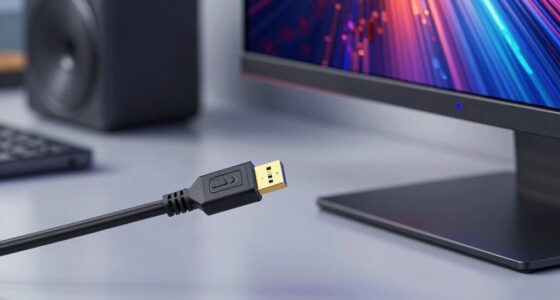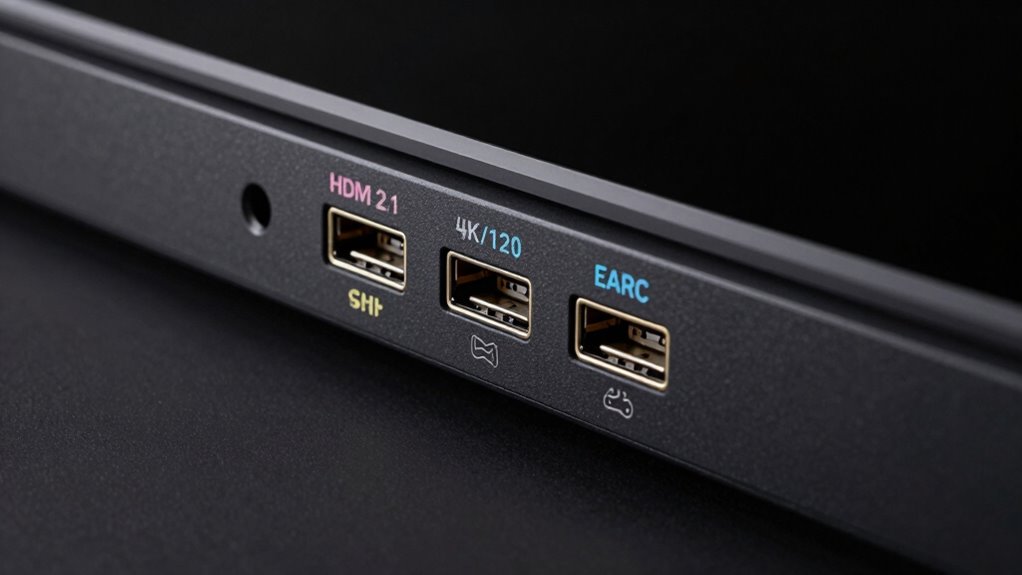
Not all HDMI ports support 4K at 120Hz or eARC, as this depends on the HDMI version and hardware. HDMI 2.1 ports are designed for these features, but older ports may only support lower resolutions or refresh rates. Check your device’s specifications or labels to identify which ports are HDMI 2.1 compatible. Also, using a certified Ultra High-Speed HDMI cable is vital. If you keep exploring, you’ll find more tips to guarantee you get the right setup.
Key Takeaways
- HDMI 2.1 ports support 4K at 120Hz and eARC, but older ports may lack these features.
- Check device specifications or manuals to identify which HDMI ports support advanced features.
- Using certified Ultra High-Speed HDMI cables is essential for enabling 4K/120Hz and eARC functionalities.
- Firmware updates can unlock or improve support for 4K/120Hz and eARC on compatible devices.
- Not all HDMI ports are labeled; verify port versions and capabilities through manufacturer info for accurate identification.
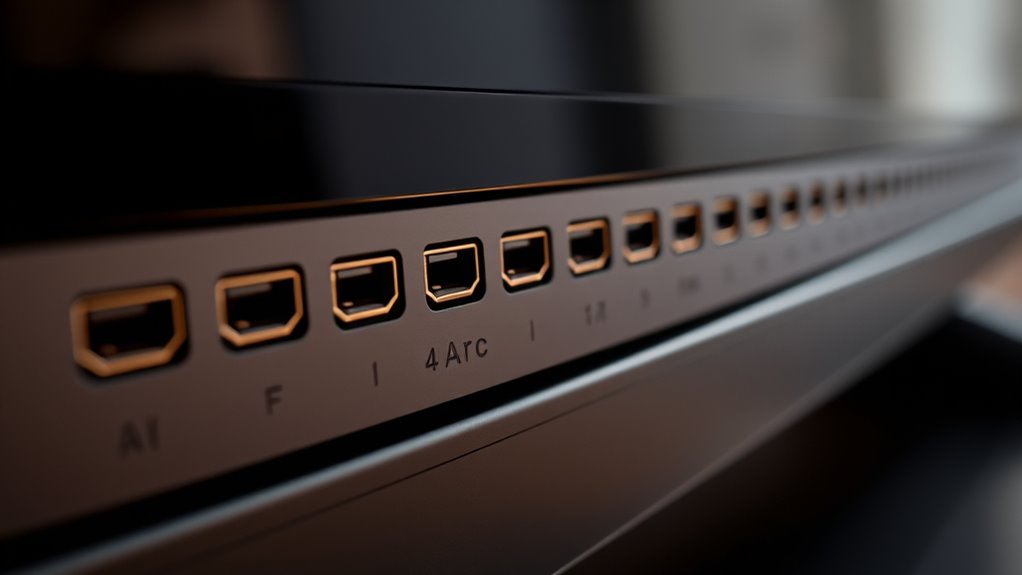
Many users find themselves confused by the different types of HDMI ports and their capabilities, often wondering which one they need for their devices. The complexity mainly stems from HDMI version differences and cable compatibility issues, which can considerably impact your setup. Not all HDMI ports are created equal, and understanding these distinctions is key to guaranteeing your equipment performs as expected. For instance, older HDMI versions like 1.4 don’t support higher bandwidth features such as 4K at 120Hz or eARC, limiting your options if you want the best picture and sound quality. On the other hand, newer standards like HDMI 2.1 have dedicated ports designed specifically for these advanced features, but they’re not always clearly labeled or distinguished from older ports.
When you’re shopping for a new TV or gaming console, pay attention to the HDMI version supported by the device. Many devices now specify HDMI 2.1 support explicitly, which guarantees compatibility with 4K at 120Hz and eARC. However, if your cables are outdated or not rated for the latest standards, you’ll encounter cable compatibility issues that prevent you from reaching full performance. For example, a cable rated for HDMI 2.0 might not support the bandwidth needed for 4K/120 or eARC, leading to problems like lower refresh rates, no audio return channel, or no picture at all. It’s crucial to use certified Ultra High-Speed HDMI cables when aiming for these premium features, especially if your hardware supports HDMI 2.1.
Moreover, even with the right ports and cables, you need to guarantee your device’s firmware is up to date. Manufacturers often release updates that improve compatibility and open new features, such as higher refresh rates or enhanced audio support. If you’re unsure whether your HDMI port supports 4K/120 or eARC, consult the user manual or the manufacturer’s website. Generally, HDMI 2.1 ports are backward compatible with earlier HDMI standards, but to access the full capabilities, both hardware and cables need to be compatible. Additionally, understanding the role of HDMI standards can help you make more informed decisions about your setup.

Portable Power Station 300W, GRECELL 230.88Wh Solar Generator with 60W USB-C PD Output, 110V Pure Sine Wave AC Outlet Backup Lithium Battery for Outdoors Camping Travel Home Blackout
【230.88Wh Capacity, 330W Output】330W (600W surge) pure sine wave supports most laptops, tablets, phones, lights, fans, CPAP medical...
As an affiliate, we earn on qualifying purchases.
Frequently Asked Questions
Can I Connect Multiple Devices to a Single HDMI Port?
Yes, you can connect multiple devices to a single HDMI port by using an HDMI switcher. This allows a multi-device setup, letting you easily toggle between devices without unplugging anything. Just connect your devices to the switcher’s inputs, then connect the switcher to your TV. Make certain the switcher supports the features you need, like 4k/120 or eARC, for maximum performance.
Do All HDMI Cables Support 4k/120hz and EARC?
Not all HDMI cables support 4k/120Hz and eARC. You need cables with high bandwidth capabilities, like HDMI 2.1, to handle these features properly. Standard or older HDMI cables often lack the necessary bandwidth, leading to compatibility issues. Always check the cable specifications before purchasing or using them for 4k/120Hz and eARC to guarantee they meet the required bandwidth requirements for peak performance.
How Do I Identify HDMI Ports Supporting 4k/120hz on My Device?
You can identify HDMI ports supporting 4k/120Hz by checking the port labeling and specifications. Look for labels like HDMI 2.1 or markings indicating support for high refresh rates. Consult your device’s manual or specifications to confirm which ports are HDMI 2.1 capable. Usually, these ports are designed for advanced features like 4k/120Hz and eARC, ensuring you get the best performance for your gaming or streaming needs.
Are There Differences Between HDMI 2.1 and Previous Versions for Gaming?
Yes, HDMI 2.1 offers significant improvements for gaming. It supports higher bandwidth for 4K at 120Hz and even 8K at 60Hz, reducing lag and providing smoother gameplay. You’ll notice enhanced gaming features like Variable Refresh Rate (VRR) and Auto Low Latency Mode (ALLM). These gaming enhancements make your experience more immersive, ensuring you get the best visuals and performance from compatible devices.
Can HDMI Ports Support Both 4k/120hz and EARC Simultaneously?
Yes, your HDMI port can support both 4k/120Hz and eARC simultaneously if it has sufficient HDMI bandwidth and port compatibility. Look for HDMI 2.1 ports, which are designed to handle higher data rates needed for 4k/120Hz gaming and advanced audio features like eARC. Not all ports support both features at once, so verify your device specs to confirm your HDMI port meets these requirements.

Portable Power Station 600W Surge, 288Wh (90,000mAh) Solar Generator, LiFeP04 Battery with 300W AC Outlets, Power Bank for Outdoor Camping, CPAP, Traveling, Home & Emergency
350W Powerful Output for Multi-Device Charging Needs: This portable power station boasting 350W continuous power output and a...
As an affiliate, we earn on qualifying purchases.
Conclusion
Don’t let HDMI port labels confuse you—most modern TVs and receivers support 4K/120 and eARC, but it’s crucial to check the specs carefully. While some might think all HDMI ports are equal, investing in a device with the right HDMI version guarantees future-proofing and maximum performance. Remember, understanding these differences means you’ll enjoy smoother gaming, better audio, and a more seamless entertainment setup without unnecessary frustration.

HOWEASY Portable Power Station,120W(240W Peak) Solar Generator,88Wh Lithium Battery Power with 110V AC Outlet/DC/USB/LED Light for Outdoor Camping Trip Hunting Emergency(Solar Panel Optional)
Efficient Output: This portable power station features 8 output ports, including 2 AC sockets (110V 120W, 240W peak),...
As an affiliate, we earn on qualifying purchases.

240W Portable Power Station 154Wh/48000mAh, 100W USB-C PD(Dual Way) LiFePO4 Battery Power Bank Station, 7 ports Solar Generator with LED and Stand for Camping, Home, Travel(Wall Charger Not Included)
[FAST CHARGING] GRECELL 240W portable power supply with 153.6Wh/48000mAh capacity, equipped with 5 output ports and 2 input...
As an affiliate, we earn on qualifying purchases.