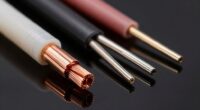
Many believe that expensive HDMI cables mean better quality or higher bandwidth, but that’s often a myth—many affordable cables meet the necessary standards for home use. Cable thickness doesn’t affect performance, and brand reputation can be misleading. Fakes and scams are common, so check certifications and reviews. Length and device compatibility matter more than price. To spot real improvements or avoid wasting money, knowing what actually affects performance is key. Keep exploring, and you’ll uncover the facts that can save you money.
Key Takeaways
- Brand reputation and high price don’t guarantee better performance; certification and adherence to HDMI standards are more reliable indicators.
- Higher bandwidth cables don’t improve picture quality unless your devices require features like 4K@120Hz or HDR.
- Length affects signal quality; cables over 25 feet may need active boosters or premium construction to prevent degradation.
- Thicker cables aren’t necessarily better; build quality and proper shielding matter more than cable diameter.
- Upgrading is only necessary if you experience signal issues, resolution drops, or device compatibility problems, not just for higher specs.
Debunking the Bandwidth Myth
Many people believe that higher bandwidth always means better picture and sound quality, but this isn’t necessarily true. While a higher bandwidth can support more data, it doesn’t automatically improve your viewing or listening experience. The key is whether your devices actually need that extra capacity. Most standard HDMI cables handle typical HD and 4K content comfortably without hitting bandwidth limits. Upgrading to a super-high-bandwidth cable won’t boost quality if your source device, display, and receiver are already compatible with your current cable. In fact, using a cable with more bandwidth than necessary can be more expensive without offering any real benefit. Focus on choosing a cable that matches your device’s specifications, rather than just chasing higher bandwidth figures. Understanding bandwidth limits can help you make smarter cable choices for your setup. Additionally, a proper understanding of device compatibility ensures you select the most appropriate cable for your needs. Recognizing the true capabilities of your equipment helps prevent unnecessary expenses on overly advanced cables. Moreover, considering cost-effectiveness can help you avoid overspending on features you don’t need. Being aware of common misconceptions about HDMI cables can further guide you toward making informed decisions.
Does Cable Thickness Affect Quality?
Have you ever wondered if thicker HDMI cables deliver better picture and sound quality? The truth is, cable thickness doesn’t directly impact quality. Instead, factors like materials, shielding, and construction matter more. Thicker cables often contain extra insulation or shielding, which can improve durability but doesn’t guarantee better signal transfer. Here’s a quick comparison:
| Aspect | Thin Cable | Thick Cable | What It Means |
|---|---|---|---|
| Durability | Less resistant to damage | More resistant, lasts longer | Thickness can protect internal wires |
| Signal Quality | Same as thinner if well-made | Same as thinner if well-made | Thickness alone doesn’t improve signal |
| Flexibility | More flexible and easier to bend | Less flexible, stiffer | Thicker cables may be harder to manage |
In short, choose based on build quality, not thickness. Additionally, understanding signal transmission can help you make more informed decisions about your cables. Recognizing how material quality impacts overall performance is also essential for selecting the right cable for your setup. For example, shielding techniques play a crucial role in maintaining signal integrity over longer distances.
The Truth About Brand Reputation
Brand reputation often influences your perception of quality, but it doesn’t always guarantee better performance. You might be swayed to choose a well-known brand, yet lesser-known brands can offer just as reliable cables at lower prices. Don’t assume prestige equals quality—evaluate each product on its actual features and reviews. Additionally, understanding website features and content categories can help you identify trustworthy sources for product recommendations. Recognizing the importance of product testing and reviews can further ensure you make informed choices based on real performance rather than brand prestige. Being aware of brand reputation factors can also help you differentiate between marketing hype and genuine quality. Familiarity with automotive repair fundamentals and website privacy policies can help you better assess product claims and avoid falling for false advertising.
Brand Reputation Influence
While a company’s reputation can influence your choice, it doesn’t always guarantee quality. Many well-known brands have built trust, but that doesn’t mean every product they sell is excellent. Sometimes, big names focus more on marketing or brand loyalty than on actual performance. You might see a popular brand’s HDMI cable and assume it’s the best option, but that’s not always the case. In some instances, lesser-known brands produce equally reliable or even better cables at a lower price. Don’t rely solely on a brand’s reputation; check the specifications, reviews, and certifications instead. Remember, a good product can come from an unexpected source, and a well-known brand isn’t a guarantee of superior quality. Additionally, understanding the hidden costs and challenges associated with certain products can help you make more informed decisions. For example, some cables might be marketed as high-speed but lack the necessary performance certifications, which can lead to connectivity issues. Being aware of these factors and the importance of brand reputation influence helps you avoid falling for marketing hype and ensures you choose a cable that truly meets your needs.
Quality vs. Prestige
Although a company’s reputation might suggest high quality, it doesn’t guarantee that their HDMI cables outperform lesser-known brands, especially regarding actual performance. Prestige can influence your perception, but it doesn’t necessarily mean the cable offers better signal quality or durability. Many lesser-known brands produce reliable, high-performance cables at a fraction of the price. Focus on specifications like HDMI version, bandwidth, and build quality rather than brand names. A well-made, certified cable from a less famous brand can match or even surpass the performance of premium brands. Don’t be swayed by fancy packaging or brand prestige—test reviews and technical details matter more. Remember, the most important factors are how the cable performs and whether it meets your specific needs. Additionally, paying attention to piercing care and hygiene can help prevent infections that might compromise your body’s health, just as choosing the right cable involves careful consideration of its technical specifications. Moreover, understanding performance standards can help you select cables that meet industry benchmarks for durability and data transfer rates. Recognizing the importance of industry certifications can further ensure you select a reliable and compliant product. When evaluating options, consider test reviews and user feedback to get a clearer picture of real-world performance beyond specifications. Being aware of the security measures in place can also safeguard your investments, whether in electronics or personal health.
Are Cheap Cables Worthless?
Many people assume that cheap HDMI cables are automatically worthless, but that’s not always true. While some extremely low-cost cables may lack durability or proper shielding, many affordable options meet basic standards for signal transfer. If a cable is certified and meets the necessary HDMI specifications, it can transmit high-quality audio and video without issues. The key is to check for reputable brands or certifications like HDMI licensing. Cheap cables made with poor materials might degrade over time or fail to support higher resolutions, but not all inexpensive cables fall into this category. Additionally, for most typical home entertainment needs, performance standards are sufficient, so investing in a more expensive cable isn’t always necessary. If your setup doesn’t demand ultra-high bandwidth or advanced features, a budget-friendly cable can work just fine. In many cases, you’re paying for the brand, not the actual performance. It’s also worth noting that artistic influences from different styles and origins can sometimes be found even in affordable options, reflecting that price isn’t always indicative of quality.
Understanding HDMI Versions and Compatibility
Understanding HDMI versions is key to ensuring your devices work together smoothly. Different versions support various features and speeds, so compatibility isn’t always guaranteed. Knowing which HDMI version your devices use helps you avoid connection issues and get the best performance.
HDMI Version Differences
Guiding through the different HDMI versions can seem confusing, but knowing the key differences helps you choose the right cable for your devices. HDMI has evolved over time, adding features like higher resolutions, faster refresh rates, and enhanced audio. For example, HDMI 1.4 supports 4K at 30Hz, while HDMI 2.0 offers 4K at 60Hz, and HDMI 2.1 pushes up to 8K at 60Hz. Compatibility isn’t automatic; newer versions often require compatible devices. Here’s a quick comparison:
| HDMI Version | Key Feature |
|---|---|
| HDMI 1.4 | 4K at 30Hz, Ethernet over HDMI |
| HDMI 2.0 | 4K at 60Hz, HDR support |
| HDMI 2.1 | 8K at 60Hz, Variable Refresh Rate (VRR) |
Knowing these differences helps you select the right cable for your setup.
Compatibility Across Devices
While newer HDMI versions introduce advanced features, not all devices are compatible with every HDMI standard. You need to check your device’s specifications before buying a new cable or upgrading. For example, a 4K TV might only support HDMI 2.0, meaning it won’t take advantage of HDMI 2.1’s higher bandwidth or gaming features. Conversely, a newer device designed for HDMI 2.1 may still work with older cables but won’t access the latest capabilities. Compatibility also depends on the cable’s quality—an older or lower-rated cable might not support the features your device offers. Always verify your device’s HDMI version and ensure your cable matches or exceeds that standard to avoid issues like no signal, poor resolution, or missing features.
The Impact of Length on Signal Quality
The length of an HDMI cable can considerably affect the quality of your signal, especially as the distance increases. Longer cables are more prone to signal deterioration, which can lead to flickering images, color issues, or loss of audio. Generally, HDMI signals stay strong up to about 25 feet, but beyond that, quality may drop without proper equipment. To help you understand, here’s a quick comparison:
| Cable Length | Signal Quality Impact |
|---|---|
| Up to 25 ft | Minimal or no loss |
| 25-50 ft | Possible minor issues, use high-quality cable |
| Over 50 ft | Significant risk of degradation |
| Use active cables or boosters for longer distances | Ensures signal integrity |
Recognizing Genuine vs. Fake HDMI Cables
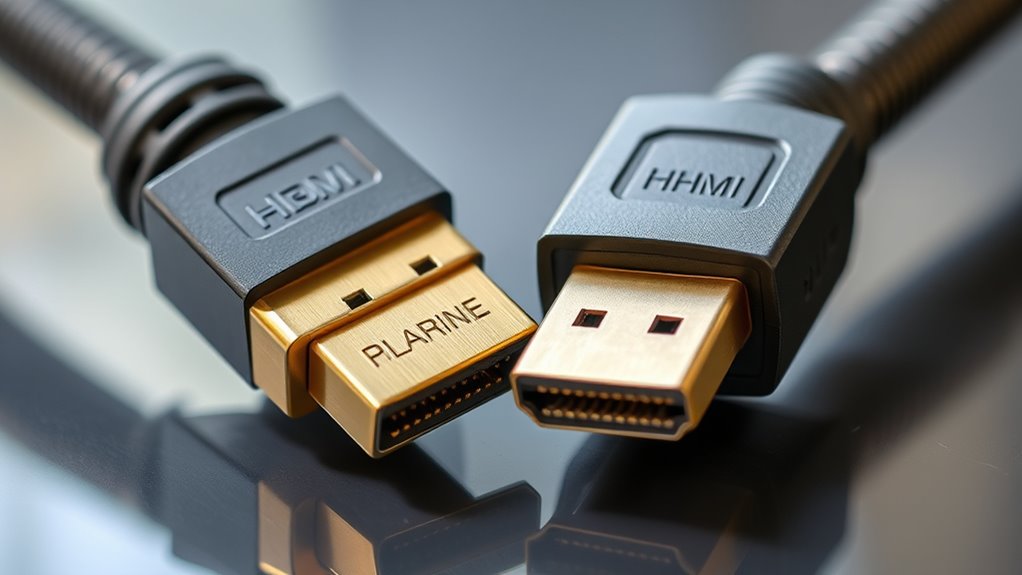
Detecting whether an HDMI cable is genuine or fake is essential for guaranteeing reliable signal quality and durability. Start by inspecting the packaging—authentic cables usually come with clear branding, logos, and proper labels. Check for misspellings, poor print quality, or inconsistent logos, which can signal a counterfeit. Feel the cable’s build quality; genuine cables tend to be sturdy, with well-made connectors and smooth finishes. Be wary of prices that are considerably lower than standard retail costs, as these often indicate fake products. Verify the seller’s reputation and look for reviews. Finally, confirm that the cable meets the HDMI standards listed, such as HDMI 2.0 or 2.1, which guarantees compatibility and performance. Recognizing these signs helps you avoid scams and guarantees you get a reliable, high-quality cable.
When You Really Need to Upgrade Your HDMI Cable
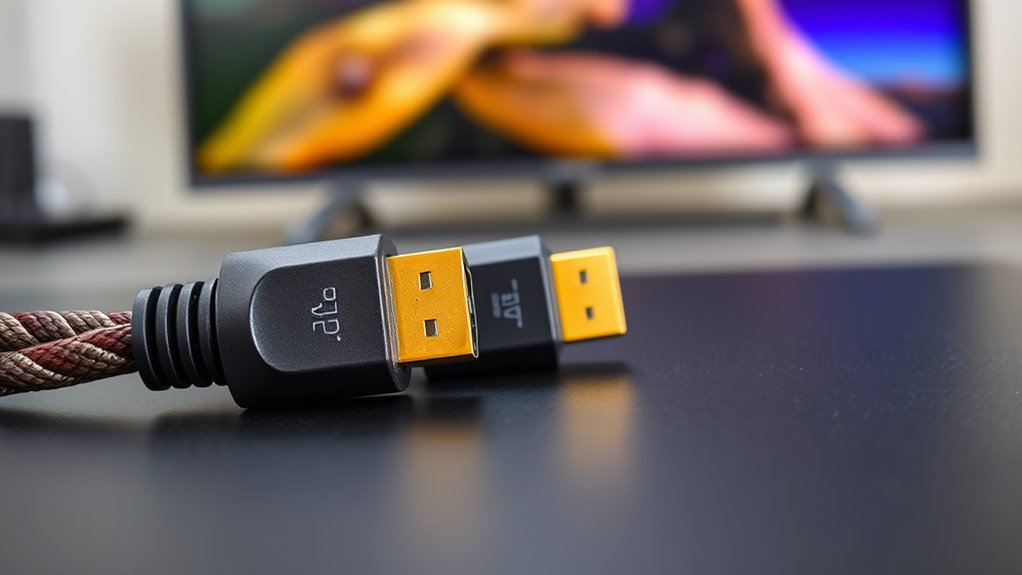
You should consider upgrading your HDMI cable when you notice a decline in picture quality, frequent signal dropouts, or compatibility issues with new devices. These issues can ruin your viewing experience and signal a need for better quality wiring. If your current cable struggles to deliver 4K, HDR, or higher refresh rates, it’s time for an upgrade. Sometimes, your device isn’t at fault—your cable may be holding you back from ideal performance.
| Frustration | Solution |
|---|---|
| Blurry images | New cable with higher bandwidth |
| Signal drops | Upgrade to certified HDMI 2.1 |
| No 4K/HDR | Check cable specs, replace if needed |
| Compatibility issues | Use a cable designed for your device |
| Missing features | Invest in a future-proof cable |
Frequently Asked Questions
Can I Use an HDMI Cable for Audio-Only Devices?
Yes, you can use an HDMI cable for audio-only devices. HDMI transmits both video and high-quality audio signals, so if your device supports HDMI audio output, plugging in an HDMI cable will work perfectly. Just make sure your audio device has an HDMI input or supports HDMI ARC (Audio Return Channel). This way, you’ll get clear, digital sound without needing separate audio cables, simplifying your setup.
Do HDMI Cables Support 8K or Higher Resolutions?
Sure, HDMI cables support 8K and even higher resolutions, but don’t be fooled into thinking all cables can handle that. If you want 8K at 60Hz, you need a high-quality HDMI 2.1 cable, not just any cheap one. So, while it’s possible, make sure your cable matches your device’s specs, or you might be stuck with lower quality or no signal at all.
Are There Environmental Factors That Affect HDMI Signal Quality?
Yes, environmental factors can affect HDMI signal quality. You might notice issues if there’s electromagnetic interference from nearby electronic devices, thick walls or long cables that cause signal degradation, or power fluctuations. Keep cables away from microwaves, routers, or cordless phones. Using high-quality, shorter cables and ensuring proper shielding can help maintain a strong, clear signal. Being mindful of your surroundings helps prevent signal loss or degraded picture and sound quality.
How Do I Test if My HDMI Cable Is Faulty?
You can test if your HDMI cable is faulty by connecting it between your device and display, then switching sources or content. If the image or sound cuts out, flickers, or doesn’t display at all, the cable might be defective. Try using a different HDMI port or device to see if the problem persists. You can also swap it with a known working cable to confirm whether the issue lies with the cable itself.
Is There a Universal Standard for HDMI Cable Certifications?
There isn’t a single universal standard for HDMI cable certifications, but the HDMI Licensing Administrator sets the official standards for HDMI cables. You should look for cables certified as “Premium High-Speed” or “Ultra High-Speed,” which indicate they meet specific performance criteria. Always buy from reputable brands and check for certification labels to guarantee you’re getting a cable that reliably supports your device’s features and bandwidth needs.
Conclusion
Now that you see through the smoke and mirrors, you’re armed with the truth. Don’t let myths trap you in a web of confusion—your perfect connection is within reach. Think of your HDMI cable as a trusted bridge, not a treasure chest. With knowledge in hand, you can confidently navigate the maze, ensuring your entertainment flows smoothly like a gentle river. Trust what matters, and let clarity be your guiding star.