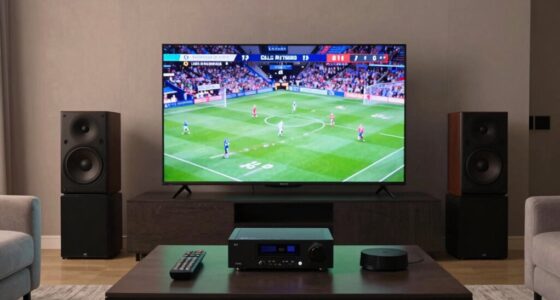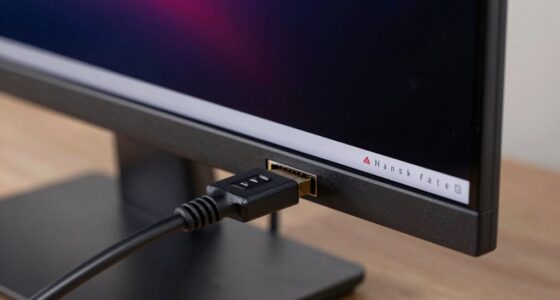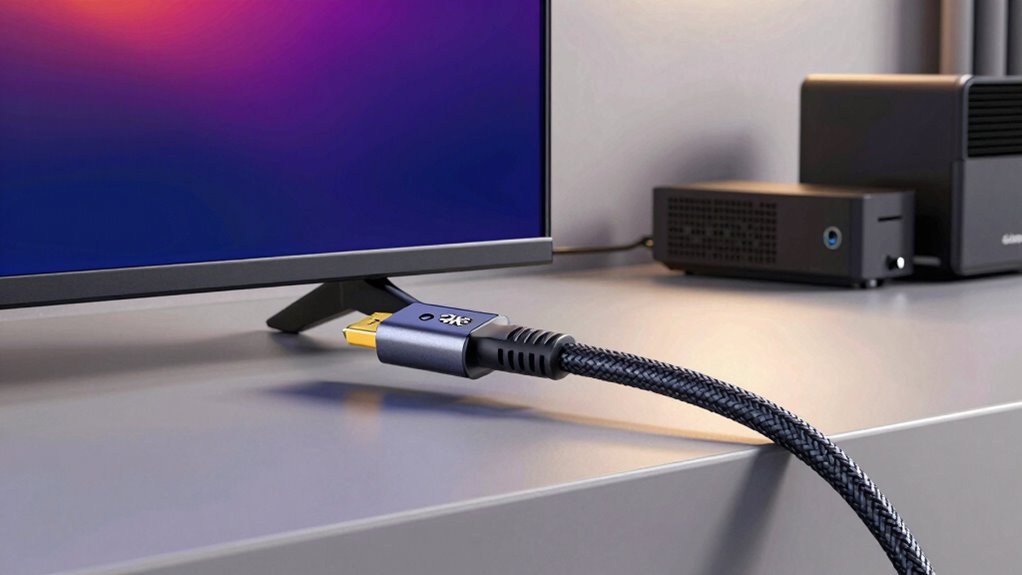

To future-proof your HDMI connections without overcomplicating things, choose high-quality cables that support the latest standards like HDMI 2.1 or higher. Look for cables with reinforced shielding and durable connectors to withstand wear and tear. Make certain compatibility with your devices and opt for industry-standard cables for better reliability across brands. Staying updated on new HDMI specs helps you prepare for upcoming tech. Keep these tips in mind, and you’ll be ready for future upgrades with ease.

Get audio and creator gear delivered free — and shop member deals
- Fast, free delivery on millions of items
- Access to Prime Big Deal Days deals on October 6–7
- Prime Video, Amazon Music and more included
Key Takeaways
- Choose HDMI cables supporting the latest standards like HDMI 2.1 for compatibility with future devices.
- Verify that your devices’ ports are compatible with higher HDMI standards to ensure seamless upgrades.
- Invest in durable, high-quality cables to prevent frequent replacements and extend longevity.
- Stay informed about upcoming HDMI specifications to select cables that meet evolving technology needs.
- Opt for industry-standard, certified cables to ensure cross-device compatibility and reliable performance.
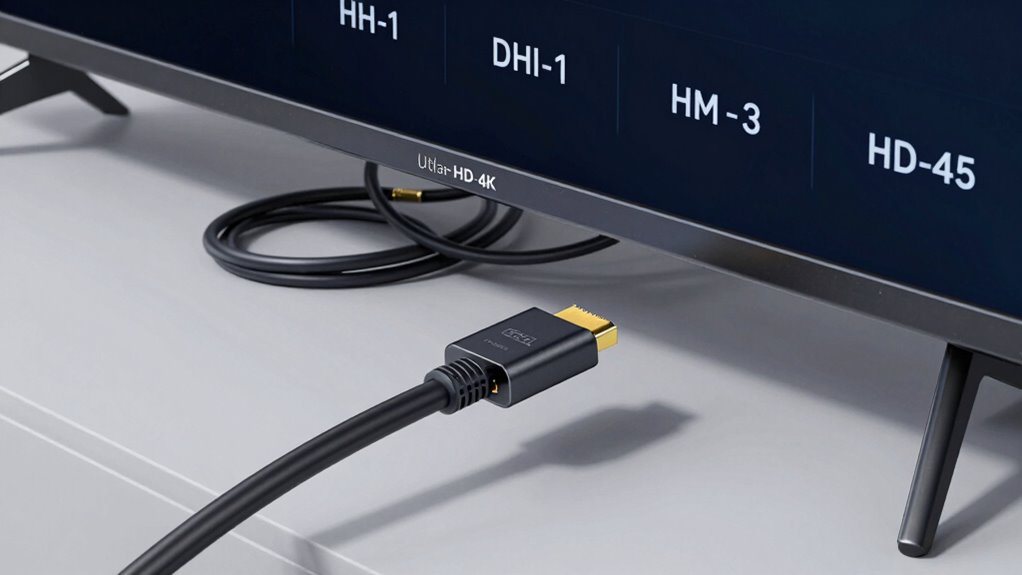
Are your HDMI connections ready for the future? If you’re like most people, you want a setup that’s both reliable now and adaptable tomorrow. The key lies in choosing the right cables and ports that won’t become outdated quickly. When considering future-proofing, pay close attention to cable durability. You want cables that can withstand regular plugging and unplugging without fraying or losing performance. Look for high-quality materials, such as reinforced shielding and robust connectors, which ensure your cables last longer and resist wear. Investing in durable cables might cost a bit more upfront, but it saves you from frequent replacements, keeping your setup seamless and hassle-free over the years.
Next, consider port compatibility. HDMI standards evolve rapidly, with newer versions supporting higher resolutions, faster refresh rates, and better color depths. To avoid the need for constant upgrades, choose cables that are compatible not only with current devices but also with upcoming ones. Opt for cables labeled as HDMI 2.1 or higher, as they are built to support future technologies like 8K resolution and enhanced gaming features. This way, your cables won’t become obsolete the moment new devices arrive. Also, check that your devices’ ports support these standards. Having port compatibility across your entire setup ensures smooth connections, whether you’re connecting a new gaming console, a 4K Blu-ray player, or a smart TV. Compatibility standards are essential to understand in order to make informed decisions. Additionally, selecting cables that meet industry standards can further enhance the reliability of your connections and ensure compatibility across different brands and models. To truly future-proof your setup, consider researching latest HDMI specifications to stay ahead of upcoming technological advances.
As an affiliate, we earn on qualifying purchases.
Frequently Asked Questions
Can I Upgrade My HDMI Cables Later Without Replacing Devices?
Yes, you can upgrade your HDMI cables later without replacing devices. Choose cables with good cable durability to guarantee longevity, and opt for reputable brands known for reliable connections. This way, you can easily swap out older cables for newer ones as technology advances, without worrying about compatibility issues or damaging your equipment. Prioritizing brand reputation and durability makes future upgrades simple and straightforward.
Is There a Difference Between HDMI Versions for Future-Proofing?
Think of HDMI versions as stepping stones across a river—each newer version spans farther and carries more. Yes, there’s a difference between HDMI versions for future-proofing; newer versions like HDMI 2.1 offer higher bandwidth requirements, supporting advanced features and better device compatibility. Upgrading to the latest version guarantees you’re ready for future devices, but keep in mind, compatibility with your existing gear is just as important as the bandwidth.
How Do HDMI Arc and eARC Affect Future Compatibility?
HDMI ARC and eARC enhance future compatibility by supporting advanced audio return capabilities aligned with HDMI standards. HDMI ARC lets you transmit audio from your TV to sound systems, but eARC offers higher bandwidth, better sound quality, and support for features like Dolby Atmos and DTS:X. Choosing eARC guarantees your setup remains compatible with evolving audio formats, making it a smart move for future-proofing your home entertainment system without overcomplicating connections.
What Are the Signs My HDMI Connection Needs an Upgrade?
You’ll notice compatibility issues or signal degradation when your HDMI connection struggles to transmit high-quality audio or video consistently. If your devices frequently disconnect, freeze, or display error messages, it’s a clear sign that your HDMI needs an upgrade. As technology advances, older cables and ports may no longer support new features like 4K, HDR, or eARC, making an upgrade vital to guarantee seamless, future-proof connectivity.
Do Higher-Priced HDMI Cables Offer Better Future-Proofing?
Higher-priced HDMI cables often offer better future-proofing because they usually feature superior cable durability and are designed to minimize signal interference. This means you’ll get a more reliable connection, supporting higher resolutions and faster refresh rates as technology advances. Investing in quality cables guarantees your setup stays compatible with future devices, reducing the need for frequent upgrades and providing consistent performance over time.
durable HDMI cable with reinforced shielding
As an affiliate, we earn on qualifying purchases.
As an affiliate, we earn on qualifying purchases.
Conclusion
By choosing the right cables and staying updated on HDMI standards, you can guarantee your setup remains future-proof. Imagine upgrading your home theater to 8K, only to find your old HDMI cables can’t handle the new resolution. Investing in high-speed, HDMI 2.1-compatible cables now prevents that headache later. With a bit of foresight, you’ll enjoy seamless entertainment today and be ready for tomorrow’s tech advancements without overcomplicating things.
As an affiliate, we earn on qualifying purchases.
As an affiliate, we earn on qualifying purchases.
Evergreen bestsellers Picks
bestsellers
As an affiliate, we earn on qualifying purchases.