To build a sturdy HDMI 2.1 setup, prioritize high-quality, shielded cables rated for high bandwidth to prevent signal loss. Use cable management tools like clips or sleeves to keep cables organized and reduce stress on connectors. Place equipment with proper spacing to avoid overheating, and make certain your power supply includes surge protectors or UPS to guard against outages. Proper placement and environment control help maintain performance and durability—keep learning how to safeguard your setup for reliable, long-term use.
Open a free Amazon Business account
Business pricing, bulk buying and tax-exempt orders.
As an affiliate, we earn on qualifying purchases.
Key Takeaways
- Use high-quality, shielded HDMI 2.1 cables rated for high bandwidth to ensure reliable signal transmission.
- Implement proper cable management with clips or sleeves to prevent stress and damage to connectors.
- Ensure equipment is spaced properly to prevent overheating and facilitate airflow.
- Protect power supplies with surge protectors or UPS to safeguard against electrical surges.
- Plan accessible cable routes for easy adjustments, reducing wear and potential damage over time.
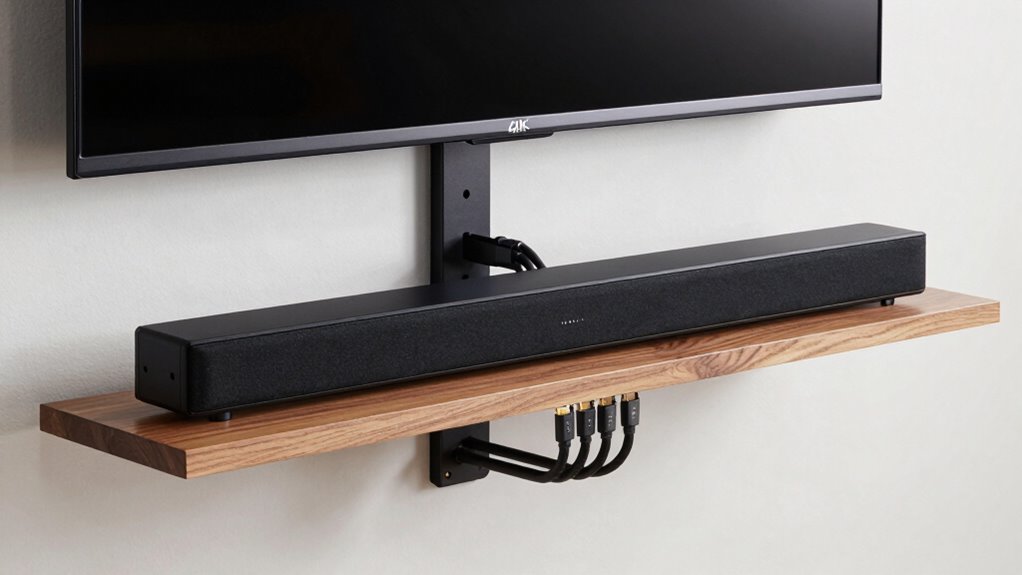
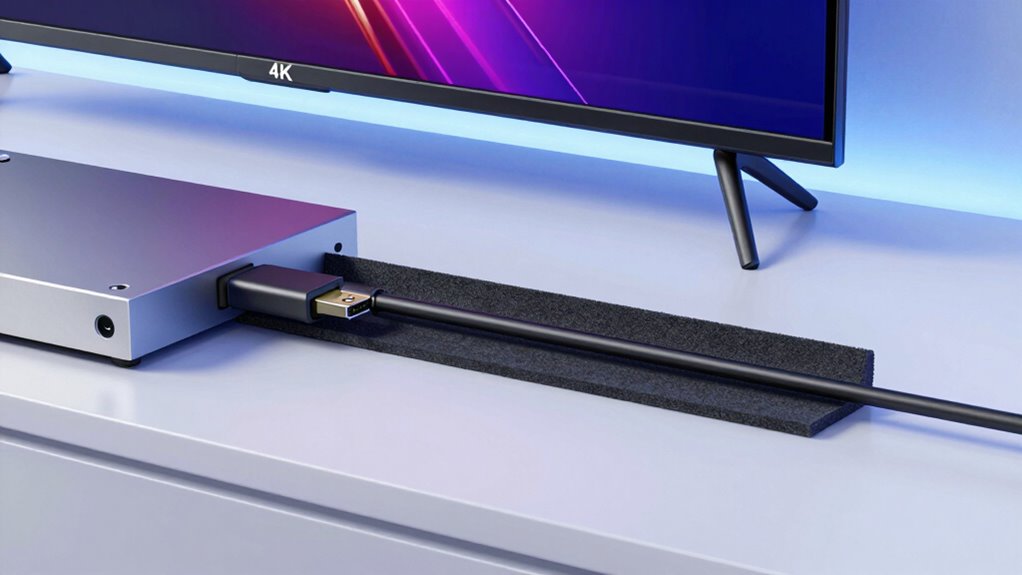
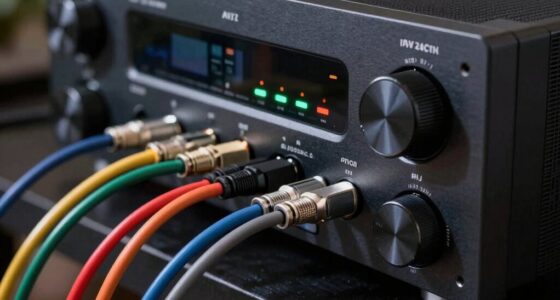
Have you ever wondered why HDMI 2.1 is becoming the foundation for modern home entertainment setups? Its impressive bandwidth and support for 4K, 8K, and high refresh rates make it essential for a seamless experience. But building around HDMI 2.1 isn’t just about plugging in a cable; it’s about creating a setup that’s both reliable and durable. To do that, you need to pay attention to cable management and your power supply. Good cable management keeps your setup organized and prevents accidental disconnections or damage, which is particularly important with high-performance HDMI 2.1 cables that can be sensitive to strain. Use cable clips, sleeves, or raceways to route cables neatly along walls or behind furniture. Not only does this reduce clutter, but it also minimizes stress on the connectors, preventing wear and tear over time. When cables are tangled or pulled tight, they’re more prone to damage, which can lead to degraded signal quality or complete failure. So, take the time to plan a clean, accessible cable route that allows for easy adjustments and reduces the risk of accidental disconnection. Proper cable management is essential for maintaining a durable and high-performing setup. Additionally, considering the quality of cables used can significantly impact signal integrity and overall system reliability. Ensuring your cables are rated for high bandwidth use can help prevent bottlenecks and maintain optimal performance. Moreover, paying attention to the physical environment around your setup, such as minimizing electromagnetic interference, can further help preserve signal quality. Using shielded cables can also provide extra protection against interference, further safeguarding your signal integrity.
Your power supply plays an equally critical role in building a resilient HDMI 2.1 setup. Modern AV equipment and displays demand a stable and sufficient power source to operate at peak performance. If your power supply isn’t dependable, you risk interruptions, flickering screens, or even hardware damage. Use a surge protector or uninterruptible power supply (UPS) to safeguard your equipment from power surges and outages. This is especially important if you’re running multiple devices—soundbars, receivers, gaming consoles, and streaming boxes—through a single system. Make sure your power outlets can handle the load without overloading, and avoid daisy-chaining multiple power strips, which can create electrical hazards. Properly grounding your power supply reduces the risk of electrical interference, which can mess with your signal quality. Consistent power ensures your HDMI 2.1 devices perform *at their best*, maintaining high bandwidth requirements without hiccups. Also, consider spacing your equipment well to prevent overheating, as some devices might generate heat that affects nearby components, including cables and connectors.
HDMI 2.1 high bandwidth shielded cable
As an affiliate, we earn on qualifying purchases.
As an affiliate, we earn on qualifying purchases.
Frequently Asked Questions
Can HDMI 2.1 Cables Run Reliably Over Long Distances?
Yes, HDMI 2.1 cables can run reliably over long distances if you choose high-quality cables with strong cable durability. To prevent signal interference, opt for cables with good shielding and sturdy construction. Using active HDMI extenders or signal boosters can also help maintain a stable connection over extended lengths. Avoid cheap, poorly made cables that are prone to damage or signal loss, ensuring your setup stays reliable and durable.
Are There Specific Power Requirements for HDMI 2.1 Devices?
Think of HDMI 2.1 devices as delicate dancers needing a steady beat; they do have specific power requirements for ideal performance. Ensuring power stability means using compatible power supplies and high-quality cables. Device compatibility depends on matching power needs with your setup. If you overlook this, your equipment may stumble, causing signal drops or degraded quality. So, check your device specs to keep your HDMI 2.1 setup harmonious and reliable.
How Compatible Is HDMI 2.1 With Older HDMI Devices?
HDMI 2.1 is backward compatible with older HDMI devices, so you can connect your previous equipment without issues. However, device interoperability depends on both devices supporting HDMI 2.1 features; otherwise, you’ll only get the capabilities of the older version. To maximize compatibility, verify your setup includes HDMI 2.1 cables and check that your devices support the desired features, like 4K at higher refresh rates or enhanced audio return.
What Are Common Causes of HDMI 2.1 Signal Degradation?
You might experience HDMI 2.1 signal degradation due to signal interference or poor cable quality. Interference from nearby electronic devices can disrupt the connection, causing flickering or loss of audio and video. Using low-quality or damaged cables also weakens the signal, leading to degraded image and sound quality. To prevent this, make certain you use high-quality, certified HDMI 2.1 cables and keep electronic devices that cause interference away from your setup.
Do HDMI 2.1 Ports Require Special Maintenance or Cleaning?
HDMI 2.1 ports don’t require special maintenance or cleaning, but you should guarantee connector durability by keeping ports free of dust and debris. Regularly inspect and gently clean with compressed air or a soft brush if you notice dust accumulation. Avoid touching the internal contacts, and always power off devices before cleaning. This helps maintain ideal signal quality and prevents potential damage, ensuring your HDMI connection stays reliable.
cable management clips and sleeves
As an affiliate, we earn on qualifying purchases.
As an affiliate, we earn on qualifying purchases.
Conclusion
By carefully selecting durable cables, sturdy connectors, and thoughtful placement, you can build a robust HDMI 2.1 setup that withstands daily use like a fortress. Avoid shortcuts that turn your setup into a delicate spider’s web ready to break at the slightest tug. With the right choices, your system remains resilient against wear and tear, ensuring your high-definition experience stays flawless. Think of it as crafting a battle-hardened fortress for your entertainment kingdom—impervious to chaos.
surge protector for AV equipment
As an affiliate, we earn on qualifying purchases.
As an affiliate, we earn on qualifying purchases.
uninterruptible power supply for home theater
As an affiliate, we earn on qualifying purchases.
As an affiliate, we earn on qualifying purchases.
Flea & tick season Picks
flea and tick prevention
As an affiliate, we earn on qualifying purchases.

![2026 Emmy Awards Winners Revealed [Updating Live]](https://beamandbass.com/wp-content/uploads/2026/09/2026-emmy-awards-winners-revealed-updating-live-featured-260x140.jpg)