To minimize interference with your wireless surround speakers, control Bluetooth devices by turning off unnecessary gadgets nearby. Keep your Wi-Fi router placed centrally and away from thick walls or metal objects to reduce congestion. Using dual-band Wi-Fi or QoS settings helps prioritize your audio stream, while updating firmware guarantees stability. Proper placement and managing electronic devices in your environment can substantially improve sound quality—stay tuned for more tips to optimize your setup effectively.
Listen free for 30 days with Audible
Thousands of audiobooks and originals — cancel anytime.
As an affiliate, we earn on qualifying purchases.
Key Takeaways
- Turn off or disconnect nearby Bluetooth devices to prevent signal interference with wireless speakers.
- Position your Wi-Fi router away from walls, metal objects, and electronic devices to minimize signal congestion.
- Use dual-band Wi-Fi (2.4 GHz and 5 GHz) to reduce network congestion and improve speaker connectivity.
- Regularly update firmware and software of your speakers and router to enhance stability and reduce disruptions.
- Implement QoS settings on your router to prioritize audio streaming traffic and prevent interference.
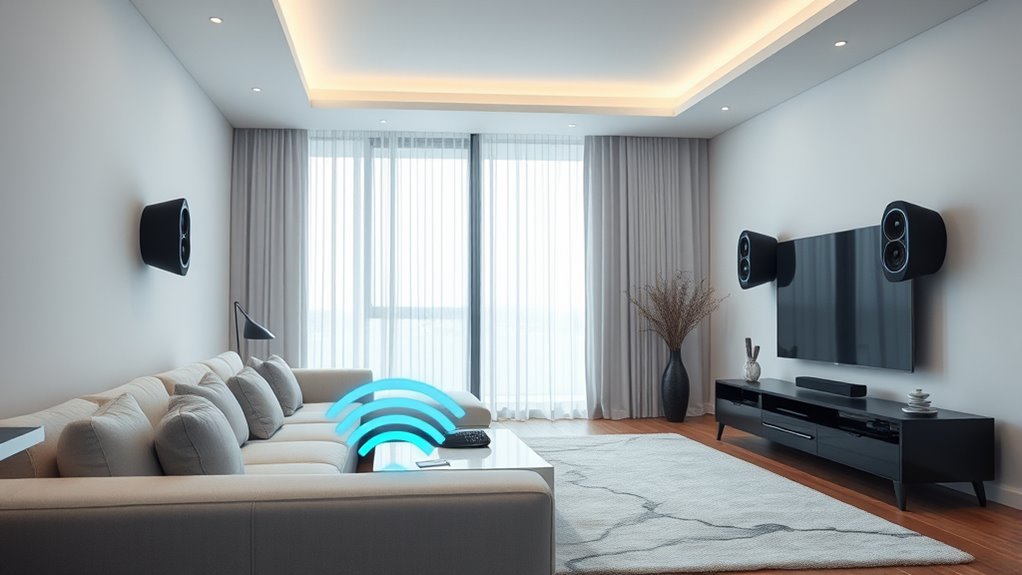
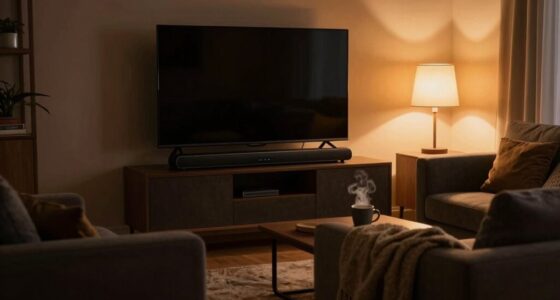
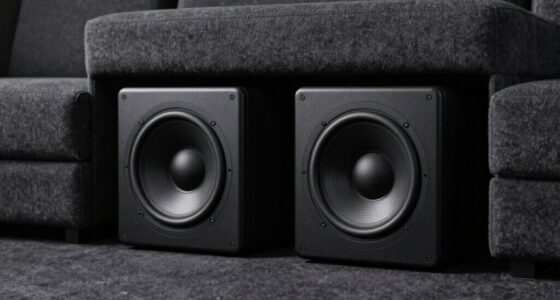
Wireless surround speakers have revolutionized home theater setups by eliminating the clutter of wires and making installation simpler. But even with a wireless connection, you might face some interference issues that can disrupt your audio experience. Fortunately, many of these problems are within your control once you understand their sources. Two common culprits are Bluetooth interference and Wi-Fi congestion. Recognizing how these factors affect your speakers helps you troubleshoot and optimize your system for the best sound quality.
Bluetooth interference occurs when multiple devices in your home operate on the same 2.4 GHz frequency as your wireless speakers. Devices like wireless headphones, smartphones, and even some smart home gadgets rely on Bluetooth, creating a crowded environment. This congestion causes signal drops or audio lag, which can be frustrating during movies or gaming. To minimize Bluetooth interference, you can try turning off or disconnecting unnecessary Bluetooth devices when you’re watching. Additionally, if your speakers support dual-band Wi-Fi or operate on a different frequency, switching to a 5 GHz network can markedly reduce interference. Some advanced speakers also have built-in interference mitigation features, which automatically adjust to maintain a stable connection.
Wi-Fi congestion is another challenge, especially in homes with many connected gadgets. When multiple devices stream videos, download files, or perform other bandwidth-intensive tasks over the same network, your wireless surround speakers might struggle to maintain a strong link. This can result in audio delays, dropouts, or reduced sound quality. To counter this, ensure your router is placed centrally and away from obstructions to provide a stronger signal to your speakers. Upgrading to a router with better capacity or using Wi-Fi extenders can also help distribute bandwidth more evenly. If possible, prioritize your streaming device or speaker traffic through Quality of Service (QoS) settings on your router, which allocates bandwidth to critical devices and reduces congestion.
Controlling interference isn’t just about hardware; it’s also about environment management. Keep your Wi-Fi router away from thick walls or metal objects, and avoid placing your speakers near other electronic devices that emit radio signals. Regularly updating your router’s firmware and your speaker’s software can also improve connection stability. Additionally, choosing the right placement for your wireless devices can significantly reduce interference and enhance overall performance. By understanding the sources of Bluetooth interference and Wi-Fi congestion, you can take proactive steps to ensure your wireless surround speakers deliver crystal-clear sound without interruptions. With proper setup and a bit of troubleshooting, you’ll enjoy a seamless, immersive home theater experience that lives up to the promise of wire-free convenience.
As an affiliate, we earn on qualifying purchases.
Frequently Asked Questions
How Can I Identify Hidden Sources of Wireless Interference?
To identify hidden sources of wireless interference, start by checking your radio frequency environment with a spectrum analyzer app or device. Look for signal clutter or unusual activity that could disrupt your signal clarity. Move your speakers around and observe changes in performance, which helps pinpoint interference hotspots. Eliminating or relocating devices like Wi-Fi routers, cordless phones, or microwaves can considerably improve your wireless experience.
What Are the Best Placement Tips for Minimizing Interference?
A good rule of thumb is “location, location, location.” You should position your speakers where signal obstruction is minimal, avoiding walls and large metal objects. Keep your speakers at ear level and avoid placing them near Wi-Fi routers or cordless phones, as these cause interference. Proper speaker positioning guarantees a clear signal, reducing interference and maximizing sound quality. Remember, strategic placement makes all the difference!
Can Interference Affect Audio Quality Even Without Signal Loss?
Yes, interference can affect audio quality even without signal loss. When frequency overlap occurs, your speakers might experience fluctuating sound clarity or distortions, impacting overall listening experience. This disrupts signal stability, causing subtle audio issues like crackling or uneven sound levels. You might not lose the connection entirely, but the audio quality can still suffer due to these interference effects, so maintaining a clear, stable frequency environment is essential.
Are Certain Devices More Prone to Causing Wireless Surround Speaker Interference?
A stitch in time saves nine, so you should know that some devices are more prone to causing interference. Devices like cordless phones, microwave ovens, and Wi-Fi routers often disrupt wireless surround speakers. To reduce this, prioritize devices properly and use signal shielding techniques. By managing device placement and minimizing interference sources, you keep your audio clear and enjoy your surround sound without disruptions.
How Often Should I Check for Interference Issues With My System?
You should check for interference issues with your system regularly, ideally once a month, to stay ahead of potential problems. During interference troubleshooting, look for signal disruptions or drops in audio quality. Conduct system maintenance by repositioning speakers or adjusting channels if needed. Frequent checks guarantee your wireless surround speakers operate smoothly and help you quickly address any interference sources, keeping your home theater experience seamless.
wireless surround sound speakers
As an affiliate, we earn on qualifying purchases.
As an affiliate, we earn on qualifying purchases.
Conclusion
By understanding and managing interference sources, you can enjoy seamless, high-quality wireless surround sound. Did you know that nearly 60% of home audio issues stem from interference? Taking control of devices like Wi-Fi routers and cordless phones can drastically improve your listening experience. So, stay proactive — troubleshoot interference, optimize your setup, and immerse yourself in crystal-clear surround sound without the hassle. Your perfect home theater is closer than you think!
As an affiliate, we earn on qualifying purchases.
As an affiliate, we earn on qualifying purchases.
Fall Picks
fall essentials
As an affiliate, we earn on qualifying purchases.