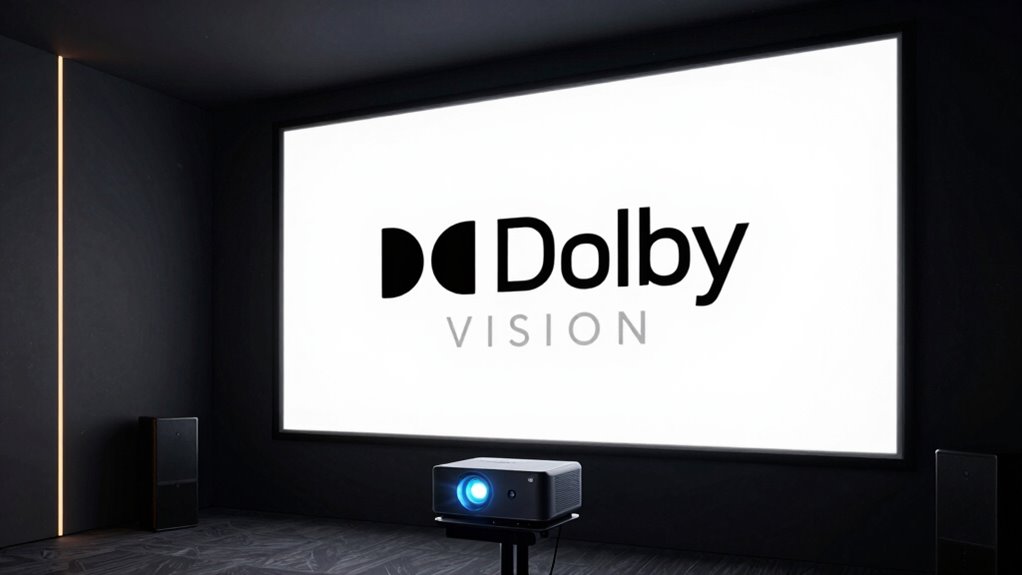

Dolby Vision on projectors can deliver stunning, vibrant colors and deeper contrast, but only if your projector can handle its advanced HDR capabilities. Not all projectors support true Dolby Vision quality, and some just claim it for marketing. To truly experience the benefits, you need a high-end model with proper HDR processing and compatible content. If you want to discover how to optimize your setup and separate fact from fiction, there’s more to explore.

Get audio and creator gear delivered free — and shop member deals
- Fast, free delivery on millions of items
- Access to Prime Big Deal Days deals on October 6–7
- Prime Video, Amazon Music and more included
Key Takeaways
- Dolby Vision enhances visuals with vibrant colors and better contrast but requires compatible projectors and content for true benefits.
- Not all projectors claiming Dolby Vision support deliver the same quality; high-end models offer superior performance.
- Content availability varies; major streaming services have extensive Dolby Vision libraries, but older media may only support standard HDR or SDR.
- Verify that your projector and sources support Dolby Vision to ensure the technology is functional and not just marketing hype.
- The full Dolby Vision experience depends on high-quality hardware, compatible content, and proper setup for maximum visual impact.
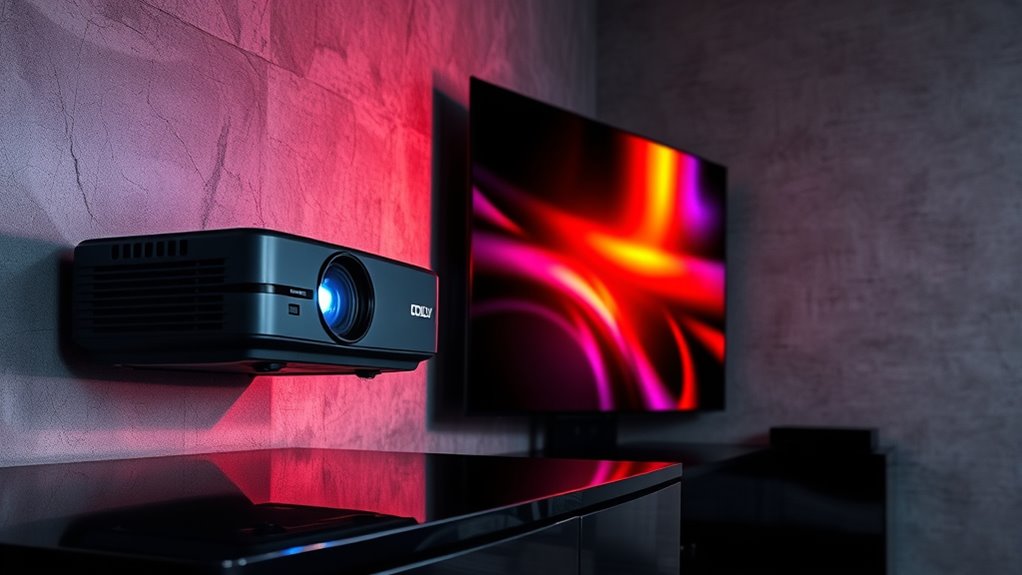
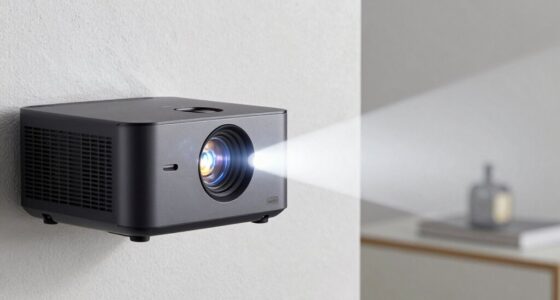
When it comes to home theater experiences, Dolby Vision has become a game-changer, especially when paired with high-quality projectors. This technology promises stunning visuals, vibrant colors, and enhanced contrast, but understanding how it impacts your setup requires a closer look at HDR performance and content compatibility. Dolby Vision is designed to optimize HDR content, delivering a broader color palette and deeper blacks that elevate your viewing experience. When a projector is Dolby Vision compatible, it can access these benefits by adjusting brightness, contrast, and color dynamically on a frame-by-frame basis. This allows for a more immersive and lifelike picture, making scenes look richer and more detailed. Additionally, the effectiveness of Dolby Vision depends on the projector’s ability to handle high dynamic range content with precision and consistency. However, the actual HDR performance you get from Dolby Vision depends heavily on the projector’s capabilities. Not all projectors claiming Dolby Vision support deliver the same quality. Some models might only offer basic HDR handling, which means they can display Dolby Vision content but don’t fully exploit its potential. High-end projectors with advanced processing and better light output will provide a more impressive HDR experience, with greater contrast and more accurate colors. So, if you’re investing in a Dolby Vision-compatible projector, make sure to check its HDR specifications and user reviews to gauge how well it performs with Dolby Vision content.
Content compatibility is another key factor. Not all streaming services, Blu-ray discs, or digital content include Dolby Vision support. Even if your projector can handle Dolby Vision, you need to confirm the source material is compatible to see the benefits. Services like Netflix, Disney+, and Apple TV+ offer a significant library of Dolby Vision content, but many older or lower-budget media may only support standard HDR or SDR. This means you won’t see the full benefit of Dolby Vision unless you’re viewing compatible content. Additionally, some projectors may support Dolby Vision only in certain modes or with specific devices, so it’s essential to verify compatibility across your entire setup. Ensuring your projector supports the latest HDR technologies will help you maximize the benefits of Dolby Vision and enjoy a truly immersive home theater experience.
Dolby Vision compatible projector
As an affiliate, we earn on qualifying purchases.
As an affiliate, we earn on qualifying purchases.
Frequently Asked Questions
Can All Projectors Display Dolby Vision Content?
Not all projectors can display Dolby Vision content. To do so, your projector needs proper calibration and support for Dolby Vision technology, which many standard models lack. Screen gain also impacts the picture quality, so choosing a projector with adjustable calibration settings and a suitable screen gain guarantees the best Dolby Vision experience. Check your projector’s specifications to confirm Dolby Vision compatibility before investing.
Is Dolby Vision Necessary for a Premium Home Theater Experience?
Dolby Vision isn’t strictly necessary for a premium home theater, but it enhances your viewing experience through superior visual enhancement and better contrast. If your projector supports Dolby Vision and your content is compatible, you’ll notice more vibrant colors and deeper blacks. However, many high-quality projectors still deliver excellent images without it. Ultimately, your choice depends on how much you value the added richness Dolby Vision can provide.
How Does Dolby Vision Compare to HDR10 on Projectors?
Dolby Vision generally offers better color accuracy and dynamic metadata than HDR10 on projectors, resulting in more vivid, lifelike images. However, your projector needs the right hardware compatibility to fully leverage Dolby Vision features. If your setup supports it, you’ll notice enhanced contrast and richer colors. Without compatible hardware, Dolby Vision’s advantages are limited, making HDR10 a more practical choice for many home theater enthusiasts.
Do Streaming Services Support Dolby Vision on Projectors?
Streaming services do support Dolby Vision on projectors, but it depends on the platform and device compatibility. Major services like Netflix, Disney+, and Apple TV+ offer Dolby Vision content, but you need a compatible projector and streaming device to enjoy it. Always check streaming support and content compatibility before purchasing or setting up to guarantee you can access Dolby Vision content seamlessly on your projector.
What Is the Cost Difference Between Dolby Vision-Compatible and Non-Compatible Projectors?
You’ll notice that Dolby Vision-compatible projectors generally cost more than non-compatible ones, with pricing differences often ranging from a few hundred to over a thousand dollars. These higher costs reflect advanced image processing and color accuracy features. If you’re on a tight budget, consider whether the enhanced picture quality justifies the extra expense. Balancing your budget considerations with your desire for premium visuals will help you choose the right projector for your needs.
4K HDR projector with Dolby Vision
As an affiliate, we earn on qualifying purchases.
As an affiliate, we earn on qualifying purchases.
Conclusion
Ultimately, understanding Dolby Vision and projectors helps you make smarter, more satisfying choices. Don’t get duped by dazzling marketing—do your due diligence. Delve into details, explore compatibility, and determine what delivers genuine greatness. When you’re deliberate and discerning, you’ll discover the perfect projector that provides pristine picture quality and powerful performance. So, stay sharp, seek solid specs, and savor stunning scenes—because your viewing experience deserves nothing less than the best.
best high-end projectors for Dolby Vision
As an affiliate, we earn on qualifying purchases.
As an affiliate, we earn on qualifying purchases.
projector with HDR and Dolby Vision support
As an affiliate, we earn on qualifying purchases.
As an affiliate, we earn on qualifying purchases.
Fall Picks
fall essentials
As an affiliate, we earn on qualifying purchases.