When unboxing your new AV gear, start by planning cable management—organize, label, and use ties to keep cables tidy and accessible. Double-check all connections, power devices in sequence, and use surge protectors for safety. Program remote controls early with device codes or auto-search, then test everything thoroughly. Take notes or photos for future reference, and fine-tune settings for peak performance. Keep going to discover how to guarantee a smooth and stress-free setup from start to finish.
Key Takeaways
- Plan cable management during unboxing; organize and label cables immediately for easier troubleshooting.
- Neatly arrange cables with ties or clips to prevent tangling and ensure good airflow.
- Program remote controls early using device codes or auto-search features; test functions during setup.
- Double-check all connections before powering on devices, starting with source, display, then audio components.
- Test the entire system thoroughly, adjusting settings and verifying remote responses for optimal performance.
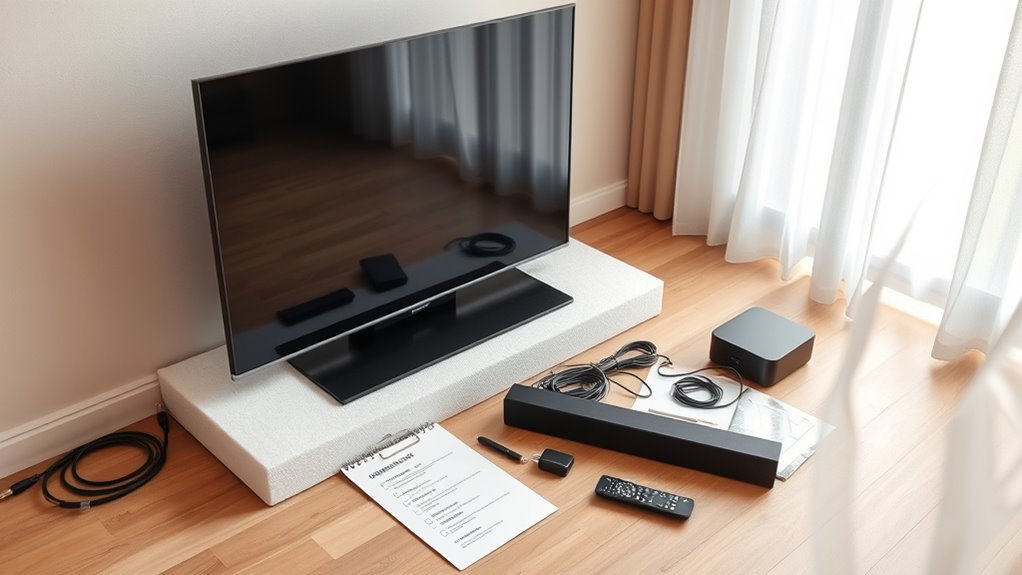
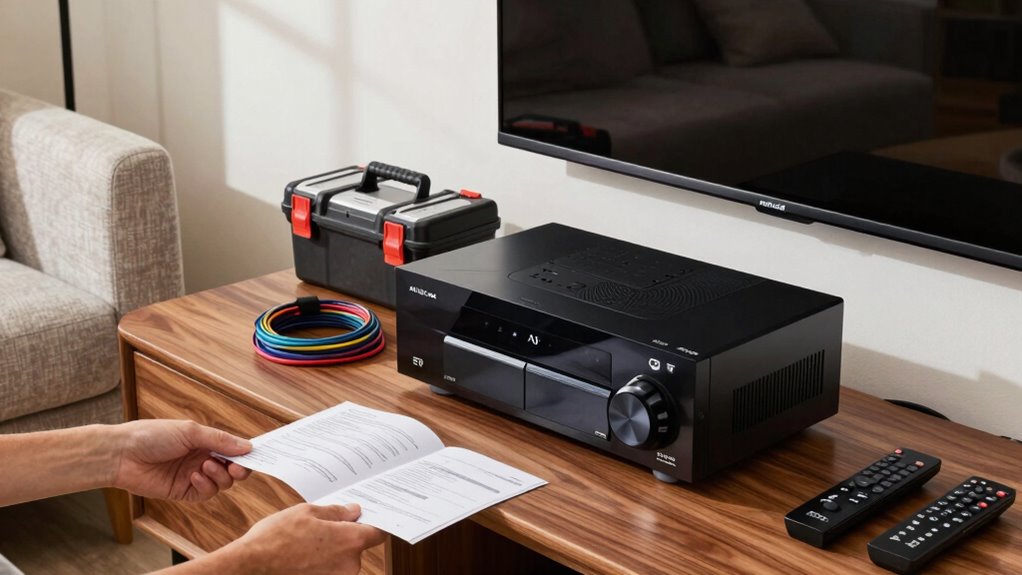
Unboxing Day can be exciting, but to guarantee everything goes smoothly, it’s essential to have a clear plan in place. You want your new AV gear set up efficiently, without missing any critical steps that could cause frustration later. The first thing to focus on is cable management. As you unbox your components, take the time to organize and label your cables. Use cable ties or clips to keep cords tidy and prevent tangling, which makes troubleshooting and future upgrades much easier. Proper cable management not only enhances the appearance of your setup but also improves airflow, reduces signal interference, and minimizes accidental disconnections. Before plugging anything in, plan out the placement of your devices, ensuring power outlets and ports are accessible. This way, you avoid having to shuffle things around repeatedly, which can lead to damaged cables or ports.
Once your cables are neatly managed, move on to remote programming. Modern AV gear often comes with universal or programmable remotes, which can simplify controlling multiple devices with a single remote. When unboxing, carefully read the manual for each device’s remote setup instructions. Program your universal remote early in the process to save time later. Many remotes allow you to input device codes or use auto-search features, making setup straightforward. Testing each device’s remote functions as you go ensures everything is correctly programmed. If you encounter issues, double-check that you’ve entered the right codes or followed the pairing instructions. Proper remote programming eliminates the need to juggle multiple remotes, streamlining your entertainment experience and avoiding frustration during movie nights or gaming sessions. Additionally, considering local automation options can further enhance your setup by allowing you to control multiple devices through smart home platforms.
As you proceed, remember to double-check all connections before powering up your system. Confirm cables are plugged into the correct ports and secured tightly to prevent signal loss. Power everything on sequentially, starting with your source devices, then your display, and finally your audio system. During this process, take notes or photos of your setup, so you can replicate or troubleshoot easily in the future. Consider using a surge protector to safeguard your new equipment from power fluctuations. In the end, test your system thoroughly, adjusting settings as needed. Fine-tuning your audio and video ensures you get the best experience from your investment. By following a clear plan that emphasizes cable management, remote programming, and proper connections, you’ll set up your AV gear efficiently and enjoy a seamless entertainment experience right from the unboxing day.
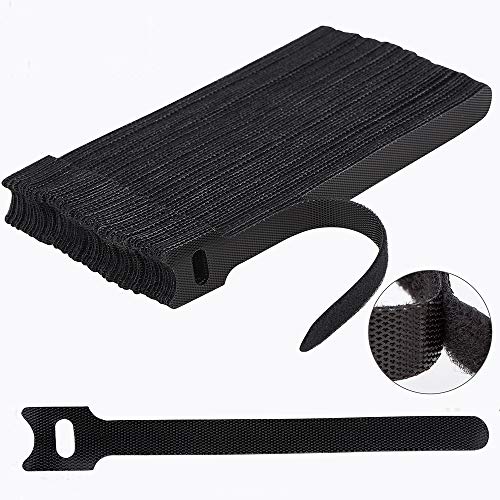
Nettbe 60 PCS 6 Inches Reusable Cable Ties, Adjustable Cord Straps Wire Organizer Cord Wrap and Hook Loop Cable Management
Reusable cable ties are made from premium nylon adhesive materials can be environmentally used multiple times
As an affiliate, we earn on qualifying purchases.
As an affiliate, we earn on qualifying purchases.
Frequently Asked Questions
How Do I Identify Incompatible AV Components?
To identify incompatible AV components, you should check their specifications for component compatibility, focusing on input and output types. Look for potential signal mismatch issues, such as HDMI versus older analog connections. Review the user manuals or manufacturer websites for compatibility details. If you’re unsure, consult online forums or contact customer support to confirm that your devices will work together seamlessly, preventing costly mistakes or setup issues.
What Tools Are Essential for Setup?
You’ll need essential tools like screwdrivers and a cable tester for setup. Keep cable management in mind by using zip ties or clips to organize cords, which makes troubleshooting easier and improves safety. Always prioritize power safety by using surge protectors and checking that outlets are grounded before plugging in your AV gear. These tools and tips guarantee a smooth setup, preventing damage and creating a clean, safe entertainment space.
How Should I Organize All the Cables?
You should start by cable management, using cable ties or sleeves to keep cables tidy and prevent tangling. Label each cable with a marker or labels to identify their purpose and connections easily. Organize cables by length and function, routing them neatly along furniture or walls. This approach minimizes clutter, simplifies troubleshooting, and makes future upgrades smoother. Proper cable management and labeling help maintain a clean, efficient AV setup.
What Safety Precautions Should I Follow?
You should prioritize electrical safety by unplugging devices before handling or connecting cables to prevent shocks. Always handle equipment with dry hands and avoid overloading outlets to reduce fire hazards. Use proper tools and follow manufacturer instructions carefully during setup. Keep cords organized to prevent tripping, and make certain power sources are grounded. These safety precautions help protect you and your equipment during setup, ensuring a secure and successful installation.
How Do I Troubleshoot Common Setup Issues?
When troubleshooting common setup issues, think of it as tuning a fine instrument. Start by verifying remote control alignment—ensure the batteries are fresh and nothing blocks the sensor. Next, check your speaker placement—adjust for ideal sound quality and eliminate echoes or dead zones. If problems persist, reconnect cables firmly, restart your device, and consult the user manual. These small tweaks often resolve the most common hiccups quickly and smoothly.

Remote2program Universal DIY Programming Car Blade Key Tool for a Large Number of Car Model to do Self Program/Bluetooth Connect/Safe and Simple
DO IT YOURSELF——You can program your remote by yourself. Just download the APP and the steps are simple,…
As an affiliate, we earn on qualifying purchases.
As an affiliate, we earn on qualifying purchases.
Conclusion
By following this unboxing day checklist, you guarantee your new AV gear is set up correctly and ready to impress. Some say that properly installed electronics can actually boost performance—there’s some truth to that! Taking the time to double-check connections and settings might just open the full potential of your new devices. So, don’t rush—your perfect home theater experience could depend on it. Happy unboxing and enjoy your upgraded setup!

Panamax MR4300 MR4300 9-Outlet Home Theater Power Management with Surge Protection and Power Conditioning
9 protected and filtered outlets featuring exclusive Automatic Voltage Monitoring (AVM), Protect or Disconnect technology and Panamax Level…
As an affiliate, we earn on qualifying purchases.
As an affiliate, we earn on qualifying purchases.

RMT-AH103U Replacement Remote Fit for Sony Soundbar SA-CT80 HT-CT80 HTCT80 SACT80 HT-CT180 SA-CT180
New RMT-AH103U Remote Control compatible with Sony Soundbar Sound Bar AV Speaker System
As an affiliate, we earn on qualifying purchases.
As an affiliate, we earn on qualifying purchases.