To avoid blurriness in sports footage without creating the soap opera effect, you should adjust your camera’s motion settings carefully. Focus on balancing frame interpolation and judder reduction—use enough to smooth out rapid movement but not so much that it looks unnatural. Experiment with these controls and consider turning them off if needed for a more authentic look. For detailed tips on optimizing your settings, keep exploring how to get professional-quality sports videos.
Key Takeaways
- Adjust judder reduction to smooth out fast motion without overly softening image details.
- Use moderate frame interpolation to enhance clarity while avoiding the soap opera effect.
- Turn off or fine-tune motion handling features for a natural, less blurry sports footage.
- Focus on settings that balance sharpness and smoothness, maintaining the authenticity of fast action.
- Combine proper motion settings with stabilization techniques for clearer, more vibrant sports videos.
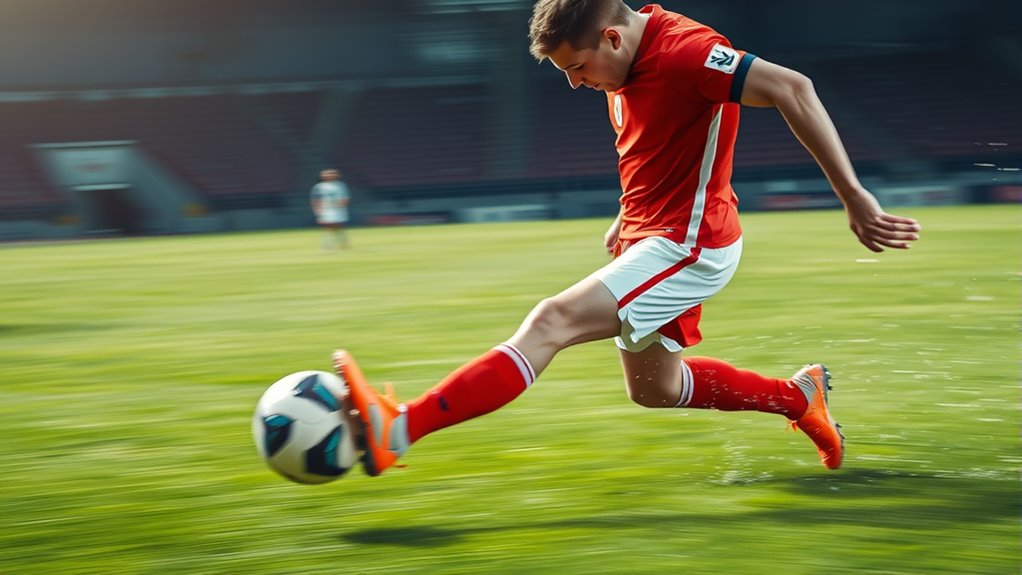
When it comes to capturing your sports moments perfectly, adjusting your camera’s Sports Motion Settings can make all the difference. If your videos look blurry or choppy during fast-paced action, it’s often because of how your camera handles motion. Two key features that can help improve clarity are frame interpolation and judder reduction. Understanding these tools allows you to fine-tune your recordings without sacrificing natural motion or introducing unwanted effects.
Frame interpolation works by creating additional frames between the original ones, giving the appearance of smoother motion. Many cameras and editing software use this technique to fill in gaps during quick movements, which is especially useful in sports footage. However, if overused, it can produce a “soap opera effect,” making your video look overly smooth and artificial. That’s why it’s essential to adjust the settings carefully, finding a balance that enhances motion without making your video seem unnatural.
Use frame interpolation wisely to smooth motion without creating an artificial “soap opera” effect.
Judder reduction, on the other hand, aims to minimize the stuttering or jittery appearance that often occurs when filming fast motion. This is particularly noticeable during rapid camera panning or when capturing high-speed sports like football or racing. When judder isn’t addressed, your footage can look disjointed, making it harder to follow the action. By enabling judder reduction, your camera interpolates additional frames to create a more fluid motion, reducing the choppiness that distracts viewers. Keep in mind, though, that too much judder reduction can add a slight artificial smoothness, so you want to set it just enough to improve clarity without losing the natural feel.
To get the best results, start by adjusting these settings separately. Turn on judder reduction to see if it smooths out the motion without making it look too fake. Next, experiment with frame interpolation if your camera offers it, but do so sparingly. Many modern cameras let you choose the level of interpolation, so you can find a sweet spot where fast actions look clear and natural. You might also consider turning off both features entirely if you prefer a more authentic, “raw” look, especially if you’re planning to do post-editing.
In essence, mastering your Sports Motion Settings involves understanding how frame interpolation and judder reduction influence your footage. When used correctly, they can make your sports videos sharp and smooth without the dreaded soap opera effect. Adjusting these features allows you to capture the intensity and motion of the game more accurately, ensuring your videos look professional and engaging, all while maintaining the authentic feel of the action. Additionally, knowing how modern video stabilization techniques work can further enhance your footage quality.

MAYBESTA Wireless Mini Microphone for iPhone, Android Phone - 2 Pack Lavalier Lapel Mic for Audio Video Recording - Clip on Content Creator Microphones for YouTube Tiktok Podcast Vlogging
Wider Compatibility: No matter what kind of phone device you have, the wireless mini mic is compatible with...
As an affiliate, we earn on qualifying purchases.
Frequently Asked Questions
How Do I Access Sports Motion Settings on My TV?
To access sports motion settings on your TV, press the menu or settings button on your remote. Look for options like “Motion Smoothing,” “Auto Motion Plus,” or “Motion Clarity.” Adjust these to reduce motion blur without creating the soap opera effect. Turn off or fine-tune the setting to enjoy clear, smooth sports visuals that look natural, avoiding the overly processed look some motion settings can cause.
Can Adjusting Motion Settings Improve All Sports Broadcasts?
Adjusting motion settings can improve most sports broadcasts by reducing motion artifacts and enhancing viewing comfort. By increasing or decreasing the motion interpolation, you make fast-paced action clearer and smoother, minimizing blurriness. However, results vary depending on your TV’s capabilities and the specific broadcast. Experiment with these settings to find a balance that reduces artifacts without creating the soap opera effect, ensuring a more enjoyable and comfortable viewing experience.
Is There a Recommended Setting for Different Sports?
For better sports clarity, you should tailor your motion settings to each sport. For fast-paced games like basketball or hockey, set motion interpolation to medium or high to reduce motion artifacts without creating the soap opera effect. For slower sports like baseball or golf, lower settings preserve natural motion. Adjusting these settings helps you enjoy clearer, more realistic visuals without sacrificing the dynamic feel of the game.
Will Changing These Settings Affect Watching Movies or TV Shows?
Changing motion smoothing settings can affect how movies and TV shows look. If you turn it on for sports, you might notice increased picture clarity and smoother motion, but it can make movies appear unnatural or soap-opera-like. To enjoy both, you can customize your settings—disable motion smoothing for movies to keep the natural look and enable it for sports to enhance clarity without sacrificing quality.
Are There Any Long-Term Impacts of Using Motion Smoothing Features?
Using motion smoothing features long-term can lead to visual fatigue, especially if you watch for extended periods. This might strain your eyes and potentially impact your long-term vision over time. To prevent this, take regular breaks and adjust settings when watching sports or other fast-paced content. Being mindful of your viewing habits helps protect your eyes and maintain comfortable, healthy vision in the future.

Hollyland Lark A1 Wireless Microphone for iPhone 17/16/15 & Android, 48kHz/24-bit, 3-Level Intelligent Noise Cancel, Mini Mic for YouTube, Podcast, Vlogging (Black, 2TX + USB-C RX + Charging Case)
Real 48kHz/24-bit Studio Sound — At a Price That Surprises: Experience true 48kHz/24-bit recording with powerful 120dB SPL...
As an affiliate, we earn on qualifying purchases.
Conclusion
By tweaking your sports motion settings, you can enjoy clearer, more natural action without the soap opera effect. Did you know that over 60% of viewers prefer sports settings that reduce blur while maintaining realism? So, next time you watch your favorite game, experiment with these options to experience the action vividly. With just a few adjustments, you’ll see every pass, tackle, and goal in stunning clarity—making your viewing experience truly game-changing.

Wireless Mini Microphone for iPhone, Android - 2 Pack Lavalier Microphone for Video Recording, 2 In 1 Noise Reduction Lapel Mic for Ipad, Clip-on Mini Mic with USB-C for Content Creators Podcast
Studio-Quality Sound: Experience broadcast-ready audio with the ZOPPLM mini microphone. This high-sensitivity microphone delivers recording studio vocal clarity,...
As an affiliate, we earn on qualifying purchases.

Labstandard Professional Wireless Lavalier Lapel Microphone for iPhone, iPad, mini Video Recording Mic forInterview Video Podcast Vlog YouTube&Livestream, Noise Reduction, Plug &Play
Dual Wireless Microphones for iPhone(Both for Lightning and Type C Port Devices) This dual wireless lavalier microphone set...
As an affiliate, we earn on qualifying purchases.