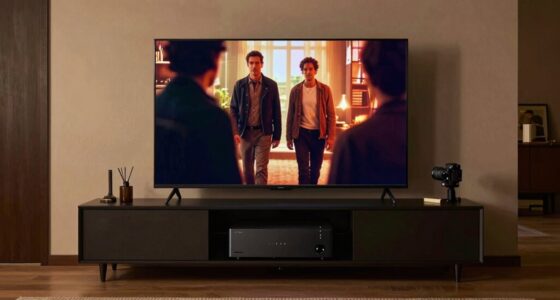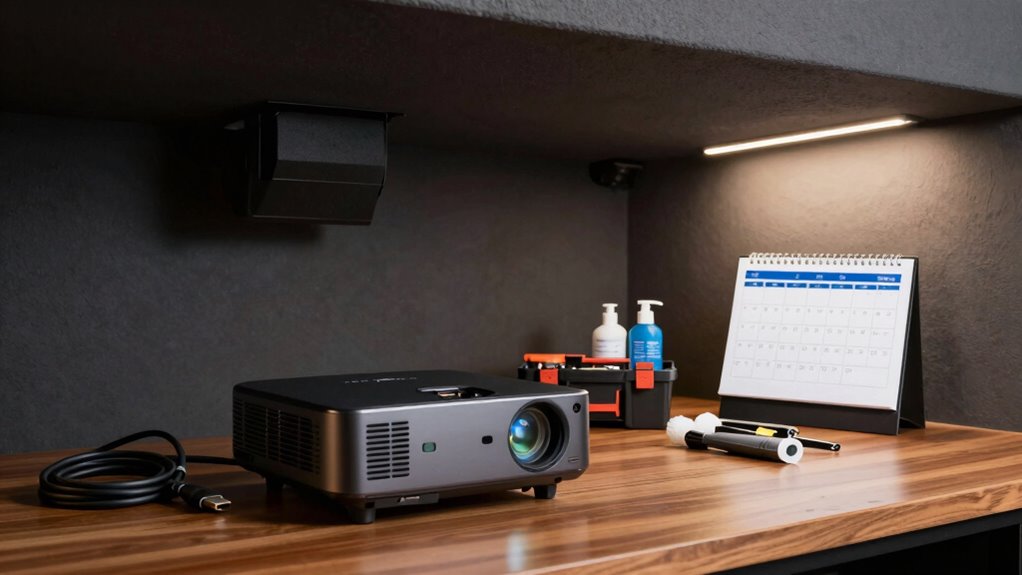

To keep your home theater system performing well, follow a simple schedule: monthly, clean screens, vents, and cables, and update firmware to guarantee smooth operation. Use calibration tools to fine-tune audio and video settings for the best experience. Quarterly, check color accuracy, review components for upgrades, and re-calibrate if needed. Staying consistent with these tasks helps prevent issues and maintains quality—continue to explore for detailed steps to keep your system in top shape.
Key Takeaways
- Perform monthly cleaning of screens, vents, and cable connections, and update device firmware.
- Use calibration tools to optimize audio and video settings for the best viewing experience.
- Conduct quarterly inspections of display color accuracy, contrast, and system components for potential upgrades.
- Replace worn cables and consider upgrading speakers, subwoofers, or the AV receiver as needed.
- Regularly clean vents, tighten connections, and keep firmware updated to prevent issues and maintain system performance.
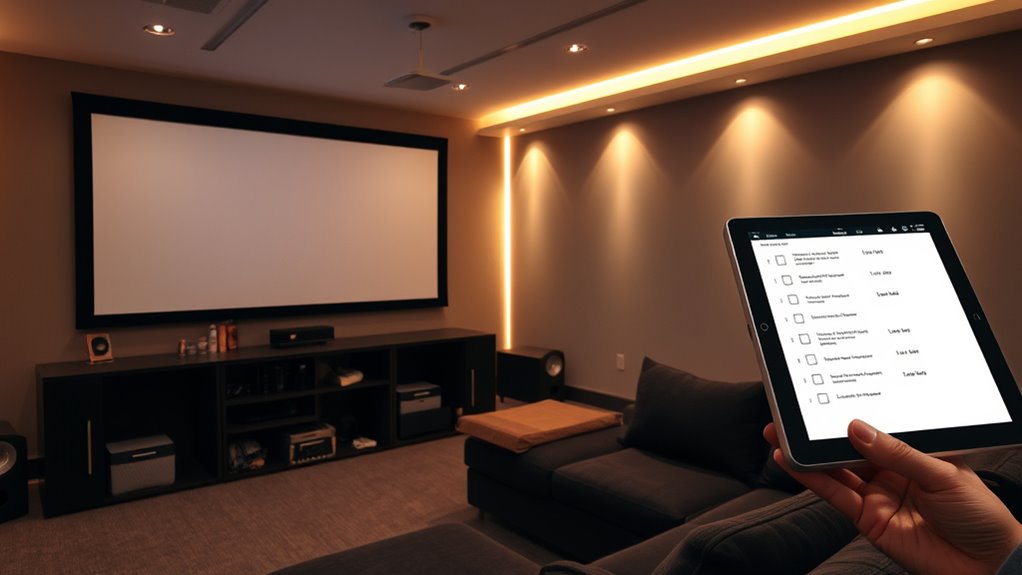
Maintaining your home theater system guarantees peak performance and longevity, so establishing a regular maintenance schedule is essential. When you stay on top of routine tasks, you guarantee that your equipment delivers the best possible picture and sound quality. A key part of this process involves calibration tips to fine-tune your settings for optimal viewing. Regular calibration helps you get the most out of your display’s color accuracy, contrast, and sharpness, making every movie night feel like a cinema experience. You should also consider component upgrades over time; replacing aging cables, upgrading your sound system, or adding a new receiver can considerably enhance your setup’s performance. By planning monthly and quarterly maintenance, you prevent minor issues from escalating into costly repairs or replacements.
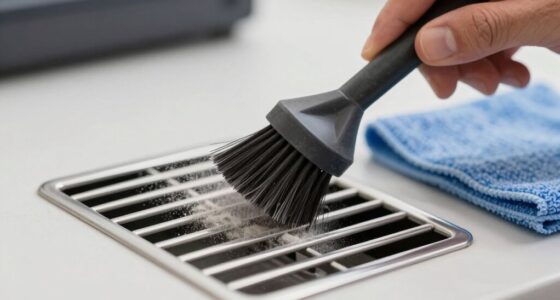
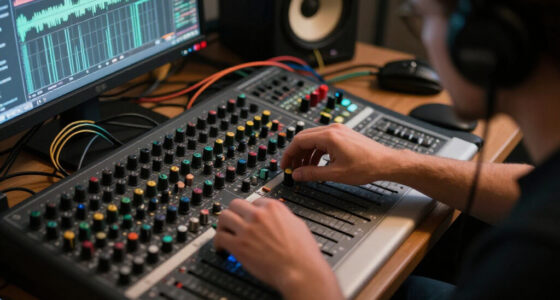
In your monthly routine, focus on cleaning and basic checks. Dust can accumulate on vents, projectors, and screens, impairing performance and causing overheating. Use a microfiber cloth to gently wipe your screen and a soft brush or compressed air for vents and fans. Also, inspect all connections—tighten loose cables and replace worn-out ones to avoid signal degradation. During these checks, don’t forget to update your device firmware if updates are available, as manufacturers often release improvements that enhance performance and security. Additionally, take time to review your audio and video settings. Use calibration tips to adjust your system for the best picture and sound quality. Many home theater receivers come with built-in calibration tools, so take advantage of these features to fine-tune your setup, ensuring balanced audio and crisp visuals. Incorporating free calibration tools can further assist you in achieving professional-level calibration at home.
Quarterly, you should perform a more thorough inspection. Test your projector or TV’s color accuracy and contrast levels; if the picture seems off, consider recalibrating or seeking professional calibration tips. This is also a good time to evaluate whether any component upgrades are necessary. Upgrading speakers, adding a subwoofer, or replacing outdated cables can dramatically improve your experience. Check your AV receiver’s firmware, and if updates are available, install them to keep your system running smoothly. Examine your speaker wiring for damage or corrosion, replacing any compromised cables. If you notice persistent issues such as fuzzy images or audio dropouts, it might be time to upgrade or replace certain components for a more dependable and immersive experience.

New Sony Calibration Mic Measurement Microphone ECM-AC2 Part Number 154277421 1-542-670-21 154271011 1-542-710-11 154267021 1-542-774-21, Auxiliary
- Genuine Sony ECM-AC2 Microphone: Calibration microphone for Sony AV systems
- Compatible with Most Sony Receivers: Supports calibration for about 150 models
- Ensures Accurate Speaker Calibration: Helps achieve correct speaker output levels
As an affiliate, we earn on qualifying purchases.
As an affiliate, we earn on qualifying purchases.
Frequently Asked Questions
How Often Should I Replace My Home Theater Speaker Cables?
You should replace your home theater speaker cables if you notice degraded sound quality or visible damage. Regular cable testing helps identify issues early, ensuring peak performance. Additionally, maintaining the connectors by cleaning and inspecting them prevents corrosion and connection problems. Typically, replacing cables every few years is sufficient unless you encounter problems sooner. Staying proactive with cable testing and connector maintenance keeps your home theater system running smoothly and sound clear.
What Signs Indicate My Projector Lamp Needs Replacement?
When your projector lamp reaches the end of its lifespan, it’s like a fading star—dimming and flickering. Signs of lamp failure include a sudden drop in brightness, persistent flickering, or a message warning of lamp replacement. If images become hazy or you see color distortions, it’s time to swap out the lamp. Regularly checking these signs helps you avoid unexpected blackouts and keeps your home theater shining brightly.
How Can I Improve Airflow to Prevent Overheating?
To improve airflow and prevent overheating, you should enhance ventilation by keeping vents clear of dust and obstructions. Use ventilation improvements like adding a small fan or adjusting your setup to increase airflow around your projector. Optimize airflow by positioning your projector in a well-ventilated area and avoiding tight spaces. Regularly clean air filters and ensure that air can circulate freely, which helps maintain proper temperature and prolongs your equipment’s lifespan.
Is It Necessary to Recalibrate My Display Regularly?
You should recalibrate your display regularly; studies show that improper calibration can reduce picture quality by up to 30%. Regular display calibration ensures colors are accurate, contrast is ideal, and details are preserved. If you notice color shifts or dim images, it’s a clear sign you need to recalibrate. Maintaining your display’s calibration keeps your home theater experience sharp, vibrant, and true to the original content.
What Are the Best Tools for Cleaning Delicate Electronic Components?
You should use anti-static tools like a soft brush and microfiber cloth for cleaning delicate electronic components. These tools effectively remove dust without causing static damage. For dust removal, use compressed air cans to blow dust out of tight spots gently. Avoid using harsh chemicals or rough cloths. Always ground yourself to prevent static buildup. This approach keeps your electronics safe and guarantees peak performance while maintaining their longevity.

Pyle 9.1 Channel AV Receiver | Audio Amplifier with Subwoofer Output, HDMI 2.1, Bluetooth Streaming | Surround Sound System for TV, Home Stereo Receiver for Home Theater.
- Immersive 9.1 Channel Sound: Powerful room-filling surround sound
- 8K HDMI & Video Support: Supports 8K/4K pass-through with HDMI 2.1
- Bluetooth Wireless Streaming: Stream music from smartphones and tablets
As an affiliate, we earn on qualifying purchases.
As an affiliate, we earn on qualifying purchases.
Conclusion
Sticking to this simple maintenance schedule keeps your home theater in top shape, ensuring countless hours of movie magic. By performing monthly and quarterly tasks, you’ll prevent issues before they start—like a true tech-savvy knight of the digital domain. Remember, even the most legendary heroes of old needed to check their armor; similarly, your system deserves regular care. Stay diligent, enjoy flawless picture and sound, and let your home theater be the star of many memorable nights.

Saiyin 5.0 Home Theater System, HiFi Surround Sound Speakers
- Powerful Surround Speakers: 40W x 4 bookshelf and 75W center
- Clear Dialogue Enhancement: Professional center channel for clarity
- Flexible Installation Options: Mount on shelves, stands, or walls
As an affiliate, we earn on qualifying purchases.
As an affiliate, we earn on qualifying purchases.

MagicFiber Microfiber Cleaning Cloth, Glasses Cleaner, Eyeglass Wipes, 6pk
- High-Quality Microfiber Material: Removes dust, oil, smudges without scratches
- Versatile Screen and Glass Cleaner: Suitable for glasses, screens, TVs, and lenses
- Individual Polybag Packaging: Keeps each cloth new and ready to use
As an affiliate, we earn on qualifying purchases.
As an affiliate, we earn on qualifying purchases.