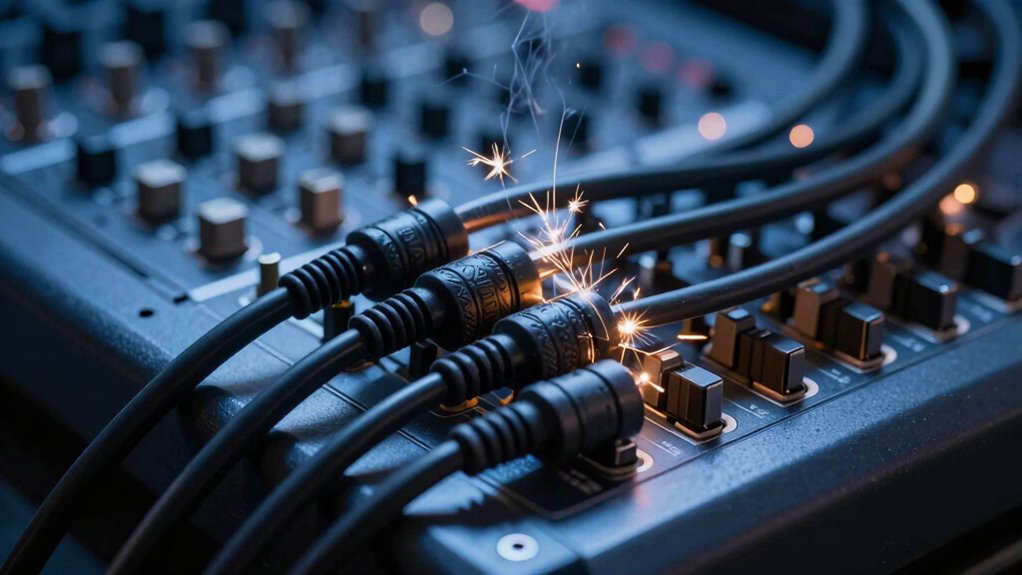

Power cables can cause noise in your audio system mainly due to ground loops and electromagnetic interference. When power and audio connections are on different ground points or run parallel close together, it creates a loop that introduces hum and static. Proper cable management, such as routing power cords away from audio cables and ensuring all equipment shares a common ground, helps reduce these issues. To learn more about preventing power-related noise, keep exploring these solutions.

Get audio and creator gear delivered free — and shop member deals
- Fast, free delivery on millions of items
- Access to Prime Big Deal Days deals on October 6–7
- Prime Video, Amazon Music and more included
Key Takeaways
- Power cables can introduce electrical noise into audio systems if improperly shielded or routed near audio cables.
- Ground loops caused by multiple power connections create hum and static in audio signals.
- Ensuring all equipment shares a common ground reduces power-related noise interference.
- Using ground loop isolators and proper grounding techniques can break noise-inducing loops.
- Keeping power cables separate from audio cables and using shielded cables minimizes electromagnetic interference.
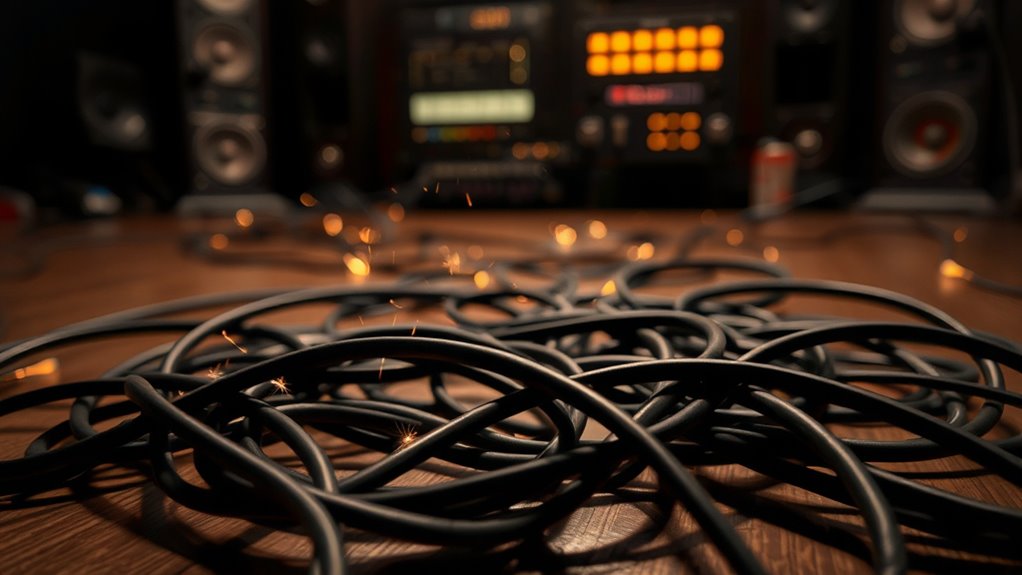
Audio interference occurs when unwanted signals disrupt the clarity of your sound, making it difficult to hear what’s intended. When you’re working with audio equipment, these interruptions often stem from electrical issues or improper setup. One common culprit is ground loops, which happen when multiple devices are connected to different grounding points, creating a loop that introduces hum and noise into your audio signal. This low-frequency hum is especially noticeable in sensitive audio environments, and it can be frustrating when you’re trying to get clean sound. To tackle ground loops, you might need to ensure all your equipment shares a common ground or use devices like ground loop isolators that break the loop, preventing unwanted currents from flowing and causing interference.
Another vital factor is cable shielding. Proper cable shielding plays a vital role in protecting your audio signals from electromagnetic interference (EMI) and radio frequency interference (RFI). Cables with good shielding have a conductive layer that encases the internal conductors, absorbing or blocking external noise sources from penetrating the signal pathway. If your cables lack effective shielding or if the shielding is damaged, you’ll notice increased noise, static, or hums in your sound. Using high-quality, well-shielded cables can considerably reduce the chances of interference, ensuring your audio remains clear and pristine. When setting up your equipment, make sure to route cables away from sources of electrical noise, such as power supplies, transformers, or wireless devices, which can all contribute to unwanted signals infiltrating your audio.
Use well-shielded cables and keep them away from electrical noise sources for clearer audio.
Additionally, paying attention to cable management can help minimize interference. Keep your audio cables separated from power cords and avoid running them parallel alongside electrical wiring. If crossing is necessary, do so at right angles to reduce electromagnetic coupling. Securing connections tightly also prevents poor contact, which can introduce noise. If you experience persistent interference, replacing older or damaged cables with newer, shielded ones is often a quick fix. Regularly inspecting and maintaining your grounding setup can also help prevent ongoing noise issues. Remember that even minor issues with grounding or shielding can greatly impact sound quality, so regular maintenance and proper setup are key.
In essence, understanding how ground loops and cable shielding affect your audio setup allows you to troubleshoot and prevent interference effectively. By ensuring all your equipment shares a common ground and investing in quality shielded cables, you can enjoy clearer, noise-free sound that accurately reflects your intended audio. Addressing these factors not only improves your listening experience but also saves you time spent troubleshooting persistent noise issues.
As an affiliate, we earn on qualifying purchases.
Frequently Asked Questions
Can Using Wireless Power Cables Reduce Interference?
Using wireless power can reduce interference caused by traditional power cables, as it eliminates direct electrical connections that often generate noise. Wireless power technology, like inductive or resonant charging, helps with interference mitigation by minimizing electromagnetic interference from cables. You’ll notice clearer audio quality because there’s less electrical noise, making wireless power a good solution if you’re seeking to improve sound clarity and reduce unwanted audio disruptions caused by power line interference.
What Devices Are Most Susceptible to Power Cable Noise?
You’re most vulnerable with sensitive devices like microphones, audio interfaces, and mixing consoles, especially if they’re connected via long cables or share a ground loop. Poor shielding effectiveness can let power cable noise seep in, disrupting sound quality. To minimize interference, guarantee proper grounding, use shielded cables, and eliminate ground loops. These steps help protect your gear from power cable noise and maintain clear, professional audio.
How Does Cable Shielding Affect Audio Clarity?
Cable shielding markedly improves audio clarity by reducing interference caused by ground loops and external noise sources. When shielding is effective, it blocks unwanted signals from affecting your audio, making your sound clearer. Without proper shielding, power cables can introduce noise that disrupts your sound quality. So, choose cables with high shielding effectiveness to minimize interference and enjoy crisper, cleaner audio.
Are There Specific Brands Known for Better Interference Prevention?
You’ll be blown away by brands like Mogami, Monster, and Gotham that excel at interference prevention. Their cables feature superior shielding and grounding, reducing ground loop issues and ensuring crystal-clear audio. When you choose high-quality cables, you’re investing in better insulation against noise and interference. These brands prioritize cable quality, giving you peace of mind that your setup stays pristine without unwanted hums or crackles, even in demanding environments.
How Often Should I Inspect My Power Cables for Noise Issues?
You should inspect your power cables for noise issues at least every three to six months, especially if you notice audio interference. Check the cable material for signs of wear, fraying, or damage. Regular inspection helps catch potential problems early and prevents noise interference from worsening. If you use high-quality cables, you might extend the inspection frequency, but staying consistent guarantees your setup stays clear of unwanted noise.
As an affiliate, we earn on qualifying purchases.
Conclusion
To keep your audio clear, always check your power cables and grounding setup. Some might think interference is unavoidable, but with proper cable management and shielding, you can considerably reduce noise. Don’t assume expensive equipment alone solves the problem—sometimes, simple fixes make all the difference. By staying attentive to your setup and troubleshooting issues early, you’ll enjoy cleaner sound and avoid frustrating interference during critical recordings or live sessions.
As an affiliate, we earn on qualifying purchases.
As an affiliate, we earn on qualifying purchases.
Fall Picks
fall essentials
As an affiliate, we earn on qualifying purchases.