
If your home theater system is acting up, start with a quick power reset. Turn off all devices, unplug them, and wait a few moments to let everything cool down. Then, reconnect and power them back on to clear glitches and refresh the system. Check your connections, re-establish wireless links, and calibrate your screen if needed. Updating firmware can also fix persistent issues. Follow these steps, and you’ll be back to peak performance in no time—you’ll find more helpful tips below.

Get audio and creator gear delivered free with Prime
- Fast, free delivery on millions of items
- Prime Video, Amazon Music and more included
- Member-only deals all year
Key Takeaways
- Power down all devices, unplug, and wait a few moments before reconnecting to clear temporary glitches.
- Check and reseat HDMI cables, then perform a system reset to refresh connections and memory.
- Re-pair wireless audio devices and ensure they are within range for proper audio sync.
- Use built-in calibration tools or test patterns to fix color and display issues.
- Update firmware and software regularly to prevent bugs and improve system stability.
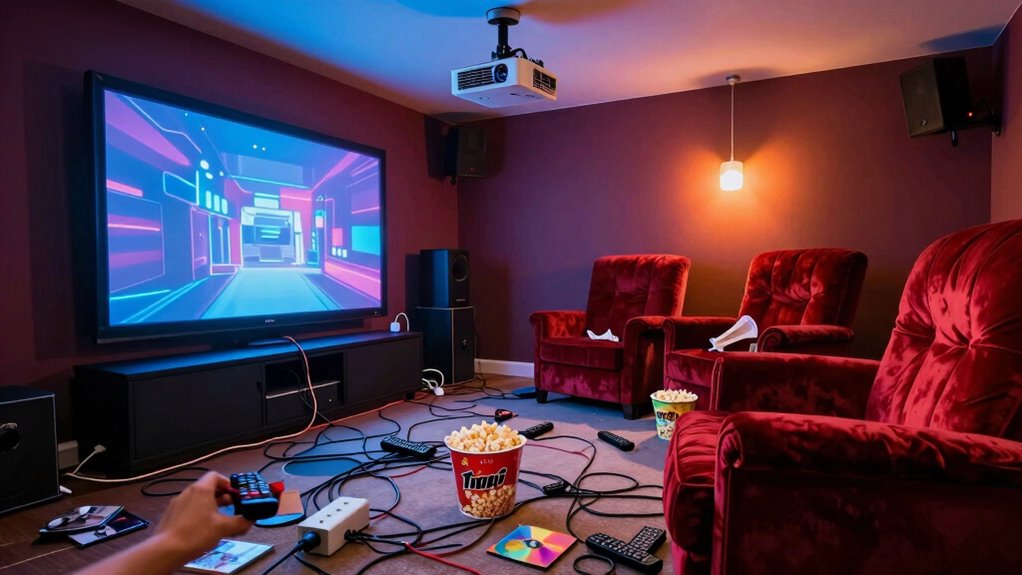
When your home theater starts acting up—whether the picture is flickering, the sound is distorted, or the system simply refuses to cooperate—it’s tempting to call in a professional or start replacing components. But before you do that, try a quick reset. It’s often the simplest fix and can save you time and money. Start by powering everything down, unplugging devices, and giving the system a few moments to cool off. Once you turn everything back on, you’ll want to focus on some quick troubleshooting steps. First, check your wireless audio connections. If you’re using wireless speakers or a Bluetooth setup, ensure they’re properly paired and within range. Sometimes, interference or a loose connection can cause audio issues, so re-establishing the connection can resolve the problem. Resetting the wireless audio system or reconnecting the speakers often restores clarity and sync with your display.
Next, move on to screen calibration. When your picture looks off—colors are off, the contrast is poor, or the image isn’t sharp—it’s worth recalibrating your display. Many modern projectors and TVs have built-in calibration tools, or you can use test patterns to fine-tune the picture manually. Proper screen calibration ensures your visuals are accurate, vibrant, and aligned correctly. It can fix flickering or ghosting effects and improve overall picture quality. If your system has a calibration menu, access it and follow the on-screen instructions. If not, there are calibration discs or apps that can guide you step-by-step to achieve ideal display settings. Sometimes, a simple recalibration restores your system’s visual harmony, especially after power outages or updates. Additionally, regularly updating your firmware can prevent many common software bugs and glitches. This proactive step can also improve system stability and performance over time.
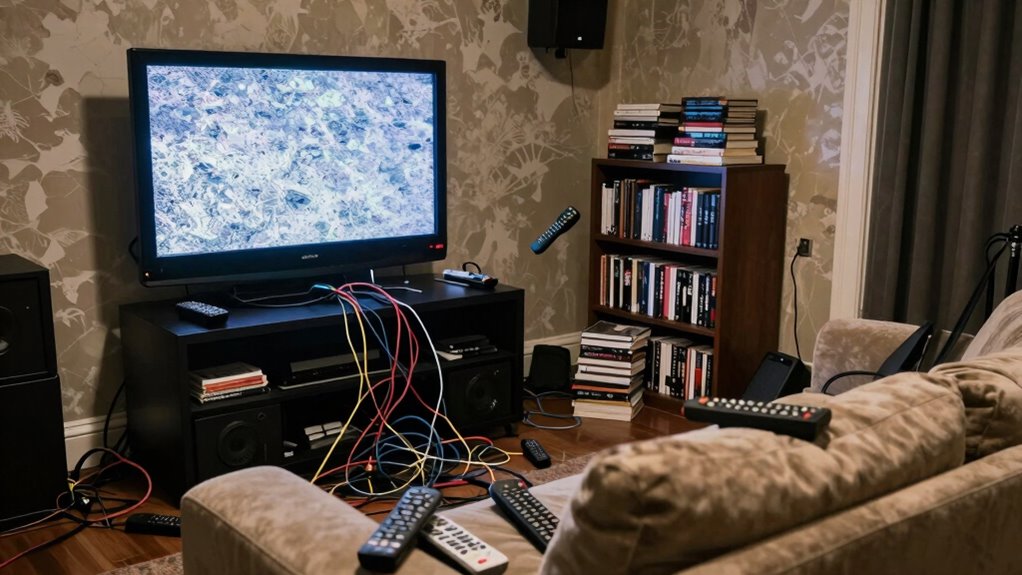
After addressing wireless audio and screen calibration, double-check your connections. Loose HDMI cables or faulty ports can cause flickering or no picture at all. Re-seat or replace cables if needed. Once everything looks connected properly, perform a system reset—either through your home theater’s menu or by unplugging the main unit for a few minutes. This refreshes the system’s memory and clears temporary glitches. It’s also helpful to keep an eye on your system settings to ensure everything is configured correctly. If problems persist, consult your user manual for specific reset procedures or firmware updates. Also, checking for firmware updates can sometimes resolve lingering issues caused by software bugs. Often, a quick reset combined with re-establishing wireless audio connections and recalibrating your screen can fix most common issues. It’s a straightforward, fast approach that keeps your home theater running smoothly without the hassle of replacing components.
Products Worth Considering

Bose QuietComfort Ultra Wireless Noise-Cancelling Headphones with Spatial Audio, Black

DJI Mic 3 Wireless Microphone System (2 Transmitters, 1 Receiver, Charging Case)

Logitech MX Mechanical Wireless Illuminated Keyboard, Tactile Quiet, Graphite
As an affiliate, we earn on qualifying purchases.
Frequently Asked Questions
Can I Perform the Reset Without Professional Help?
Yes, you can perform the reset without professional help by following DIY troubleshooting and resetting procedures. Start by turning off all devices and unplugging them. Then, press and hold the power button for about 30 seconds to discharge residual power. Reconnect and turn everything back on. Make sure to consult your device’s manual for specific resetting steps, but most home theater resets are straightforward and manageable on your own.
Will Resetting Fix All Home Theater Issues?
Resetting your home theater might seem like a magic fix, but it won’t solve every issue. While it can help with problems like audio calibration and remote troubleshooting, some glitches need a more detailed approach. Think of a reset as a quick remedy, not a cure-all. If problems persist after resetting, you’ll need to dig deeper or get professional help to restore your system to perfect harmony.
How Long Does the Reset Process Typically Take?
The reset process usually takes about 10 to 15 minutes, giving you enough time to perform audio calibration and remote troubleshooting afterward. During this period, your system restarts, clears temporary glitches, and resets settings. Be patient, as completing the reset thoroughly helps fix common issues. Once it’s done, you can fine-tune audio calibration and troubleshoot any remote control problems more effectively, ensuring your home theater runs smoothly again.
Are There Risks of Data Loss During Reset?
Yes, there’s a risk of data loss during a reset, much like losing a treasure chest in a storm. When performing a reset, firmware updates and hardware compatibility issues can cause unexpected problems, possibly wiping settings or saved data. To avoid this, back up your data beforehand. Think of it as safeguarding your ship’s map before steering through treacherous waters—better safe than sorry during your home theater’s reset voyage.
What Should I Do if the Problem Persists After Reset?
If the problem persists after reset, start by checking for a firmware update for your home theater system, as outdated software can cause issues. Also, look for potential signal interference from nearby electronics or Wi-Fi devices that might disrupt your setup. Make certain all cables are secure and correctly connected. If problems continue, consider contacting customer support or professional repair services to diagnose hardware malfunctions or more complex interference issues.
Conclusion
If your home theater has gone off the rails, remember that a quick reset can save the day. Most tech experts agree that over 60% of home theater issues can be resolved with a simple power cycle or a quick system reset. So, don’t panic—just follow the steps, and you’ll be back to enjoying your favorite movies in no time. Sometimes, the simplest fix is all you need to restore your entertainment haven.