Frame rate matching is the key setting that can stop judder and guarantee smooth movies. When your display’s refresh rate aligns with the content’s original frame rate, motion becomes seamless and natural. This reduces flicker and visual disruptions, giving you a more cinematic experience. To achieve this, you can enable options like ‘Video Mode’ or ‘Adaptive Refresh Rate’ on your device. Keep exploring to discover how to optimize this setting for the best movie viewing.
Key Takeaways
- Matching the display’s refresh rate to the video’s frame rate prevents judder and ensures smooth motion.
- Adjusting device settings to synchronize frame rate eliminates motion artifacts during playback.
- Modern displays use adaptive refresh rate technology to automatically match content frame rates.
- Ensuring content is encoded at its native frame rate reduces the need for interpolation and judder.
- Disabling motion smoothing features helps maintain authentic cinematic motion without introducing artifacts.

Golf Simulator Projector Cover - Floor Mounted Enclosure with Cooling Fan for Optimal Protection of Outdoor Golf Simulation Projectors - Compatible with Leading Golf Simulators and Projectors
✅【Economical Solution】The Golf Simulator Projector Cover offers a budget-friendly alternative to ceiling installations, allowing you to easily position...
As an affiliate, we earn on qualifying purchases.
Understanding Frame Rates and Their Impact on Viewing Experience

Understanding frame rates is essential because they directly influence how smooth and realistic a video appears. When you watch a film or video, the frame rate determines how many individual images are displayed each second. Higher frame rates, like 60 fps, give a smoother, more lifelike motion, ideal for fast-paced sports or gaming. Lower frame rates, such as 24 fps, produce a cinematic look with a slight motion blur that many associate with traditional movies. Your eyes perceive these differences, affecting immersion and comfort. Matching the frame rate to the content guarantees a seamless viewing experience, preventing distracting judder or unnatural motion. Additionally, frame rate conversion is often necessary when content is displayed across devices with differing capabilities to ensure consistent motion portrayal. Understanding how frame rate impacts visuals helps in selecting appropriate playback settings for optimal quality. By understanding how frame rates impact visuals, you can better appreciate the importance of choosing the right settings for your videos and screens. Frame rate matching is a crucial technique used in filmmaking and video production to ensure consistent motion portrayal across different devices and playback scenarios, especially when considering content compatibility and display technology limitations.

Projector Dust Cover for Ceiling Video Projector at Home or Outdoor Installation, Waterproof Dustproof Protection Case, 14"x14"x 9"
Ultimate Protection: waterproof cover protects your video projector from dust, scratches, and water damage or other possible factors...
As an affiliate, we earn on qualifying purchases.
How Mismatched Frame Rates Cause Judder and Motion Artifacts

When the frame rates of your content and display don’t match, it can lead to noticeable visual issues like judder and motion artifacts. These problems occur because the display struggles to render smooth motion, causing stuttering or uneven movement. For example, if your video is shot at 24 fps but displayed on a 60 Hz screen, frames don’t align perfectly, resulting in uneven motion. This mismatch creates visual disruptions that distract you from the viewing experience. Here’s a quick overview of common mismatches:
| Content Frame Rate | Display Refresh Rate |
|---|---|
| 24 fps | 60 Hz |
| 30 fps | 24 Hz |
| 60 fps | 50 Hz |
| 48 fps | 60 Hz |
| 25 fps | 100 Hz |

Projector Dust Cover,Projector Cover Outdoor Case Protective,Dust-Proof,UV-Resistant,Moisture-Proof,Fit for Ceiling Video Mounted Equipment Enclosure Oxford,Cloth Drawstring(13.7" X 13.7" X 8.6")
【Projector Dust Cover Material and Design】: Mainly made of waterproof elastic Oxford cloth, with a sturdy and durable...
As an affiliate, we earn on qualifying purchases.
The Technology Behind Frame Rate Matching and Its Functionality
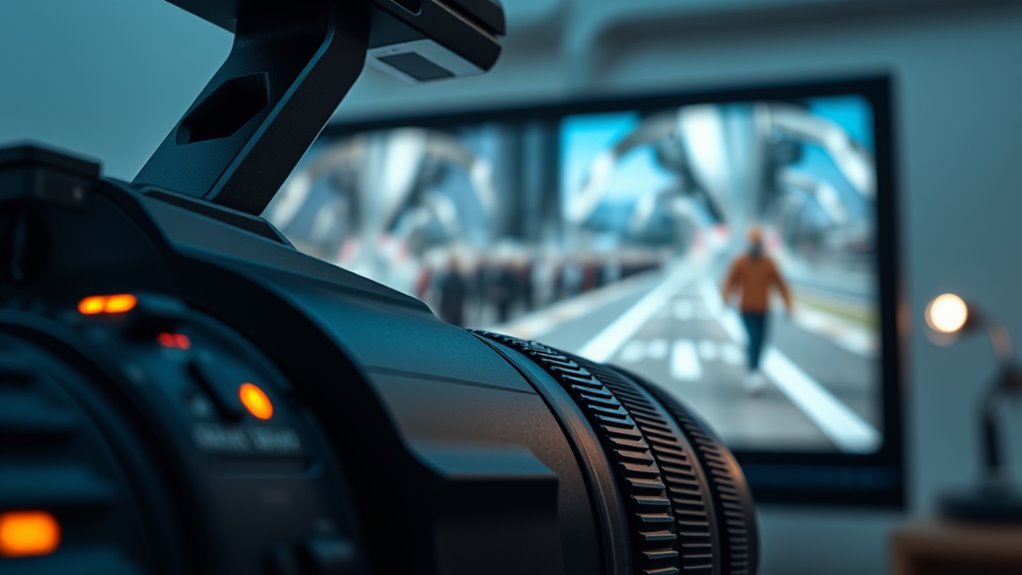
Frame rate matching relies on advanced technology embedded in modern displays and media players to synchronize content frame rates with the refresh rates of screens. This technology uses algorithms and hardware that analyze the incoming video signal and adjust playback dynamically. Some systems interpolate additional frames between original ones, creating smoother motion by estimating missing frames. Others adapt the display’s refresh rate to match the content’s frame rate, reducing judder. Devices like TVs and media players employ motion estimation and compensation techniques to achieve this. By aligning frame rates precisely, these systems eliminate judder and motion artifacts, providing a seamless viewing experience. Additionally, adaptive refresh rate technology enhances picture quality by responding to rapid scene changes in real time. This technology guarantees that fast-moving scenes look smooth and natural, enhancing overall picture quality without the need for manual adjustments. Frame rate synchronization is a key factor in delivering a flicker-free, cinematic experience, and the integration of real-time processing further improves overall performance.

Projector Dust Cover,Fit for Ceiling Mounted Projector and Universa Projector Waterproof,Dust-Proof, UV-Resistant Cover Oxford Cloth,Dimensions13.7" x 13.7" X 8.6"
Projector dust cover: Protect the projector surface from damage. Keep the projector clean and prevent it from being...
As an affiliate, we earn on qualifying purchases.
Step-by-Step Guide to Adjusting Frame Rate Settings on Your Devices
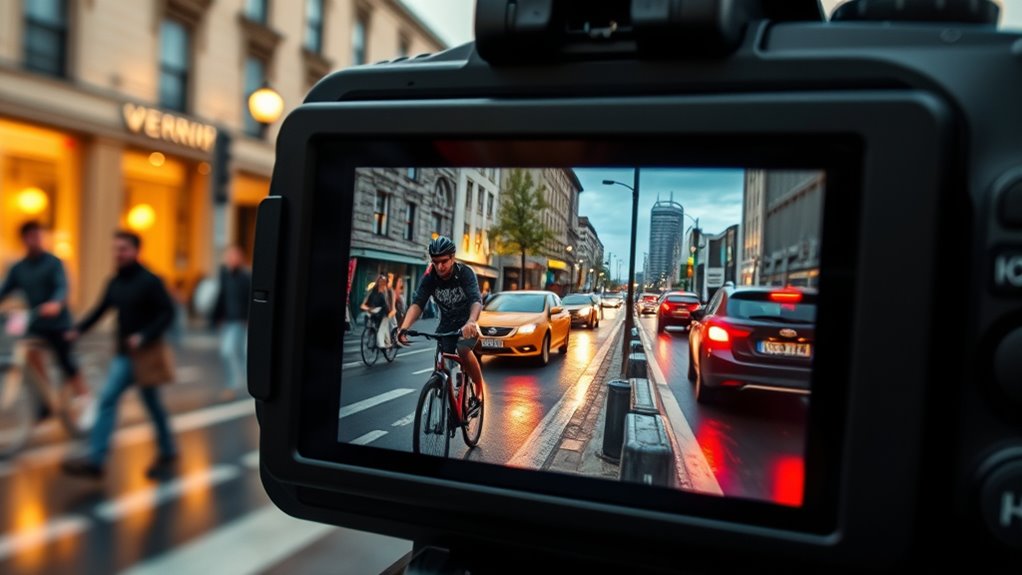
Adjusting the frame rate settings on your devices allows you to fine-tune how content appears on your screen, guaranteeing smooth motion and minimizing artifacts. To start, access your device’s display or video settings—this varies depending on the device. On smartphones and tablets, look for “Video” or “Display” options; on TVs, navigate through the menu using your remote. Find the frame rate or refresh rate setting and select the desired value, such as 24Hz, 30Hz, or 60Hz. Some devices automatically adjust based on content, while others let you set it manually. Confirm your content matches the device’s supported frame rates to prevent judder. After making adjustments, play your favorite movie or clip to check for smoothness. Fine-tuning these settings helps achieve cinematic motion and reduces distracting artifacts.
Tips for Optimizing Frame Rate Matching for Cinematic Quality
To achieve cinematic quality through frame rate matching, focus on selecting the right settings for your content and device. Start by adjusting your display’s refresh rate to match the original frame rate of your media. Use high-quality playback devices that support seamless frame rate conversion. Ensure your content is encoded at a consistent frame rate to prevent judder. Experiment with motion smoothing features, but turn them off if they cause unwanted artifacts. Finally, calibrate your display for color accuracy and contrast, enhancing overall cinematic feel. Paying attention to display calibration can further improve your viewing experience by ensuring colors and contrast are optimized for cinematic quality.
Frequently Asked Questions
Can Frame Rate Matching Be Adjusted During Live Streaming?
Yes, you can adjust frame rate matching during live streaming if your equipment and software support it. Many streaming platforms and devices offer real-time settings to synchronize frame rates, reducing judder and ensuring smooth playback. You just need to access the settings menu, find the frame rate options, and select the desired match. Keep in mind, not all setups support dynamic adjustments, so check your hardware capabilities first.
Does Frame Rate Matching Affect Battery Life on Portable Devices?
Yes, frame rate matching can affect your device’s battery life. When you enable it, your device works harder to synchronize frames, which increases power consumption. If you notice faster battery drain, you might want to disable or adjust this setting. Using lower frame rates or turning off matching during less demanding tasks can help conserve battery, ensuring your portable device lasts longer during your activities.
Are There Specific Movies or Genres That Benefit Most From Frame Rate Matching?
You’ll notice that action movies, sports, and fast-paced genres benefit most from frame rate matching. These types of content often have rapid movements and quick cuts, which can create judder or choppiness on some screens. By enabling frame rate matching, you guarantee smoother playback, making the experience more immersive and visually pleasing. So, if you watch a lot of high-speed content, turning on this setting considerably improves your viewing.
How Does Frame Rate Matching Interact With HDR and Color Settings?
When you enable frame rate matching, it seamlessly syncs your display’s refresh rate with your content, creating a smoother experience. This setting can enhance HDR and color settings by reducing flickering and judder, allowing vibrant hues and deep contrasts to shine more vividly. As a result, your movies become more immersive, with colors popping and motion feeling natural, pulling you deeper into every scene’s visual richness.
Is Frame Rate Matching Compatible With All Types of Display Technologies?
Frame rate matching isn’t compatible with all display technologies. You’ll find it works well with modern TVs like OLEDs and high-end LCDs, which support variable refresh rates. However, older or cheaper displays may struggle or display artifacts. Always check your device specifications first. If your display supports adaptive sync or similar features, you’ll likely get the best results, reducing judder and creating smoother motion.
Conclusion
Now that you know how frame rate matching works, imagine what you could access in your viewing experience. Will your next movie night be smoother, more cinematic, and free of distracting judder? The secret lies in mastering these settings. Don’t settle for less—dive into your device’s options and fine-tune them. The power to elevate your entertainment is in your hands. Are you ready to transform every scene into a flawless masterpiece?