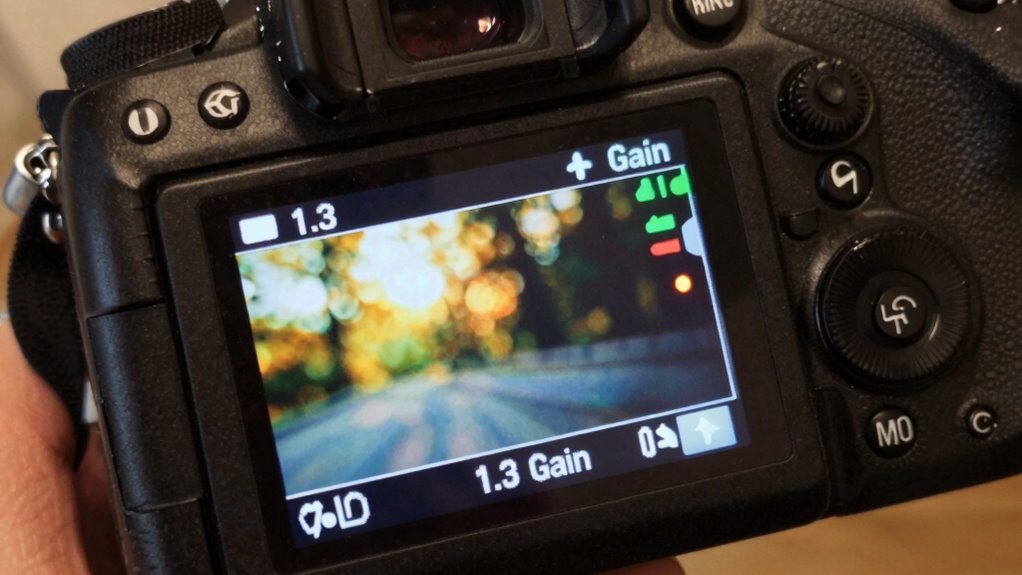

A higher gain, like 1.3, may seem better for a brighter image, but it’s not always ideal because it reflects more light, causing hotspots and reducing viewing angles. Too much gain can wash out contrast and details, especially if your room has ambient light. To get the best picture quality, you need to take into account your environment and screen setup. Keep exploring, and you’ll discover how to choose the right gain for your needs.
Key Takeaways
- Higher gain screens like 1.3 reflect more light for brightness but can cause hotspots and uneven image distribution.
- Gain choice should match ambient lighting; high gain suits bright rooms, while low gain is better for dark environments.
- Excessive gain reduces viewing angles and can diminish image sharpness, affecting overall picture quality.
- Low gain screens provide wider viewing angles and more uniform brightness, ideal for multi-viewer setups.
- Balancing gain ensures optimal brightness, contrast, and clarity without unwanted glare or hot-spot issues.

Golf Simulator Projector Cover - Floor Mounted Enclosure with Cooling Fan for Optimal Protection of Outdoor Golf Simulation Projectors - Compatible with Leading Golf Simulators and Projectors
✅【Economical Solution】The Golf Simulator Projector Cover offers a budget-friendly alternative to ceiling installations, allowing you to easily position...
As an affiliate, we earn on qualifying purchases.
Understanding the Concept of Screen Gain

Have you ever wondered why some screens look brighter or more vibrant than others? That’s often due to the screen’s gain, which measures how much light it reflects or transmits compared to a standard. Think of gain as a way to rate the screen’s brightness when hit by a projector’s light. A higher gain means the screen reflects more light, producing a brighter image, but it also affects viewing angles. Lower gain screens absorb more light, resulting in less brightness but wider viewing angles. Understanding gain helps you choose the right screen for your space and setup. It’s not just about brightness; it’s about how the image appears from different positions and under various lighting conditions. Additionally, contrast ratio plays a crucial role in image quality, especially in dark scenes. Moreover, selecting an appropriate screen gain can optimize both brightness and image quality depending on your environment.

Projector Dust Cover for Ceiling Video Projector at Home or Outdoor Installation, Waterproof Dustproof Protection Case, 14"x14"x 9"
Ultimate Protection: waterproof cover protects your video projector from dust, scratches, and water damage or other possible factors...
As an affiliate, we earn on qualifying purchases.
How Gain Affects Brightness and Image Quality
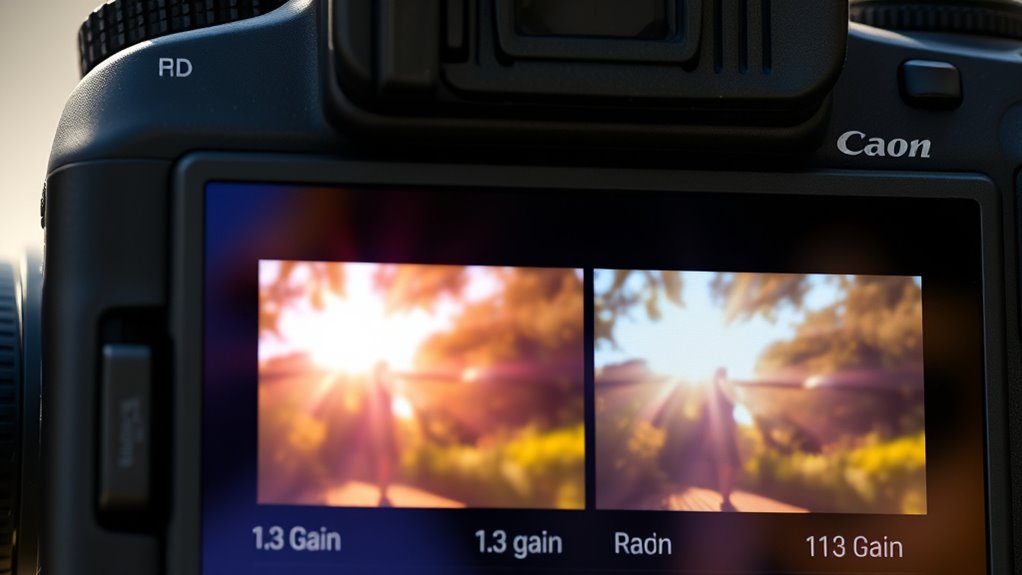
Higher gain screens can make images appear brighter, but they also influence image clarity and detail. You’ll notice that ambient light levels play a big role in how gain impacts your viewing experience. Understanding these factors helps you choose the right screen for ideal brightness and picture quality. In outdoor or well-lit environments, a higher gain screen can be advantageous for better visibility, especially when combined with natural lighting considerations.
Brightness Enhancement Factors
Ever wondered how gain influences the brightness and overall image quality of your display? Higher gain increases perceived brightness, making images appear more vibrant, especially in well-lit rooms. However, it can also introduce issues like hotspots and reduced uniformity. Gain acts as a brightness multiplier, affecting how light reflects off the screen. To understand this better, consider the table below:
| Gain Level | Effect on Brightness |
|---|---|
| 1.0 | Standard, even brightness |
| 1.2 | Slightly brighter, subtle hotspots |
| 1.3 | Noticeably brighter, potential hotspots |
| 1.5 | Very bright, hotspot risk increases |
| 2.0 | Extremely bright, significant hotspots |
Balancing gain ensures you get enough brightness without compromising image quality.
Image Clarity Impact
As gain increases, the impact on image clarity becomes more noticeable. Higher gain screens tend to produce brighter images, which can make details pop, but they often introduce a loss of sharpness. You might see a slight blurring or a reduction in fine detail, especially in high-contrast scenes. This is because increased gain causes light to reflect more unevenly, leading to hotspots and uneven brightness across the image. The result can be a less crisp picture, especially when viewed from the sides. While a higher gain boosts overall brightness, it can compromise clarity and sharpness. Striking the right balance is key, as too much gain may diminish the clarity you need for a sharp, detailed viewing experience.
Ambient Light Considerations
Ambient light plays a crucial role in how gain affects your projector’s brightness and overall image quality. High-gain screens reflect more light, making images brighter in well-lit rooms. However, too much ambient light can wash out the picture, reducing contrast and detail. Low-gain screens absorb more light, which helps maintain contrast but may need a brighter projector to compensate.
Consider these points:
- In bright rooms, a higher gain (around 1.3 or more) can improve visibility but may cause glare and hot spotting.
- In moderate lighting, a medium gain (around 1.0 to 1.1) balances brightness and image uniformity.
- In dark environments, low-gain screens deliver the best contrast and color accuracy, regardless of gain level.

Projector Dust Cover,Projector Cover Outdoor Case Protective,Dust-Proof,UV-Resistant,Moisture-Proof,Fit for Ceiling Video Mounted Equipment Enclosure Oxford,Cloth Drawstring(13.7" X 13.7" X 8.6")
【Projector Dust Cover Material and Design】: Mainly made of waterproof elastic Oxford cloth, with a sturdy and durable...
As an affiliate, we earn on qualifying purchases.
The Pros and Cons of Higher Gain Screens

Higher gain screens offer increased brightness, which can make images pop in well-lit rooms. However, this often comes at the expense of clarity, especially from off-center viewing angles. You’ll want to contemplate whether the enhanced brightness outweighs potential viewing limitations before choosing a higher gain screen. Additionally, understanding screen gain can help you select the optimal balance for your specific environment. Considering modern display technology can further assist in making an informed decision tailored to your setup.
Brightness vs. Clarity
Choosing a higher gain screen can markedly boost brightness, making images more vivid and easier to see in bright environments. However, this increased brightness often comes with trade-offs. Higher gain screens tend to reduce image clarity and uniformity, which can cause hotspots or uneven brightness across the screen. You might notice a loss of detail or contrast, especially at wider viewing angles.
Consider these points:
- Brightness improves visibility in well-lit rooms but may sacrifice image sharpness.
- Clarity decreases as gain increases, potentially leading to uneven image quality.
- Viewing angles narrow, making it harder to see a clear picture from the sides.
Balancing brightness and clarity is key to choosing the right screen for your needs.
Viewing Angle Limitations
While higher gain screens can make images brighter and more visible in well-lit rooms, they often limit your viewing angles. When you sit off-center, the picture may appear dimmer, washed out, or distorted. This happens because high gain surfaces focus light in a specific direction, reducing the viewing zone. Additionally, viewing angle limitations can cause discomfort or misperception of colors and contrast for viewers not directly in front of the screen. If you frequently watch with others or move around the room, this narrow angle can be frustrating. Conversely, lower gain screens offer wider viewing angles, ensuring everyone sees consistent image quality from different spots. If you prioritize a large audience or flexible seating arrangements, a high gain screen might not be ideal. Balancing brightness and viewing angle is key—consider your room layout and viewing habits before choosing a gain level. Additionally, selecting the right screen gain depends on understanding how it impacts overall viewing comfort. Incorporating an energetic alignment perspective can help you better understand how personal preferences and room dynamics influence your optimal choice. Recognizing the visual comfort implications of gain levels can also lead to a more satisfying viewing experience over time.

Projector Dust Cover,Fit for Ceiling Mounted Projector and Universa Projector Waterproof,Dust-Proof, UV-Resistant Cover Oxford Cloth,Dimensions13.7" x 13.7" X 8.6"
Projector dust cover: Protect the projector surface from damage. Keep the projector clean and prevent it from being...
As an affiliate, we earn on qualifying purchases.
When to Choose a Low or Medium Gain Screen

You should opt for a low or medium gain screen when your projection environment features ambient light that can’t be fully controlled. These screens help reduce washout and maintain image clarity despite background lighting. Choose a low or medium gain screen if:
- Your room has large windows or constant ambient light sources
- You can’t block or dim the lights effectively
- You want a wider viewing angle without sacrificing brightness
- Screen gain plays a key role in balancing brightness and image quality for your setup. Additionally, selecting the appropriate gain can help prevent image distortion caused by uneven light distribution. These screens distribute light more evenly, preventing hotspots and glare. They’re ideal for casual viewing, multi-seat setups, or spaces where controlling light is difficult. While they may produce less brightness than high-gain screens, they preserve picture quality across wider viewing angles and minimize reflections, ensuring everyone sees a clear image regardless of where they sit. Moreover, understanding projection surface properties can further enhance image performance in these conditions. A well-chosen surface can also mitigate issues like color washout and improve overall contrast.
Factors Influencing Your Ideal Gain Choice
Several key factors influence the ideal gain setting for your projection screen, and understanding them can help you make the best choice. Your room size, ambient light levels, and projector brightness play essential roles. For example, a bright room with lots of ambient light may benefit from a higher gain screen to improve brightness and contrast. Conversely, a dark room allows for a lower gain screen, reducing hot-spotting and providing a wider viewing angle. Additionally, considering screen material properties, such as reflectivity and texture, can further optimize your viewing experience. The application environment, including how the screen will be used—whether for casual viewing or professional presentations—can influence the ideal gain setting. Moreover, selecting the appropriate gain may also depend on the projector’s placement, which impacts the uniformity of the image and viewer experience.
Tips for Selecting the Right Screen Gain for Your Setup

Choosing the right screen gain involves balancing your room’s lighting conditions, size, and projector brightness. To select the best gain, consider these tips:
- Assess ambient light – For bright rooms, opt for a higher gain screen (around 1.3–1.5) to reflect more light and maintain image clarity.
- Match screen size to room dimensions – Larger screens in small rooms may need lower gain to prevent hotspots, while smaller rooms can handle higher gain screens.
- Evaluate projector brightness – If your projector is less luminous, a higher gain screen can compensate, but too much can cause glare and reduced contrast.
Frequently Asked Questions
How Does Ambient Light Impact Screen Gain Selection?
Ambient light considerably impacts your choice of screen gain. If your environment is brightly lit, a higher gain screen (like 1.3) can help reflect more light and improve image brightness. However, in darker rooms, a lower gain screen reduces glare and enhances image clarity. You should match your screen gain to your ambient lighting conditions for ideal viewing, avoiding overly reflective screens in dim settings.
Can Screen Gain Affect Contrast Ratio and Color Accuracy?
Did you know that higher screen gain can increase perceived contrast by up to 30%? Yes, screen gain directly affects contrast ratio and color accuracy. A higher gain reflects more light, making colors appear more vibrant and contrast sharper, especially in bright environments. However, it can also cause glare and reduce image uniformity. So, choosing the right gain depends on your room lighting and viewing preferences.
Are Higher Gain Screens Suitable for Outdoor or Bright Rooms?
Higher gain screens are generally suitable for outdoor or bright rooms because they reflect more light, making the image brighter and easier to see in well-lit conditions. If you’re in a space with lots of ambient light, a higher gain screen can improve visibility. Just keep in mind, though, that very high gain screens might cause hotspots or reduce image uniformity, so choose one that balances brightness and picture quality.
How Does Screen Size Influence the Ideal Gain Choice?
You might think bigger screens always need higher gain, but surprise! A larger screen spreads light thinner, so a lower gain like 1.0 or 1.1 often works better to keep images bright and avoid washout. When your screen grows, your gain should drop slightly, ensuring vivid images without that dreaded glare. Remember, bigger isn’t always better—just smarter. Choose your gain based on screen size, not size alone!
What Maintenance Considerations Are There for Different Gain Screens?
You should regularly clean your screen with a soft, lint-free cloth to prevent dust and fingerprints from impacting image quality. For higher gain screens, avoid harsh chemicals that could damage the surface; use a damp cloth instead. Check for any warping or damage, especially around edges, and make certain the screen remains taut. Proper maintenance preserves brightness and contrast, keeping your viewing experience sharp and vibrant over time.
Conclusion
Remember, higher gain isn’t always better—it’s about finding the right balance for your setup. A screen with too much gain can cause glare and wash out details, while too low might make your image dim. Think of it like Goldilocks: you want the one that’s just right. By understanding your space and needs, you’ll make smarter choices and enjoy a stunning, vibrant picture tailored to you. After all, “less is more” can often be true with screen gain.