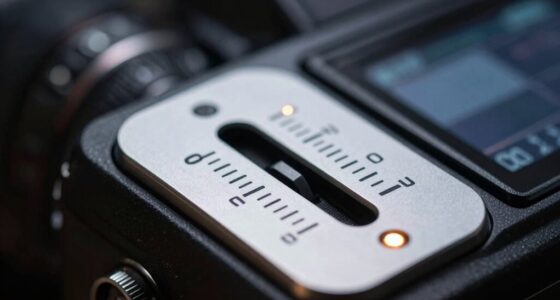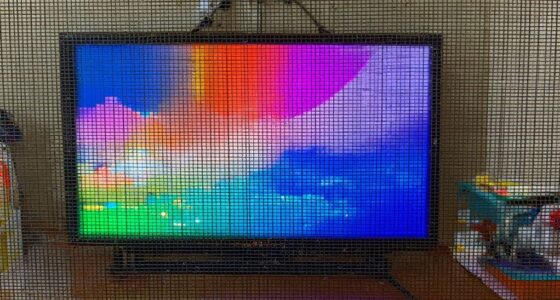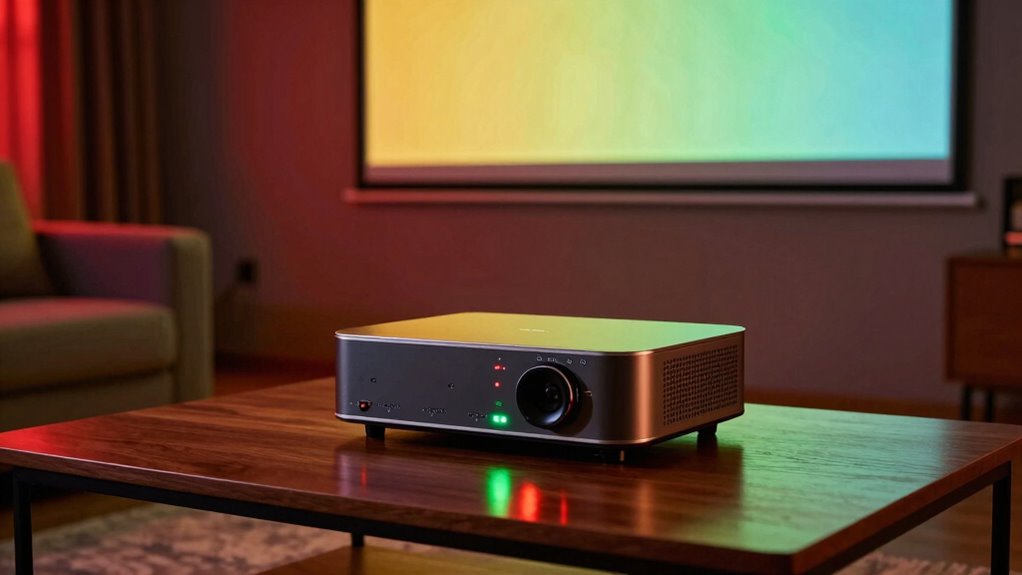

Setting up your movie night in just 15 minutes is easy by tweaking brightness, contrast, and color. Start by adjusting brightness based on your room’s lighting—raise it for bright environments and lower it for darker spaces. Fine-tune contrast to distinguish dark and light areas without washing out details. Use test patterns or scenes you know well to calibrate color, making skin tones and scenery look natural. Want to perfect your setup? Keep going to learn all the tips for a flawless viewing experience.
Key Takeaways
- Adjust brightness based on room lighting: higher in bright rooms, lower in dark settings to optimize contrast and reduce eye strain.
- Set contrast to distinguish dark and light areas without washing out details for a balanced picture.
- Use test patterns or calibration discs to fine-tune hue and saturation for natural, realistic colors.
- Minimize ambient light and glare to create a controlled environment, ensuring accurate calibration results.
- Sit directly in front of the screen at eye level, using familiar scenes to make final adjustments for optimal viewing.
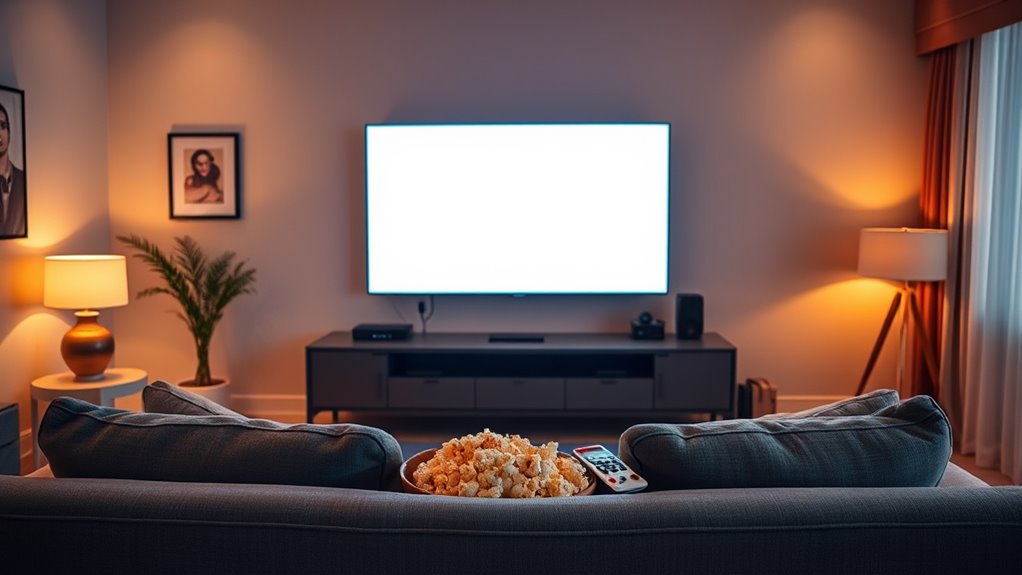
A great movie night doesn’t have to take hours to set up; with a quick 15-minute calibration, you can guarantee your viewing experience is perfect. The key lies in understanding your screen calibration and optimizing your viewing environment. First, start by adjusting your display’s brightness and contrast to suit your room’s lighting. If your space is brightly lit, increase the brightness slightly so dark scenes aren’t lost in shadows. Conversely, if you watch in a darker room, lower the brightness to prevent eye strain and achieve richer blacks. Contrast should be set higher enough to distinguish between dark and light areas, but not so high that details get washed out. These adjustments ensure your screen accurately reflects the scene’s intended depth and detail. Additionally, many modern displays include automatic calibration features that can help streamline this process. Next, focus on color calibration. Properly calibrated colors make the movie appear more vivid and true to the director’s vision. Use a test pattern or calibration disc, if available, to fine-tune color settings. Adjust the hue and saturation until skin tones look natural and colors are balanced across the spectrum. This step is essential because an improperly calibrated screen can make scenes look artificially oversaturated or dull, undermining the immersive experience. Remember, your viewing environment plays a significant role here. Ambient light influences how colors and contrast appear on-screen. If your room has lots of windows or bright lighting, consider blackout curtains or dimming lamps to create a controlled environment. This reduces glare and reflections, ensuring that your calibrations are accurate and consistent. Furthermore, pay attention to your seating position. Sit directly in front of the screen at eye level, so you’re not skewing your perception of brightness and color. Distance matters too—sitting too close can exaggerate imperfections, while sitting too far might diminish details. Once your setup feels right, do a quick review of a familiar scene—preferably one with varied lighting and colors—to see if further tweaks are necessary. The goal is to create a balanced viewing environment where your screen calibration shines, and every frame looks as intended. With these simple adjustments, you’ll enhance your movie night, making it more immersive and enjoyable without the need for complicated or time-consuming procedures. Just a few minutes of calibration ensures your movies look their best every time.

Portable Power Station 300W, GRECELL 230.88Wh Solar Generator with 60W USB-C PD Output, 110V Pure Sine Wave AC Outlet Backup Lithium Battery for Outdoors Camping Travel Home Blackout
【230.88Wh Capacity, 330W Output】330W (600W surge) pure sine wave supports most laptops, tablets, phones, lights, fans, CPAP medical...
As an affiliate, we earn on qualifying purchases.
Frequently Asked Questions
Can Calibration Improve Gaming Visuals as Well as Movies?
Yes, calibration can improve gaming visuals just like movies. By fine-tuning brightness, contrast, and color, you enhance visual clarity, making details pop and reducing eye strain. This setup offers better gaming enhancements, allowing you to see enemies, environments, and in-game objects more clearly. Proper calibration guarantees your display delivers the best possible image quality, giving you a competitive edge and a more immersive gaming experience.
How Often Should I Calibrate My Home Theater Setup?
You should calibrate your home theater setup at least once every six months to maintain ideal display calibration. Regular calibration ensures your display matches your viewing environment, preventing color shifts and brightness issues. Factors like lighting changes, bulb aging, or screen placement can affect image quality. By re-calibrating periodically, you keep your visuals sharp, vibrant, and true to life, enhancing your overall viewing experience.
Is Professional Calibration Worth the Cost?
Think of your home theater as a canvas needing expert touch. Yes, professional calibration is worth the cost because it uses specialized equipment to reveal the full potential of your display. The calibration benefits include perfect color accuracy, ideal contrast, and vibrant brightness, transforming your viewing experience into a cinematic masterpiece. Investing in professional calibration guarantees every scene feels alive, immersive, and emotionally resonant—making every movie night extraordinary.
What Tools Are Best for DIY Calibration?
For DIY calibration, you’ll want reliable calibration tools like a colorimeter or spectrophotometer to guarantee color accuracy. Popular options include the X-Rite i1Display series or the Datacolor SpyderX. These tools help you fine-tune your display’s brightness, contrast, and color settings easily. With proper calibration tools, you can achieve professional-looking results at home, making your movie nights more immersive and visually accurate.
Can Calibration Fix Color Inconsistencies From Content Sources?
Think of color inconsistencies as a painting with stray strokes—you can fix them with proper source device calibration. Calibration adjusts your display to match the intended color grading, ensuring the source content appears accurately. While it can improve uniformity, it may not completely eliminate all discrepancies caused by different content sources. Regular calibration helps maintain consistent colors, but some variations might still exist due to the original content’s quality or encoding.

Portable Power Station 600W Surge, 288Wh (90,000mAh) Solar Generator, LiFeP04 Battery with 300W AC Outlets, Power Bank for Outdoor Camping, CPAP, Traveling, Home & Emergency
350W Powerful Output for Multi-Device Charging Needs: This portable power station boasting 350W continuous power output and a...
As an affiliate, we earn on qualifying purchases.
Conclusion
In just 15 minutes, you can dramatically improve your movie night experience by adjusting brightness, contrast, and color. Did you know that properly calibrated screens can reduce eye strain and enhance picture clarity? It’s a quick investment of time with big rewards—more immersive movies and less frustration. So, grab your remote, follow these simple steps, and enjoy every scene as the director intended. Your perfect movie night starts with just a few easy tweaks!

HOWEASY Portable Power Station,120W(240W Peak) Solar Generator,88Wh Lithium Battery Power with 110V AC Outlet/DC/USB/LED Light for Outdoor Camping Trip Hunting Emergency(Solar Panel Optional)
Efficient Output: This portable power station features 8 output ports, including 2 AC sockets (110V 120W, 240W peak),...
As an affiliate, we earn on qualifying purchases.

240W Portable Power Station 154Wh/48000mAh, 100W USB-C PD(Dual Way) LiFePO4 Battery Power Bank Station, 7 ports Solar Generator with LED and Stand for Camping, Home, Travel(Wall Charger Not Included)
[FAST CHARGING] GRECELL 240W portable power supply with 153.6Wh/48000mAh capacity, equipped with 5 output ports and 2 input...
As an affiliate, we earn on qualifying purchases.