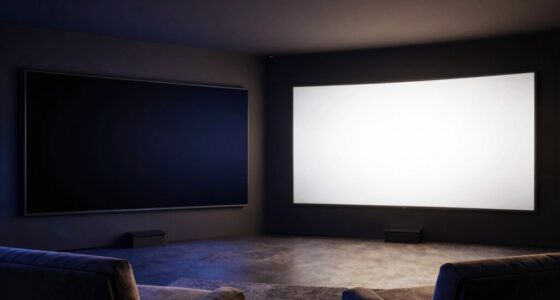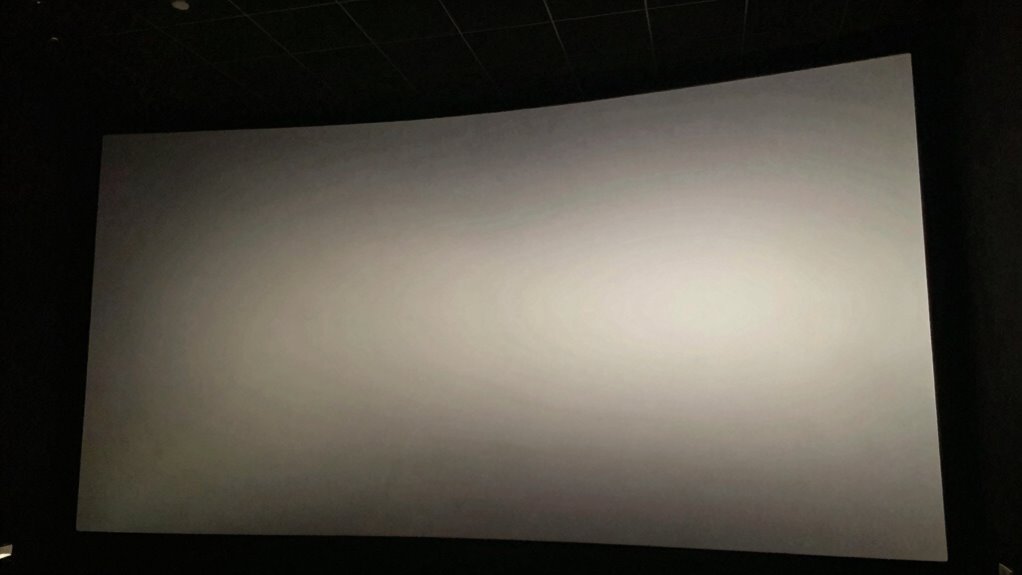
The most overlooked reason your home theater images look flat is poor lighting control. Uncontrolled ambient light, reflections, and glare wash out contrast and diminish depth, making images appear less vibrant and three-dimensional. Bright lights and external light sources can weaken blacks and highlights, reducing overall picture quality. Proper lighting adjustments, such as blackout curtains and dimmable lights, can dramatically improve contrast and realism. If you want to bring your visuals to life, there’s more to uncover.
Key Takeaways
- Inadequate screen calibration can cause colors and contrast to appear washed out, reducing perceived depth.
- Poor lighting control leads to reflections and glare, washing out contrast and flattening image appearance.
- Improper screen placement increases reflections and external light interference, diminishing image dimensionality.
- Insufficient contrast and gamma adjustments prevent images from achieving true black levels and highlight separation.
- Overlooking ambient light management diminishes contrast and color vibrancy, making images look flat and less immersive.
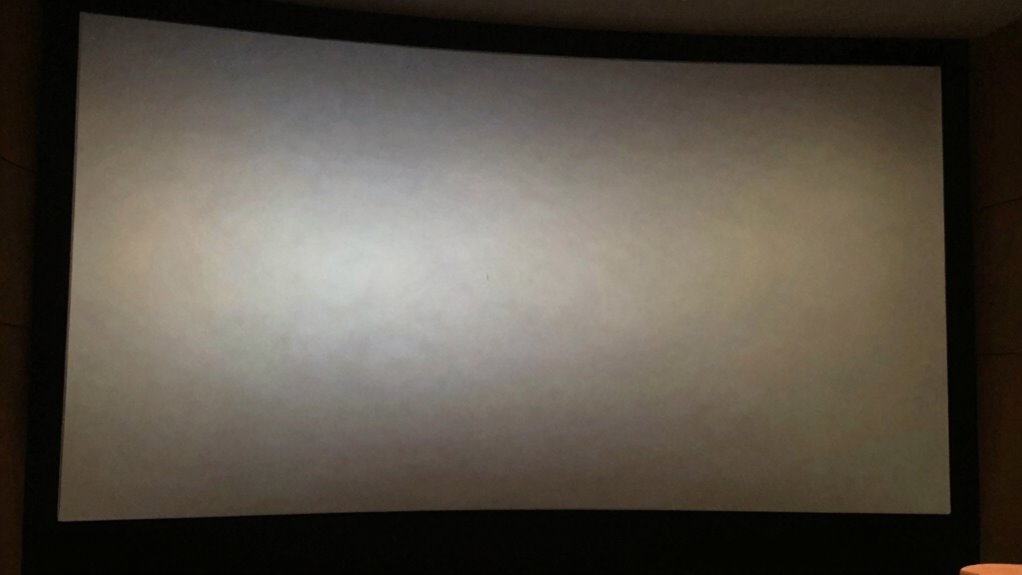
Have you ever wondered why your home theater images sometimes look flat and lacking depth? One of the most overlooked reasons is often related to lighting inconsistencies and poor screen calibration. These subtle issues can make a huge difference in how immersive your viewing experience feels, yet many people don’t realize they’re the root of the problem. When lighting isn’t properly managed or your screen isn’t calibrated correctly, the picture can lose its dimensionality, leaving everything appearing dull and lifeless.
Lighting inconsistencies are a common culprit. If your room’s lighting isn’t controlled, reflections, glare, or uneven light levels can wash out the contrast on your screen. Bright ambient light hitting the surface diminishes the ability to see deep blacks and bright highlights, which are essential for creating a sense of depth. Even small sources of light, like lamps or windows, can interfere with the image quality. To fix this, you want to eliminate or minimize ambient light, use dimmable lights, and consider blackout curtains. This creates a darker environment that allows your display’s contrast and color to shine through, giving the picture more three-dimensionality. Understanding how lighting conditions impact image quality can help you achieve better visual depth. Additionally, paying attention to screen placement can further reduce unwanted reflections and glare. Proper lighting control techniques are essential for enhancing overall picture quality.
Screen calibration is equally critical. If your projector or TV isn’t properly calibrated, the image may not display accurate colors, contrast, or brightness levels. This can flatten the picture, making it look washed out or overly uniform. Proper calibration ensures the contrast ratio is optimized, dark blacks and bright whites are properly rendered, and colors are true to life. Many home theater enthusiasts overlook this step, assuming their devices are set up correctly out of the box. But even minor adjustments to contrast, gamma, or color temperature can significantly enhance the perceived depth of your images. Regular calibration, whether through professional services or calibration tools, helps maintain the integrity of your display. Screen calibration techniques can help you achieve more accurate and immersive visuals. Furthermore, understanding the impact of environment on image quality can help you make more informed adjustments. It’s also beneficial to regularly revisit calibration settings as your equipment or room conditions change over time.
Ultimately, addressing lighting inconsistencies and ensuring your screen is calibrated correctly can transform flat, dull images into vibrant, immersive visuals. When your environment is properly controlled and your display settings are optimized, you’ll notice a marked improvement in how three-dimensional and lifelike your home theater looks. Don’t underestimate these often-overlooked factors — they hold the key to unlocking the full potential of your home viewing setup. Proper attention to lighting and calibration isn’t just about picture quality; it’s about creating a true cinematic experience right in your living room.

Grichril Home Theater Curtains Room Separator, 1 Panel
- Product Type: Home theater curtain panel with hooks
- Dimensions: 180 inches wide x 96 inches long
- Blackout Material: Triple-weave 230GSM polyester fabric
As an affiliate, we earn on qualifying purchases.
As an affiliate, we earn on qualifying purchases.
Frequently Asked Questions
How Does Room Lighting Affect Home Theater Image Depth?
Room lighting greatly impacts your home theater image depth. High ambient brightness can cause light reflection on the screen, reducing contrast and making images appear flatter. To enhance depth, keep ambient light low and use controlled lighting sources. This minimizes unwanted reflections and boosts contrast, allowing your images to pop with richer detail. Proper lighting guarantees you experience a more immersive, three-dimensional look, avoiding the flat appearance caused by excessive ambient brightness and reflections.
Can Projector Lens Quality Impact Image Flatness?
Yes, projector lens quality can impact image flatness. Poor lens coatings may cause glare or lens flare, reducing contrast and image depth. Additionally, if your focus adjustment isn’t precise, the image can appear blurred or flat, losing that sense of dimension. Investing in a high-quality lens with good coatings and ensuring proper focus adjustment helps maintain sharp, vibrant images with better depth, preventing that flat look.
Does Screen Material Influence Perceived Image Depth?
Yes, screen material influences perceived image depth. A smooth screen texture reflects light uniformly, enhancing the sense of depth, while a textured surface can cause light scatter, making images appear flatter. Your viewing distance also plays a role; sitting closer can increase perceived depth, as details become more apparent. Choosing the right screen material and ideal viewing distance helps create a more immersive, three-dimensional home theater experience.
How Do Color Calibration Settings Affect Image Perception?
Color calibration settings directly impact how you perceive image depth and realism. If your display isn’t properly calibrated for color accuracy, images may look washed out or overly flat, diminishing depth. Using calibration tools helps fine-tune these settings, ensuring the colors are true to life. When your display is accurately calibrated, you’ll notice richer contrasts and more vibrant images, creating a more immersive home theater experience with better perceived image depth.
What Role Does Audio Setup Play in Visual Experience?
Imagine immersing yourself in a scene where every whisper and explosion feels like it’s happening right beside you. Your audio setup plays a crucial role in this experience, with sound clarity bringing details to life and precise speaker placement creating a realistic soundscape. When these elements are optimized, visuals aren’t just seen—they’re felt. Proper audio enhances depth, making flat images leap off the screen, transforming your home theater into a dynamic, sensory adventure.
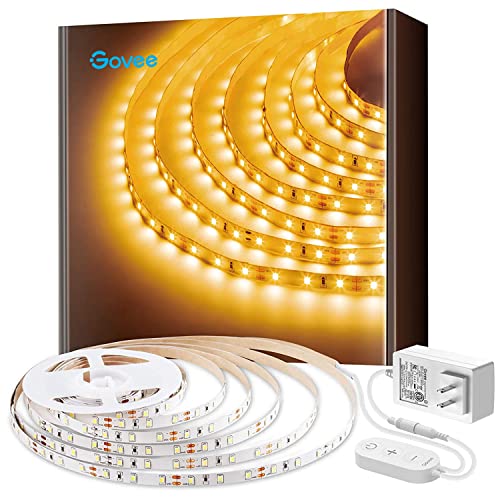
Govee Warm White LED Strip Lights 16.4ft with Control Box, 3000K, Dimmable
- Warm White Illumination: 300 LEDs, 3000K color temperature
- Adjustable Brightness: 6 dimming levels via control box
- Easy Installation: Strong adhesive and clips included
As an affiliate, we earn on qualifying purchases.
As an affiliate, we earn on qualifying purchases.
Conclusion
So, next time your home theater images look flatter than a pancake, remember it’s probably because you skipped the basics—like proper lighting and contrast. Think of your screen as a window, not a wall, and give it some actual depth. Otherwise, your cinematic masterpiece will resemble a 2D doodle, and you’ll be stuck wondering why your popcorn can’t save your flat, lifeless visuals. Who knew the secret to 3D magic was just a few simple tweaks?

New Sony Calibration Mic Measurement Microphone ECM-AC2 Part Number 154277421 1-542-670-21 154271011 1-542-710-11 154267021 1-542-774-21, Auxiliary
- Genuine Sony ECM-AC2 Microphone: Calibration microphone for Sony AV systems
- Compatible with Most Sony Receivers: Supports calibration for about 150 models
- Ensures Accurate Speaker Calibration: Helps achieve correct speaker output levels
As an affiliate, we earn on qualifying purchases.
As an affiliate, we earn on qualifying purchases.

Mdbebbron 120 inch Projector Screen 16:9 Foldable Anti-Crease Portable Projector Movies Screens for Home Theater Outdoor Indoor Support Double Sided Projection
- Portable and Lightweight: Foldable design for easy transport
- Versatile Usage: Suitable for home, office, outdoor, and more
- Anti-Crease Material: Made of thick, smooth polyester fabric
As an affiliate, we earn on qualifying purchases.
As an affiliate, we earn on qualifying purchases.