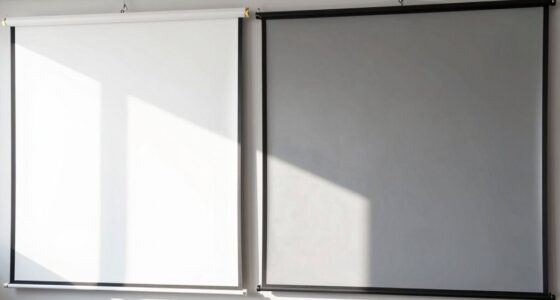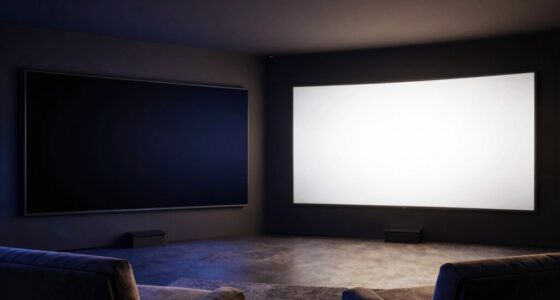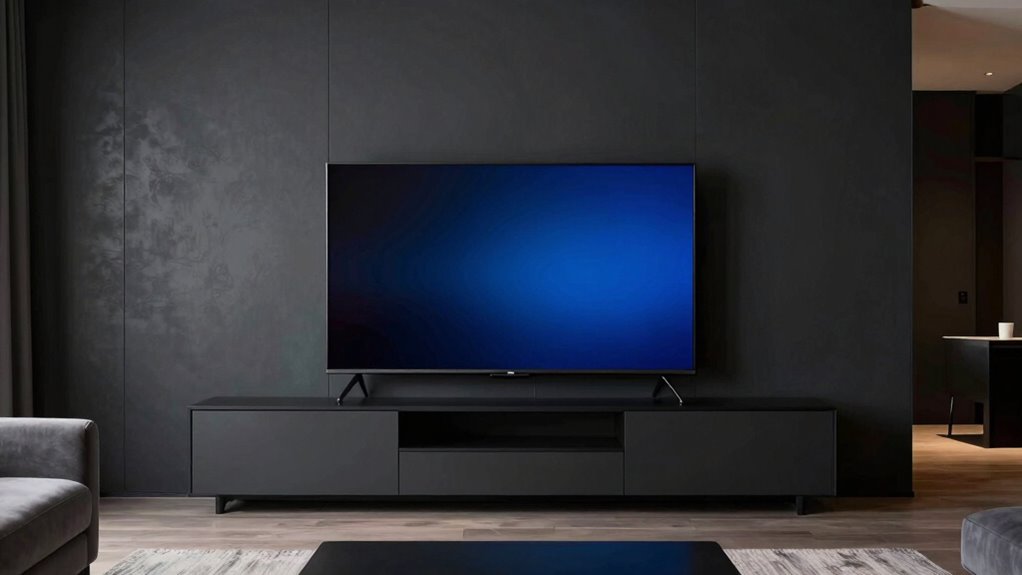

To improve your screen perception with darker front-wall decor, opt for shades like charcoal or deep navy that absorb light and reduce glare. Combine this with soft, indirect lighting to prevent reflections and keep the room balanced. This setup boosts contrast, making images more vibrant and text easier to read. A few simple adjustments can create a more focused, comfortable viewing space—keep exploring to discover even more ways to optimize your environment.

Get audio and creator gear delivered free — and shop member deals
- Fast, free delivery on millions of items
- Access to Prime Big Deal Days deals on October 6–7
- Prime Video, Amazon Music and more included
Key Takeaways
- Use dark matte wall colors like charcoal or navy to absorb light and reduce screen glare.
- Incorporate soft, indirect lighting to enhance contrast without causing reflections.
- Ensure the wall decor minimizes reflections by avoiding glossy or shiny finishes.
- Adjust room lighting to balance brightness, preventing harsh shadows and improving screen clarity.
- Choose decor that combines aesthetic appeal with functional benefits for sharper, more vivid screen perception.
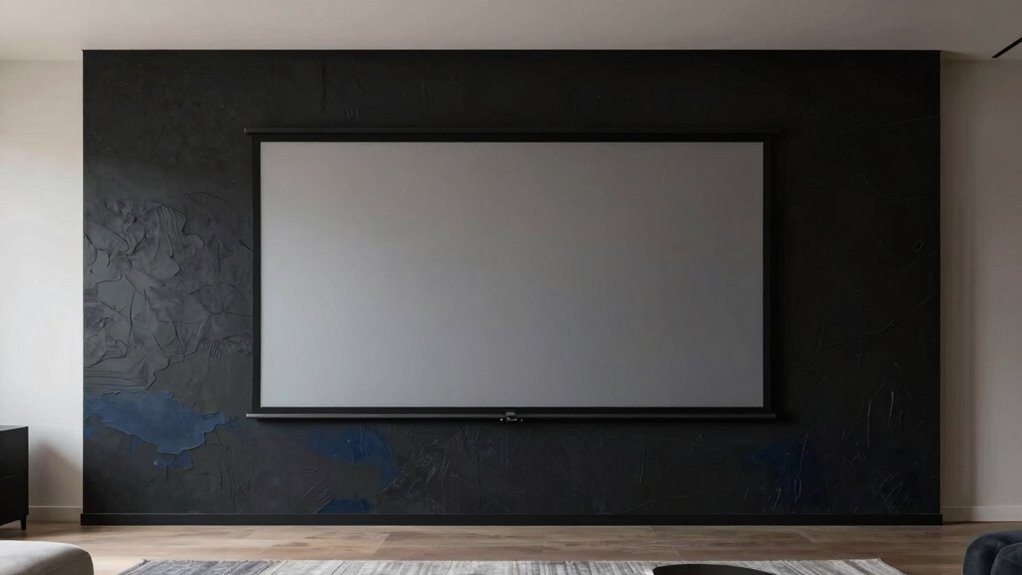
Have you ever struggled to interpret what you see on a screen clearly? Sometimes, the environment around your screen can make a big difference in how well you perceive images, videos, or text. One effective way to improve your screen perception is by adjusting your front-wall decor, especially by opting for darker tones. A darker front wall can markedly influence the lighting ambiance in your space, creating a more controlled environment that minimizes glare and reflections. When the surrounding wall is darker, it absorbs more light instead of bouncing it back into your eyes, which helps you focus better on the screen without distractions. This setup reduces eye strain and makes details pop more vividly, giving you a clearer, crisper view.
Darker wall decor reduces glare, enhances contrast, and creates a focused, comfortable viewing environment.
Color contrast plays an essential role in how well you can distinguish objects and text on your screen. When your wall decor is darker, it enhances this contrast, making the colors on your display stand out more sharply against the background. For example, if you’re watching a movie or working on detailed graphic design, the darker backdrop amplifies the differences between various hues, giving you richer visuals and more accurate perception. You’ll notice that images appear more vibrant and text is easier to read, which is especially helpful during long viewing sessions or when working on precision tasks.
Lighting ambiance is another pivotal factor that interacts with your wall color. The right lighting setup complements darker walls by providing just enough ambient light without causing glare. Soft, indirect lighting works best here, as it helps balance the room’s overall brightness, preventing your screen from becoming a reflection magnet. When the lighting ambiance is carefully calibrated, your screen’s clarity improves because you’re not fighting against harsh light sources or excessive shadows. Additionally, understanding the importance of lighting environment can help you optimize your space for better visual perception. Adjusting the lighting setup to suit darker walls can further enhance your viewing comfort and reduce eye fatigue.
Incorporating darker front-wall decor doesn’t mean you need to sacrifice style. You can choose shades like charcoal, deep navy, or matte black—colors that add sophistication while serving the practical purpose of improving your viewing experience. The key is to select a hue that absorbs light rather than reflects it, ensuring that your screen remains the focal point. When combined with appropriate lighting ambiance and attention to color contrast, this simple change can dramatically enhance how you perceive everything on your screen, making your digital interactions more comfortable and visually precise.
dark matte wall paint for home theater
As an affiliate, we earn on qualifying purchases.
As an affiliate, we earn on qualifying purchases.
Frequently Asked Questions
Can Darker Decor Affect Room Brightness and Natural Light?
Darker decor can affect room brightness and natural light by increasing wall color contrast, which makes the space feel more intimate but potentially dimmer. When you use darker shades, they absorb more ambient light, reducing overall brightness. To counteract this, you should maximize natural light through windows and consider strategic lighting, ensuring your room remains inviting and well-lit, even with a darker front-wall decor.
What Types of Dark Wall Colors Work Best for Screen Clarity?
Think of your wall colors as the stage for your screen—clashing colors can drown out clarity. Opt for deep, matte shades like charcoal gray, navy blue, or rich espresso that provide excellent color contrast without glare. These dark hues enhance wall aesthetics while reducing reflections, making your screen pop. Keep the finish non-reflective to maximize clarity, and you’ll create a perfect backdrop that amplifies your viewing experience.
Does Wall Texture Impact Screen Visibility With Darker Backgrounds?
Wall texture definitely impacts screen visibility with darker backgrounds. A smooth wall surface absorbs less light, reducing glare and reflections that can interfere with your viewing experience. Textured surfaces tend to scatter light, which can diminish contrast and clarity on the screen. To optimize your setup, opt for a matte, smooth wall surface that minimizes light absorption issues and keeps your screen clear and easy to see.
Are There Specific Lighting Adjustments Needed With Darker Decor?
Think of your room as a stage, where lighting sets the mood. With darker decor, you’ll need to adjust ambient lighting to brighten the scene without washing out the screen. Use softer, indirect light that enhances color contrast, making images pop. Avoid harsh lights that cause glare, and aim for a balanced glow that complements your dark backdrop, ensuring your screen remains vivid and sharp like a spotlight on a performer.
How Do Darker Front-Wall Decor Choices Influence Room Acoustics?
Darker front-wall decor influences room acoustics by absorbing sound, reducing echoes, and improving overall clarity. The increased color contrast draws your visual focus toward the screen, making it easier to concentrate. You’ll notice a quieter environment with less reverberation, which enhances your viewing experience. To optimize this effect, combine darker decor with strategic placement of sound-absorbing materials, ensuring balanced acoustics and a sharper visual focus on your screen.
indirect LED ambient lighting for TV room
As an affiliate, we earn on qualifying purchases.
As an affiliate, we earn on qualifying purchases.
Conclusion
Now that you’ve explored the secrets of darker front-wall decor, imagine the transformation waiting to unfold. As you step back, your screen becomes a portal into vivid worlds, sharper and more immersive than ever before. The shadows and contrasts you’ve introduced hold the power to elevate every scene, every detail, right before your eyes. Are you ready to access this hidden potential and truly redefine your viewing experience? The perfect cinematic escape is just a decor change away.
anti-glare wall decor for media room
As an affiliate, we earn on qualifying purchases.
As an affiliate, we earn on qualifying purchases.
vivid display screen calibration accessories
As an affiliate, we earn on qualifying purchases.
As an affiliate, we earn on qualifying purchases.
Fall Picks
fall essentials
As an affiliate, we earn on qualifying purchases.