
If you mostly watch TV shows, streaming, and gaming, you’ll probably prefer the 16:9 aspect ratio, as it fits most screens and offers a comfortable, balanced view. But if you’re into movies or want a cinematic experience at home, 2.35:1 provides a wider, more immersive look that emphasizes vast landscapes and film-style visuals. To discover which setup best suits your habits and space, explore how each ratio enhances your viewing experience.
Key Takeaways
- 16:9 is ideal for everyday viewing on TVs, streaming, gaming, and casual use due to its compatibility with most devices.
- 2.35:1 enhances cinematic experiences, perfect for movies and home theaters seeking a wide, immersive visual impact.
- Use 16:9 for content that benefits from vertical detail, like TV shows and online videos; choose 2.35:1 for expansive landscapes and epic scenes.
- Larger screens and projectors are better suited for 2.35:1 to fully appreciate its panoramic scope; smaller screens often favor 16:9.
- Your choice depends on content type, device setup, and viewing environment—use 16:9 for versatility and 2.35:1 for cinematic immersion.
Top picks for "aspect ratio fits"
Open Amazon search results for this keyword.
As an affiliate, we earn on qualifying purchases.
Understanding Aspect Ratios: What Do They Mean?

Have you ever wondered what aspect ratios really mean? Essentially, aspect ratios describe the width and height of a display or image, expressed as a ratio. For example, a 16:9 ratio means the width is 16 units for every 9 units of height. This measurement helps determine the shape and how content fits on your screen. Different aspect ratios are suited for various types of media and viewing experiences. A wider ratio offers a more cinematic feel, while a taller, narrower one emphasizes vertical space. Additionally, selecting the appropriate aspect ratio can influence the projector’s image quality and overall viewing experience. Knowing the standard aspect ratios used in different devices can help you make better choices for your entertainment setup. Understanding these ratios helps you choose the right screen or format for your needs, whether you’re watching movies, playing games, or creating content. It’s about matching the shape of your display to how you want to experience visual media.
The Visual Differences Between 16:9 and 2.35:1
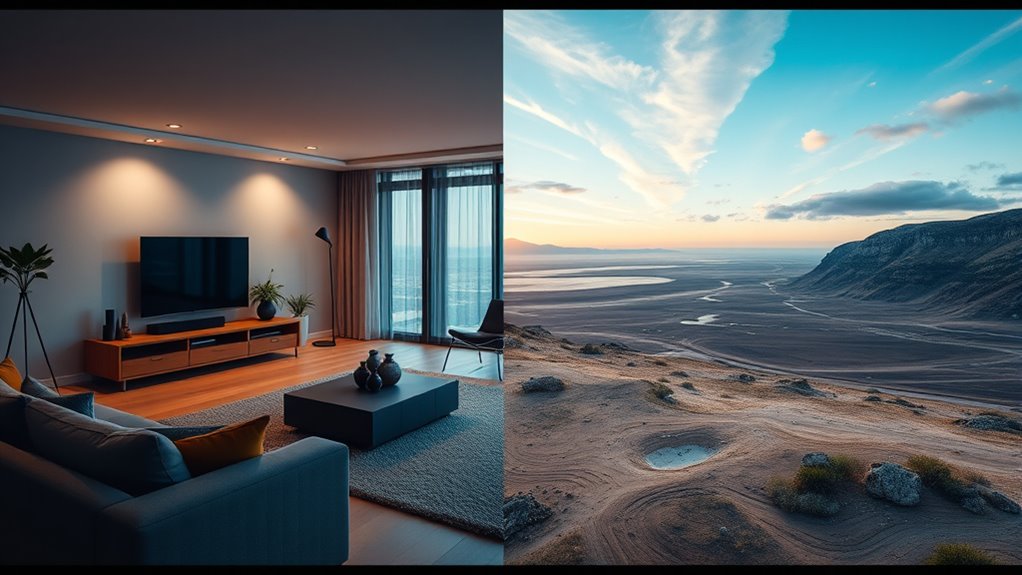
What exactly makes 16:9 and 2.35:1 visually distinct? 16:9 is more square, emphasizing height, making it ideal for TV shows and streaming. 2.35:1 is wider, creating a panoramic effect that immerses you in movie landscapes. This difference impacts how scenes are framed: 16:9 often shows more vertical content, while 2.35:1 captures expansive horizontal vistas. Additionally, aspect ratio influences the viewer’s perception of space and storytelling style. The choice of aspect ratio can also affect how viewers perceive the visual storytelling and emotional impact of a scene. Here’s a visual comparison:
| Feature | 16:9 | 2.35:1 |
|---|---|---|
| Shape | More square | Very wide, elongated |
| Typical Use | TV, online videos | Cinema, epic landscapes |
| Visual Effect | Focus on vertical detail | Immersive, sweeping view |
| Content Framing | More contained | Broad, expansive scenes |
Common Uses for 16:9 in Modern Media

The 16:9 aspect ratio dominates modern media because it perfectly balances width and height for versatile viewing experiences. You’ll find it everywhere—TV broadcasts, streaming platforms, and online videos all use this ratio. It works well for live sports, news programs, and TV shows, providing a broad view that captures more of the scene without sacrificing clarity. Many modern smartphones and tablets also adopt 16:9, making it easy for you to watch videos on portable devices. Additionally, gaming consoles and computer monitors commonly use this aspect ratio, ensuring compatibility across devices. Its universal adoption means you don’t need to switch formats or worry about black bars, making 16:9 the go-to choice for everyday media consumption.
When 2.35:1 Is the Preferred Choice for Films
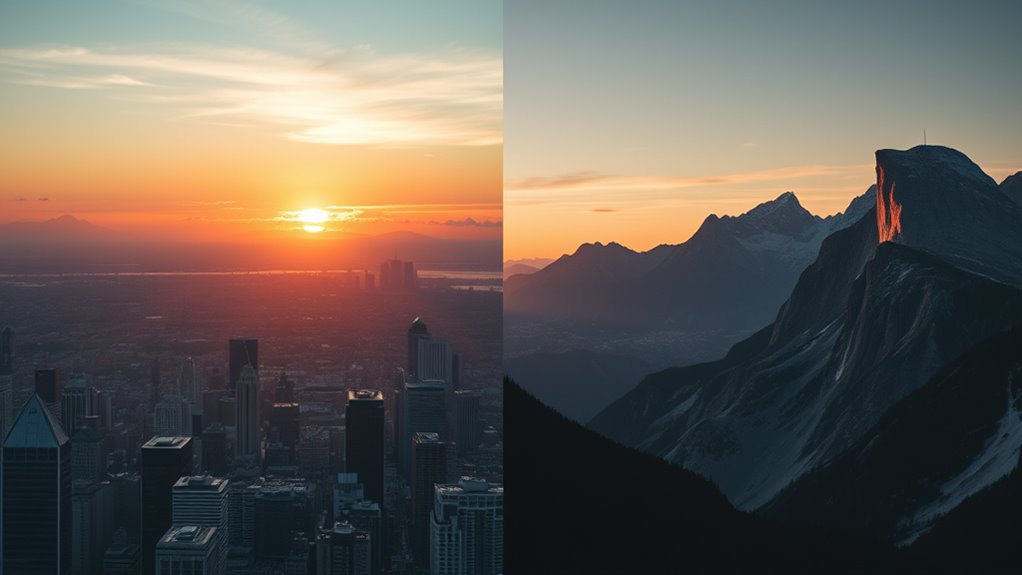
When a film aims to create a cinematic immersion effect, the 2.35:1 aspect ratio often becomes the top choice. It enhances the classic film aesthetic by emphasizing wide vistas and detailed compositions. If you want viewers to feel transported into a grand, visually stunning world, 2.35:1 is the way to go. Additionally, this aspect ratio allows for free floating elements within the frame, contributing to a more dynamic and engaging viewing experience.
Cinematic Immersion Effect
Choosing the 2.35:1 aspect ratio for films enhances cinematic immersion by creating a wider, more expansive visual experience. It draws you into the story, making scenes feel larger-than-life and more engaging. This aspect ratio emphasizes the scope of the film, heightening emotional impact and audience involvement.
Consider these key effects:
- It widens the field of view, revealing more of the environment and surrounding details.
- It directs your focus toward the central action, minimizing distractions.
- It fosters a sense of grandeur, making scenes appear more epic.
- It heightens emotional responses by immersing you deeper into the narrative world.
This ratio transforms your viewing experience into something more cinematic, pulling you into the story like never before.
Classic Film Aesthetic
Opting for the 2.35:1 aspect ratio can evoke a timeless, classic film aesthetic that many audiences associate with traditional cinema. This wide format emphasizes expansive landscapes, grand compositions, and a cinematic feel that transports you back to the golden age of filmmaking. It’s ideal for storytelling that benefits from visual grandeur and spectacle, giving your film a distinguished, artistic look. The elongated frame draws your focus to intricate details across the scene, enhancing storytelling depth.
| Feature | Effect |
|---|---|
| Wide Canvas | Creates a cinematic, epic feel |
| Letterboxing | Preserves traditional film aesthetics |
| Visual Depth | Adds grandeur and emotional impact |
How Aspect Ratios Affect Your Viewing Environment
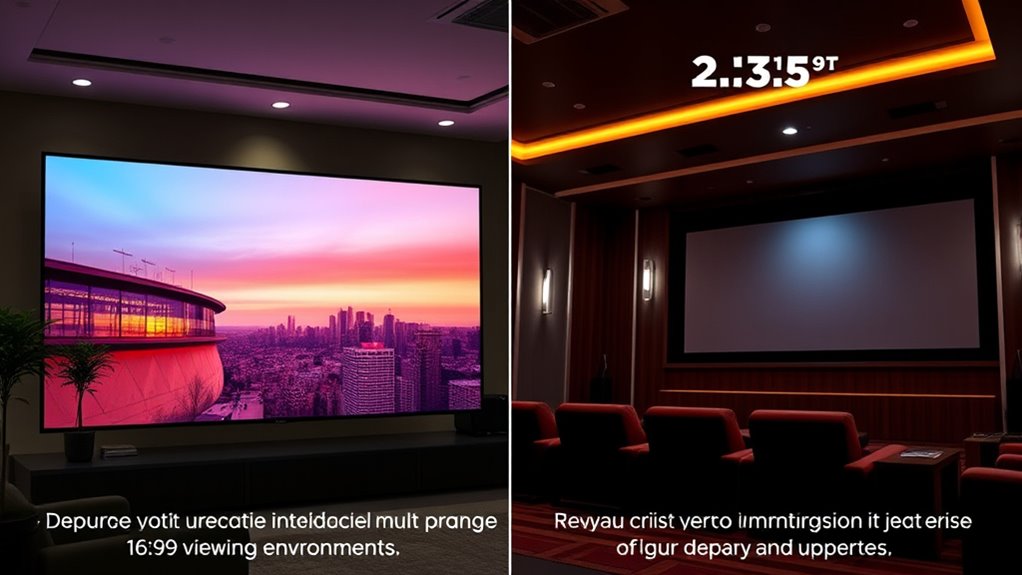
Your viewing environment is directly influenced by the aspect ratio of your display and content. It shapes how immersive or constrained your experience feels. Here are four ways aspect ratios impact your environment:
Aspect ratios shape your viewing experience, influencing immersion, framing, comfort, and content compatibility.
- Screen Space: Wider ratios like 2.35:1 create expansive views, filling your peripheral vision.
- Framing: The ratio determines whether scenes feel wider or taller, affecting immersion.
- Viewing Comfort: Narrower ratios like 16:9 are more suited for everyday use and reduce eye strain.
- Content Compatibility: Certain ratios suit specific genres, influencing how you perceive action, landscapes, or dialogue. Additionally, understanding the content safety implications of different aspect ratios can help prevent discomfort or unintended viewing experiences.
Understanding these effects helps you choose the right display setup, maximizing comfort and engagement in your viewing experience.
Content Types Best Suited for Each Ratio

Have you ever wondered which aspect ratio best showcases different types of content? For movies and epic cinematic scenes, 2.35:1 is ideal because it captures wide landscapes and immersive visuals, giving you a theater-like experience. If you’re watching TV shows, news, or streaming videos, 16:9 works best since it aligns with most modern screens and provides a balanced view for dialogue and action. Video games also often favor 16:9, offering compatibility and comfort during gameplay. On the other hand, 2.35:1 is perfect for filmmaking projects or artistic content where a wider frame enhances storytelling and visual impact. Choosing the right aspect ratio depends on the content’s purpose and how you prefer to experience it, ensuring you get the most engaging viewing experience possible.
Impact on Screen Size and Composition

Your choice of aspect ratio directly affects how much of the scene you see and how it’s framed. With 16:9, you get a wider view that emphasizes horizontal elements, while 2.35:1 offers a more cinematic, immersive experience. Consider how each ratio influences your viewing environment and where you focus your attention on the screen.
Visual Field Coverage
How does aspect ratio influence the viewer’s field of vision and the overall composition of a shot? It determines how much of the scene you see and how elements are arranged. A wider ratio like 2.35:1 captures more horizontal space, creating an immersive, panoramic feel, ideal for landscapes and epic scenes. In contrast, 16:9 offers a balanced view, suited for TV shows and standard content, emphasizing verticality and detail. Consider these points:
- Wider ratios increase peripheral vision, enhancing immersion.
- Narrower ratios focus attention, simplifying the scene.
- Composition changes with aspect ratio, affecting element placement.
- Screen size impacts how much of the shot is visible and impactful.
Your choice shapes what you see and how you interpret the story visually.
Framing and Focus
Ever wondered how aspect ratio shapes the way scenes are framed and focused? In a 16:9 frame, you have a balanced space that emphasizes both width and height, helping you focus on characters or objects centrally. It encourages a more straightforward composition, with subjects often positioned to maximize clarity and detail. Conversely, a 2.35:1 ratio broadens the horizontal view, creating expansive landscapes or dynamic scenes that stretch across the frame. This wider aspect ratio influences framing by pushing subjects to the sides or using foreground elements to lead your eye across the scene. It also allows for more visual storytelling, with focus spread over multiple elements, making scenes appear more cinematic and immersive. Your viewing experience shifts based on how each ratio guides your attention and shapes scene composition.
Viewing Environment Adaptation
Choosing the right aspect ratio markedly influences how a scene adapts to different screen sizes and viewing environments. Your setup, whether a small laptop or a large home theater, affects how content appears and feels. A wider aspect ratio like 2.35:1 can create a cinematic experience on big screens but may leave black bars or crop on smaller displays. Conversely, 16:9 offers flexibility for various devices, ensuring full-screen viewing. Consider these factors:
- Screen size and resolution
- Viewing distance and setup
- Content type (movies, TV, gaming)
- Ambient lighting conditions
Matching aspect ratios to your environment enhances immersion and minimizes distractions, making every viewing experience more engaging and true to the filmmaker’s intent.
Choosing the Right Aspect Ratio for Your Setup
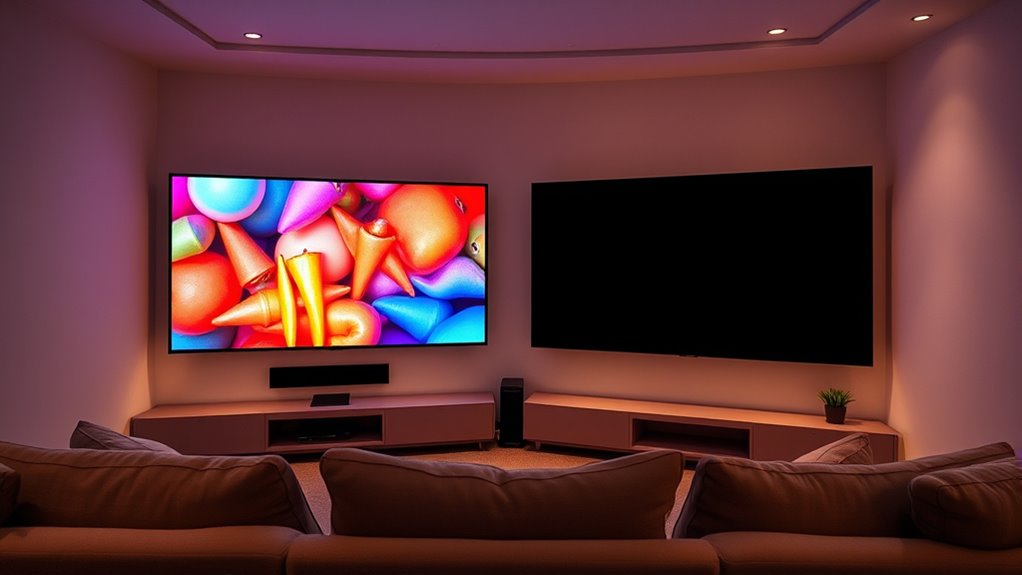
Selecting the right aspect ratio depends on your viewing preferences and the setup you have. If you enjoy a more immersive, cinematic experience, a 2.35:1 ratio offers wider visuals that mimic theaters. However, keep in mind that this format may cause black bars on standard screens and require a projector or widescreen display. If you prefer versatility and compatibility with most content, a 16:9 ratio works well, fitting TVs and streaming services seamlessly. Consider your screen size, room layout, and the types of content you watch most often. For gaming or regular TV shows, 16:9 offers convenience and ease. For movies and dedicated home theaters, 2.35:1 provides a more cinematic feel. Ultimately, choose what enhances your viewing experience and matches your setup.
Adapting Content for Different Aspect Ratios

Adapting content for different aspect ratios requires understanding how footage will be displayed and making adjustments accordingly. You need to contemplate how viewers will experience the scene, whether on a widescreen TV or a mobile device. To keep your content visually engaging, focus on these key steps:
- Crop carefully—decide whether to letterbox or pillar-box to preserve the original composition.
- Use safe zones to avoid important elements getting cut off.
- Adjust framing during filming to accommodate multiple aspect ratios.
- Employ digital techniques like letterboxing or pillarboxing in post-production for flexibility.
Tips for Optimizing Your Viewing Experience
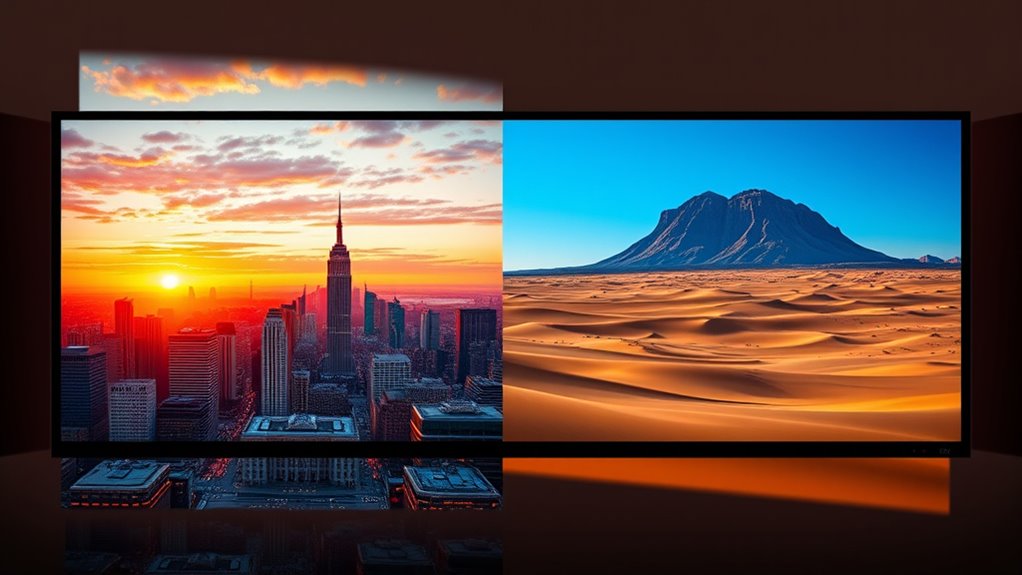
Have you ever watched a video and felt that something was off—either too stretched or cut off? To improve your viewing, start by adjusting your display settings. Use zoom or aspect ratio options on your device to match the content. Consider the environment: dim the lights for immersion, and sit at a comfortable distance. Experiment with different resolutions for sharper images. Remember that simple adjustments can make a significant difference in your overall viewing experience.
Frequently Asked Questions
Can I Easily Switch Between Aspect Ratios on My TV or Projector?
Yes, you can easily switch between aspect ratios on your TV or projector. Most modern devices have a menu or picture settings where you can select different aspect ratios like 16:9 or 2.35:1. Some models even offer quick access buttons or automatic adjustments for certain content. Just make sure your device supports these features, and you’ll be able to switch smoothly depending on what you’re watching.
How Do Aspect Ratios Influence the Immersive Feeling of a Movie?
Imagine being pulled right into the story—that’s what aspect ratios can do. A wider format like 2.35:1 creates a lush, panoramic experience, making you feel part of the scene. Meanwhile, 16:9 offers a balanced view suitable for everyday viewing. Your movie’s immersive power hinges on these choices, subtly guiding your emotions and focus, so selecting the right ratio enhances your connection and makes each scene more compelling.
Are There Specific Genres That Benefit More From 2.35:1?
If you love epic visuals, action, or sweeping landscapes, you’ll find genres like sci-fi, fantasy, and adventure benefit from 2.35:1. This wider aspect ratio enhances the cinematic experience by emphasizing scale and grandeur, making scenes more immersive. For dramas or comedies, 16:9 often works better, offering a more natural, comfortable viewing. So, choose 2.35:1 when you want a bold, panoramic feel, especially for visually rich genres.
What Equipment Is Required to Properly Display 2.35:1 Content?
To properly display 2.35:1 content, you’ll need a projector or a widescreen TV capable of supporting that aspect ratio, along with compatible HDMI or DisplayPort connections. Some projectors come with lens masks or anamorphic lenses to fill the screen correctly, reducing black bars. Additionally, using a media player or streaming device that recognizes and outputs the correct aspect ratio guarantees you enjoy the cinematic experience without distortions.
How Does Aspect Ratio Impact Virtual Reality or 3D Viewing Experiences?
Aspect ratio deeply influences your virtual reality or 3D viewing experience by shaping how immersive and natural it feels. A wider ratio, like 2.35:1, can provide a more cinematic, expansive view, enhancing immersion. However, it might cause distortion or black bars if your headset isn’t optimized. Conversely, a standard 16:9 offers a more consistent, less distorted experience, making it easier to focus and interact within the virtual environment.
Conclusion
Choosing the right aspect ratio transforms your viewing experience, making movies feel like you’re stepping into another world. Whether you prefer the expansive cinematic feel of 2.35:1 or the versatile comfort of 16:9, it’s all about what suits your space and style. Get it right, and your screen becomes a portal to endless entertainment—so immersive, it might just swallow you whole! Embrace the perfect ratio, and enjoy every moment to the fullest.