
To fix projector shadows, first adjust your seating position by sitting further back or to the sides, avoiding the direct light path. Raise the projector mount higher so it aligns better with your seating height, reducing blockages. You can also fine-tune the projector with lens shift and keystone correction to guarantee the image stays clear. By combining these tweaks, you’ll minimize shadows and get a sharper picture—keep exploring for more ways to optimize your setup.
Key Takeaways
- Position seats slightly off the projector’s direct line, preferably to the sides or further back, to reduce shadow casting.
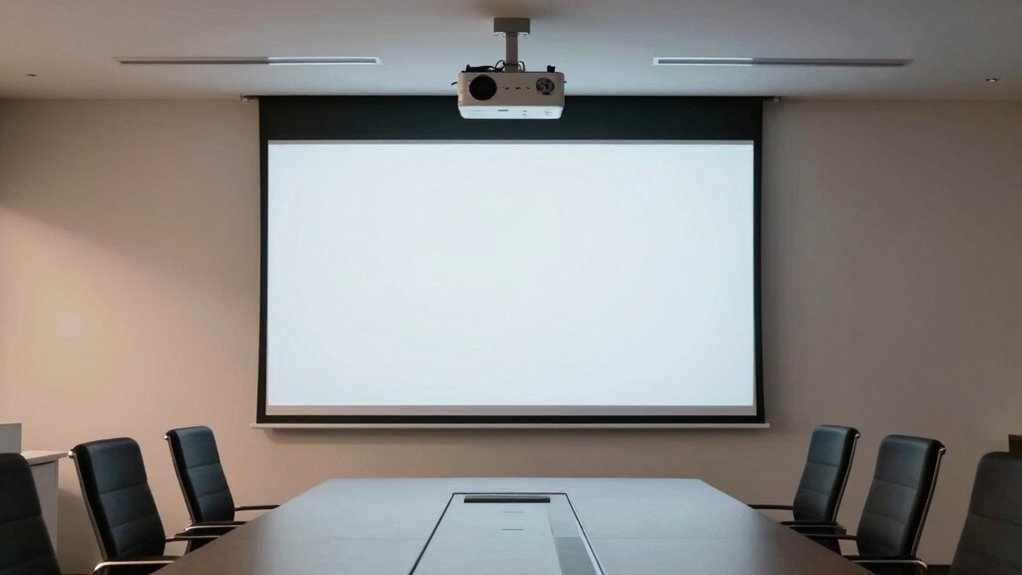
- Mount the projector higher above eye level to align with the screen and minimize obstructions.
- Use lens shift and keystone correction to properly align the image and prevent shadows caused by misplacement.
- Clear the room of objects or furniture that could block the projector’s light path or cast shadows.
- Combine optimal seating placement with elevated mounting and environmental adjustments for a shadow-free viewing experience.
If you’ve ever noticed shadows interfering with your projector image, you’re not alone. Shadows can be frustrating, especially when they spoil an otherwise perfect viewing experience. The good news is that many of these issues stem from how you’ve set up your seating and mount height. By understanding and applying proper adjustment techniques, you can considerably reduce or even eliminate shadows, improving your image clarity and overall enjoyment.
Proper seating and mount adjustments can significantly reduce projector shadows for a clearer viewing experience.
First, focus on your seating arrangement. The position of your seats relative to the projector and screen plays a vital role in shadow creation. If your seating is directly in line with the projector’s beam, your body or head can block the light, casting shadows onto the screen. To fix this, try moving your seating further back or to the sides, away from the projector’s path. This simple adjustment often reduces shadow interference without requiring major changes. If space is limited, consider angling the seats slightly to avoid direct line of sight with the projector’s beam, which helps prevent shadows from forming as you move.
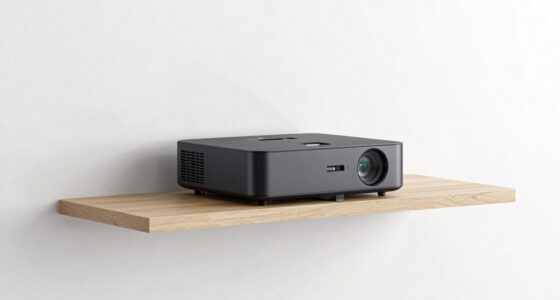
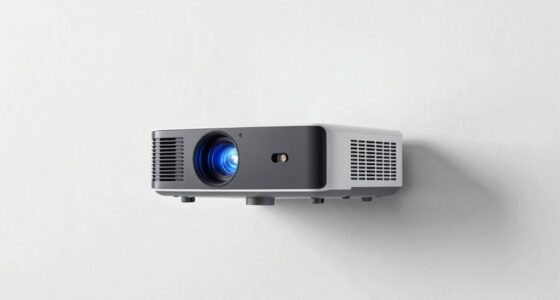
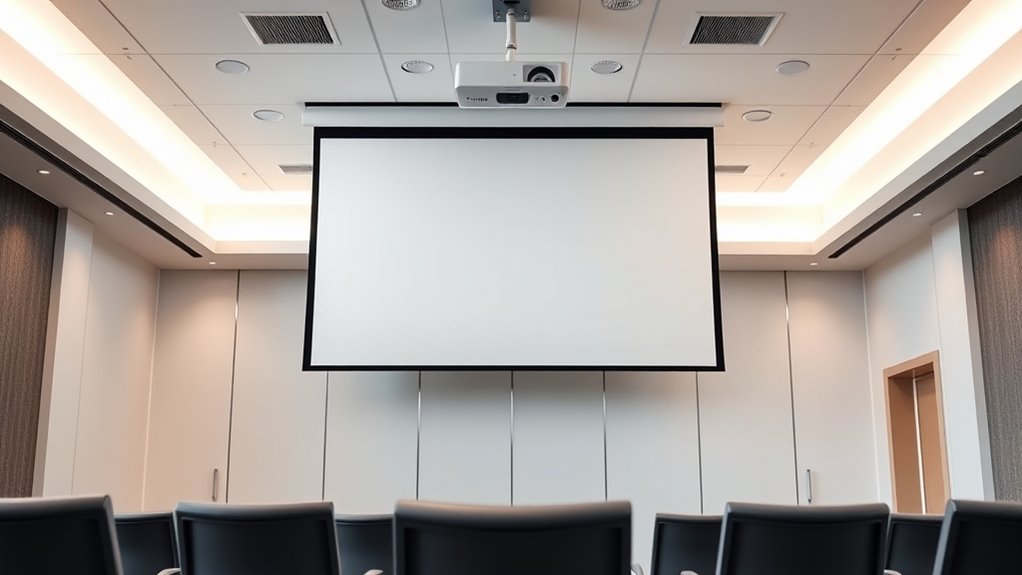
Next, examine your projector’s mounting height. Mounting the projector too low or at an improper angle can cause shadows caused by objects or people standing in front of it. Raising the projector to a higher position, ideally aligned with or above the height of your seating, can drastically cut down on shadows. When mounting, aim for a position that projects the image downward at an angle, avoiding obstructions along the beam’s path. Adjust the tilt so the image stays aligned and centered, which helps maintain a clear picture while minimizing shadow castings.
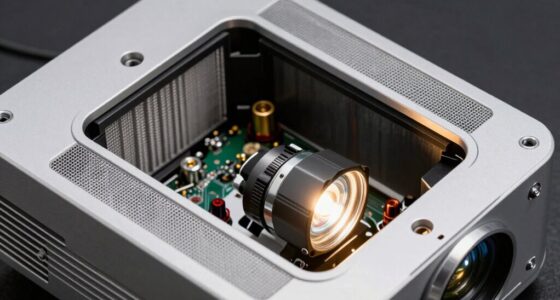
In addition to repositioning, you can use specific adjustment techniques to fine-tune your setup. Adjust the projector’s lens shift and keystone correction features to ensure the image is properly aligned on the screen. Proper alignment ensures the projector’s light path is unobstructed and reduces the chances of shadows caused by misplacement. If your projector has a zoom feature, use it to fine-tune the image size and position without moving the projector itself, keeping the projection path clear. Additionally, understanding the importance of contrast ratio can help you choose a projector that maintains image clarity even in challenging lighting conditions, further enhancing your viewing experience.
Finally, consider the environment. Remove or relocate objects that could cast shadows into the projector’s beam, such as tall furniture or decorative items. Implementing these adjustment techniques not only improves shadow removal but also enhances the overall picture quality. By thoughtfully repositioning your seating, adjusting your mount height, and fine-tuning your projector’s settings, you can create a shadow-free viewing experience. It’s all about optimizing the setup so that your projector’s light beam remains unobstructed, delivering a bright, crisp image every time.

VIVO Universal Extending Ceiling Projector Mount, Height Adjustable Projection, White, MOUNT-VP02W
- Universal projector compatibility: Fits most projectors for versatile use
- Not compatible with specific models: Excludes certain Epson, Mitsubishi, LG models
- Fully adjustable articulation: Tilt, swivel, and rotate for optimal viewing
As an affiliate, we earn on qualifying purchases.
As an affiliate, we earn on qualifying purchases.
Frequently Asked Questions
Can Adjustable Mounts Reduce Projector Shadow Problems Effectively?
Yes, adjustable mounts can effectively reduce projector shadow problems. By allowing you to fine-tune the mount adjustment, you can position the projector at the ideal height and angle, minimizing objects that cast shadows. This precise control helps you achieve better shadow reduction, ensuring a clearer, more professional display. With an adjustable mount, you have the flexibility to customize your setup, making shadow issues less noticeable and improving overall image quality.
What Ceiling Materials Impact Projector Shadow Visibility?
Imagine a ceiling dotted with acoustic panels and tiles, each with a different texture and color. These materials directly impact shadow visibility; smooth, reflective surfaces like certain ceiling tiles may cast clearer shadows, while textured acoustic panels diffuse light, reducing shadow sharpness. Choosing acoustic panels or tiles with matte finishes minimizes shadow visibility. You’ll find that the right ceiling material can make your projector’s shadow less noticeable, enhancing the overall viewing experience.
How Does Room Lighting Affect Shadow Clarity?
Room lighting considerably impacts shadow clarity by influencing ambient illumination and shadow softness. When you have bright ambient light, shadows become less distinct and softer, making them harder to see clearly. To improve shadow visibility, you should reduce ambient illumination, especially during presentations or viewing. Using dimmer lights or blackout curtains helps create sharper shadows, ensuring your projector’s images are clear and shadows are well-defined.
Are Specific Projector Brands Better at Minimizing Shadows?
Some projector brands are better at minimizing shadows because they feature advanced shadow reduction features and better brand compatibility with mounting options. Brands like Epson, Sony, and BenQ are known for their innovative technology that reduces shadows, especially with short-throw or ultra-short-throw projectors. It’s worth researching each brand’s specific features and compatibility to guarantee you choose one that effectively minimizes shadows and fits your setup needs.
Is There a Recommended Distance Between Projector and Screen?
You should aim for a projection distance that matches your screen size, typically around 1.5 to 2.5 times the screen width. For example, if your screen measures 100 inches, set the projector about 150 to 250 inches away for ideal clarity and minimal shadows. Adjust the distance based on your specific projector’s throw ratio to ensure a sharp, bright image without compromising image quality or creating shadows.

ViewSonic X1 1080p Projector with 2300 ANSI Lumens, Cinematic Colors, Vertical Lens Shift, 1.3X Optical Zoom, H&V Keystone Correction and Corner Adjustment
- Resolution: Full HD 1080p LED projection
- Brightness: 3100 LED lumens for bright images
- Color Technology: Cinema SuperColor with 125% Rec. 709
As an affiliate, we earn on qualifying purchases.
As an affiliate, we earn on qualifying purchases.
Conclusion
By adjusting your seating position and mount height, you can eliminate that pesky projector shadow and enjoy a seamless viewing experience. Did you know that improper projector placement can reduce image quality by up to 30%? Taking these simple steps guarantees you get the clearest picture possible, making movie nights more enjoyable. So, don’t let shadows ruin your setup—tweak your setup today and immerse yourself in flawless visuals every time.

DYNAVISTA Full Motion Universal Ceiling Projector Mount Bracket with Adjustable Height and Extendable Arms Rotating Swivel Mount for Home and Office Projector (Black)
- Universal Compatibility: Supports most projector brands
- Durable Construction: Made from heavy-duty steel
- High Load Capacity: Supports up to 30 lbs
As an affiliate, we earn on qualifying purchases.
As an affiliate, we earn on qualifying purchases.

Aproca Case Compatible with VISSPL Mini Projector 1080P Full HD Supported Video Projector, Portable Storage Bag for Accessories (Case Only)
- Comfortable Handle: Easy to carry with ergonomic handle
- Accessory Mesh Pocket: Includes pocket for accessories
- Durable Double Zippers: Smooth, strong zippers for easy access
As an affiliate, we earn on qualifying purchases.
As an affiliate, we earn on qualifying purchases.