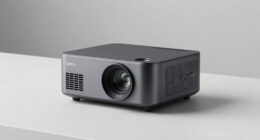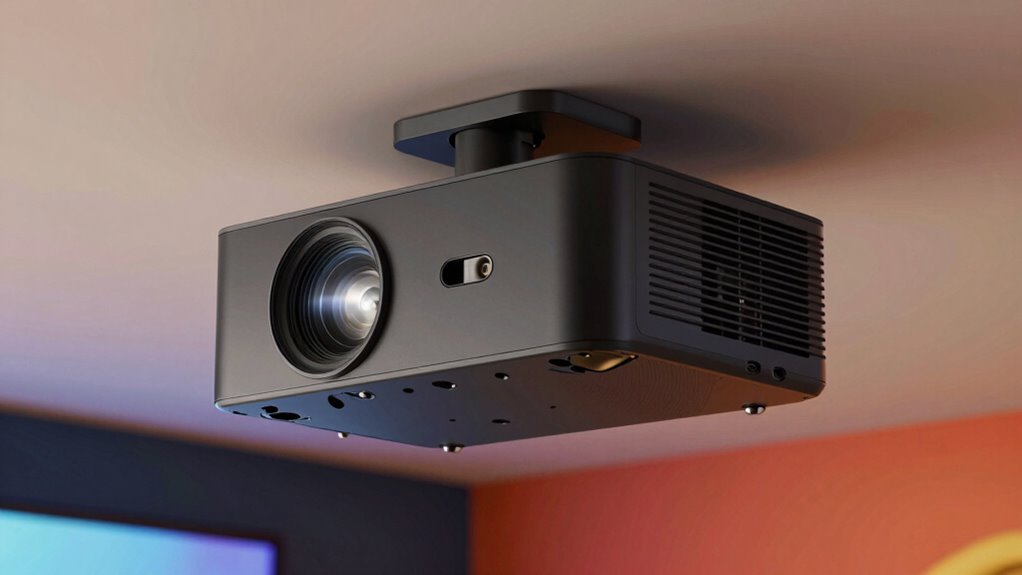

Many new projector owners underestimate how lens shift can make installation much easier and improve image quality. It allows you to adjust the image vertically and horizontally without moving the projector, so you avoid complex setup or distorted images. This flexibility helps you find the perfect picture even with limited mounting options or irregular spaces. If you keep exploring, you’ll discover even more ways lens shift can enhance your viewing experience effortlessly.
Key Takeaways
- Lens shift allows precise image positioning without moving the projector, saving time and effort during setup.
- It preserves image quality by avoiding distortion and digital artifacts from keystone correction.
- Lens shift simplifies calibration, enabling quick adjustments for optimal image alignment.
- It maintains the projector’s native resolution and contrast, ensuring high image fidelity.
- Lens shift provides flexible placement options, especially in irregular or limited mounting spaces.
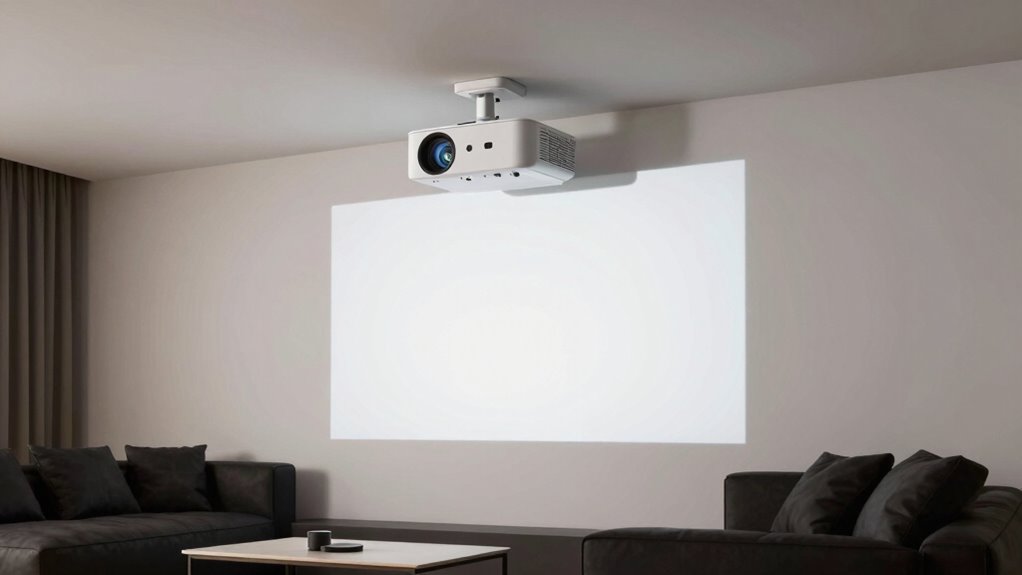
If you’re looking for a way to position your projector without sacrificing image quality, the lens shift feature is a game-changer. Many new owners overlook how impactful this feature can be, yet it offers significant benefits that improve your overall setup and viewing experience. When properly utilized, lens shift allows you to adjust the projected image vertically or horizontally without moving the projector itself. This means you can avoid cumbersome repositioning, ceiling mounts, or awkward furniture arrangements, giving you greater installation flexibility. Instead of wrestling with keystone corrections or sacrificing image clarity, lens shift ensures your picture remains sharp and proportional, preserving calibration accuracy.
One of the main advantages is that it simplifies the installation process. With lens shift, you don’t need to meticulously align your projector perfectly with the screen from the start. Instead, you can mount or place the projector slightly off-center or at a less-than-ideal height and then fine-tune the image with the shift controls. This flexibility reduces the need for complex adjustments and minimizes the risk of distortion, which often occurs when using digital keystone correction. As a result, your setup becomes faster, cleaner, and more precise, especially in rooms with limited mounting options or irregular spaces. Additionally, calibration accuracy is preserved, ensuring the best possible image quality over time.
Beyond installation, lens shift also plays a crucial role in maintaining calibration accuracy. When you rely on keystone correction, you often introduce digital artifacts or slight blurring, which can degrade image quality over time. Lens shift, on the other hand, physically moves the lens to project the image where you want it, keeping the picture sharp and true to color. This physical adjustment preserves the projector’s native resolution and contrast, leading to a more accurate and vibrant picture. If you’re a detail-oriented viewer or someone who values high image fidelity, this feature helps you avoid the compromises that come with digital corrections.
In essence, many new projector owners underestimate how much a well-implemented lens shift can enhance their setup. It grants you more control, saves time during installation, and ensures your image remains crisp and correctly calibrated. Instead of settling for less-than-ideal positioning or risking image quality, you can enjoy a seamless, flexible, and high-quality viewing experience. Mastering this feature allows you to optimize your projector’s performance without the hassle or expense of moving furniture or making permanent modifications. It’s a feature that, once appreciated, transforms the way you set up and enjoy your home theater or presentation space. A lens shift feature is a valuable tool for achieving the best possible image quality and flexibility in your setup.
![[AI Auto Focus/Auto Lens Cap] Outdoor-Projector-4K with WiFi 6 and Bluetooth:Portable Projector with Auto 6D Keystone & Zoom, Jimveo Native 1080P Movie Proyector 2026 Upgraded](https://m.media-amazon.com/images/I/51NbInL1chL._SL500_.jpg)
[AI Auto Focus/Auto Lens Cap] Outdoor-Projector-4K with WiFi 6 and Bluetooth:Portable Projector with Auto 6D Keystone & Zoom, Jimveo Native 1080P Movie Proyector 2026 Upgraded
[World’s 1st Smart Projector with AI Auto-Focus + Auto Lens Cap] E30 Pro portable projector with 2026 upgrade…
As an affiliate, we earn on qualifying purchases.
As an affiliate, we earn on qualifying purchases.
Frequently Asked Questions
Can Lens Shift Damage the Projector Over Time?
Lens shift, when used properly, won’t damage your projector over time. It’s designed for easy lens alignment without stressing the optical stability. However, repeatedly adjusting the lens shift or forcing it beyond its intended range can cause wear or misalignment. To maintain your projector’s longevity, handle adjustments gently, follow the manufacturer’s guidelines, and avoid excessive or forceful lens shifts. This guarantees your projector stays in top condition.
Is Lens Shift Adjustment Manual or Motorized?
Lens shift adjustments can be either manual or motorized. If your projector has motorized lens shift, you can make automatic adjustments easily using the remote control, which simplifies positioning. Manual lens shift requires physically moving the lens with a lever or knob, giving you precise control but less convenience. Motorized options are especially useful for quick adjustments, while manual shifts suit those comfortable with hands-on setup.
Does Lens Shift Affect Image Quality?
Lens shift generally doesn’t affect image quality if used correctly, but improper adjustments can cause image distortion. It offers installation flexibility, allowing you to position your projector off-center without warping the image. When you adjust the lens shift within the recommended range, you maintain a sharp, clear picture. However, exceeding the limits might introduce distortion, so it’s best to make small, precise adjustments for ideal image quality.
Are Lens Shift Features Available on Budget Projectors?
In the days of dial-up internet, lens shift features are often available on budget projectors, making them a cost-effective option. You’ll find some models with this feature, but keep in mind installation considerations. Lens shift allows flexible placement without distortion, saving you time and hassle. While not all budget projectors include it, shopping smart guarantees you get a model that offers great value and easier setup, even on a budget.
How Does Lens Shift Compare to Keystone Correction?
Lens shift offers superior image alignment and projection flexibility compared to keystone correction. While keystone correction adjusts the image digitally, lens shift physically moves the lens to realign the image without distortion. This means you can position your projector off-center without sacrificing picture quality. With lens shift, you get a more precise, undistorted image, making setup easier and ensuring a better viewing experience, especially in complex spaces.

【2200ANSI & Officially-Licensed APP】Smart 4K Projector with WiFi and Bluetooth, VISSPL 3D Dolby Audio and Auto Focus Portable Outdoor Projector, Movie Home Theater Proyector with 360° Adjustable Stand
[ Compatible with Netflix – No Extra Devices Needed ] – VISSPL Smart Projector: Hollywood in the palm…
As an affiliate, we earn on qualifying purchases.
As an affiliate, we earn on qualifying purchases.
Conclusion
Don’t dismiss the dazzling advantages of lens shift—it’s a game-changer for your projector setup. With simple, seamless adjustments, you escape the frustrations of frustrating placement issues. Embrace this underrated feature to elevate your entertainment experience effortlessly. Remember, mastering lens shift means more flexibility, fewer fusses, and fantastic visuals. So, seize this sneaky secret, and let your projector’s potential shine brighter than ever before!

Aurzen Ceiling Projector Mount Bracket, 360° Rotation & 90° Tilt, Adjustable 9"-15" Length, ¼-Inch Screw, Compatible with TMY, HAPPRUN, Yaber, Epson & Most Projectors
Note: Not compatible with Aurzen D1 MAX
As an affiliate, we earn on qualifying purchases.
As an affiliate, we earn on qualifying purchases.

Official Licensed Google TV Smart Projector, HAPPRUN 4K UHD Home Theater with Dolby Sound, Wi-Fi & Bluetooth, Built-in Streaming Apps, Compatible with Games Consoles & Smartphone, Indoor & Outdoor Use
[ Built-in Official Licensed Google TV ] – Without additional equipment, the smart projector can directly access Netflix,…
As an affiliate, we earn on qualifying purchases.
As an affiliate, we earn on qualifying purchases.