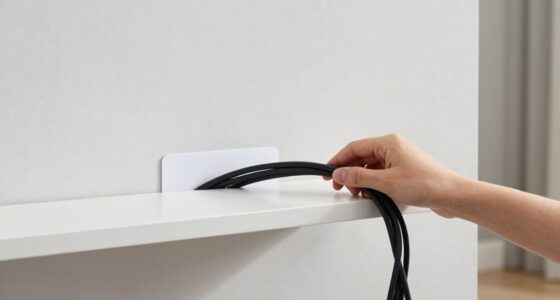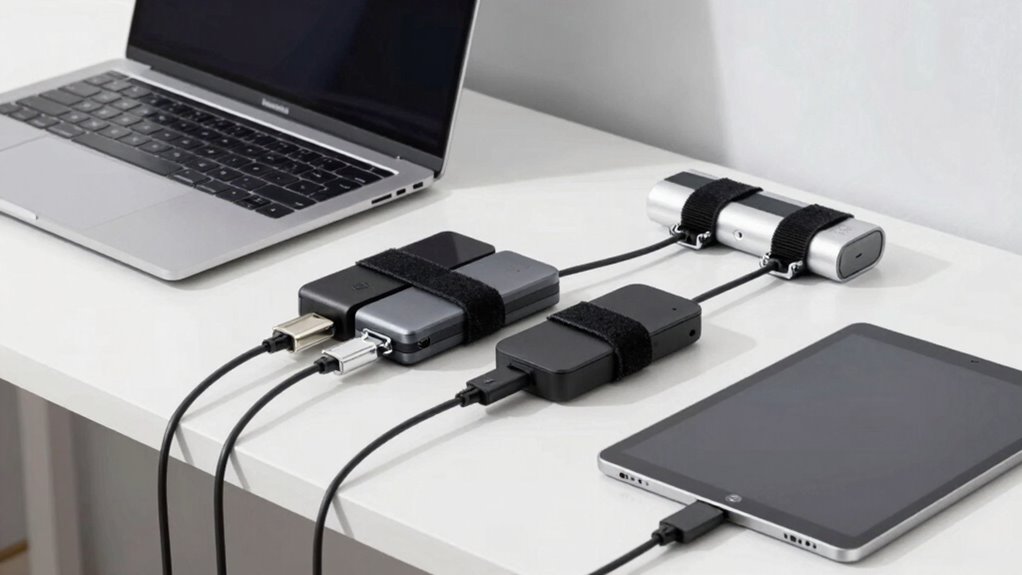

To quickly add temporary extra devices, keep cable management simple by using color-coded or pre-labeled cables at both ends for easy identification. Use Velcro straps or cable ties to bundle cords neatly and prevent tangling. Route cables along edges or behind furniture to keep your workspace clean and accessible. When not in use, store excess cable length in manageable loops. Mastering these fast, efficient techniques helps you stay organized—continue to discover more streamlined tips and tricks.
Key Takeaways
- Use quick-release cable ties or Velcro straps for fast addition and removal of temporary devices.
- Label cables at both ends for easy identification during frequent connect/disconnects.
- Route cables along existing management paths or behind furniture to minimize clutter.
- Store excess cable length in manageable loops with reusable ties for quick adjustments.
- Prioritize wireless devices to reduce cable needs, simplifying temporary setup and teardown.
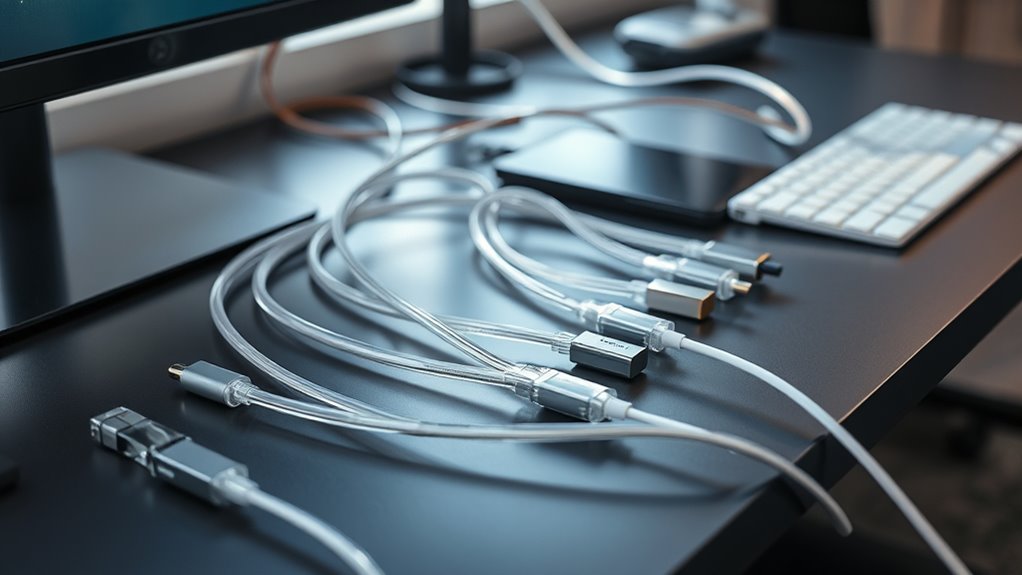
When you connect temporary extra devices, managing their cables becomes essential to keep your workspace organized and safe. Whether you’re adding a projector for a presentation, plugging in a temporary monitor, or attaching a portable speaker, clutter can quickly take over if you don’t handle the cables properly. To keep things tidy, consider using wireless alternatives where possible. Wireless devices, like Bluetooth speakers, wireless keyboards, or Wi-Fi-enabled cameras, significantly reduce the number of cords running across your desk. They not only declutter your space but also make it easier to move devices around without worrying about tangled cables or limited ports. However, for those devices that still require cables, cable labeling becomes your best friend. Clear labels help you identify which cord belongs to which device, simplifying setup and teardown, especially when multiple devices are involved. You can use color-coded labels, masking tape, or pre-printed tags to mark cables at both ends. This way, when you need to disconnect or troubleshoot, you won’t waste time tracing cables back to their sources. Labeling also prevents accidental disconnections, which can be frustrating and disruptive during important tasks.
Managing cables effectively involves more than just labeling and choosing wireless options. You should also consider cable routing techniques, such as using cable clips or Velcro straps, to keep cords bundled neatly along edges or behind desks. This prevents tripping hazards and accidental disconnections. When dealing with temporary setups, avoid excessive coiling or looping of cables, as this can cause damage over time. Instead, store excess length in manageable loops or use cable ties to keep things compact. If you frequently add or remove devices, establishing a consistent cable management routine helps maintain order. For example, always label new cables immediately and store unused cords in designated containers. This proactive approach saves you time in the long run and keeps your workspace professional-looking. Incorporating proper cable management materials, such as cable sleeves or organizers, can further enhance the organization and protect your cords from damage.
While wireless alternatives are a great way to cut down on clutter, they aren’t always feasible for every device. For those, proper cable management practices are indispensable. Combining wireless options with effective cable labeling and routing ensures your workspace stays clean, safe, and efficient. Plus, it minimizes downtime caused by tangled cords or misplaced cables. Whether you’re working in an office, at home, or on the go, taking these simple steps will streamline your setup process and help you maintain a tidy environment. When you prioritize good cable management habits, your workspace becomes more functional, less stressful, and ready for whatever tasks come next.
Frequently Asked Questions
Can These Methods Work for Outdoor or Harsh Environments?
Yes, these methods can work outdoors or in harsh environments if you choose weather-resistant and environmentally durable materials. You’ll want to use rugged, waterproof cable ties and protective conduits to prevent damage from moisture, dirt, or extreme temperatures. Properly sealing connections and selecting robust accessories guarantee your cable management remains effective. With the right gear, you can maintain organized, reliable setups even in challenging outdoor conditions.
Are There Specific Tools Required for Quick Setup?
You only need basic tools for quick setup, like a quick connector and cable clips. Did you know that using cable clips can reduce setup time by up to 50%? These tools help secure cables neatly and prevent tangling. With a quick connector, you can easily connect or disconnect devices without hassle. So, just grab these essentials, and you’re set for fast, efficient cable management.
How Do I Prevent Cable Damage During Temporary Use?
To prevent cable damage during temporary use, focus on maintaining cable robustness and connector protection. Avoid pulling or bending cables sharply, which can cause internal damage. Use protective sleeves or clips to secure cables, reducing strain on connectors. Disconnect gently by holding the connector rather than pulling the cable. Regularly inspect cables for wear, replacing any that show signs of damage, ensuring longevity and reliable performance during temporary setups.
What Are the Best Ways to Store Cables Afterward?
You should store your cables using a cord organizer to keep them tangle-free and protected. Label each cable with cable labels so you can easily identify them later. Wrap the cables neatly, avoiding tight bends that could damage them. Store everything in a dedicated drawer or box, ensuring they’re laid flat or coiled loosely. Proper organization helps prolong cable life and makes setup faster next time.
Do These Techniques Affect Device Warranty or Safety Certifications?
These cable management techniques generally don’t affect warranty implications or safety certification impacts if you handle your devices carefully. However, if you modify or damage cables, connectors, or ports, it might void warranties or compromise safety standards. Always follow manufacturer guidelines and avoid tampering with safety features. Proper storage and management should keep your devices compliant, but being cautious aids in ensuring you maintain warranty coverage and safety certifications.
Conclusion
Think of your setup as a well-tended garden—each cable a vine, neatly guided and contained. With this quick ‘add-on’ method, you’re like a skilled gardener, effortlessly weaving new vines into an existing trellis. No tangles, no chaos—just a clean, organized oasis. As you master this technique, your workspace becomes a smooth-flowing river, where each device floats seamlessly, and clutter is swept away like fallen leaves, leaving you free to focus on what truly matters.