Running a home theater can cost between a few dollars to over $20 a month, depending on your equipment and usage habits. Devices like TVs, sound systems, and streaming gadgets draw varying power, especially when left on standby. To cut costs, turn off devices when not in use, choose energy-efficient models, and enable eco modes. Want to find out more ways to save energy and lower your bills? Keep exploring for practical tips.
Key Takeaways
- Power consumption varies by components; larger speakers and high-end amplifiers typically use more energy.
- Leaving devices in standby mode causes phantom load, increasing overall energy costs.
- Using energy-efficient equipment and activating eco-friendly settings can significantly reduce power use.
- Proper usage habits, like turning off devices after use and scheduling viewing, lower energy costs.
- Managing your home theater system’s power draw helps cut electricity bills and reduces environmental impact.
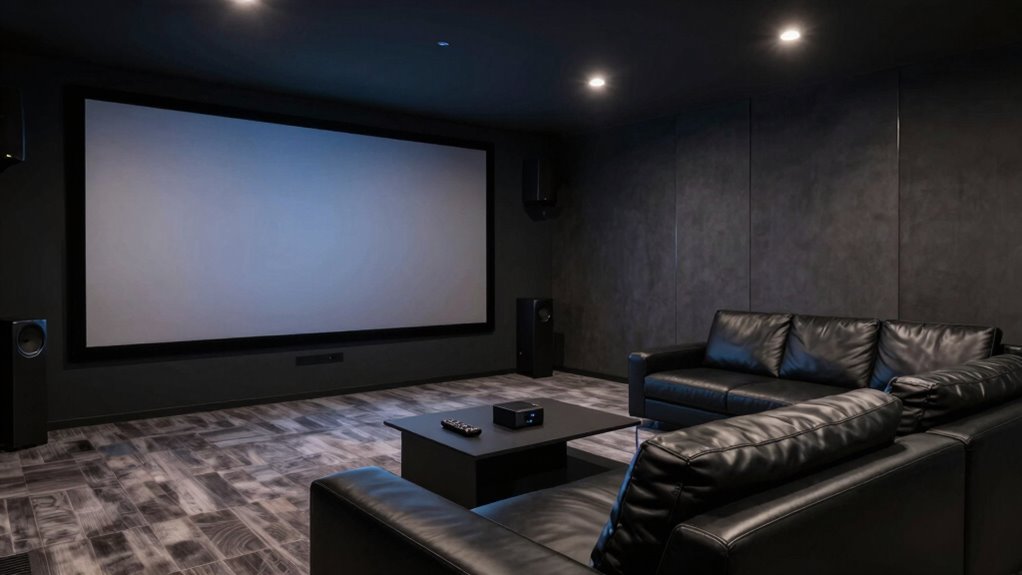
A home theater system can offer incredible entertainment, but it also consumes a substantial amount of power. Understanding how much energy it uses and finding ways to improve energy efficiency can help you save money and reduce your environmental impact. Your equipment, including the TV, sound system, receiver, and streaming devices, all draw varying amounts of power depending on their features and usage. To get a clear picture, it’s helpful to consider the typical power consumption of each component and how to manage them effectively.
One of the simplest power consumption tips is to turn off devices when you’re not using them. Many electronics continue to draw power even in standby mode, known as phantom or vampire power. Using smart power strips can cut off power completely when devices are not in use, preventing unnecessary energy drain. Additionally, choosing energy-efficient models can considerably lower your overall power draw. Look for devices with high Energy Star ratings, which are designed to use less energy while maintaining performance.
Adjusting your home theater setup for energy efficiency involves more than just turning devices off. You can optimize your TV’s settings by lowering brightness and contrast, which reduces power consumption without sacrificing picture quality. Similarly, streaming devices and gaming consoles often have eco-friendly modes; activating these modes can help cut down on energy use during prolonged periods of inactivity. When setting up your system, position your TV and speakers to avoid unnecessary high volume levels, as operating at higher volumes can increase power consumption, especially for larger speakers and amplifiers.
Another power-saving tip is to schedule your viewing times and avoid leaving all your equipment running continuously. If you only watch a few hours a day, turn off your system afterward rather than leaving it on standby. Regularly maintaining your equipment—like cleaning filters and updating firmware—can also ensure it runs efficiently, preventing unnecessary energy waste. If your home theater has a receiver or amplifier, consider investing in models with automatic power-down features that shut off after periods of inactivity. Moreover, understanding filtration systems and how they influence energy use can help you select components that operate more efficiently.
Ultimately, managing your home theater’s power draw isn’t just about cutting costs; it’s about making smarter choices that benefit the environment. By practicing good energy efficiency habits—such as switching off unused devices, opting for energy-efficient equipment, and utilizing power management settings—you can enjoy your entertainment system without notably increasing your electricity bill. Being mindful of how and when you use your devices makes a noticeable difference, helping you create a more sustainable home theater experience.
Frequently Asked Questions
How Do Different Home Theater Components Impact Overall Power Consumption?
Different home theater components impact power consumption based on their functions and efficiency. Your audio calibration and speaker placement can influence how much energy your system uses, as optimized settings reduce unnecessary power use. Larger screens and powerful amplifiers draw more energy, while energy-efficient models help cut costs. By choosing the right components and fine-tuning audio calibration and speaker placement, you can minimize power draw without sacrificing performance.
Can Upgrading to Energy-Efficient Devices Significantly Reduce Power Costs?
Yes, upgrading to energy-efficient devices can considerably cut your power costs. Switching to LED lighting reduces energy use and lowers bills, while plugging components into smart power strips prevents phantom loads when devices are off. These small changes add up over time, making your home theater more eco-friendly and saving you money. You’ll enjoy high-quality entertainment without the guilt of wasting unnecessary energy.
What Are the Best Practices for Monitoring Home Theater Energy Use?
You should start by installing smart meters to track your home theater’s energy consumption in real time. Conduct regular energy audits to identify high-usage devices and inefficiencies. Keep a log of your power use, and compare readings over time to spot trends. These steps help you understand where energy is going, so you can make informed decisions on reducing costs and improving efficiency.
How Does Standby Power Consumption Affect Total Energy Costs?
Imagine a tiny, persistent glow from your home theater components, whispering costs into the night. Standby power quietly drains energy even when you’re not watching, adding up over time. This small but constant draw can substantially increase your energy bills. By unplugging devices or using smart power strips, you can cut standby power, leading to notable energy savings and lowering your overall costs. Every little bit helps in saving energy.
Are There Affordable Ways to Retrofit Existing Systems for Better Energy Efficiency?
Yes, you can boost your home theater’s energy efficiency with affordable DIY upgrades and budget solutions. Start by replacing old power strips with smart or timer-enabled outlets to cut standby power. Insulate cords and switch to energy-efficient LED lighting. These simple steps don’t require much money or expertise, yet they substantially reduce power consumption, helping you save on energy costs while keeping your setup eco-friendly and efficient.
Conclusion
Understanding your home theater’s power draw is like tuning a fine instrument—you can enjoy the rich sound without draining your wallet. By being mindful of energy-hungry devices and adopting simple tips, you can cut costs and reduce your carbon footprint. Think of it as trimming branches from a tree: small cuts lead to a healthier, more efficient system. Keep these habits in mind, and your home theater will run smoothly and sustainably, brightening your movie nights without dimming your budget.