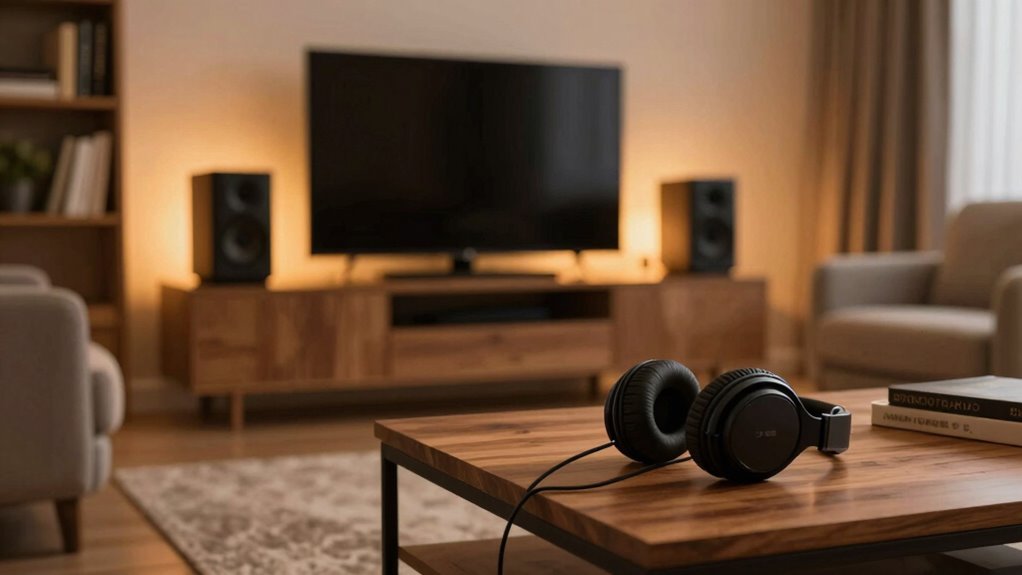
Your speaker distance settings play a vital role in creating a truly immersive sound experience. Proper placement guarantees sounds come from the right directions and interact naturally, making scenes feel lifelike. When speakers are too close or far apart, your brain perceives sounds as coming from unnatural positions, breaking the sense of immersion. Correctly calibrated distances enhance clarity and spatial accuracy, pulling you deeper into every scene. Keep exploring to discover more ways precise setup can transform your audio experience.
Key Takeaways
- Proper speaker distances create a cohesive soundstage, making audio seem more natural and immersive.
- Accurate placement ensures sounds originate from correct spatial locations, enhancing realism.
- Misaligned distances cause disjointed sound cues, breaking the sense of being “inside” the scene.
- Calibration adjusts timing and levels, improving spatial accuracy and reducing phase issues.
- Room acoustics and furniture influence how sound waves interact, affecting overall immersion.
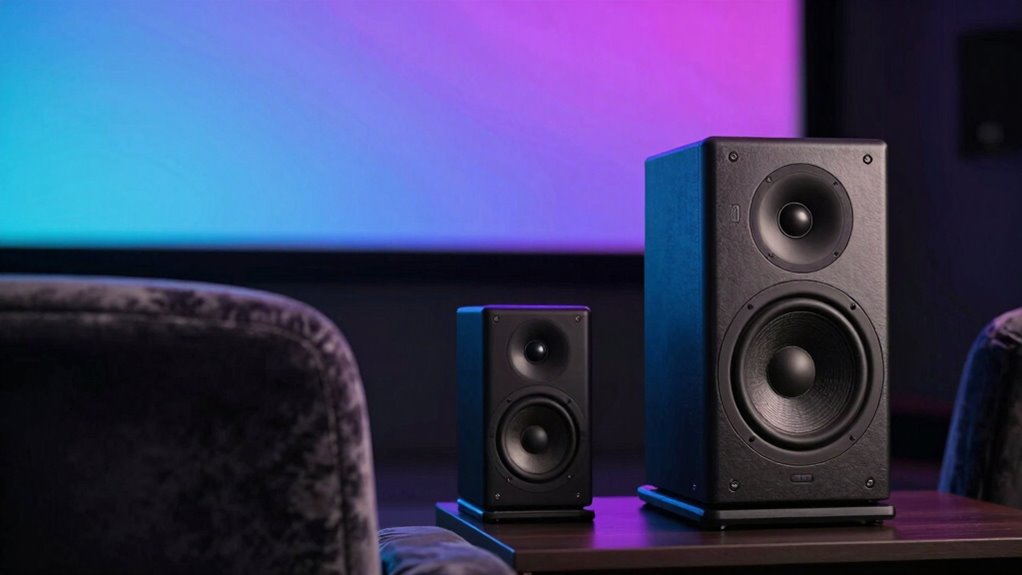
Have you ever wondered how adjusting your speaker distances can dramatically enhance your listening experience? It’s not just about cranking up the volume or choosing the right content—where your speakers are placed and how far apart they are can make a huge difference. When you set your speakers correctly, you’re fundamentally fine-tuning your surround sound system to create a more immersive environment. Proper speaker calibration ensures that sound waves reach your ears at the right time and volume, giving you a seamless, lifelike experience.
If your speakers are too close or too far apart, the soundstage can feel disjointed or unbalanced. When you position your speakers correctly, you help your brain interpret the sound as coming from a coherent space, not just separate channels. This spatial accuracy is what immerses you in the scene, whether it’s a quiet dialogue or an explosive action sequence. Adjusting speaker distances affects how sound waves overlap and interact, which influences the clarity and depth of your audio. If the distances aren’t set properly, you might notice sounds seeming to come from behind or in front of you, breaking the illusion of being part of the scene. Additionally, understanding speaker placement is essential for optimizing your system’s overall performance. A well-balanced setup also considers the room’s acoustics, which can significantly impact sound perception.
Achieving the perfect speaker setup involves more than just placing them equidistant from your listening position. You need to contemplate the room’s acoustics, furniture, and wall reflections that can alter sound perception. A key step is calibrating your system—this is where speaker calibration tools come into play. Many modern home theater systems include calibration microphones that automatically measure speaker distances and adjust settings accordingly. If you’re doing it manually, use a tape measure to get precise distances and then tweak your system’s delay and level settings to match. This fine-tuning ensures that all speakers send sound to your ears at the same perceived moment, avoiding phase issues and echo effects. Proper speaker calibration not only improves sound quality but also enhances the overall clarity and spatial accuracy of your audio environment. Moreover, understanding how sound waves interact in your space can help you make better decisions about speaker placement and room modifications.
Ultimately, proper speaker distance settings do more than just improve audio quality—they shape your entire sensory experience. When you get it right, every scene feels more real, every whisper more intimate, and every explosion more impactful. You’re not just hearing the sound; you’re experiencing it as if you’re right there. That’s the true power of well-calibrated surround sound, and it all starts with paying attention to where your speakers sit relative to your listening position. The effort you put into adjusting and calibrating can transform your space into a theater of immersive audio.
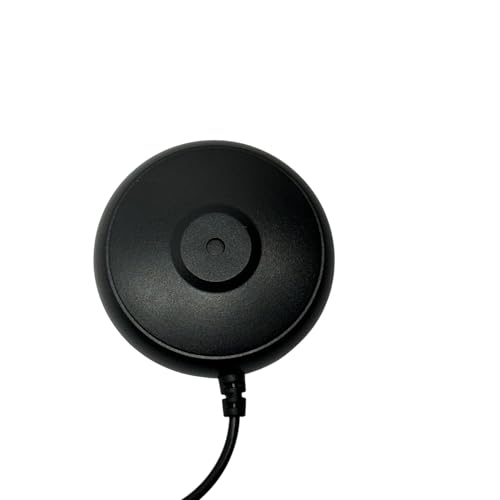
Calibration Microphone for Onkyo Receiver Series TX- RZ TX- SR TX- NR HT- R Other High Precision Measurement Audio Home Theater Studio Systems
- Condition: Brand new calibration microphone
- Compatibility: Compatible with Onkyo receiver series
- Purpose: Optimizes home theater audio settings
As an affiliate, we earn on qualifying purchases.
As an affiliate, we earn on qualifying purchases.
Frequently Asked Questions
Can Speaker Distance Impact Audio Clarity in a Room?
Yes, speaker distance can impact audio clarity in a room. When you adjust the distance, you influence room acoustics and how sound waves travel, which affects clarity. Proper speaker calibration guarantees ideal placement, reducing echoes and dead spots. By experimenting with the distance, you’ll find a setup that enhances sound quality, making your listening experience more immersive and clear, regardless of your room’s size or shape.
How Does Speaker Placement Affect Overall Sound Quality?
You’ll notice that proper speaker placement greatly influences overall sound quality. Positioning speakers to optimize room acoustics minimizes echoes and dead spots, creating clearer audio. Additionally, calibrating your speakers guarantees they work harmoniously with your room’s unique characteristics. By carefully adjusting placement and calibration, you enhance sound clarity, immersion, and balance, making your listening experience much more immersive and enjoyable.
Are There Optimal Distances for Different Room Sizes?
Sure, there’s a precise distance for every room size—because nothing says “perfect sound” like a one-size-fits-all solution, right? In reality, room acoustics and speaker calibration are your best friends. For small rooms, keep speakers closer to avoid echo chaos, while larger spaces benefit from more distance to fill the room with balanced sound. Adjustments matter more than arbitrary numbers; tailored calibration ensures you’re immersed, not just annoyed.
Does Speaker Height Influence Immersion Levels?
Yes, speaker height considerably influences immersion, as it affects your visual alignment with sound sources. When speakers are properly aligned with your ears or eyes, the sound feels more natural and integrated, enhancing realism. If speakers are too high or low, it can cause disorientation or sound imbalance, reducing immersion. Adjusting speaker height to match your seating position guarantees ideal audio-visual harmony, making your experience more engaging and authentic.
Can Adjusting Speaker Distance Reduce Audio Latency?
Adjusting speaker distance can indeed reduce audio latency, much like tuning an instrument guarantees harmony. When you optimize speaker calibration and position, you minimize audio synchronization issues, creating a seamless experience. I once tweaked my speakers slightly closer, and the difference was noticeable—no more lag disrupting my game. Proper distance settings help your brain process sound naturally, enhancing immersion and making everything feel more real.
home theater speaker placement tools
As an affiliate, we earn on qualifying purchases.
As an affiliate, we earn on qualifying purchases.
Conclusion
By fine-tuning your speaker distance, you’re not just adjusting sound—you’re crafting an immersive landscape that pulls you right into the scene. Think of your speakers as the brushstrokes of a painter; the closer they are, the more vivid the picture becomes. Small changes can transform your space from a simple room into a portal where sound surrounds you like an ocean’s waves. So, don’t overlook this tiny tweak—it can make a world of difference in your audio experience.

Standard 12" Speaker Foam Surround Edge Repair Kit – 2 Speaker Kit – Fits 12" Speakers with a 3/4" Roll and The Measurements Listed
As an affiliate, we earn on qualifying purchases.
As an affiliate, we earn on qualifying purchases.

New Sony Calibration Mic Measurement Microphone ECM-AC2 Part Number 154277421 1-542-670-21 154271011 1-542-710-11 154267021 1-542-774-21, Auxiliary
- Genuine Sony ECM-AC2 Microphone: Calibration microphone for Sony AV systems
- Compatible with Most Sony Receivers: Supports calibration for about 150 models
- Ensures Accurate Speaker Calibration: Helps achieve correct speaker output levels
As an affiliate, we earn on qualifying purchases.
As an affiliate, we earn on qualifying purchases.