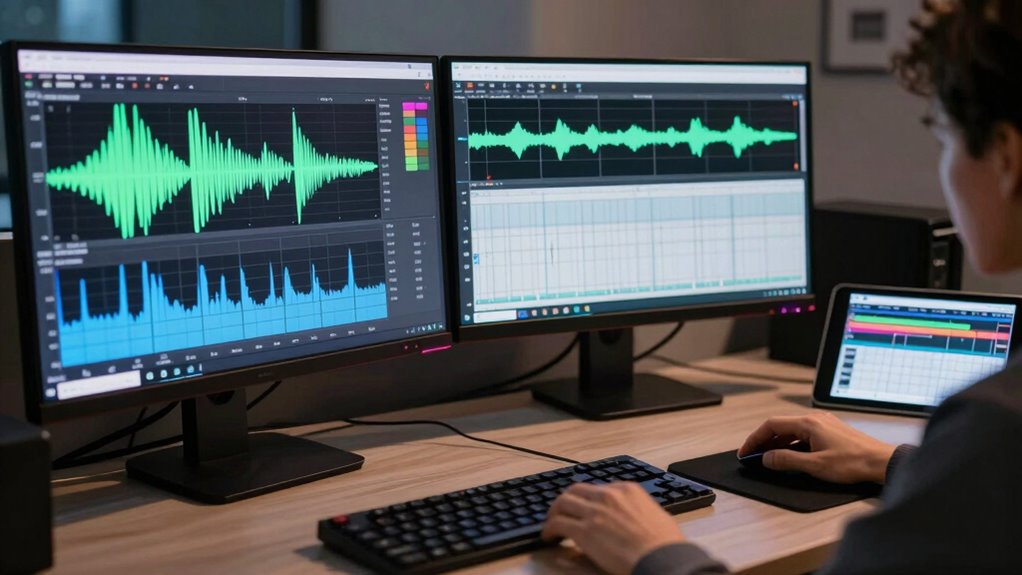
To stop wild volume swings between apps and channels, you can use audio normalization tools that balance sound levels automatically. Many streaming apps and media players now include built-in normalization features that maintain consistent volume across sources. You can also utilize third-party software or plugins that analyze and adjust audio in real-time, preventing sudden jumps. Mastering these techniques helps create a smoother listening experience—if you want to learn more, there’s plenty to explore.
Key Takeaways
- Use built-in volume normalization features in streaming apps and media players for automatic adjustments.
- Apply third-party audio normalization tools or plugins to ensure consistent sound levels across sources.
- Enable automatic dynamic range compression to tame loud peaks and boost quiet passages for uniform audio.
- Adjust system-wide settings or use external hardware to maintain consistent volume across all channels and devices.
- Regularly calibrate and set a baseline volume to prevent sudden jumps and ensure smooth transitions between apps.
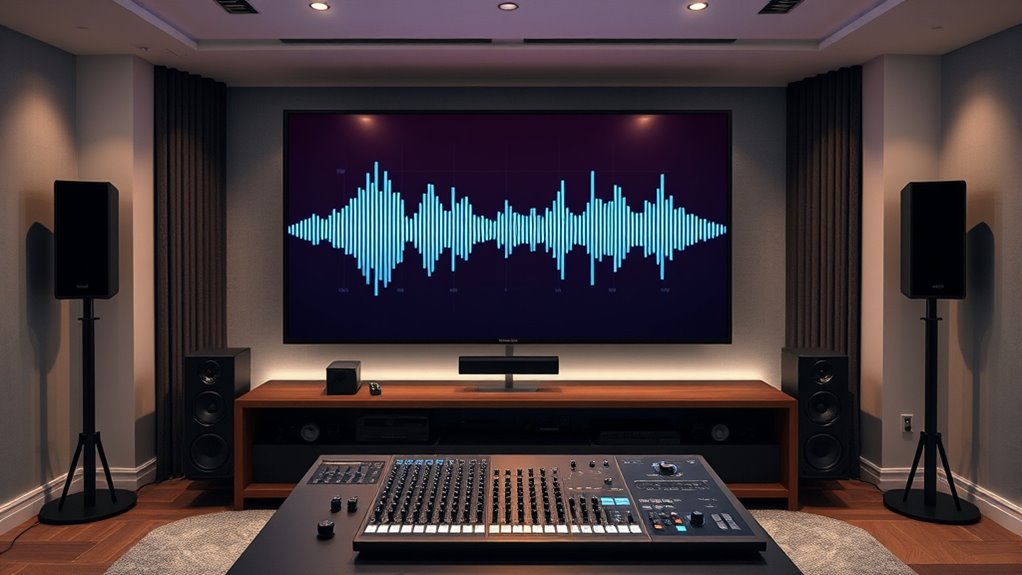
Managing volume inconsistencies between different apps and channels can be frustrating, especially when switching quickly from one to another. Sudden jumps in volume can disrupt your listening experience and make it hard to focus. To combat this, understanding audio leveling and how to apply dynamic range compression can make a significant difference. Audio leveling involves adjusting the volume levels so that they stay consistent across various sources, preventing those jarring spikes or dips. Dynamic range compression complements this by reducing the loudest sounds and boosting quieter ones, creating a more uniform sound profile. Together, these techniques help you achieve a smoother, more balanced listening experience.
Think of audio leveling as setting a baseline for your audio output. When you level the volume, you’re making sure that loud parts aren’t overwhelming and quiet parts aren’t drowned out. This process can be manual, through settings in your media players or streaming services, or automatic if you use specialized software. Dynamic range compression takes this a step further by actively managing the peaks and troughs within your audio signal. For example, if a song has a loud chorus and a quiet verse, compression will tame the chorus’s volume while boosting the quieter parts, resulting in a more consistent sound level. This is especially useful when switching between apps or channels that have different audio dynamics. Additionally, European cloud servers can support tools and software that facilitate effective audio normalization and compression, ensuring a seamless experience across platforms.
Most modern apps and devices include built-in options to help with volume normalization. Features like automatic volume leveling or loudness normalization can automatically adjust audio output so it remains steady across different sources. If your app doesn’t have these features, you can use third-party tools or plugins that apply compression and leveling in real-time. These tools analyze the incoming audio and apply the necessary adjustments instantly, so you don’t have to constantly tweak settings manually. Using these techniques not only minimizes the annoyance of volume swings but also reduces listener fatigue and preserves audio clarity.
Implementing proper audio leveling and dynamic range compression is a practical way to ensure your audio remains balanced, regardless of the source. It’s about creating a seamless listening environment where you don’t have to constantly adjust volume manually. Whether you’re streaming music, watching videos, or gaming, these methods make your experience smoother and more enjoyable. By mastering how to normalize volume swings with the right tools and settings, you regain control over your audio environment and eliminate the distraction of inconsistent sound levels.
Frequently Asked Questions
Can Normalizing Volume Affect Audio Quality?
Normalizing volume can slightly affect audio fidelity, but it generally improves listener perception by making volume levels consistent. You might notice a minor loss in audio detail or dynamics, but overall, it helps prevent sudden loud or quiet moments. When used properly, normalization guarantees a smoother listening experience, making it easier to enjoy your audio without constantly adjusting volume. So, while it can impact fidelity, it enhances overall perception.
Which Software Offers the Best Volume Normalization Features?
You should try software like Adobe Audition, iZotope RX, or Auphonic for the best volume normalization features. These tools excel at ensuring audio consistency and precise volume leveling across different tracks and channels. They automatically adjust loudness levels, preventing wild swings and making your audio smoother. With their advanced normalization options, you can achieve professional-quality sound without sacrificing audio quality, making your content more polished and listener-friendly.
Is Manual Adjustment Better Than Automatic Normalization?
Think of your audio experience as a delicate dance—manual adjustments give you the lead, offering precise control, which can be better for perfecting audio consistency. However, automatic normalization acts like a skilled partner, smoothly balancing volume levels without your constant input. If you crave user control and fine-tuning, manual is better. But if you prefer effortless consistency, automatic normalization keeps your sound steady, ensuring a seamless listening journey.
How Does Normalization Impact Headphone or Speaker Output?
Normalization improves your headphone or speaker output by ensuring consistent volume levels across different tracks and sources. This enhances your listening comfort and prevents sudden loud or quiet moments, making your experience smoother. With better audio consistency, you won’t have to constantly adjust the volume, allowing you to enjoy your content more effortlessly. Overall, normalization creates a more balanced sound environment, making your listening sessions more enjoyable and less fatiguing.
Are There Risks of Hearing Damage With Volume Normalization?
Think of volume normalization as a safety net for your ears. It reduces sudden loud jumps, but risks of hearing damage still exist if you ignore hearing safety and keep volume levels above recommended thresholds. While normalization helps maintain consistent sound, you should stay mindful of volume thresholds and avoid listening at high volumes for extended periods. This way, you protect your hearing while enjoying your audio experience.
Conclusion
By normalizing volume across apps and channels, you’ll avoid those frustrating wild swings that disrupt your listening experience. Some say these fluctuations happen because each app or platform uses different algorithms, but recent studies suggest it’s more about inconsistent volume settings and lack of standardization. Implementing normalization not only creates a smoother audio experience but also supports the idea that standardizing volume levels could become industry-wide, making your listening more seamless and enjoyable.