
To tell if your speakers are level-matched, play a mono test tone or a centered vocal track and listen carefully. If the sound appears evenly centered between both speakers, your levels are likely good. If it leans to one side, adjust the volume controls until the sound is perfectly centered. Ensuring this balance improves your stereo image. Keep going to discover more tips for perfect speaker setup and sound clarity.
Key Takeaways
- Play a mono test signal or centered vocals and observe if the sound appears exactly between both speakers.
- Adjust speaker levels until the sound image appears centered and balanced in the stereo field.
- Use the ‘Center Image’ Test regularly to confirm that speakers remain level-matched over time.
- Ensure speakers are at the same height and equidistant from your listening position for accurate results.
- Small adjustments in volume or positioning can significantly improve the centered sound image.
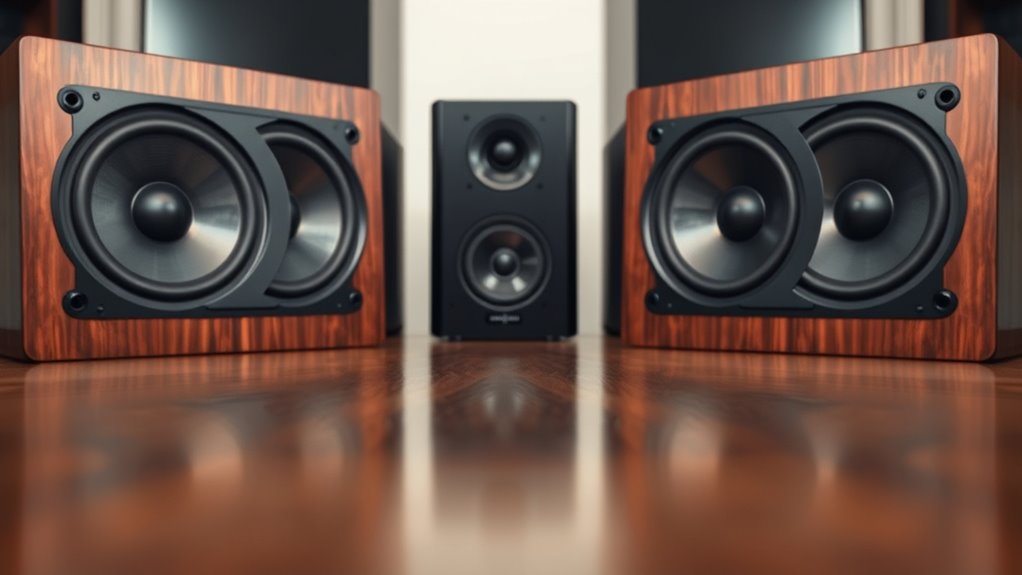
The ‘Center Image’ Test is a simple yet powerful tool for evaluating visual compositions and design balance. When it comes to audio, however, it helps you determine if your speakers are level-matched, ensuring a precise stereo image. Stereo imaging refers to how accurately your soundstage is presented, giving you a clear sense of where each instrument or vocal is positioned within the stereo field. Achieving perfect stereo imaging depends heavily on proper speaker placement, which influences how sound waves reach your ears and interact with each other.
Ensuring your speakers are level-matched is key to achieving accurate stereo imaging and a balanced soundstage.
If your speakers aren’t level-matched, your stereo image will be skewed, making it difficult to pinpoint the location of sounds. You might notice that certain instruments seem to drift to one side or that vocals aren’t centered as they should be. To correct this, start by setting up your speakers at the same height, ideally so that tweeters are at ear level when you’re seated in your typical listening position. Next, check the distance from each speaker to your listening spot; they should form an equilateral triangle with your seat. Small adjustments in speaker placement can dramatically improve stereo imaging, so don’t be afraid to experiment.
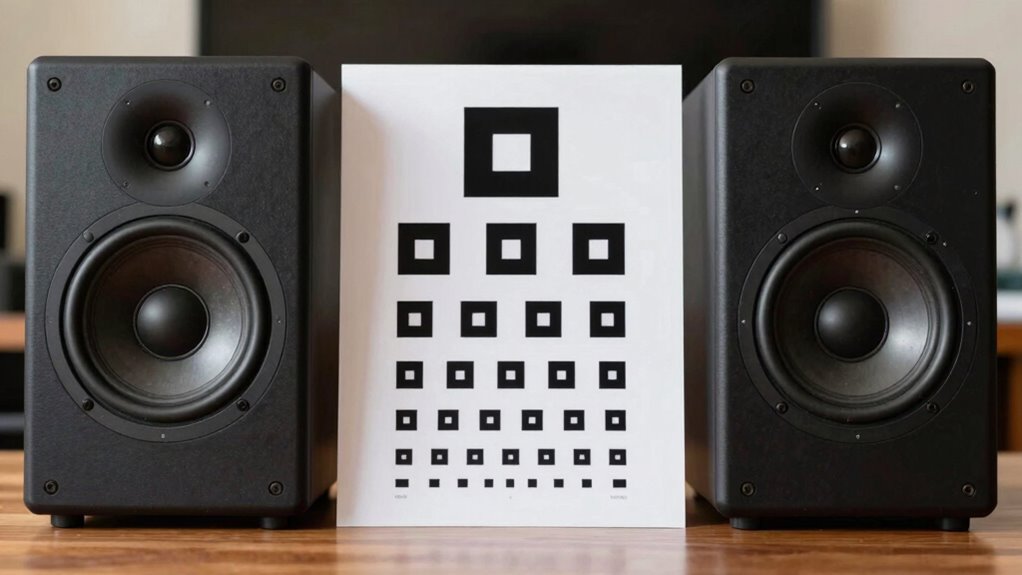
Once your speakers are roughly aligned, perform the ‘Center Image’ Test. Play a mono signal, like a centered vocal track or a test tone, through both speakers. Focus on whether the sound appears to come directly from the middle, right between the speakers. If it seems shifted toward one side, your speakers aren’t level-matched. Adjust the speaker levels, either through their volume controls or your amplifier’s balance settings, and repeat the test. Achieving a centered image confirms that your stereo imaging is balanced, and your speakers are level-matched.
It’s also worth considering room acoustics and speaker positioning in your setup, as these factors influence stereo imaging. Reflective surfaces or furniture can cause sound to bounce unevenly, affecting how you perceive the center image. If adjustments to speaker levels and placement don’t produce a centered sound, look into acoustic treatments or repositioning your speakers further from reflective surfaces. Additionally, understanding the importance of a high contrast ratio can help you appreciate how black levels and brightness impact overall image quality in your home cinema setup.
In essence, the ‘Center Image’ Test guides you in fine-tuning your speaker setup for ideal stereo imaging. Proper speaker placement and level-matching are critical to achieving a balanced and immersive listening experience. By regularly performing this simple test, you ensure your soundstage is accurate, allowing you to enjoy music and movies exactly as they’re meant to be heard.
Frequently Asked Questions
Can Speaker Placement Affect the Center Image Test Results?
Yes, speaker placement and room acoustics can considerably affect your center image test results. If your speakers aren’t properly aligned or if room reflections interfere, the soundstage may become unbalanced or skewed. To get accurate results, position your speakers symmetrically and consider room acoustics, like adding treatments or diffusers, to minimize reflections. Proper placement ensures a clear, centered image during the test.
What Equipment Is Needed to Perform the Center Image Test?
To perform the center image test, you’ll need calibration tools like a sound level meter or SPL meter and test recordings specifically designed for audio calibration. These tools help confirm your speakers are producing consistent sound levels. Play the test recordings, adjust your speaker levels accordingly, and use the calibration tools to verify the balance. This process helps you achieve a precise center image and ideal stereo imaging.
How Often Should I Retake the Center Image Test?
You should retake your speaker calibration and audio calibration regularly, ideally every few months or if you notice changes in sound quality. Imagine your soundstage shifting like a fog lifting—retaking the center image test guarantees your speakers stay level-matched, maintaining that precise, centered sound. Frequent checks keep your system aligned, preserving immersive audio experiences and preventing subtle imbalances from degrading your listening pleasure.
Does Room Acoustics Influence the Test Outcomes?
Yes, room acoustics definitely influence the test outcomes. Room reflections can cause sound to bounce around, making it harder to judge speaker balance accurately. Sound absorption helps reduce these reflections, giving a clearer center image. To get the best results, minimize reflective surfaces and add sound absorption materials like rugs or panels. This creates a more controlled environment, ensuring your test accurately reflects your speakers’ level-matching.
Can This Test Help Improve Overall Speaker Sound Quality?
Did you know that proper speaker calibration can boost sound clarity by up to 20%? This test helps you fine-tune your speakers, ensuring they’re level-matched, which markedly improves overall sound quality. By aligning your speakers, you create a more accurate and immersive listening experience. So, yes, using this test can definitely help enhance your speaker setup, leading to clearer, more balanced audio across your system.
Conclusion
Think of your speakers as the twin towers of your soundstage. When they’re perfectly level-matched, your audio landscape becomes a balanced city skyline—clear, centered, and harmonious. If one tower leans, the view becomes skewed, and the magic fades. So, run the ‘Center Image’ Test regularly, and keep your speakers aligned like steadfast skyscrapers. Only then will your music soar, delivering a true, immersive experience that’s as steady and stunning as a perfectly balanced skyline.