
The biggest dusting mistake that can damage screens and lenses is using rough or abrasive materials like paper towels or harsh cloths, which can scratch delicate surfaces. Applying too much pressure or using dirty cloths can also trap debris and cause micro-scratches. Spray cleaners directly onto devices rather than onto the cloth, increasing risk of seepage. To protect your devices, learn safer techniques that keep your screens clear and undamaged over time.

Get audio and creator gear delivered free with Prime
- Fast, free delivery on millions of items
- Prime Video, Amazon Music and more included
- Member-only deals all year
Key Takeaways
- Using dry or rough cloths can scratch delicate screens and lenses during dusting.
- Applying dusting products directly onto devices risks liquid seepage and internal damage.
- Excessive pressure while dusting can weaken or damage protective coatings.
- Using compressed air at high pressure may force dust into device openings, causing harm.
- Neglecting to remove debris before wiping can cause scratches from trapped particles.
Dusting your screens and lenses might seem straightforward, but making the wrong cleaning mistake can cause permanent damage. Many people assume that just wiping with a cloth is enough, but improper techniques can scratch or weaken delicate surfaces. To avoid this, you need to understand proper screen cleaning techniques and lens protection tips. Using the wrong materials or cleaning methods can lead to stubborn streaks, clouded displays, or even permanent scratches.
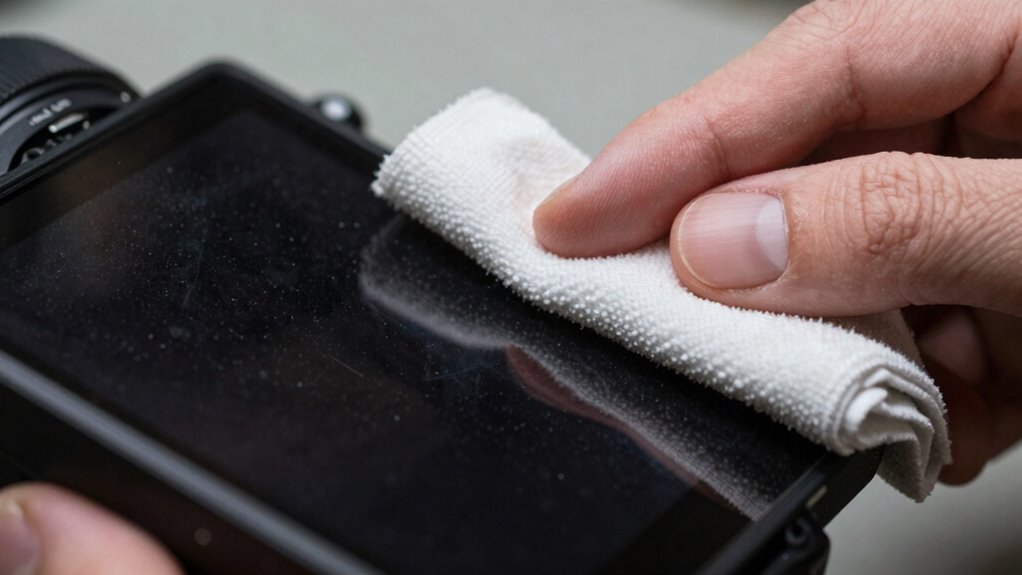
First, never use abrasive materials like paper towels, rough cloths, or household cleaners containing chemicals such as ammonia or alcohol. These can strip away protective coatings and scratch the surface. Instead, opt for a soft, lint-free microfiber cloth designed specifically for screens and lenses. Lightly dampen the cloth with distilled water or a cleaner formulated for electronic screens. Avoid spraying liquids directly onto your device; instead, spray the cleaner onto the cloth, then gently wipe the surface. This prevents excess liquid from seeping into edges or ports, which can cause internal damage.
Use a microfiber cloth dampened with distilled water; avoid spraying liquids directly onto devices to prevent internal damage.
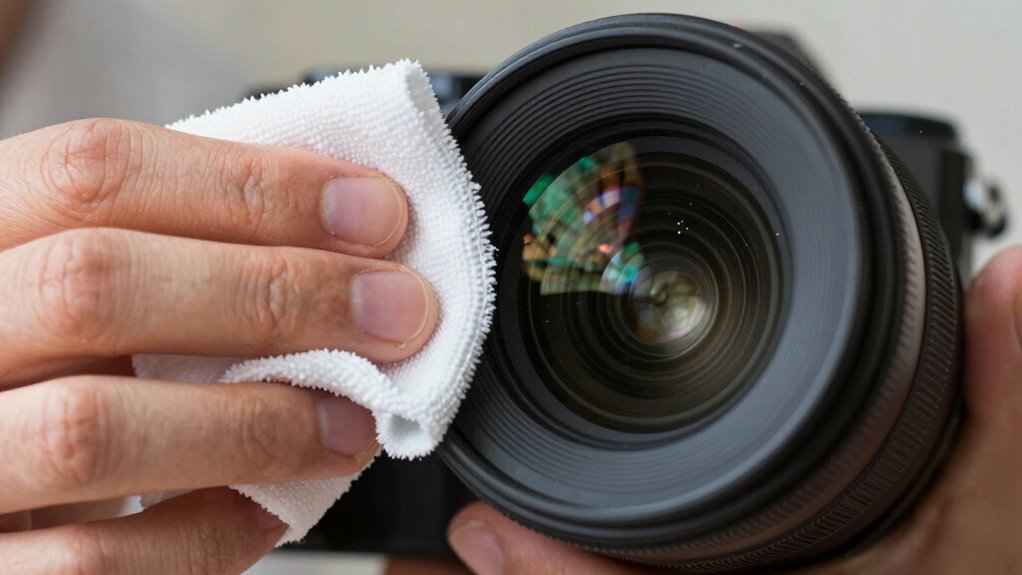
When it comes to lens protection tips, always handle your lenses with care. Use a clean, soft cloth designed for optical surfaces, and clean in a gentle circular motion. Never press too hard, as this can scratch or distort the lens. For stubborn smudges, a specialized lens cleaning solution can help, but be sure to follow manufacturer instructions. Avoid using household glass cleaners that contain harsh chemicals—they can harm coatings and reduce clarity.
Another common mistake is cleaning too frequently or aggressively. Over-cleaning can wear down coatings over time, while aggressive scrubbing risks scratches. Instead, develop a routine cleaning schedule based on usage. If your device is exposed to dirt, dust, or fingerprints, gently wipe it with the right tools and cleaning techniques. Always ensure your cloth is clean and free from debris before wiping; dirt particles trapped between the cloth and the surface can act like abrasives.
To extend the lifespan of your screens and lenses, consider using screen protectors to shield surfaces from scratches and dust. Finally, store your devices properly to minimize the need for frequent cleaning. Use protective cases or covers, avoid placing screens in dusty or dirty environments, and keep lenses in protective cases when not in use. By following these screen cleaning techniques and lens protection tips, you’ll preserve the clarity and integrity of your devices, preventing costly damages caused by simple mistakes. Remember, gentle, consistent care is the key to keeping your screens and lenses in top condition.
Products Worth Considering

LG UltraGear 27GX704A-B 27-inch QHD OLED Gaming Monitor

Bose QuietComfort True Wireless Earbuds with Active Noise Cancellation, Black

Jackery Explorer 2000 v2 Portable Power Station with Two 200W Solar Panels
As an affiliate, we earn on qualifying purchases.
Frequently Asked Questions
Can Dusting Damage Screens Over Time?
Yes, dusting can damage screens over time if you’re not careful. When you clean your screen, dust accumulation can scratch the surface if you use rough materials or excessive force. Regular screen cleaning with a soft, lint-free cloth prevents dust buildup, but avoid pressing too hard or using abrasive cleaners. Proper dusting technique helps maintain your screen’s clarity and prevents long-term damage caused by dust particles acting as abrasives.
Are There Specific Dust Types That Are More Harmful?
Like tiny saboteurs, some dust types pose more harm to your screens and lenses. Fine dust with small particle sizes, like volcanic ash or pollen, can scratch or smudge more easily because their dust composition is aggressive and abrasive. Larger particles, such as sand or dirt, are less harmful but still risky if rubbed across delicate surfaces. Always choose gentle cleaning methods to protect your devices from these microscopic threats.
How Often Should Screens and Lenses Be Dusted?
You should dust your screens and lenses weekly to maintain clarity and prevent buildup. Incorporate gentle screen cleaning routines and lens maintenance tips, like using a microfiber cloth and avoiding harsh chemicals. Regular dusting prevents scratches and prolongs device lifespan. If you notice smudges or dust accumulation, increase cleaning frequency. Consistent care keeps your screens clear and guarantees ideal performance, avoiding damage from dust particles or improper cleaning methods.
Is Compressed Air Safe for Cleaning Delicate Surfaces?
Compressed air might seem like a quick fix, but air compressor dangers make it risky for delicate surfaces. The high pressure can damage screens and lenses, causing cracks or scratches. Instead, opt for alternative cleaning methods, like a soft microfiber cloth or specialized lens cleaner. You avoid potential damage and keep your devices safe. Always choose gentle, effective methods over aggressive blasts for cleaning sensitive equipment.
What Are the Signs of Damage From Improper Dusting?
You’ll notice damage from improper dusting if you see persistent dust residue or tiny scratches on your screens or lenses. Abrasive particles, like dirt or dust, can scratch delicate surfaces when you use compressed air or rough cloths. Over time, these tiny scratches may cause discoloration or reduced clarity. If you observe streaks, smudges, or increased dust buildup despite cleaning, it’s a sign that improper dusting has caused damage.
Conclusion
To avoid damaging your screens and lenses, skip the harsh dusting methods and avoid using rough cloths or household cleaners. Instead, gently use a microfiber cloth and proper cleaning solutions designed for delicate surfaces. Research shows that improper cleaning can cause micro-scratches or clouding, reducing visibility over time. By adopting these careful techniques, you’ll preserve your devices’ clarity and lifespan. Protect your screens now—gentle cleaning truly makes a difference.