To build a versatile setup, invest in a high-quality monitor or TV with good resolution and refresh rates, paired with an immersive sound system. Use adjustable lighting like smart or dimmable lights to create different ambiances for gaming and movies. Organize cables with trays and choose flexible furniture for easy reconfiguration. Incorporate smart controls for seamless switching between modes, ensuring comfort and convenience. Keep exploring to discover how all these elements work together effortlessly.
Key Takeaways
- Invest in a high-resolution monitor or TV with adjustable refresh rates suitable for both gaming and cinematic viewing.
- Incorporate versatile lighting with dimmable, layered options to create optimal ambiance for each activity.
- Use organized cable management and modular furniture to easily reconfigure the space for gaming or movie sessions.
- Implement smart control systems for seamless switching of audio, lighting, and device inputs via remote or voice commands.
- Design the environment with adjustable temperature and airflow to ensure comfort during extended gaming or viewing sessions.
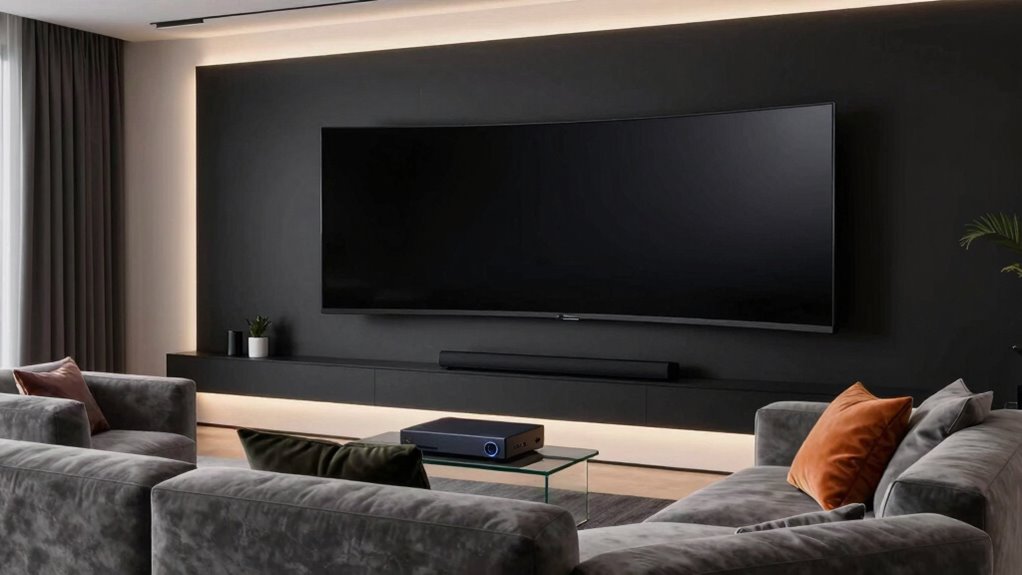
Are you looking to create a setup that adapts seamlessly to different tasks and environments? Whether you’re diving into an intense gaming session or settling in for a movie night, your space needs to flex effortlessly. The key lies in designing a versatile setup that balances the right technology with thoughtful placement. Start by focusing on your audiovisual components: a high-quality monitor or TV that offers good resolution and refresh rates suitable for gaming and cinematic viewing. Pair that with a powerful sound system that can deliver immersive audio. Surround sound is essential here—opt for a system that can switch between different modes, so you get clear dialogue during movies and dynamic effects during games. This flexibility helps you avoid constant reconfigurations and ensures you’re always ready for whatever you want to do.
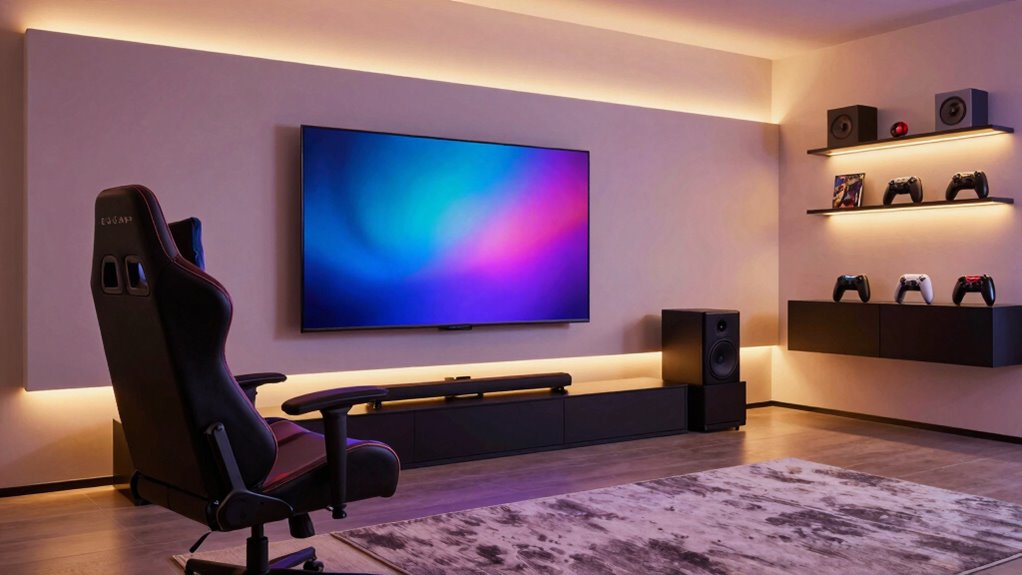
Create a versatile space with adaptable audiovisuals and flexible setup for seamless gaming and movie nights.
Lighting design plays a crucial role in creating a versatile environment. You want lighting that can adapt to both bright, focused work sessions and cozy, cinematic atmospheres. Install dimmable lights or smart lighting solutions that can be controlled via app or voice commands. Use layered lighting—ambient, task, and accent—to achieve the right mood for each activity. For gaming, softer lighting reduces glare on screens and enhances immersion, while for movies, you can dim the lights further to mimic a theater experience. Having the ability to easily change lighting settings allows you to switch from energetic gaming to relaxed movie viewing without hassle. Incorporating biodiversity-friendly lighting options can also enhance your space’s ambiance while supporting sustainable practices. Additionally, selecting adjustable lighting can help you fine-tune the environment to match different activities effortlessly. To further optimize your setup, consider integrating smart lighting controls that automate lighting adjustments based on your preferences or activity mode. Paying attention to environmental factors like temperature and airflow can also improve comfort and overall experience during long sessions.
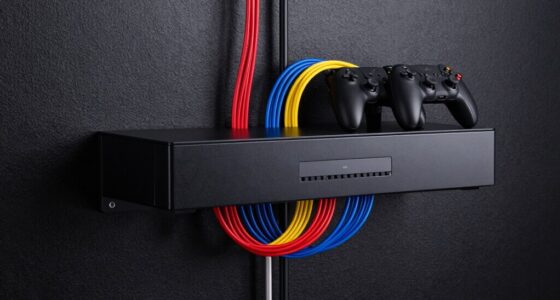
Cable management is another aspect that contributes to a flexible setup. Use cable trays or sleeves to keep cords organized and out of sight. This not only improves aesthetics but also makes it easier to reconfigure your space when needed. Consider furniture that’s modular or adjustable—such as desks with height options or movable shelves—to accommodate different activities comfortably. Incorporating a multi-purpose seating arrangement can also make your space more adaptable, letting you switch from a gaming chair to a cozy sofa for movie nights.
Lastly, think about your control system. Use a universal remote or smart home integration to manage audio, lighting, and even device inputs. This simplifies switching between modes and minimizes disruptions during transitions. With these elements in place—surround sound, adaptable lighting, organized wiring, flexible furniture, and smart controls—you create a space that seamlessly transitions from gaming marathons to cinematic evenings. This approach saves you time and effort, ensuring your setup is always ready for the next adventure or relaxing movie.
4K gaming monitor with adjustable refresh rate
As an affiliate, we earn on qualifying purchases.
As an affiliate, we earn on qualifying purchases.
Frequently Asked Questions
What Are the Best Budget Options for a Versatile Entertainment Setup?
For a versatile entertainment setup on a budget, start with a good quality home theater system that offers clear visuals and sound. Choose affordable yet reliable budget audio options like compact speakers or a soundbar to enhance your experience without overspending. Incorporate a streaming device or gaming console to switch seamlessly between movies and games. With smart choices, you’ll enjoy an immersive experience without breaking the bank.
How Can I Optimize Sound Quality for Both Gaming and Movies?
Did you know surround sound can boost audio clarity by 30%? To optimize sound quality for both gaming and movies, invest in a good surround sound system and add soundproofing to your room. This reduces echo and external noise, ensuring crisp, immersive audio. Position speakers correctly, and choose a receiver that supports various audio formats. These steps create a versatile setup that enhances every sound detail.
What Lighting Considerations Improve Viewing Comfort Across Activities?
To improve viewing comfort, focus on ambient lighting that’s soft and evenly distributed, reducing eye strain during both gaming and movies. Use dimmable lights or indirect lighting to prevent glare and reflections on your screen. Avoid harsh, direct light sources that cause glare, and position lighting away from your display. This setup minimizes eye fatigue, creating a cozy, balanced environment perfect for long gaming sessions or movie marathons.
Are Wireless Devices Suitable for a Multi-Purpose Entertainment Setup?
Sure, wireless devices are perfect for a multi-purpose setup—until they aren’t. Wireless connectivity offers great device compatibility and eliminates clutter, making your space look sleek. But, don’t forget, they can sometimes lag or disconnect at vital moments, especially during intense gaming or movie marathons. So, while they’re convenient, having a wired backup guarantees your entertainment remains uninterrupted, no matter how “wireless” the promise sounds.
How Do I Manage Cable Clutter in a Dual-Purpose Room?
You manage cable clutter by using cable management solutions like clips, sleeves, or under-desk trays to keep wires organized. Adjust your furniture arrangement to hide cables behind or underneath furniture, minimizing visible mess. Consider installing power strips with individual switches to easily control devices and reduce tangled cords. Regularly tidy up cords, and use labeled or color-coded cables to quickly identify and manage them, creating a cleaner, more streamlined entertainment space.

ULTIMEA 7.1ch Dolby Atmos Surround Sound System for TV, with 4 Surround Speakers, Surround Sound System Sound Bar with Subwoofer for Home Theater, App Control, HDMI eARC, Aura A60, 2026 Model
- 7.1ch Surround Sound System: Includes 3 main channels and 4 surround speakers
- Wireless Rear Surround Speakers: Pair rear speakers wirelessly for immersive sound
- 4 Surround Speakers for Home Theater: 2 wired front and 2 wired rear speakers
As an affiliate, we earn on qualifying purchases.
As an affiliate, we earn on qualifying purchases.
Conclusion
By choosing flexible components and smart placement, you can create a setup that transforms effortlessly between gaming and movie marathons. With just a few adjustments, your space becomes a powerhouse of entertainment, rivaling the best theaters or gaming arenas. Remember, this isn’t just a setup—it’s your personal entertainment universe, capable of handling anything you throw at it with the ease of a superhero. Get ready to enjoy your favorite media like never before—your ultimate entertainment kingdom awaits!
smart dimmable LED lighting for living room
As an affiliate, we earn on qualifying purchases.
As an affiliate, we earn on qualifying purchases.
cable management tray for entertainment setup
As an affiliate, we earn on qualifying purchases.
As an affiliate, we earn on qualifying purchases.