
Many casual console players think input lag is the main issue behind gaming problems, but that’s often a misconception. What you might really be experiencing could be display delay, controller sensitivity issues, or hardware limits. These factors can make your game feel sluggish, even if your input lag is low. Understanding the difference and managing these elements can drastically improve your gameplay. Keep exploring to discover how you can optimize your setup for a smoother experience.

Get audio and creator gear delivered free with Prime
- Fast, free delivery on millions of items
- Prime Video, Amazon Music and more included
- Member-only deals all year
Key Takeaways
- Many believe input lag is the main issue, but display delay and controller settings often cause perceived responsiveness problems.
- Proper controller sensitivity adjustment improves responsiveness more than hardware upgrades.
- Higher refresh rates (120Hz, 144Hz) create smoother visuals, reducing the illusion of lag.
- Input lag refers to button-to-screen response, while display delay is how visuals are rendered; confusing both causes misunderstandings.
- Optimizing display technology and connection quality can significantly enhance gaming responsiveness beyond just worrying about input lag.

Many gamers believe that input lag is a vital factor that can make or break their gaming experience, but the truth is often misunderstood. When it comes to gaming, especially on consoles, there’s a lot of focus on minimizing input lag. However, what many players don’t realize is that some of the perceived issues are actually related to other factors, like controller sensitivity or display refresh rate, which can be mistaken for input lag. Understanding these elements helps you see through the myths and improve your gaming experience without obsessing over every millisecond.
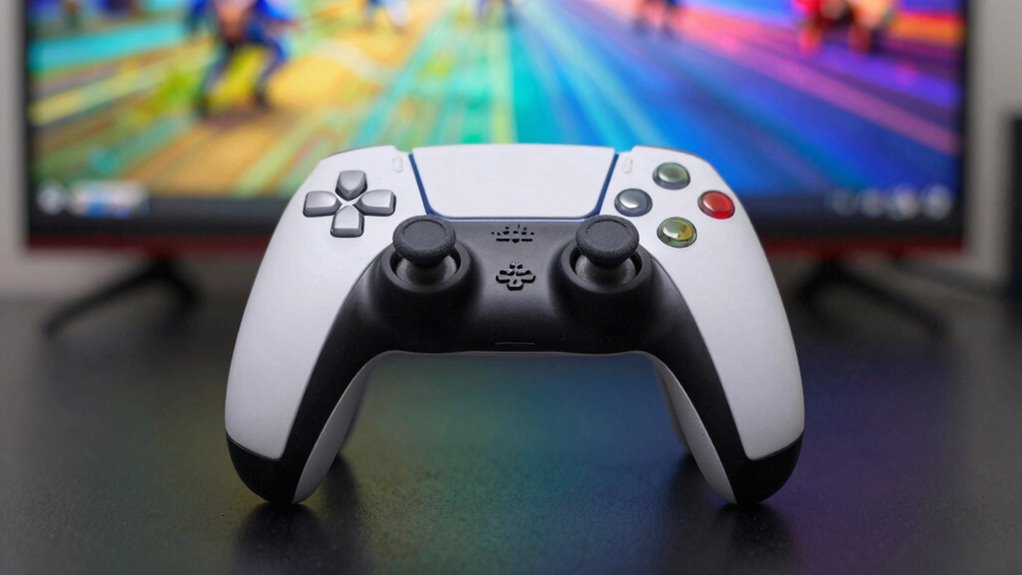
Controller sensitivity plays a considerable role in how responsive your actions feel. If your controller’s sensitivity settings are too high or too low, your inputs might seem delayed or overly twitchy, leading you to believe there’s input lag. Adjusting sensitivity properly ensures that your character or cursor responds smoothly and accurately to your commands. It’s not that your controller or console is slow; it’s that the settings are off. Many casual gamers overlook this and assume their hardware is to blame, but in reality, fine-tuning sensitivity can make a huge difference in how responsive the game feels.
Next, the display refresh rate is another vital factor often mistaken for input lag. Modern displays with higher refresh rates, like 120Hz or 144Hz, present images more smoothly, making fast-paced gameplay feel more natural. If your display has a low refresh rate, even if your console processes inputs quickly, the visual output might feel choppy or delayed. This can give the illusion of lag, but it’s really a display limitation. Upgrading to a higher refresh rate monitor or TV can notably improve your gaming experience. Keep in mind, though, that your console’s output must support that higher refresh rate for you to notice a difference. Additionally, understanding the importance of display technology can help you choose devices that better match your gaming needs. Being aware of the role of display technology can also help you optimize your setup for smoother gameplay.
Many casual players also get confused by the difference between input lag and the time it takes for the display to show the image. Input lag refers to the delay between pressing a button and seeing the result on-screen, while display refresh rate affects how smoothly those results are rendered visually. If you’re experiencing sluggish response times, it’s worth checking both the controller sensitivity settings and your display’s refresh rate, rather than immediately assuming your console is to blame. Furthermore, understanding the importance of display technology can help you make more informed choices about your gaming setup. Additionally, being aware of other factors like connection quality can further enhance your gaming responsiveness and overall experience.
Products Worth Considering

LG UltraGear 32GX850A-B 32-inch 4K UHD Glossy OLED Gaming Monitor

LG UltraGear 34GX90SA-W 34-inch WQHD Curved OLED Gaming Monitor

Samsung 27 Odyssey OLED G5 (G50SF) QHD Gaming Monitor
As an affiliate, we earn on qualifying purchases.
Frequently Asked Questions
How Do I Accurately Measure My Console’s Input Lag?
To accurately measure your console’s input lag, start with proper calibration techniques using measurement tools like a high-speed camera or specialized input lag testers. Connect your console to a monitor with a known response time, then use software or hardware tools to record the delay between your button press and the on-screen action. This process helps you identify real lag, dispelling myths and ensuring better gaming performance.
Does Higher Frame Rate Always Reduce Input Lag?
Higher frame rates don’t always reduce input lag, but they often improve responsiveness. Frame timing becomes tighter, which can lower response delay, making your actions feel quicker. However, other factors like display processing and hardware can still introduce lag. So, while a higher frame rate generally helps, it isn’t a guarantee for minimal input delay. Keep in mind, optimizing your entire setup is key for the best experience.
Can Changing HDMI Cables Affect Input Lag?
Changing HDMI cables can affect input lag, especially if the cable’s quality isn’t high enough. Poor HDMI quality may cause signal delays, and longer cable lengths can introduce slight latency due to signal degradation. To minimize input lag, use high-speed HDMI cables with good shielding and keep cable lengths as short as possible. Investing in quality cables guarantees a more reliable, faster connection, reducing potential input delay.
Is Input Lag the Same Across All Game Genres?
Input lag isn’t the same across all game genres; it’s like a chameleon adapting to its environment. In fast-paced shooters, controller sensitivity and display refresh rate can make a big difference, causing noticeable delays. Meanwhile, slower genres like puzzle games tolerate more lag without impacting gameplay. So, your experience varies depending on the game’s demands, and adjusting these settings can help make your gameplay smoother and more responsive.
How Does Screen Size Influence Perceived Input Lag?
Screen size influences perceived input lag because larger screens can delay your visual perception of actions, making lag feel more noticeable. Proper screen calibration helps minimize this effect, ensuring your visuals are accurate and responsive. When you play on a bigger display, your brain has to process more visual information, which can amplify the sensation of input lag. Adjusting settings and ensuring the best calibration can improve your overall gaming experience.
Conclusion
Don’t be deceived by the deceptive dance of digital delay. Dispel doubts, delve into data, and discover the truth behind input lag. Remember, reliable research reveals real risks, while rumors remain just that—rumors. By understanding the facts, you’ll confidently conquer consoles without concern. Clear the confusion, challenge the chatter, and champion your gaming experience. Stay savvy, stay sharp, and never let the myth muddle your mastery. Your gameplay, your rules, your reality.