
If you’re not careful with your audio formats, you might sabotage your premium setup. Using compressed wireless codecs can reduce sound detail, while incompatible digital files strain your DACs, causing distortions. High-bitrate and lossless formats deliver better clarity, but they need proper transmission and conversion to shine. Overlooking these aspects means missing out on truly immersive sound. If you want to discover how to optimize your system and avoid these pitfalls, keep exploring—better audio quality is within reach.

Get audio and creator gear delivered free with Prime
- Fast, free delivery on millions of items
- Prime Video, Amazon Music and more included
- Member-only deals all year
Key Takeaways
- Using low-bitrate or lossy audio formats diminishes sound quality even with premium equipment.
- Wireless transmission compression can negate the benefits of high-quality digital audio files.
- Inadequate digital-to-analog converters can introduce distortions, undermining high-fidelity setups.
- Relying on incompatible or outdated codecs can cause audio degradation in wireless streaming.
- Overlooking the importance of supporting high-resolution formats limits the potential of premium sound systems.
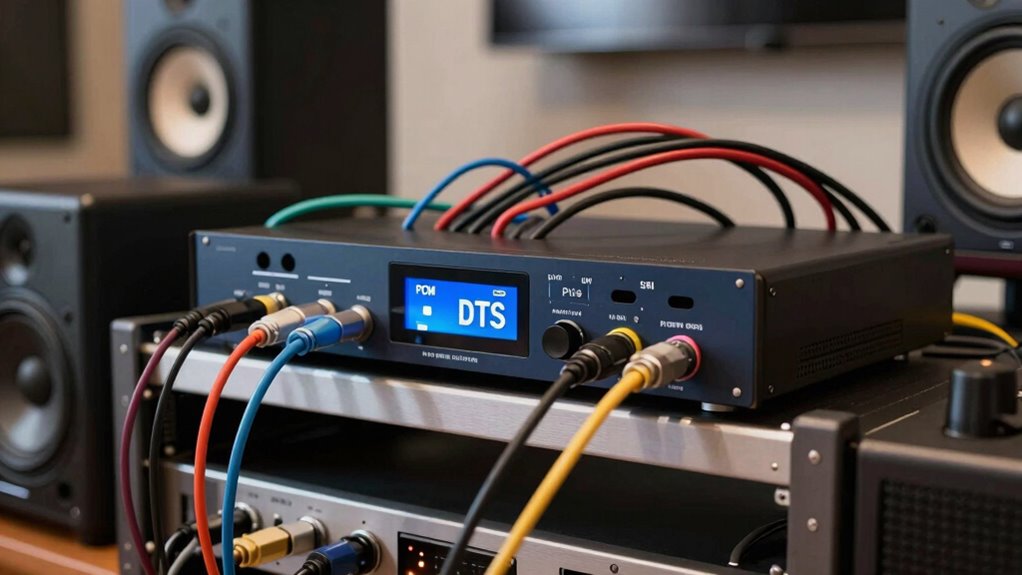
Have you ever found yourself puzzled by the different audio formats and wondered which one is best for your needs? It’s a common dilemma, especially when trying to optimize a premium audio setup. The core issue often comes down to how audio signals are transmitted and converted, whether through wireless transmission or digital to analog conversion. These processes considerably influence sound quality, and understanding them can help you make smarter choices.
When it comes to wireless transmission, you need to know that not all signals are created equal. Some formats, like Bluetooth codecs, compress audio to make transmission easier, but this compression can reduce sound fidelity. High-quality wireless options, such as Wi-Fi-based streaming or proprietary codecs, preserve more detail and minimize latency. If your setup relies on wireless transmission, choosing devices that support lossless or high-bitrate formats ensures you don’t compromise on sound clarity. Otherwise, you risk losing subtle nuances that make premium audio setups shine.
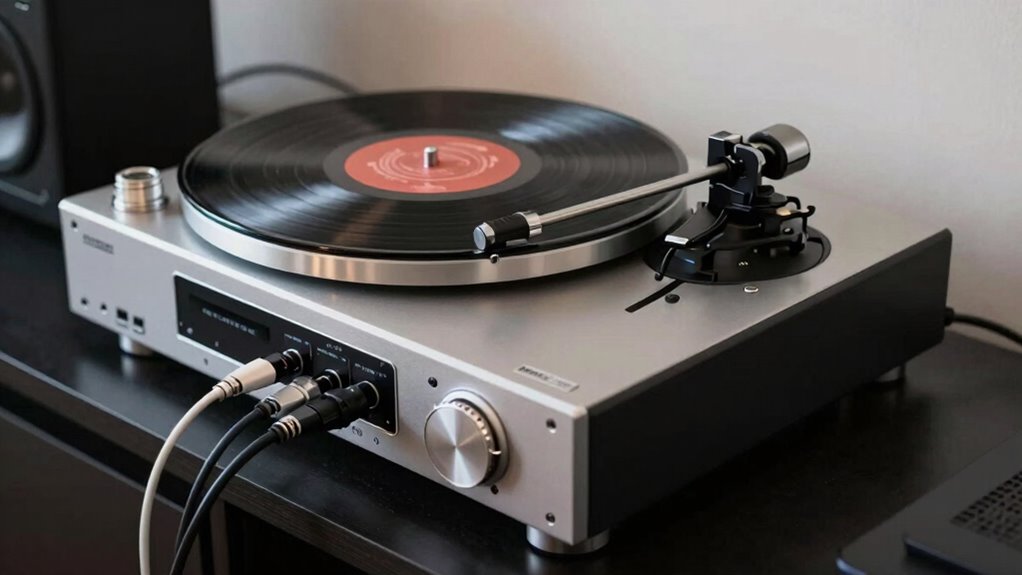
Digital to analog conversion is another critical factor. Your digital devices—like computers, streamers, or DACs—convert digital audio data into analog signals that speakers or headphones can produce. This conversion process is essential because it directly impacts the accuracy and richness of the sound. A poorly performing digital-to-analog converter can introduce noise, distortions, or a loss of detail, undermining your entire audio experience. Investing in a high-quality DAC can elevate your setup by faithfully translating digital signals into pure analog sound, revealing the full potential of high-resolution audio formats. Additionally, selecting a DAC that supports high-resolution audio can further enhance your listening experience.
Many people overlook how these two processes—wireless transmission and digital to analog conversion—interact. For example, even if you have a top-tier digital audio file, if your wireless transmission compresses or degrades the signal, your DAC will only have a compromised stream to work with. Conversely, a high-quality wireless system paired with a premium DAC can deliver stunning clarity and depth, making your premium setup truly outstanding. Recognizing the significance of audio signal integrity can help you maintain the fidelity of your sound throughout the entire chain.
Wireless quality and digital-to-analog conversion together determine your audio’s true clarity and richness.
In essence, understanding the role of wireless transmission and digital to analog conversion helps you avoid the pitfalls of audio format confusion. It’s about selecting equipment that supports high-fidelity formats and ensures that your digital signals are transmitted and converted with minimal loss. Recognizing the importance of digital-to-analog conversion can make all the difference in the quality of your audio experience. By doing so, you guarantee your setup delivers the rich, detailed, and immersive sound you expect from high-end audio systems. Ignoring these factors can turn what should be an enjoyable listening experience into a frustrating one, filled with distortions and lost nuances. So, take the time to understand these processes, and your premium audio setup will reward you with clean, precise sound every time.
As an affiliate, we earn on qualifying purchases.
Frequently Asked Questions
How Do I Identify the Best Audio Format for My Setup?
To identify the best audio format for your setup, start by checking your device’s codec compatibility—ensure your hardware supports formats like AAC, FLAC, or Dolby Atmos. Focus on format optimization; choose a format that balances quality and file size without overloading your system. Test different formats to see which delivers the best sound quality without lag or compatibility issues, helping you enjoy a seamless premium audio experience.
Can I Convert One Audio Format to Another Without Quality Loss?
You can convert one audio format to another without losing quality by using lossless compression tools, which preserve bit depth and sample rate, ensuring no data is discarded. However, be cautious—converting lossy formats can lead to quality degradation. Think of it like a game of telephone; once the quality drops, it’s hard to get it back. Stick to lossless formats for the best results, and always keep original files safe.
Do Different Devices Support the Same Audio Formats?
Not all devices support the same audio formats due to device compatibility and format licensing restrictions. You’ll find that smartphones, computers, and media players often support popular formats like MP3 and AAC, but may lack support for others like FLAC or DSD. Always check your device’s specifications, as format licensing can limit support for certain high-quality or proprietary formats. To guarantee smooth playback, choose formats compatible with all your devices.
What Are the Common Mistakes When Configuring Audio Formats?
Did you know that 65% of users misconfigure audio formats, ruining their surround sound experience? When setting up, avoid common mistakes like mismatched audio compression settings or incompatible formats, which can lead to poor sound quality. Make sure your devices support the same audio formats and choose uncompressed or high-quality compression for the best surround sound. Double-check your settings to prevent audio format conflicts that compromise your premium setup.
How Does Audio Format Affect Streaming and Playback Quality?
Your choice of audio format directly impacts streaming and playback quality because wireless standards and codec compatibility determine how well your device transmits and decodes audio. If your device supports advanced wireless standards but uses an incompatible codec, you’ll experience degraded sound or buffering. Ensuring your devices use compatible codecs and meet wireless standards guarantees smooth streaming, clearer sound, and a seamless listening experience.
As an affiliate, we earn on qualifying purchases.
Conclusion
So, don’t let audio format confusion turn your premium setup into a total disaster. When you understand the differences, you’ll discover a world of crystal-clear sound and jaw-dropping clarity. It’s like upgrading from a toy radio to a concert hall—your ears deserve nothing less. Mastering the ins and outs of audio formats isn’t just helpful; it’s the secret weapon to transforming your listening experience into something truly legendary. Don’t settle for less—your ears will thank you!
high bitrate digital audio files
As an affiliate, we earn on qualifying purchases.
As an affiliate, we earn on qualifying purchases.
premium digital-to-analog converter
As an affiliate, we earn on qualifying purchases.
As an affiliate, we earn on qualifying purchases.
Fall Picks
fall essentials
As an affiliate, we earn on qualifying purchases.