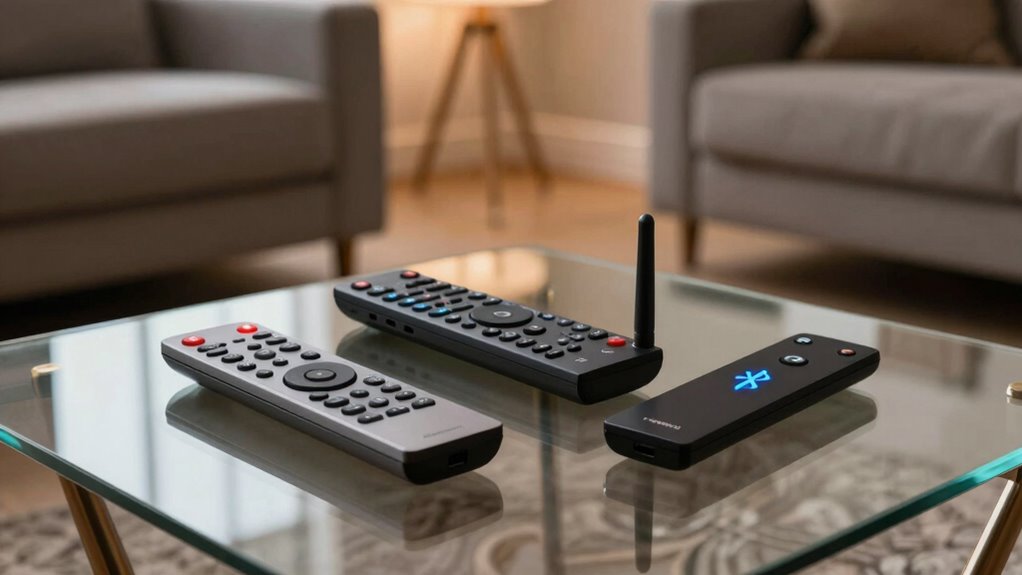

Universal remotes use different signals to control your devices. Infrared (IR) needs direct line of sight and works best for simple, same-room setups. Radio Frequency (RF) sends signals through walls and covers longer distances, making it great for larger spaces or multi-room control. Bluetooth connects wirelessly within a moderate range and is ideal for smart devices. Understanding these differences helps you choose the right remote—stick around to learn more about each type.
Key Takeaways
- IR remotes require direct line-of-sight and have limited range, suitable for simple, same-room control.
- RF remotes transmit signals through obstacles, offering longer range and control across multiple rooms.
- Bluetooth remotes connect wirelessly within about 10 meters, ideal for smart devices and quick pairing.
- Compatibility and environment determine the best remote type; RF and Bluetooth excel in larger, obstacle-filled spaces.
- Future remote tech trends include voice control, AI integration, and enhanced connectivity for smarter home management.

Herdio 6.5 Inch 800W Outdoor Bluetooth Speakers Wired Waterproof with Multifunctional Amplifier, Wall Mount Speaker System for Patio Home Poolside Deck Backyard(2 Pairs,Black)
【Full-Range Speakers】The high powered full range indoor outdoor speakers wired waterproof has a maximum power output of 800...
As an affiliate, we earn on qualifying purchases.
What Are Infrared (IR) Remotes and How Do They Work?

Infrared (IR) remotes work by sending invisible pulses of infrared light to your device. When you press a button, the remote’s LED emits a specific code encoded in infrared signals. Your device detects this light via a sensor called a photodiode, which converts the pulses into electrical signals. These signals are then interpreted by the device’s internal processor to perform the desired action, like changing the channel or adjusting the volume. IR remotes require a direct line of sight because the infrared light can’t pass through objects or walls. This system is simple, cost-effective, and widely used for controlling TVs, DVD players, and other home electronics. However, it’s limited to short-range communication and needs clear visibility between remote and device. Recognizing the importance of smart gear can help you understand how modern technology enhances or complements traditional IR systems for more versatile control options. Additionally, advancements like RF and Bluetooth technologies are expanding the possibilities for remote control systems beyond the limitations of IR.

STUDIOFINIX 6.5 Inch Outdoor Speakers Wall-Mounted 800W - Waterproof and High-Performance Audio Solution for Indoor/Outdoor,Home,Patio,Garden,Backyard(4 Passive Speakers Bundle/Black)
〖Powerful Performance〗: Boasting a peak power handling of 800 watts, it delivers a full range of dynamic sound...
As an affiliate, we earn on qualifying purchases.
Exploring Radio Frequency (RF) Remotes and Their Advantages
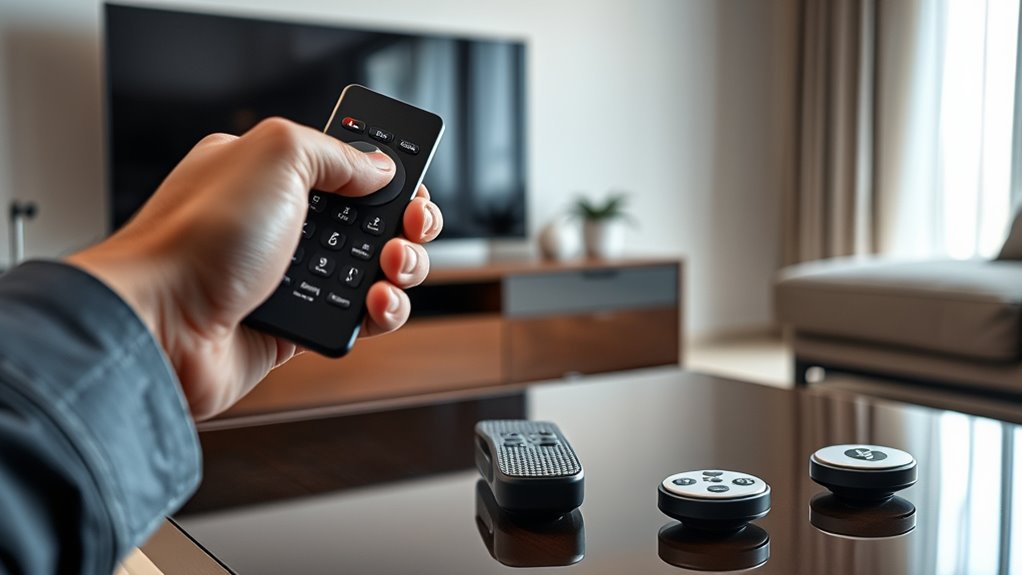
RF remotes offer a much larger signal range than IR remotes, so you don’t have to point them directly at your device. Their wireless connectivity means you can control your equipment from across the room or even another room entirely. This flexibility makes RF remotes especially convenient for managing multiple devices effortlessly. Additionally, RF remotes can be integrated with smart home systems, allowing for automation and voice control integration. Because RF technology can be built on European cloud innovations, it supports secure and scalable remote control solutions. Furthermore, RF remotes are often designed with diverse entertainment environments in mind, making them adaptable to various home setups. The versatility of RF remotes underscores their growing importance in modern connectivity and home automation, especially as home technology continues to advance rapidly.
Signal Range Capabilities
Radio frequency remotes can communicate over much greater distances compared to traditional infrared ones, giving you more flexibility in how and where you control your devices. With RF, you’re not limited to line-of-sight, so you can operate your equipment from across the room or even from another room entirely. This extended range can vary from a few meters to hundreds of meters, depending on the remote. RF signals tend to be less affected by obstacles like walls or furniture, making them reliable even in complex setups. This means you can sit comfortably on your couch or move around your home without losing control. Overall, RF remotes offer superior signal reach, making them ideal for larger spaces or multi-room entertainment systems. Additionally, using simple tools like BTU and CADR quick‑calculators can help optimize your home setup for efficiency and comfort. Considering the variety of dog breeds and their specific needs can also help you create a more comfortable environment for your pets. Understanding the different remote technologies and their signal range capabilities can help you choose the best solution for your home entertainment needs. Properly assessing your home environment can further enhance remote performance in various settings.
Wireless Connectivity Advantages
Wireless connectivity offers significant advantages over traditional line-of-sight remote controls, especially when it comes to convenience and flexibility. With RF remotes, you don’t need to aim directly at your device; signals can pass through walls and furniture, making control easier from anywhere in the room. You also gain the ability to operate multiple devices simultaneously without worrying about obstructions. RF remotes often have quicker response times, ensuring seamless control. Plus, many RF remotes include features like voice commands or programmable buttons for personalized use. Understanding these capabilities can help you optimize your home entertainment setup and reduce frustration caused by obstructions, especially when considering different wireless technologies like IR, RF, or Bluetooth. They also improve your overall user experience by providing more reliable and flexible control options. Additionally, RF remotes are less affected by interference, which enhances their performance in busy electronic environments. Overall, RF remotes provide a more reliable connection, making them ideal for complex home setups.

Polk Audio Atrium 4 Weatherproof Outdoor Speakers with Powerful Bass (Pair, Black), All-Weather Durability, Broad Sound Coverage, Speed-Lock Mounting System
EASY INSTALLATION - One-click speed-lock mounting bracket offers anti-slip, one-handed installation. Mount these outdoor speakers wired vertically or...
As an affiliate, we earn on qualifying purchases.
Bluetooth Remotes: Connecting Through Wireless Technology
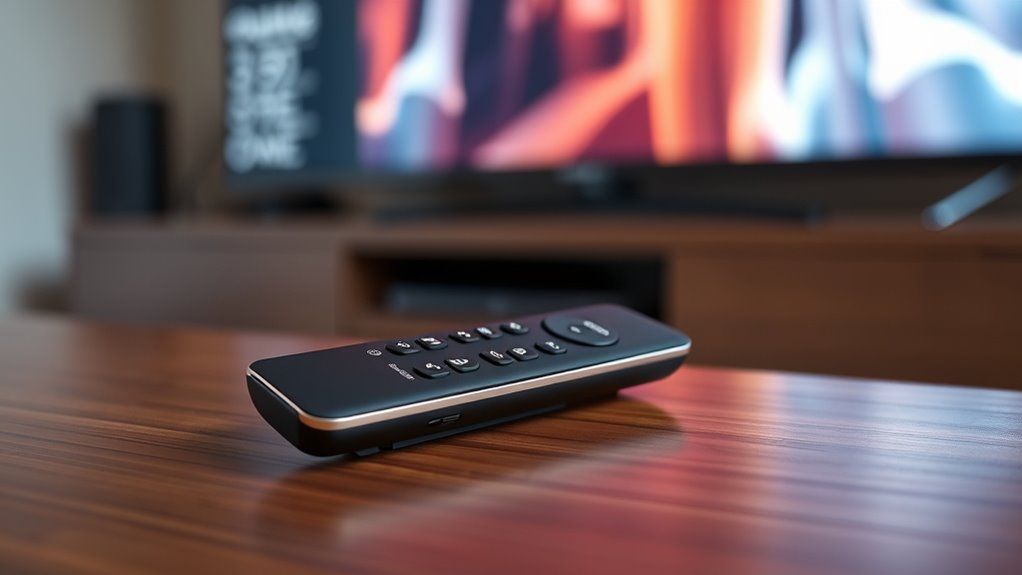
Bluetooth remotes have become a popular choice because they offer a simple, cable-free way to control your devices. They connect wirelessly via Bluetooth technology, making setup easy and clutter-free. These remotes work well with smart TVs, streaming devices, and gaming consoles, providing reliable control within a close range. Unlike IR remotes, Bluetooth remotes don’t require line-of-sight, which adds convenience. They typically pair quickly with your device and maintain a stable connection. Here’s a quick comparison:
| Feature | Bluetooth Remote |
|---|---|
| Connection Type | Wireless via Bluetooth |
| Range | Usually up to 10 meters (33 feet) |
| Compatibility | Works with Bluetooth-enabled devices |
| Ease of Use | Simple pairing process, hassle-free |
Bluetooth remotes are great for modern setups needing flexible, cable-free control. Wireless connectivity ensures a seamless user experience with fewer interruptions, and this technology is a key aspect of modern electronic devices. Additionally, many Bluetooth remotes include advanced features that enhance usability and functionality. Increasingly, they are designed with ergonomic considerations to improve comfort during extended use. Moreover, the easy pairing process makes switching between devices quick and effortless.

6.5 Inch Max 800W Outdoor Bluetooth Speakers Waterproof Wired with Multifunctional Amplifier Wall Mount Outdoor Speaker System for Patio Garden Poolside Home(4 Speakers,Black)
Powerful Acoustics: Unmatched Sound Output,Each speaker pumps out an impressive 200 watts, with a pair delivering a combined...
As an affiliate, we earn on qualifying purchases.
Comparing Range, Compatibility, and Ease of Use
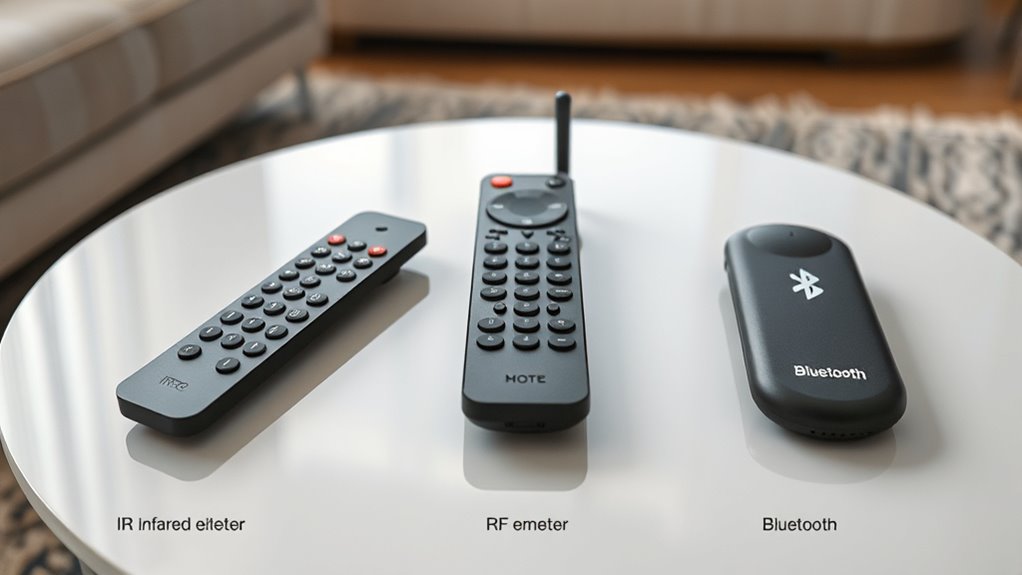
When choosing a universal remote, it’s important to contemplate how signals are transmitted, as different methods affect range and reliability. You should also check which devices are compatible and how far the remote can reach without losing connection. Additionally, look for user-friendly features that make operation easier and more convenient. Understanding signal transmission methods can help you select a remote that best fits your setup and needs. Recognizing the technology differences between IR, RF, and Bluetooth can also influence your decision, especially in complex or multi-device environments. Furthermore, considering piercing aftercare can significantly impact the healing process and overall satisfaction with your body modifications.
Signal Transmission Methods
Signal transmission methods determine how effectively your universal remote communicates with your devices, influencing range, compatibility, and ease of use. IR, RF, and Bluetooth each have unique strengths and limitations. IR requires a direct line of sight, making it simple but limited in placement flexibility. RF can work through walls and furniture, offering greater range and convenience. Bluetooth provides wireless connectivity with modern devices, enabling seamless pairing and control. When choosing a remote, consider how these methods align with your setup. Additionally, understanding Free Floating technology can help optimize your remote’s performance by reducing obstructions and enhancing connectivity.
Device Compatibility Range
Choosing a universal remote depends heavily on its device compatibility and range, which directly affect how easily you can control your gadgets from different distances. IR remotes require a direct line of sight and typically work within 30 feet, so your devices need to be in the same room and unobstructed. RF remotes can operate through walls and furniture, offering a broader range—up to 100 feet or more—making them ideal for larger spaces. Bluetooth remotes usually have a range similar to RF but can be limited by interference or device compatibility. When selecting a remote, consider your room size and device placement. Longer-range remotes provide more flexibility, but ensure your devices support the remote’s technology to avoid compatibility issues.
User Convenience Features
Ever wonder what makes a universal remote truly user-friendly? It’s all about how easily you can operate it with minimal hassle. Good remote features improve your experience through intuitive design and practical functions. For example, a remote with a wide range means you don’t have to point directly at the device, making it more convenient. Compatibility ensures it works with all your gadgets without multiple remotes cluttering your space. Ease of use involves straightforward setup and simple controls, so you spend less time figuring things out.
Here are key user convenience features:
- Extended range for flexible control
- Broad device compatibility
- Simple setup process
- Clear, accessible buttons
Situations Where Each Type Excels
Different types of universal remotes excel in various situations depending on your setup and needs. IR remotes work best when devices are in the same room and unobstructed, ideal for simple entertainment centers. RF remotes excel in large spaces or setups with obstacles, like behind walls or furniture, since signals penetrate better. Bluetooth remotes are perfect for controlling devices from a distance or across rooms, especially with smart home integration. Consider the table below to match your environment:
| Situation | Best Remote Type | Reason |
|---|---|---|
| Devices behind obstacles | RF | Penetrates walls and furniture |
| Large living areas | Bluetooth | Long-range control |
| Line-of-sight setups | IR | Simple, direct communication |
Choosing the Right Remote for Your Entertainment Setup
Selecting the right remote for your entertainment setup depends on your specific devices and how you use them. Consider the types of equipment you want to control and your preferences for convenience. If you have devices spread out in different rooms, an RF or Bluetooth remote might be best. For simple setups, an IR remote could suffice. Think about compatibility—make sure the remote works with your TV, sound system, streaming devices, and smart home gadgets. Also, consider ease of use; some remotes offer customizable buttons or voice control. Finally, decide if you want a remote with a touchscreen, backlit buttons, or a minimalist design. Your choice should streamline your entertainment experience without adding complexity.
Choose a remote compatible with all devices, easy to use, and suited to your entertainment style.
- Compatibility with all your devices
- Range and signal strength
- Ease of use and interface
- Additional features like voice control
Future Trends in Universal Remote Technologies
As technology advances, universal remote controls are evolving to become smarter and more integrated with your digital lifestyle. Expect remote controls to incorporate voice recognition, allowing you to command devices simply by talking. Artificial intelligence will enable remotes to learn your preferences and suggest content or automate routines. Enhanced connectivity, like Wi-Fi and Bluetooth, will create seamless integration across smart home devices, not just entertainment systems. Touchscreen interfaces will become more intuitive, offering personalized controls and app-like experiences. Additionally, remote controls may leverage augmented reality, letting you point your device at your TV or other gadgets to control them instantly. These trends will make managing your devices more effortless, streamlined, and responsive to your habits.
Frequently Asked Questions
Can I Use Multiple Remotes With a Single Device Simultaneously?
Yes, you can use multiple remotes with a single device simultaneously, but it depends on the device and remotes’ compatibility. Most devices only accept one remote at a time, but advanced universal remotes or those with multi-user features allow different remotes to control the same device without conflicts. Just verify your remotes are compatible and set up correctly, so they don’t interfere with each other’s signals.
Are Universal Remotes Compatible With Smart Home Devices?
Yes, universal remotes can work with smart home devices. For example, you might program your remote to control smart lights or thermostats, simplifying your setup. Some universal remotes connect via Wi-Fi or Bluetooth, making it easy to integrate with modern smart home systems. Just verify your remote supports the specific devices or platforms you use, so you can control everything seamlessly from one device.
How Secure Are RF and Bluetooth Remotes Against Hacking?
RF and Bluetooth remotes can be vulnerable to hacking if their signals aren’t properly encrypted. Hackers might intercept or jam signals, gaining unauthorized access to your devices. To protect yourself, choose remotes with strong encryption, keep firmware updated, and use secure pairing methods. Being aware of these risks helps you take necessary precautions, ensuring your smart home stays safe from potential threats.
Do Different Remote Types Affect Power Consumption Differently?
Think of remote types as different vehicles in your tech garage; some sip power while others guzzle. IR remotes typically use less energy because they only activate when you press a button, making them fuel-efficient. RF and Bluetooth remotes, however, stay alert for signals, consuming more power even when idle. So, your choice affects your device’s battery life—select wisely based on how often you use your remote.
Can I Upgrade or Modify Existing Remotes Easily?
Yes, you can upgrade or modify existing remotes, but it depends on the model. If your remote has replaceable batteries and accessible internal components, you might add new features or replace parts. However, many modern remotes are designed with integrated circuits that are hard to modify. For simple upgrades, like changing batteries or reprogramming, you can do it yourself; for more complex modifications, professional help may be necessary.
Conclusion
Choosing the right universal remote can feel overwhelming, but understanding IR, RF, and Bluetooth options makes it simpler. Each type has unique strengths—IR’s simplicity, RF’s range, Bluetooth’s versatility—that can transform your entertainment experience from good to mind-blowingly seamless. Think of it as upgrading from a bicycle to a spaceship; the right remote can open a universe of convenience you never knew was possible. So pick wisely and enjoy the effortless control you deserve!