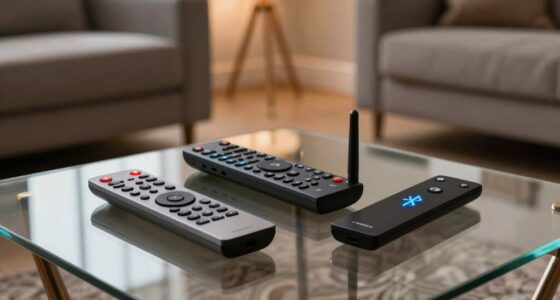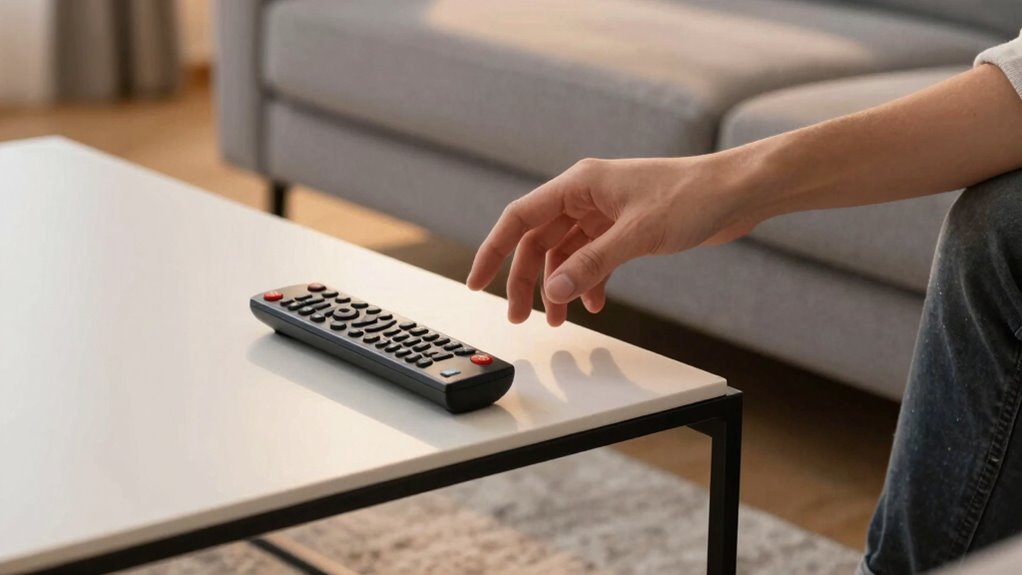

The quickest way to confuse your guests is by using unlabelled or inconsistent remotes. When remotes lack clear labels or look similar, guests may press the wrong buttons, leading to frustration. Poor placement of the TV, such as mounting it too high or off-center, also adds to their confusion. Organizing and labeling remotes clearly, along with placing the TV at eye level, can make a big difference. Keep going for more tips to improve your setup.
Key Takeaways
- Using multiple similar remotes without clear labels causes guests to press the wrong buttons.
- Failing to label remotes clearly leads to confusion about their functions.
- Placing remotes out of sight or in inaccessible locations delays guest use.
- Not organizing remotes by function creates difficulty in selecting the correct device.
- Poor TV placement or visibility hampers guests’ ability to operate controls comfortably.
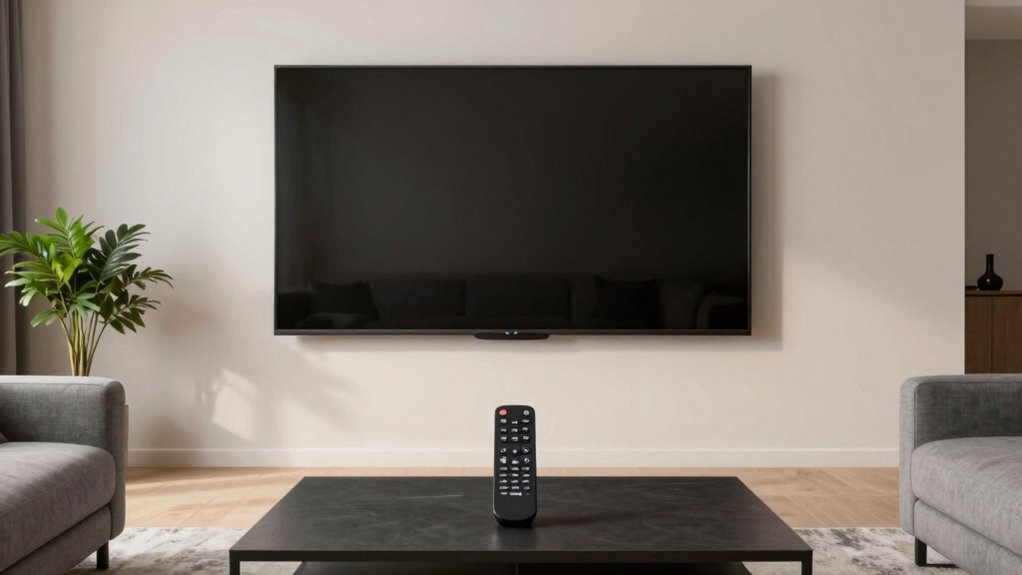
Have you ever hosted a virtual meeting or event only to find your guests confused by the remote setup? It’s a common issue that often comes down to one simple mistake: poor remote labeling and unclear TV placement. When guests walk into your space, they shouldn’t have to guess which remote controls the TV or spend precious minutes fumbling through buttons. Clear remote labeling and strategic TV placement make a world of difference in creating a smooth experience.
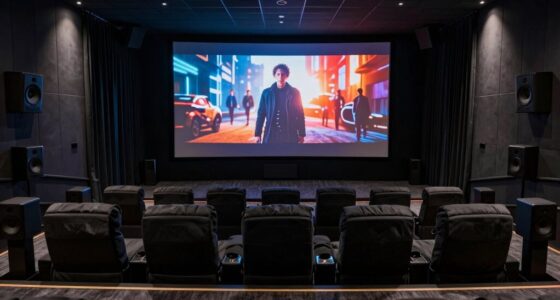
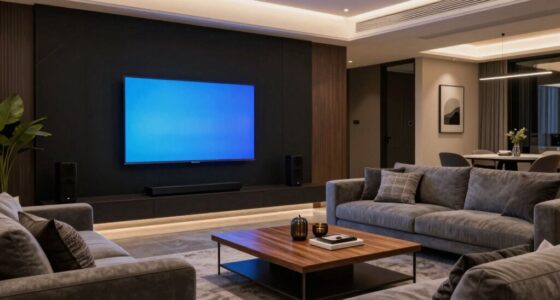
First, consider how your TV is positioned. If it’s tucked away in a corner or mounted high on a wall, guests might struggle to see the screen clearly or reach the remote easily. You want the TV to be at eye level and centered in the room so that everyone can comfortably view the display. Good TV placement minimizes confusion and ensures your guests focus on the content rather than the setup itself. If your TV is on a stand, make sure it’s stable and accessible, with enough space around it to prevent accidental knocks.
Next, think about remote labeling. Many remote controls look alike, especially if you have multiple devices like a cable box, streaming stick, or sound system. When your guests see a jumble of remotes with no clear labels, they’ll naturally feel overwhelmed. Take a few moments to label each remote clearly with stickers or masking tape. For example, label one “TV” for the main television, another “Streaming” for your streaming device, and a third “Sound” for your sound system. This simple step prevents guests from pressing the wrong buttons and having to ask for help. Ensuring consistent remote controls can also streamline the experience and reduce confusion for your visitors.
As an affiliate, we earn on qualifying purchases.
Frequently Asked Questions
How Can I Quickly Identify if My Remote Setup Is Confusing Guests?
You can quickly identify if your remote setup confuses guests by observing their reactions and asking for feedback. Focus on remote control ergonomics and user interface clarity—if guests struggle to find buttons or navigate menus, it’s a sign your remote isn’t user-friendly. Simplify button layouts, use clear labels, and test with different users. If they hesitate or get frustrated, it’s time to redesign your remote for better intuitiveness.
Are There Specific Remote Features That Commonly Cause Guest Confusion?
Yes, features like complex TV calibration settings and voice control can confuse guests. When your remote has advanced calibration options, guests might struggle to adjust picture quality. Similarly, voice control features often lead to confusion if they’re not clearly explained or if the voice commands are unintuitive. Simplify these features by disabling unnecessary options or providing a quick guide, so guests can easily enjoy their viewing experience without frustration.
What Are the Best Ways to Test My Remote Setup Before Guests Arrive?
To guarantee guest satisfaction, test your remote control setup before visitors arrive. Check all device connections, verify that each button functions correctly, and practice using the remote to navigate menus smoothly. It’s helpful to have a quick guide or labels for tricky buttons. Doing these tests prevents confusion, saves time, and ensures a seamless experience, leaving your guests comfortable and confident in using the remote from the moment they arrive.
How Do I Handle Guest Frustration Caused by Remote Confusion?
When guests get frustrated over remote confusion, stay calm and offer clear solutions. Use remote labeling to identify buttons, making it easier for them to navigate. Provide simple user tutorials, either written or verbal, to guide them through the functions. Patience and clear instructions help reduce confusion, ensuring they feel comfortable. This approach not only resolves immediate issues but also enhances their overall experience, leaving a positive impression.
Can Remote Setup Mistakes Impact Overall Guest Experience Significantly?
Remote setup mistakes can considerably impact your guest experience. Investigations show that poor remote design and unclear guest instructions lead to frustration and confusion, lowering satisfaction. When guests struggle with complicated remotes or vague directions, it creates a negative impression that lasts. Ensuring your remote setup is intuitive and providing clear, simple instructions can prevent these issues, making your guests feel comfortable and welcomed from the moment they arrive.
universal remote control organizer
As an affiliate, we earn on qualifying purchases.
As an affiliate, we earn on qualifying purchases.
Conclusion
By avoiding this remote setup mistake, you’re clearing a path through the maze for your guests. Think of your remote as a lighthouse guiding them safely to comfort and clarity. When everything’s intuitive and straightforward, they won’t stumble in the dark. Instead, they’ll feel welcomed, like sailing smoothly into calm waters. So, streamline your setup, light the way, and watch your guests relax effortlessly—because a simple, well-placed remote is the beacon they’ll remember.
TV wall mount with adjustable height
As an affiliate, we earn on qualifying purchases.
As an affiliate, we earn on qualifying purchases.
As an affiliate, we earn on qualifying purchases.