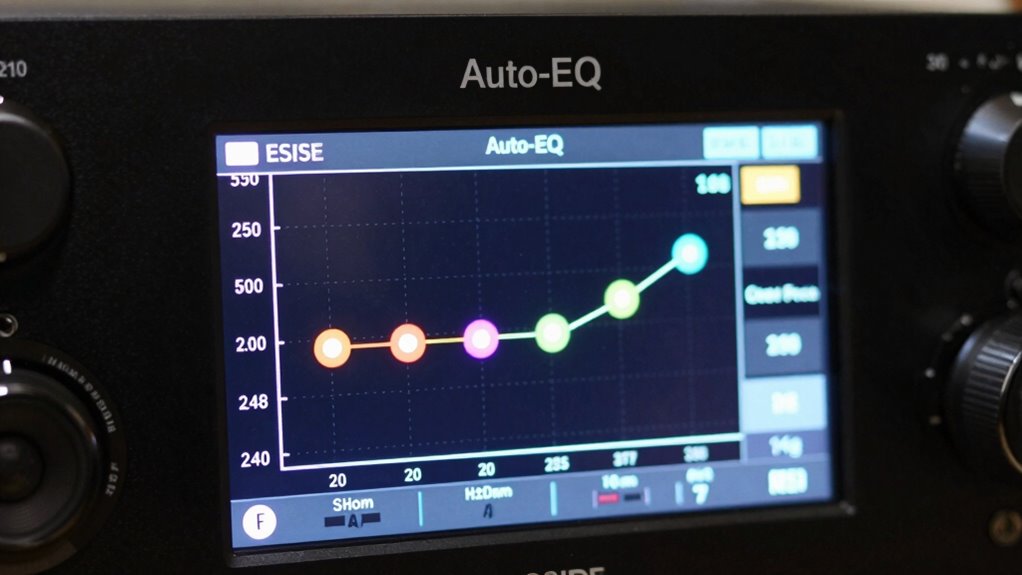
When you review your receiver’s auto-EQ results, you’ll see how it identifies speaker sizes and sets crossovers. It determines whether your speakers are full-range, satellite, or subwoofers, then assigns appropriate crossover frequencies, directing low and high frequencies correctly. This helps prevent sound muddiness and gaps. Understanding these settings guarantees your system delivers balanced, clear audio. If you keep exploring, you’ll gain deeper insight into optimizing your home theater setup.
Key Takeaways
- Speaker sizes indicate whether a speaker is full-range, satellite, or subwoofer, affecting how the system sets crossover points.
- Crossovers define the frequency range sent to each speaker type, ensuring smooth integration and preventing frequency overlap.
- Larger speaker sizes generally receive lower crossover frequencies, directing bass to subwoofers and higher frequencies to main speakers.
- Auto-EQ results often display recommended or adjusted crossover points based on speaker size and room acoustics.
- Understanding how speaker size and crossover settings interact helps optimize sound balance and clarity in your system.
Have you ever wondered how auto-EQ systems enhance your home theater audio? When you run an auto-EQ calibration, it measures various aspects of your setup to optimize sound quality. One key element it assesses is speaker placement and how your room acoustics influence sound delivery. These systems analyze the position of each speaker relative to your listening position, noting how reflections, furniture, and room dimensions affect sound waves. By understanding these factors, the auto-EQ can make precise adjustments that compensate for any acoustic anomalies, guaranteeing a balanced and immersive audio experience. Proper speaker placement is vital because even small differences can greatly impact sound clarity and imaging. Auto-EQ tools help you overcome suboptimal placements by adjusting frequency response and volume levels, making your system sound better without physically moving speakers.
The auto-EQ process also involves analyzing room acoustics—how sound waves bounce off walls, ceilings, and furnishings. These reflections can cause echoes, dead spots, or overly prominent frequencies, which distort the intended audio. The calibration mic detects these issues during setup, allowing the receiver to apply filters and equalization that smooth out irregularities. As a result, your speakers produce a more natural and cohesive soundstage, regardless of the room’s shape or furnishings. You don’t have to be an acoustics expert to get these benefits; the system handles complex calculations behind the scenes, giving you straightforward, optimized sound. Additionally, understanding speaker sizes and crossovers can help you interpret how your system is configured, ensuring it matches your actual setup.
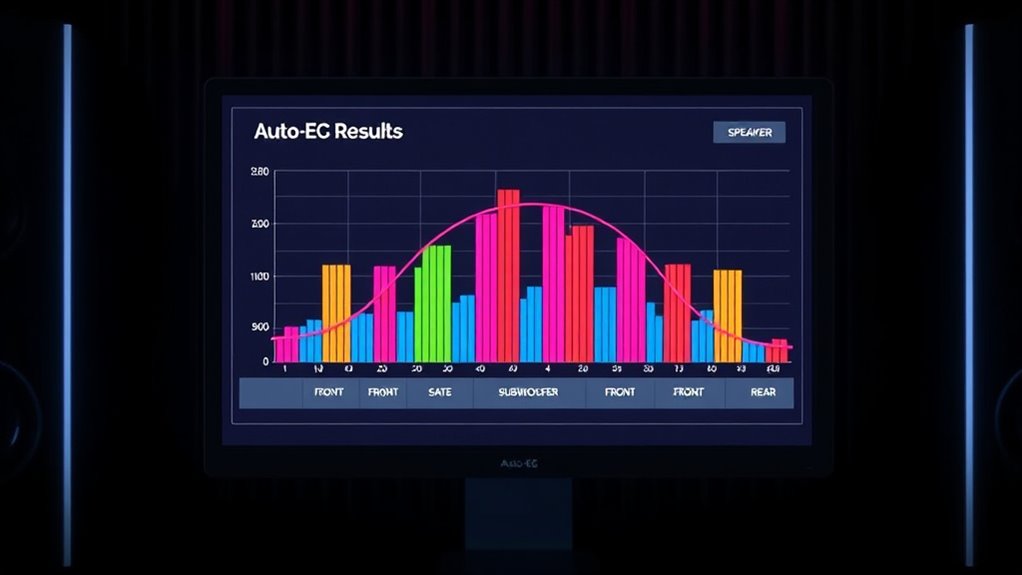
When you look at the auto-EQ results, you’ll see details about the speaker sizes and crossovers. The receiver identifies the speaker types connected, whether they’re full-range, satellite, or subwoofers, and assigns appropriate crossover frequencies. This guarantees that low frequencies are directed to your subwoofer while higher frequencies go to your main speakers, preventing muddiness or gaps in the sound spectrum. By reviewing these settings, you can verify that the system is correctly matching your speaker configuration, leading to clearer dialogue, more impactful bass, and a balanced overall sound. If something seems off—like a speaker marked as too small or crossover points that don’t align with your actual setup—you can often adjust these manually to better suit your preferences or specific room characteristics.
In essence, auto-EQ results give you insight into how your system interprets your room and speaker setup. They help you understand why certain sounds are emphasized or subdued and guide you to fine-tune your home theater for maximum performance. With a clear grasp of speaker sizes and crossovers, combined with the system’s room correction capabilities, you can enjoy a truly immersive audio experience tailored perfectly to your space.
Frequently Asked Questions
How Often Should I Recalibrate My Receiver’s Auto-Eq?
You should recalibrate your receiver’s auto-EQ every 6 to 12 months to guarantee peak sound quality. Regular calibration accounts for changes in your environment, such as furniture movement or new acoustics. Additionally, check for auto-EQ updates from your receiver’s manufacturer; updates can improve calibration accuracy and performance. If you notice sound issues or significant changes in your setup, consider recalibrating sooner to maintain the best audio experience.
Can Auto-Eq Fix Speaker Placement Issues?
Auto-EQ can’t fully fix speaker placement issues, but it can help optimize sound by adjusting for room treatment and speaker positioning. If your speakers aren’t ideally placed, auto-EQ can compensate for some acoustic problems, but proper speaker placement is essential for the best sound quality. To truly improve your setup, combine auto-EQ with strategic speaker placement and room treatment to achieve balanced, clear audio.
What Do I Do if Auto-Eq Results Seem Inaccurate?
If auto-EQ results seem inaccurate, you should make manual adjustments to fine-tune your system. First, verify speaker placement and guarantee everything is connected properly. Use calibration tips like adjusting crossover settings and speaker levels. Don’t rely solely on auto-EQ; trust your ears and tweak the settings as needed. Regularly rerun the calibration after making changes to ensure excellent sound, and consider recalibrating if issues persist.
Is Auto-Eq Compatible With All Speaker Types?
Auto-EQ works with most speaker types, but you should check speaker compatibility first, as some speakers, like certain subwoofers or specialized models, may not respond well to auto-EQ adjustments. Keep in mind auto-EQ limitations; it might not perfectly balance every setup. For ideal sound, manually fine-tune your system if auto-EQ doesn’t deliver the desired results, especially with unique or non-standard speakers.
How Does Room Acoustics Influence Auto-Eq Performance?
Room acoustics can totally make or break your auto-EQ performance. Those pesky reflections bounce sound around like crazy, confusing your receiver’s measurements. Without proper acoustic treatment, auto-EQ struggles to accurately analyze your speakers, leading to muddled or uneven sound. To get the best results, tame those reflections with panels or bass traps—your auto-EQ will thank you, delivering clearer, more balanced audio for your listening pleasure.
Conclusion
Now that you know how to interpret your Receiver Auto-EQ results, the real journey begins. With this insight, you can fine-tune your system even further—adjusting speaker sizes and crossovers for perfect sound. But there’s more to discover, hidden tweaks that could elevate your listening experience beyond what you thought possible. Are you ready to unleash the full potential of your setup? The next step awaits, and it’s closer than you think.