Ground loop hum is caused by unwanted electrical interference between grounded devices, creating a persistent buzzing sound. To fix this, check your connections, use balanced cables, and try plugging everything into a single outlet. Ground lift adapters or isolators can also help break the loop. Keep cables organized and away from interference sources. If you keep experiencing issues, there are more advanced steps that can help you silence that annoying buzz completely.
Key Takeaways
- Identify the source of the hum by unplugging devices and noting when the noise appears.
- Use balanced cables and proper grounding techniques to reduce ground loop interference.
- Connect all audio equipment to a single power outlet or strip to minimize potential differences.
- Employ ground loop isolators or lift adapters to break the ground loop circuit.
- Seek professional help if the hum persists despite troubleshooting or if electrical issues are suspected.
Understanding the Causes of Ground Loop Hum
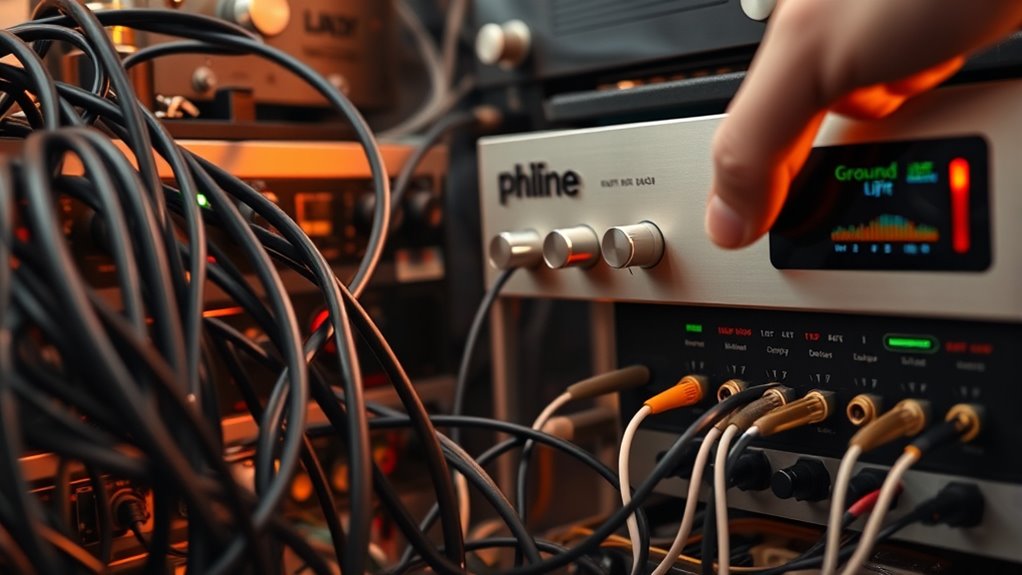
Ground loop hum occurs when there’s a voltage difference between different grounding points in your audio setup. This difference causes current to flow between devices, creating an audible buzz. It often happens when your equipment is plugged into different outlets or power strips, which have slightly different ground potentials. Metal components in your gear can act as conductors, allowing current to travel along unintended paths. The hum can also be caused by unbalanced audio connections or using multiple power sources. When these grounding issues exist, the electrical current seeks the path of least resistance, resulting in the annoying noise you hear. Additionally, understanding electrical grounding principles about electrical grounding can help you identify potential issues and take steps to eliminate the ground loop hum. Recognizing how proper grounding techniques are applied can be essential in troubleshooting and resolving these issues effectively. Knowing how to implement proper grounding methods can further prevent the formation of ground loops and ensure a cleaner audio signal. Properly testing grounding connections can also assist in pinpointing the source of the hum and ensure all components are correctly grounded.
Identifying When and Where the Hum Occurs
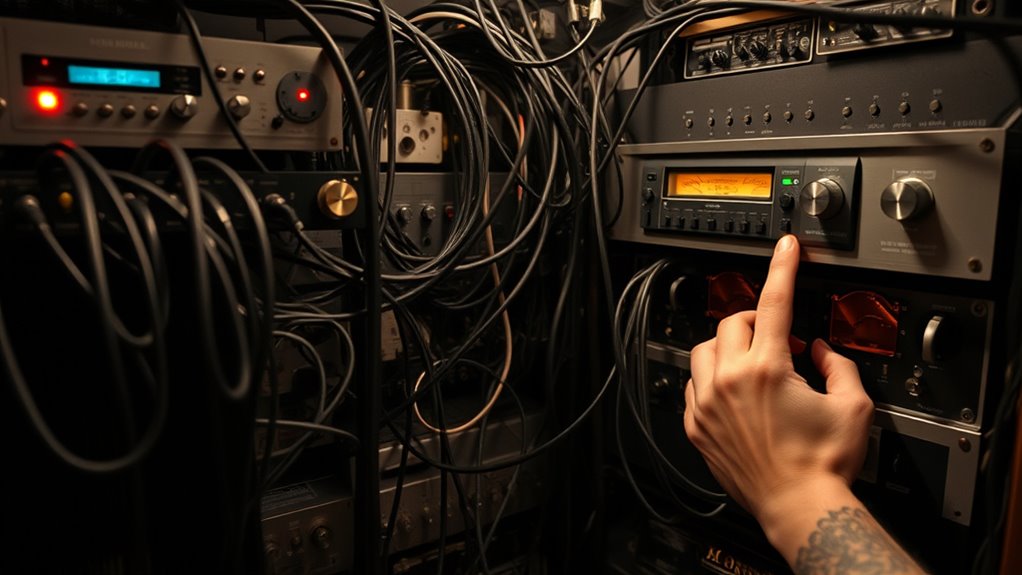
To effectively troubleshoot ground loop hum, you need to identify exactly when and where it occurs in your setup. Pay attention to whether the hum appears only when certain devices are on or connected, or if it persists regardless of device operation. Notice if the noise is present in specific locations or during particular activities, like when you turn on a particular piece of equipment. Test different configurations by unplugging or disconnecting components one at a time to see if the hum stops. Keep track of these observations to pinpoint the source. Understanding the timing and location of the hum helps narrow down potential causes and guides you toward the most effective solution. This step is vital before attempting any fixes. Proper troubleshooting can save you time and prevent unnecessary repairs. Additionally, recognizing the role of ground loops in creating the hum can help you address the root cause more effectively. Being aware of grounding practices in your setup can further assist in resolving the issue. Ensuring all components share a common ground point may reduce the likelihood of creating a ground loop, which is a common cause of the buzzing sound. Implementing grounding techniques can also help minimize the interference and stabilize the setup.
Practical Methods to Reduce or Eliminate the Buzz
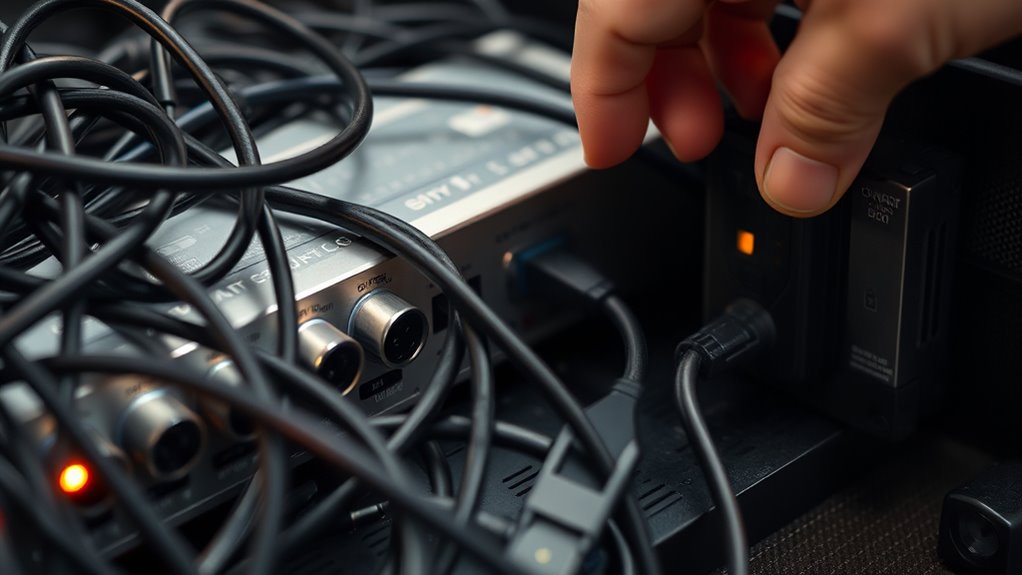
Fortunately, there are several practical methods you can try to reduce or eliminate ground loop hum. First, unplug and replug your equipment to guarantee all connections are secure. Using a ground lift adapter on your audio equipment can break the ground loop. You might also consider connecting all devices to a single power strip or outlet to unify the ground reference. Using balanced cables, such as XLR or TRS, can help cancel out noise. Additionally, installing a ground loop isolator between your audio source and amplifier can effectively reduce hum. If possible, move cables away from power cords or other sources of interference. Ensuring proper grounding techniques can further prevent future hum problems. Proper grounding practices are essential to maintaining a noise-free audio environment and avoiding ground loop issues in the first place. Regularly inspecting your equipment and connections can also help identify potential sources of interference before they become problematic. Being aware of electrical interference sources in your environment can make troubleshooting more efficient. For example, using ground testers can help verify proper grounding in your setup.
Equipment and Connection Tips for Preventing Ground Loops
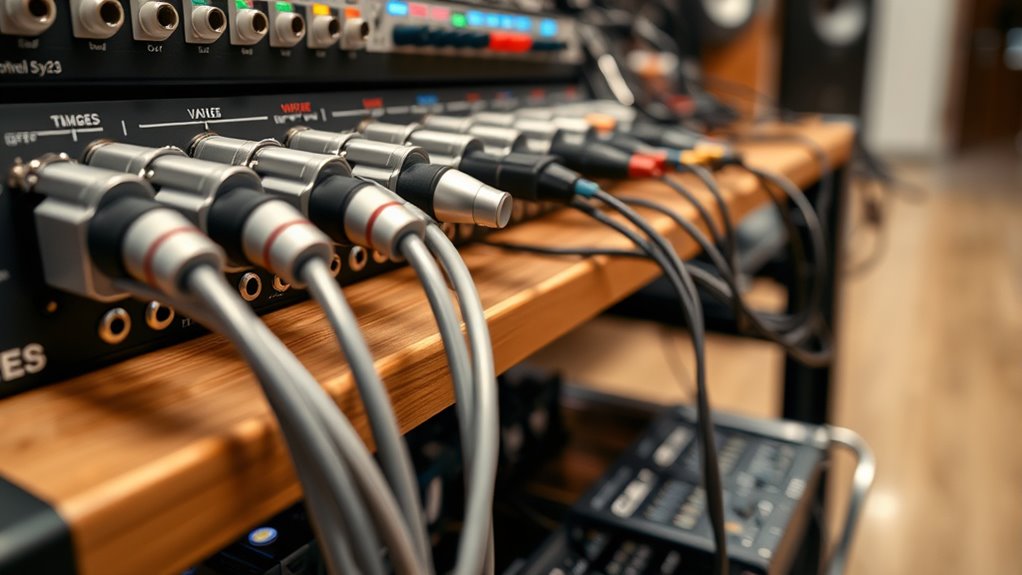
Using proper equipment and connection techniques can substantially reduce the risk of ground loop hum. First, always use a single power strip or outlet for all your audio equipment to guarantee they share a common ground. Second, opt for balanced cables, like XLR or TRS, which are designed to cancel out noise and hum. Third, avoid daisy-chaining multiple power strips or extension cords, as this can create ground loops. Additionally, keep audio cables away from power cords and source devices to prevent electromagnetic interference. Proper grounding and electromagnetic interference mitigation are essential components of a reliable setup. Ensuring proper grounding techniques can further prevent ground loop issues. Regularly checking your connections and equipment for grounding faults can help identify potential problems before they cause noise. Implementing ground loop isolators can also be an effective way to eliminate persistent hums in complex setups. By following these simple tips, you reduce the chances of ground loop issues and improve your sound quality. Proper setup is key to preventing hum before it starts, saving you time and frustration during troubleshooting.
When to Seek Professional Help for Persistent Hum

If your ground loop hum persists despite applying all the DIY fixes, it’s time to contemplate professional assistance. Persistent hum may indicate underlying electrical issues beyond simple troubleshooting. Ignoring ongoing noise can risk equipment damage or safety hazards. Recognize these signs:
| Symptom | Action Required |
|---|---|
| Hum remains after adjustments | Call a qualified electrician or audio specialist |
| Sudden increase in noise | Seek expert diagnosis immediately |
| Equipment or wiring issues | Have a professional inspect your setup |
If you notice any of these, don’t hesitate to get expert help. Professionals can identify complex grounding or wiring problems that DIY efforts might miss, ensuring safety and restoring clear sound without risking damage. Additionally, persistent ground loop hum may be connected to electrical grounding issues, which require specialized diagnosis and correction by trained technicians. Proper grounding techniques are essential for preventing persistent noise and ensuring electrical safety in your setup. Regular maintenance and understanding of grounding principles can help prevent future problems. Recognizing ground loop causes can further assist in avoiding recurring issues.
Frequently Asked Questions
Can Ground Loop Hum Damage My Audio Equipment?
Ground loop hum itself typically won’t damage your audio equipment, but it can cause unwanted noise that affects sound quality. Persistent hum may lead to increased stress on components over time, potentially causing wear or subtle damage, especially if you try to amplify the noise. To protect your gear, fix the ground loop issue promptly by checking connections, using ground loop isolators, or ensuring proper grounding in your setup.
Are Wireless Systems Immune to Ground Loop Issues?
Wireless systems are generally immune to ground loop issues because they don’t rely on physical cables connecting audio equipment to power sources. Since there’s no direct wiring, the typical ground loop hum can’t form. However, if you connect wireless receivers or transmitters to grounded devices via cables, you might still experience hum. So, while wireless setups reduce the risk, consider your entire system’s wiring to prevent potential ground loop problems.
How Does Cable Length Affect Ground Loop Noise?
Sure, because longer cables are just begging for chaos, right? In reality, increasing cable length can make ground loop noise worse because it creates more opportunities for interference and voltage differences. Keep your cables as short as practical, and use proper grounding techniques. Long runs act like antennas, catching noise, so if you need longer cables, consider using balanced connections or isolators to keep that hum at bay.
Does Power Conditioner Help Eliminate Ground Loop Hum?
Yes, a power conditioner can help eliminate ground loop hum. It works by filtering out electrical noise and providing a clean, stable power source for your equipment. When you connect your gear to a power conditioner, it reduces the chances of ground loops forming, which often cause that annoying buzzing sound. Make sure you choose a high-quality power conditioner designed to address ground loop issues for the best results.
Can Using Ground Isolators Cause Signal Loss or Degradation?
Using ground isolators can cause some signal loss or degradation if they aren’t properly designed or installed. You might notice reduced audio clarity, weaker volume, or a slight change in tone. To avoid these issues, choose high-quality isolators and make certain they’re compatible with your equipment. Proper installation and testing help maintain sound quality, so don’t skip those steps to get the best performance without unwanted signal issues.
Conclusion
Dealing with ground loop hum can be frustrating, but with the right troubleshooting, you can often eliminate it yourself. Some say that using balanced connections or isolating ground paths prevents the hum altogether—there’s truth to it. While DIY fixes work most of the time, persistent issues might need professional help. Trust your ears and don’t hesitate to seek expert advice if the buzz refuses to go away—your peace of mind is worth it.