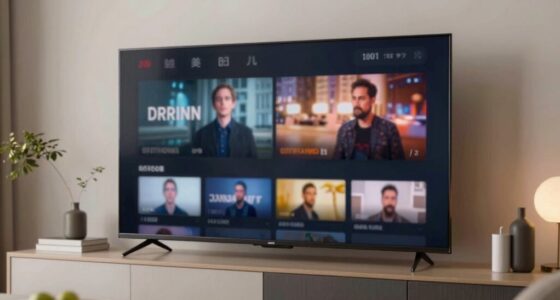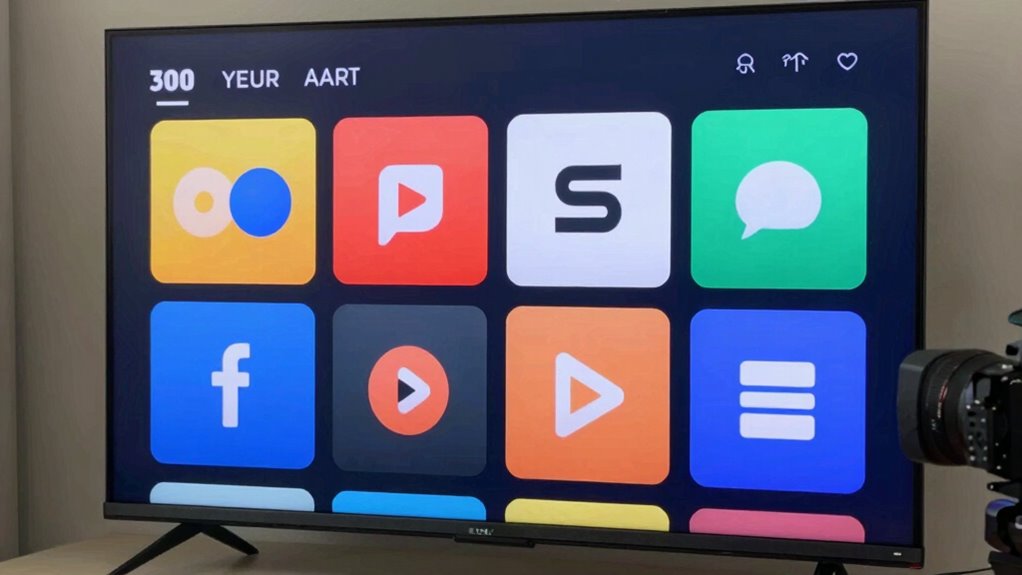

Streaming apps can look different on the same TV because their interfaces depend on various factors like your device model, operating system, app version, and manufacturer customizations. These factors influence menu layouts, icons, and overall design, which may change with updates or device-specific tweaks. As a result, your experience can vary even with the same app on similar TVs. To understand the reasons behind these differences, keep exploring for more details.
Key Takeaways
- App interface designs vary depending on the TV’s operating system, brand, and model, causing visual differences.
- Updates to streaming apps can change layouts, icons, and navigation, leading to inconsistencies across devices.
- Different TV platforms like Tizen, webOS, or Android TV optimize app appearances uniquely.
- Device-specific features and manufacturer customizations influence how apps look and function.
- Variations in screen resolution and display quality can affect the app’s visual presentation.

Streaming apps have revolutionized the way you watch TV, offering instant access to a vast library of movies, shows, and original content anytime you want. But have you ever noticed that these apps look different on your TV, even if it’s the same device? That’s not your imagination. Several factors influence how streaming apps appear and function on your TV, and understanding them can help you navigate your viewing experience better.
One of the main reasons for these visual differences is the user interface. Developers often tailor the app’s design to match the device’s operating system, screen size, and resolution. For example, a streaming app might look sleek and minimal on a smart TV with a high-definition display but appear slightly different on a smart TV with a lower resolution. Additionally, user interface updates are rolled out gradually, meaning that not all devices receive the latest version at the same time. These app updates can introduce new visual elements, navigation styles, or features, causing the app to look and behave differently across various TVs. Sometimes, the updates are specific to certain device models or brands, which can lead to inconsistencies in appearance.
Another factor is the version of the app installed on your TV. Manufacturers and app developers regularly release updates to improve performance, fix bugs, or add new features. However, these updates don’t always reach every device simultaneously. If your TV’s app is outdated, it might look or function differently from the latest version that someone else is using on their device. This lag can cause discrepancies in layout, menu options, or overall look, making it seem like your app is different even though it’s the same streaming service.
Furthermore, the type of TV you have can affect how streaming apps display. Smart TVs powered by different platforms—like Tizen, webOS, Android TV, or Roku—each have their own way of handling app interfaces. Developers optimize their apps for these platforms, which can lead to variations in how menus, icons, and navigation are presented. Even if you’re using the same app on different TVs, the underlying operating system influences the app’s look and feel.

Audio-Technica ATH-M20x Professional Studio Monitor Headphones, Black
Advanced build quality and engineering; Designed for studio tracking and mixing
As an affiliate, we earn on qualifying purchases.
Frequently Asked Questions
Can App Display Differences Affect Streaming Quality?
Yes, app display differences can affect streaming quality. Variations in video compression methods and app customization settings influence how your content looks and performs. When an app adjusts its video compression, it can either improve streaming efficiency or reduce quality, depending on the settings. Customization options also impact resolution and buffering, so exploring these features helps you optimize your viewing experience on the same TV.
Do Different TV Brands Handle Apps Differently?
Yes, different TV brands handle apps differently by customizing their interfaces, optimizing performance, and offering unique features. You’ll notice brand customization in how the app store appears and the apps available, which varies across brands. These differences influence your experience, making some apps look or function differently, even on similar models. This diversity guarantees that each brand’s approach impacts app appearance, usability, and compatibility, shaping your overall streaming experience.
Are App Interface Differences Due to Software Updates?
Yes, interface differences often stem from software updates, which can introduce new features like interface customization. These updates may also address regional restrictions, causing variations in app appearance and functionality. When your TV receives updates, the app interfaces might change to improve user experience or comply with regional laws, so you may notice differences even on the same device. Staying updated guarantees you get the latest features and regional content access.
Can Hardware Specs Influence App Appearance?
Hardware specs can influence app appearance because hardware compatibility affects how apps run on your TV. If your TV’s hardware isn’t fully compatible, you might notice display issues or interface differences. Additionally, display calibration settings can impact how streaming apps look, making colors, contrast, and layouts appear differently. Ensuring your hardware meets app requirements and adjusting display calibration can help improve consistency across streaming platforms on your TV.
Do User Settings Impact App Display Consistency?
Think of your TV as a canvas; your user preferences and screen calibration are the brushes and colors. Your settings directly impact app display, making it look different each time. Adjusting brightness, contrast, or color profiles can change how apps appear, ensuring consistency. So yes, your user settings influence app display, and fine-tuning them helps create a uniform, picture-perfect viewing experience across all streaming apps on your TV.
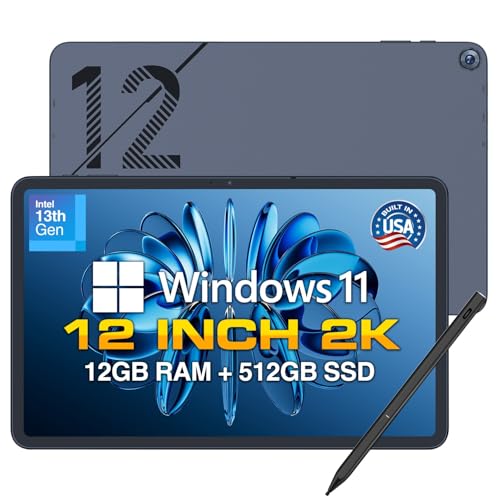
Fusion5 2026 Version 12" 2K Display Windows 11 Tablet PC with Stylus Pen - Built in USA - 12GB DDR5 RAM 512GB SSD, 13th Gen CPU, 12 inch Windows Tablet Computer, Built-in Fan, Fast Charging, Metallic
Proudly Assembled in Florida, USA: Each Fusion5 Helios 12 windows tablet is meticulously assembled in Pasco County, Florida,...
As an affiliate, we earn on qualifying purchases.
Conclusion
So, next time you notice different streaming app layouts on your TV, remember it’s normal. For example, a friend’s Netflix looks different from her Hulu because each app updates its interface independently. This variation can even change with app versions or device settings. Don’t worry—these differences don’t mean your TV is malfunctioning. Embrace the variety, and enjoy your streaming experience without stress, knowing it’s just how these apps evolve and adapt.
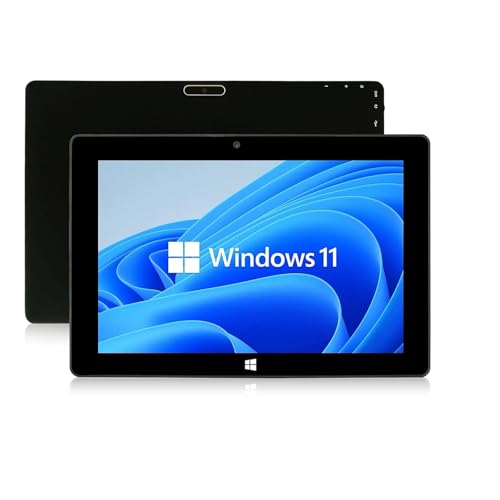
SZTPS 10.1" Windows Tablet Touchscreen Tablets Computer 6GB RAM 128GB ROM, Intel Processor, USB 3.0, Micro HDMI, 6000MAH Battery, Dual Cameras, Bluetooth 5.0
【Long-Lasting Battery】:6000mAh built-in rechargeable battery, can be mixed for 5-12 hours, and is equipped with charger, data cable,...
As an affiliate, we earn on qualifying purchases.
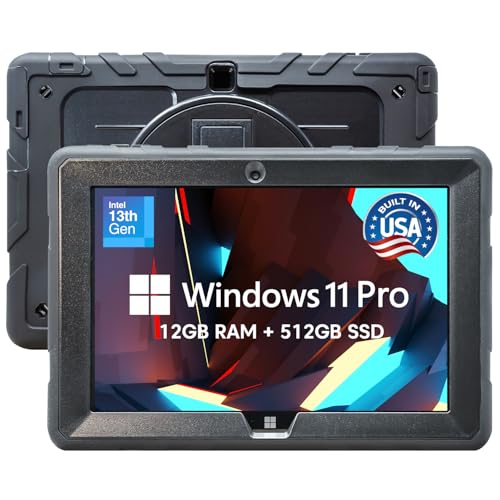
Fusion5 Built in USA 10.1” Windows 11 Professional Rugged Tablet PC - 12GB RAM, 512GB SSD, Intel 13th Gen, Full HD Windows Tablet Computer, HDMI, USB C - 2 Year Full Warranty with Accidental Damage
Proudly Assembled in Florida, USA: Each Fusion5 FWIN232 PRO N5 is meticulously assembled in Pasco County, Florida, ensuring...
As an affiliate, we earn on qualifying purchases.