
Receiver channel counts like 5.1, 7.1, or 5.1.2 describe your home theater setup’s speakers and features. The first numbers refer to main speakers, while the second indicates subwoofers, and dots add extra elements like height or overhead speakers for immersive sound. Understanding these notations helps you choose the right system for your room and desired experience. Keep exploring to learn how each configuration enhances your movie and music enjoyment.
Key Takeaways
- The first number indicates the main speakers (front, center, surround) in the system.
- The second number represents the number of subwoofers included.
- Dots and subsequent numbers specify additional channels like height or overhead speakers for immersive audio.
- For example, 5.1.2 means five main speakers, one subwoofer, and two overhead height speakers.
- These notations help define the complexity and spatial capabilities of a surround sound setup.

Yamaha Audio YHT-4950U 4K Ultra HD 5.1-Channel Home Theater System with Bluetooth, black
- Complete Home Theater Package: Includes AV receiver, 5 speakers, subwoofer, and wires
- Waterproof: Not waterproof
- AV Receiver Dimensions: 17” W x 6” H x 12” D
As an affiliate, we earn on qualifying purchases.
As an affiliate, we earn on qualifying purchases.
Understanding Basic Channel Counts: What Do 5.1 and 7.1 Mean?
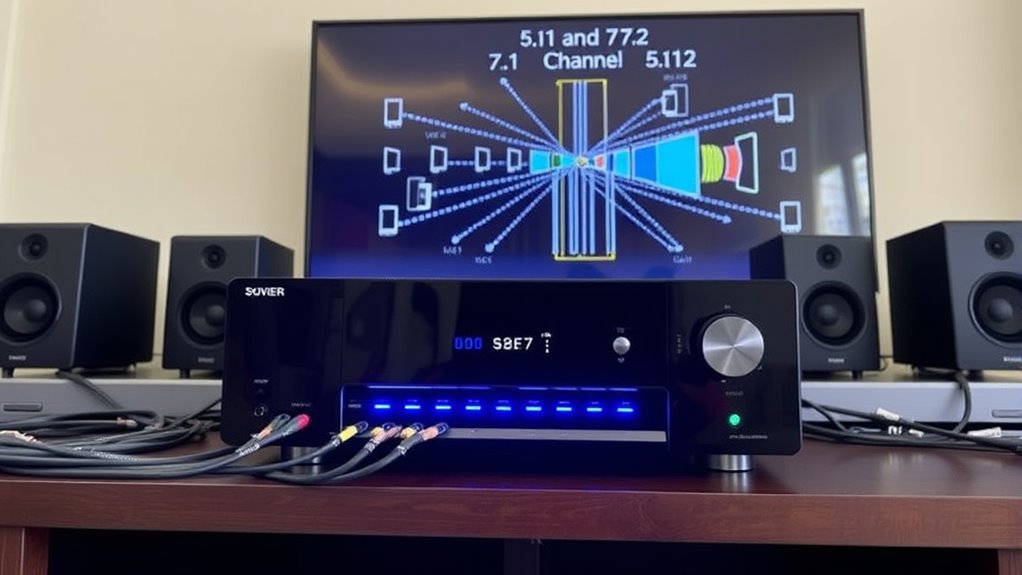
When you see terms like 5.1 and 7.1 in receiver channel counts, they refer to the number of speakers and subwoofers your audio system can support. The first number indicates the main speakers placed around the room—front, center, and surround speakers. The second number shows how many subwoofers you can connect, providing deep bass. For example, a 5.1 system has five speakers and one subwoofer, ideal for immersive sound in most rooms. A 7.1 system adds two additional surround speakers, enhancing spatial audio, especially in larger spaces. These counts help you understand how your audio setup will perform and what kind of sound experience to expect. Knowing this makes choosing the right receiver easier, ensuring your system matches your room size and listening preferences. Additionally, understanding the channel configurations can help optimize your home theater for the best possible audio experience. Recognizing these speaker arrangements can further improve your setup by maximizing sound placement and clarity. Moreover, audio system compatibility is essential for ensuring all components work seamlessly together to deliver the desired sound quality.

Denon AVR-X1700H 7.2 Channel AV Receiver – 80W/Channel, Advanced 8K HDMI Video w/eARC, Dolby Atmos, DTS:X, Built-in HEOS, Amazon Alexa Voice Control
- Powerful 7-Channel Amplifier: Delivers immersive sound for movies, games, and music
- 8K HDMI Video Support: 3 dedicated 8K inputs, 1 output, 8K/60Hz, 4K/120Hz pass-through
- Advanced Video Processing: Supports HDR10, Dolby Vision, HLG, HDR10+, 4:4:4 color
As an affiliate, we earn on qualifying purchases.
As an affiliate, we earn on qualifying purchases.
The Significance of the Dot: Decoding 5.1.2 and Similar Notations

The dot notation in speaker configurations, such as 5.1.2, provides a detailed picture of your audio system’s speaker setup, especially in surround sound formats. The numbers before the dots indicate the main speakers—front, rear, and center—while the number after the first dot shows the number of dedicated subwoofers. The number after the second dot refers to height or overhead speakers, adding a vertical dimension to your sound experience. This notation helps you understand how your system is arranged and what to expect from a surround sound setup. For example, 5.1.2 means five main speakers, one subwoofer, and two height speakers. Knowing this helps you choose and configure your equipment to achieve the desired immersive audio performance.

Westinghouse 5.1.2 Soundbar w/Wireless Subwoofer, 400W Max Output Surround Sound w/Dolby Atmos & Dolby Digital Plus, Home Theater Audio, HDMI/eArc, Bluetooth, Roku TV Ready
- Channel Configuration: 5.1.2 Surround Sound System
- Power Output: 400W Max Power
- Immersive Audio: Dolby Atmos & Digital Plus
As an affiliate, we earn on qualifying purchases.
As an affiliate, we earn on qualifying purchases.
Front, Rear, and Surround Speakers: How They Compose Your Setup
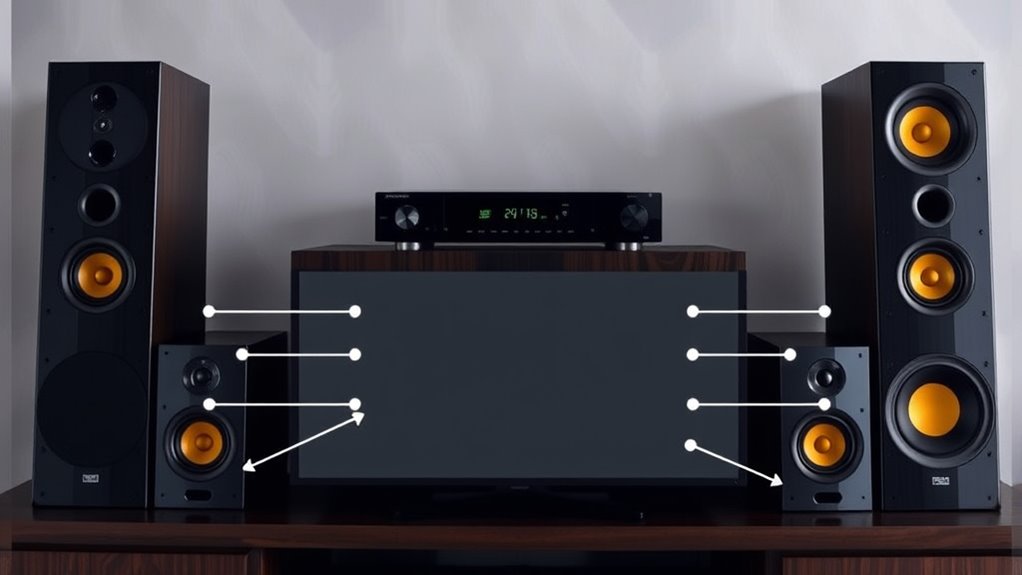
Your audio setup’s clarity and immersion depend heavily on how you arrange front, rear, and surround speakers. Front speakers deliver clear dialogue and main sounds, so place them at ear level in front of you. Rear speakers provide depth and atmosphere, positioned behind your listening area. Surround speakers flank or are slightly behind your seating, creating a sense of space. Proper placement ensures sound moves naturally around you, enhancing the experience. For optimal sound, consider speaker placement guidelines to achieve the best surround effect. For stereo content, only front speakers matter, but movies and immersive audio formats benefit from a well-balanced setup of all three types. Keep speakers at appropriate distances and angles for ideal sound distribution. Thoughtful placement transforms your system from ordinary to truly immersive, pulling you into the action. Connected equipment and professional calibration can further optimize your setup for the best sound quality. Additionally, understanding channel configurations can help you tailor your setup to your specific audio preferences. Proper speaker positioning not only improves sound quality but also helps prevent listener fatigue during extended viewing sessions. Using room acoustics to optimize your environment can further enhance sound clarity and immersion.

Klipsch R-120SW Subwoofer, Black
- Woofer Size: 12-inch high excursion spun-copper Imp woofer
- Frequency Response: 29Hz – 120Hz ±3dB
- Power Output: 400 watts
As an affiliate, we earn on qualifying purchases.
As an affiliate, we earn on qualifying purchases.
Explaining the “Subwoofer” Role in Surround Sound Systems
While front, rear, and surround speakers create a detailed soundscape, the subwoofer adds depth by handling the lowest frequencies. It reproduces bass sounds like explosions, deep voices, and musical lows that smaller speakers can’t effectively produce. This deep bass enhances the overall immersion, making scenes feel more realistic and visceral. The subwoofer’s placement is flexible, often near the front of the room, but it can be positioned to optimize bass response. Unlike other speakers, it operates on low-frequency signals, so it doesn’t need to be directional. Instead, it fills in the sonic gaps, providing a foundation for the entire sound system. A good subwoofer ensures your setup delivers powerful, clear bass that complements the high and mid-range sounds from your other speakers. Proper subwoofer placement can significantly improve bass response and overall sound quality in your home theater. Additionally, understanding surround sound system components helps you create a balanced and immersive listening environment.
Adding Height: The Concept of Dolby Atmos and 5.1.2 Systems
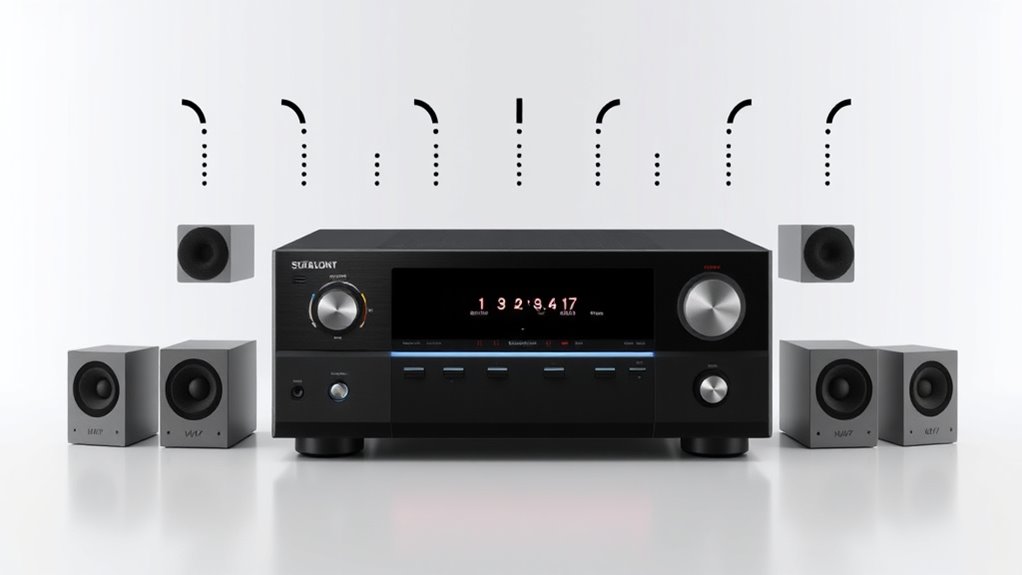
Adding height channels transforms your home theater by creating a more immersive sound experience. Proper placement of these channels guarantees sounds come from above, enhancing realism. With Dolby Atmos and 5.1.2 systems, you’ll notice a richer, more dynamic audio environment.
Height Channel Placement
Height channel placement is a crucial aspect of immersive audio setups like Dolby Atmos and 5.1.2 systems, as it introduces sound from above your listening position. To achieve this, speakers or upward-firing modules are strategically placed either on the ceiling or just below it, aiming to reflect sound downward. Proper placement ensures that overhead sounds, like rain or flying objects, feel natural and seamlessly integrated with the rest of your audio environment. You should position these speakers around your seating area, typically above the front and rear channels, to create a sense of vertical space. Accurate placement enhances the realism of the surround experience, making you feel truly immersed in the soundscape without distraction or imbalance.
Immersive Sound Experience
Immersive sound systems like Dolby Atmos and 5.1.2 create a more realistic listening experience by incorporating height channels, which add a vertical dimension to audio. This setup allows sounds to come from above, enveloping you in a three-dimensional soundscape. This enhances movies, music, and gaming by making the experience more dynamic and lifelike. Dolby Atmos achieves this with speakers placed overhead or upward-firing modules that bounce sound off the ceiling. The 5.1.2 configuration specifically includes five main speakers, one subwoofer, and two height channels. This setup offers more precise sound placement, making you feel like you’re inside the action, rather than just observing it on a flat plane. Proper speaker placement and calibration are essential to optimize the immersive experience.
How to Choose the Right Channel Count for Your Space and Preferences
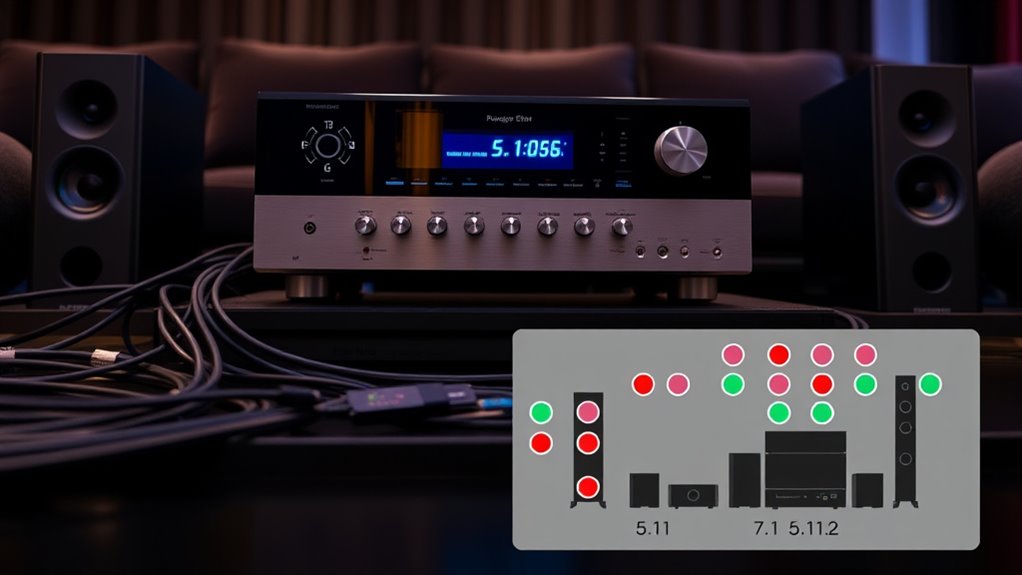
Choosing the right channel count for your audio system depends on both your space and your listening preferences. First, consider the size of your room—larger spaces benefit from more channels to fill the area with sound. Second, think about your listening habits—do you prioritize immersive, cinematic experiences or casual music listening? Third, evaluate your budget; more channels often mean higher costs but can deliver richer sound.
Here are some tips to help you decide:
- For small rooms, a 5.1 system usually suffices.
- If you want a more immersive experience, consider 7.1 or higher configurations.
- For dedicated home theaters, explore advanced setups like 5.1.2 or 7.1.4 for Dolby Atmos.
Common Configurations and Their Ideal Room Sizes
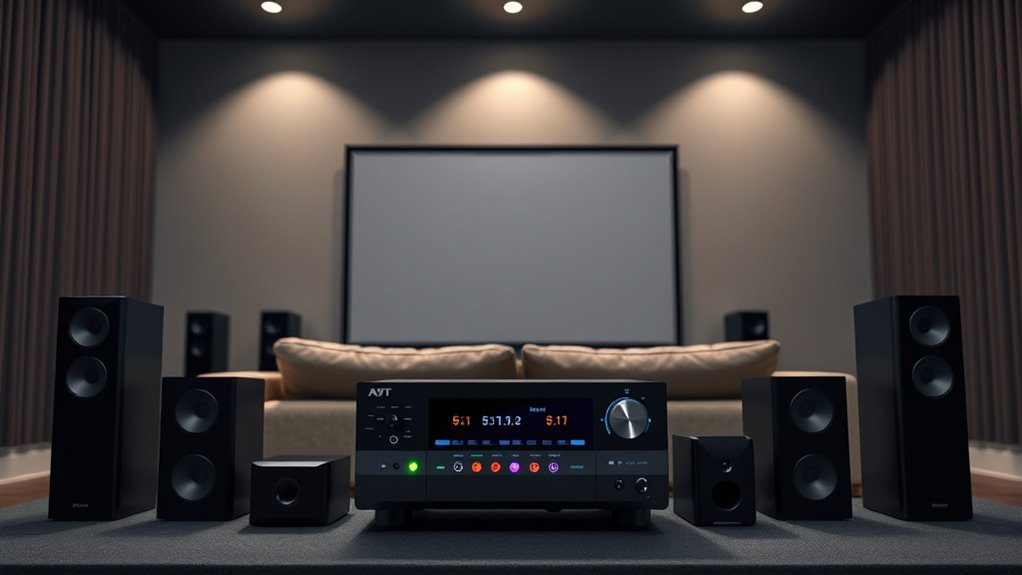
Choosing the right receiver setup depends on your room size and how you plan to position your speakers. Smaller rooms benefit from fewer channels to avoid clutter, while larger spaces can handle more complex configurations. Proper speaker placement is key to ensuring peak sound quality, no matter your room’s dimensions.
Room Size Compatibility
Room size plays a crucial role in determining the ideal number of speakers for your receiver, guaranteeing you get balanced sound without overwhelming the space. Smaller rooms benefit from simpler setups to prevent sound muddiness, while larger rooms can handle more speakers for immersive audio.
Consider these common configurations:
- Small rooms (up to 200 sq ft): 2.1 or 5.1 setups work well, focusing on clarity and direct sound.
- Medium rooms (200-400 sq ft): 5.1 or 7.1 systems provide a richer experience without overwhelming the space.
- Large rooms (over 400 sq ft): 7.1 or higher configurations, including overhead or surround speakers, ensure even coverage and immersive sound.
Matching your room size with the right setup enhances your listening experience and avoids audio imbalance.
Optimal Speaker Placement
Ideal speaker placement varies depending on your room size and the configuration you choose. For a 5.1 setup, position the front left and right speakers at ear level, about 2-3 feet from the TV, forming a triangle with your seating. The center channel should sit directly above or below your display, centered with the screen. Surround speakers go slightly behind and to the sides of your listening position, about 1-2 feet above ear level. In larger rooms, you might need to widen the speaker spacing or elevate the surrounds for even sound coverage. For 7.1 configurations, add rear speakers behind your listening area, about 2 feet above ear level. Always aim for symmetrical placement to guarantee balanced sound and immersive experience. Adjust positioning based on room acoustics for ideal results, and consider speaker calibration to optimize sound quality throughout the space.
The Impact of Additional Channels on Sound Immersion
Adding more channels to a sound system considerably enhances your listening experience by creating a more immersive environment. With extra speakers, sounds can come from specific directions, making you feel surrounded. This depth heightens realism and emotional impact in movies and music. A well-organized home environment can help you set up and maintain your sound system more effectively, ensuring you get the most out of these enhancements.
Setting Up Your System: Tips for Achieving Optimal Channel Alignment
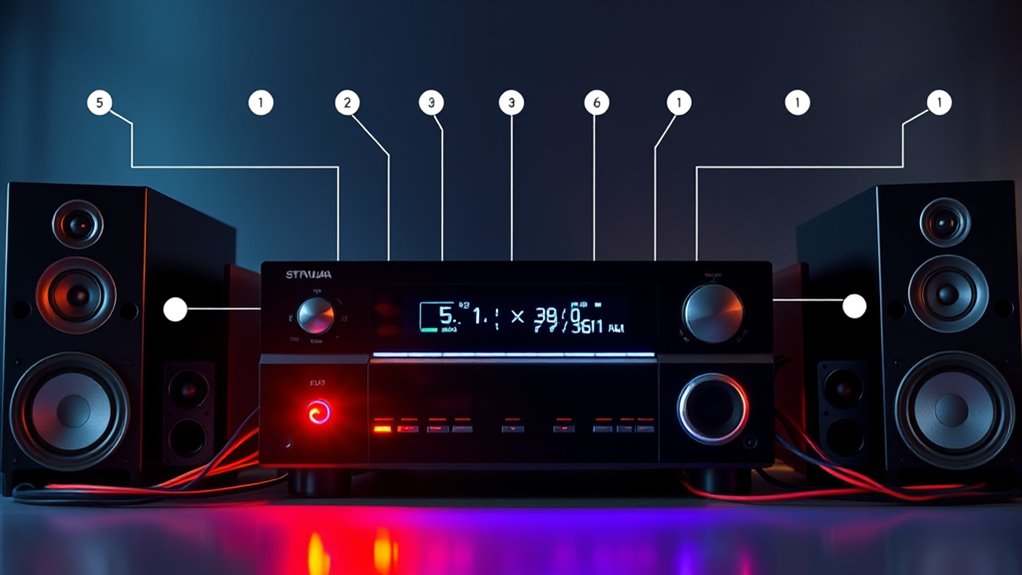
Start by placing your speakers correctly to guarantee balanced sound coverage. Next, calibrate your system to match your room and equipment for the best performance. Additionally, channel alignment is crucial for ensuring that your audio channels work together seamlessly for an immersive listening experience. A well-structured speaker setup can significantly enhance overall sound quality and clarity. Finally, use consistent settings across all components to maintain clear and cohesive audio.
Proper Speaker Placement
Proper speaker placement is essential for creating an immersive and balanced audio experience. To achieve this, focus on positioning your speakers for ideal sound distribution.
- Place front speakers at ear level, equidistant from your seating area, forming a straight line.
- Position surround speakers slightly behind and to the sides of your listening spot, about 1-2 feet above ear level.
- If you have overhead or ceiling speakers, angle them toward your listening area for clear, directional sound.
- Ensuring channel alignment is maintained helps optimize sound clarity and system performance.
Proper placement also involves considering audio calibration to fine-tune your system for the best sound quality. Adjusting these placements ensures sound reaches you evenly and accurately. Keep in mind that symmetrical positioning minimizes acoustic discrepancies and enhances clarity. Proper placement isn’t just about aesthetics; it’s about maximizing your system’s potential for a true cinematic experience.
Calibrate Your System
To guarantee your audio system delivers the best possible sound, calibrating it correctly is essential. Start by using your receiver’s auto-calibration feature if available; it measures speaker levels and distances to optimize sound. If you prefer manual calibration, use a sound level meter to set speaker volumes evenly, ensuring balanced sound across all channels. Pay close attention to speaker placement and distance settings, adjusting delays as needed for proper timing. Listen critically to test tones and audio cues to identify any imbalances or phase issues. Proper calibration ensures that dialogue, music, and effects blend seamlessly, creating an immersive experience. Take your time, double-check your settings, and don’t be afraid to tweak until everything sounds just right.
Use Consistent Settings
After calibrating your system, guaranteeing consistent settings across all channels is the next step to achieve ideal sound. Uniform settings prevent imbalances and guarantee seamless audio playback. Here are three key tips:
- Match speaker levels – Keep volume levels consistent across all speakers to avoid jarring shifts in sound.
- Standardize crossover frequencies – Use the same crossover points for similar speakers to create a smooth transition between frequencies.
- Align delay settings – Set equal delay times for all channels to maintain proper soundstage and imaging.
Future Trends in Surround Sound Technology and Channel Configurations
As technology advances, surround sound systems are evolving rapidly, pushing beyond traditional channel setups to deliver more immersive experiences. Expect higher channel counts, like 9.1.6 or even 11.2.4, integrating height and width for added dimensionality. Object-based audio formats like Dolby Atmos and DTS:X will become standard, allowing sound to move freely in three-dimensional space. Wireless and networked speakers will improve ease of setup and flexibility, reducing the need for extensive wiring. Future systems will likely embrace AI-driven calibration to optimize sound quality automatically. As content creators continue to push boundaries, you’ll see more personalized sound environments, blending virtual and physical elements for a truly immersive experience. These innovations will redefine home theater, making surround sound more dynamic, flexible, and lifelike.
Frequently Asked Questions
How Do I Determine the Best Speaker Placement for My Channel Setup?
To find the best speaker placement for your channel setup, start by aligning speakers at ear level when you’re seated. Place front speakers equidistant from your listening position, forming an equilateral triangle. Surround speakers should be slightly behind and to the sides, creating an immersive experience. Avoid obstacles, and experiment with angles and distances to optimize sound clarity and balance. Adjust placement until you notice a natural, well-rounded surround sound.
Can I Upgrade My Existing System to Include Height or Ceiling Speakers?
Yes, you can upgrade your system to include height or ceiling speakers. First, verify your AV receiver supports Dolby Atmos or DTS:X, which handle height channels. Then, plan where to place the ceiling speakers for ideal sound coverage. You might need to add or upgrade your receiver or amplifier to power these additional speakers. With the right setup, you’ll enjoy immersive, three-dimensional audio that enhances your viewing experience.
What Are the Differences Between Dolby Atmos and DTS:X Audio Formats?
Dolby Atmos and DTS:X both deliver immersive, three-dimensional sound, but they differ slightly. Atmos uses overhead speakers or upward-firing modules to create height effects, making sounds seem to come from all around you. DTS:X is more flexible with speaker placement, adapting to your room setup. Atmos often emphasizes a more cinematic experience with dedicated height channels, while DTS:X offers a customizable, multi-dimensional sound experience tailored to your space.
How Does Room Size Affect Optimal Channel Configuration Choices?
Room size plays a big role in choosing your speaker setup. In smaller rooms, a 5.1 or 5.1.2 system often works best, filling the space without overwhelming it. Larger rooms benefit from 7.1 or 7.1.4 configurations, providing more immersive sound coverage. Consider your room’s dimensions and your listening habits to pick a setup that delivers clear, balanced audio without creating dead spots or excessive echoes.
Are There Compatibility Concerns When Adding New Channels to Older Receivers?
Worried about compatibility when adding new channels to your older receiver? You should be. Many older models might not support newer channel configurations or advanced features without upgrades or adapters. Check your receiver’s specifications first. Sometimes, you need a firmware update or a more recent model to guarantee smooth integration. Don’t risk losing sound quality or functionality—verify compatibility before expanding your setup.
Conclusion
Understanding channel counts helps you create a more immersive sound experience tailored to your space. Did you know that 65% of home theater enthusiasts report increased enjoyment with systems featuring height channels like Dolby Atmos? By grasping these configurations, you can optimize your setup for richer, more cinematic audio. So, take the time to explore your options—you’ll enjoy a theater-like experience right in your own home.