
The main network placement mistake that causes random buffering is placing your router in a corner, behind walls, or near electronic devices like cordless phones or microwaves. These locations create dead zones and increase interference, weakening the signal and causing lag during streaming or browsing. Metal objects and thick building materials can also bounce or block signals, leading to unstable connections. If you want to understand how to fix this and improve your setup, keep exploring these tips.
Key Takeaways
- Placing the router in hidden or cornered locations creates dead zones, leading to inconsistent signal strength and buffering issues.
- Positioning near electronic devices like cordless phones or microwaves causes interference, resulting in random buffering.
- Metal objects and reflective surfaces cause signal bouncing, weakening the connection and causing unpredictable buffering.
- Walls and building materials block or weaken signals, creating weak spots that lead to buffering during streaming.
- Poor elevation or placement in enclosed spaces reduces coverage, increasing chances of random buffering and lag.

Have you ever wondered how a simple mistake in network placement can disrupt your entire system? It’s more common than you might think, especially when it comes to content delivery. When your network devices aren’t strategically positioned, the quality of streaming, browsing, and other online activities can suffer considerably. One of the main culprits is poor placement that leads to signal interference. This interference isn’t always obvious at first, but it’s a subtle enemy that causes random buffering, frustrating your experience and making even the simplest tasks feel sluggish.
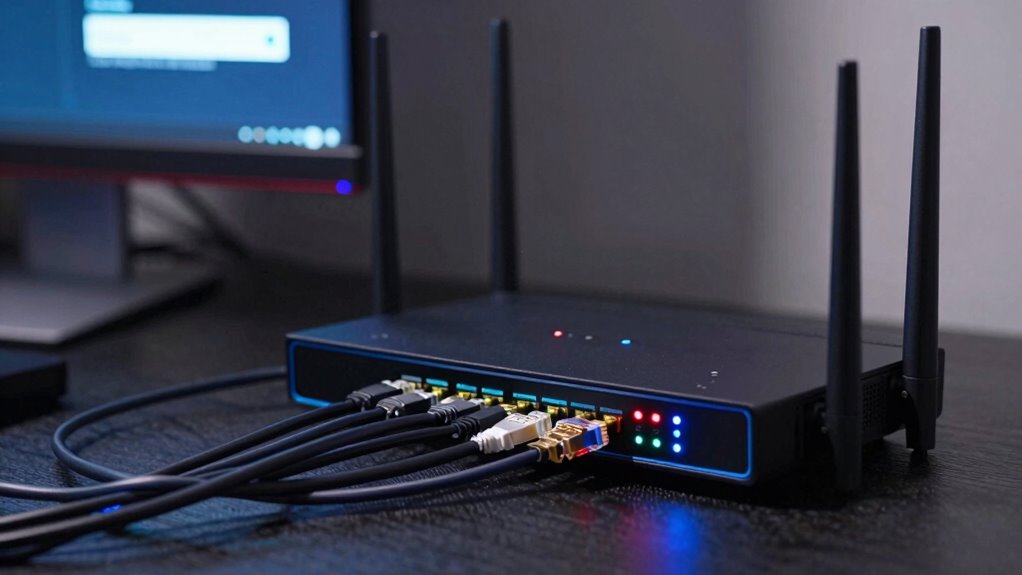
Think about how your Wi-Fi router is placed. If it’s tucked away in a corner or behind thick walls, it might be creating dead zones or weak signals in key areas. When signals are weak or inconsistent, your devices struggle to maintain a stable connection, leading to interruptions in content delivery. These interruptions often show up as buffering, lag, or dropped streams. The problem worsens if multiple devices are competing for the same signal, which is common in households or offices with many users. Proper placement can reduce this competition and strengthen signal strength, ensuring smoother streaming and faster downloads.
Proper router placement prevents dead zones, reduces buffering, and ensures a stable, faster connection for all your devices.
Signal interference plays a big role here. When your router is near other electronics—like cordless phones, microwaves, or Bluetooth devices—it can pick up interference that disrupts the signal. This interference causes fluctuations in the connection, which manifests as random buffering during video calls or streaming sessions. In addition, network placement mistakes can cause your router’s signal to bounce off metal objects or reflect through walls, creating dead zones and weak spots. These issues aren’t always visible but have a direct impact on how efficiently your content is delivered. Correctly managing your wireless environment can help minimize these issues and enhance overall performance. Additionally, understanding interference sources can help you identify and reduce potential disruptions in your network setup. When signals bounce unpredictably or are blocked, your devices have to work harder to stay connected, which results in buffering and lag.
Addressing this mistake involves understanding your environment and placing your router in a central, open location away from interference sources. Elevating the device can help improve coverage and reduce signal reflection. Using tools like Wi-Fi analyzers can help you identify weak spots or interference sources so you can optimize placement further. Additionally, understanding the physical environment can help you better plan your network setup for optimal performance. In fact, considering the building materials around your router can make a noticeable difference in signal quality. When you position your router correctly, you’ll notice a markedly better improvement in content delivery quality. Buffering becomes less frequent, streams run smoothly, and your overall experience feels more reliable. In short, paying attention to network placement isn’t just a technical detail—it’s the key to eliminating those frustrating moments when your screen freezes or your video stalls unexpectedly. Proper network placement strategies can significantly enhance your digital experience and reduce connection-related frustrations.
As an affiliate, we earn on qualifying purchases.
Frequently Asked Questions
How Can I Identify if My Network Placement Is Causing Buffering?
You can identify if your network placement causes buffering by checking for weak signals or frequent disconnections. Make certain your hardware placement isn’t near devices causing signal interference, like microwaves or cordless phones. Move your router to a central, elevated spot away from thick walls and electronic devices. If buffering persists, run speed tests and monitor connection stability. Proper hardware placement minimizes interference, guaranteeing a stronger, more reliable signal that reduces buffering issues.
What Tools Are Best for Analyzing Network Placement Issues?
You should use network analysis tools like Wireshark or NetSpot to identify placement issues. These tools help detect wireless interference and signal strength problems, revealing if your hardware needs optimization. By analyzing your network environment, you can pinpoint areas with weak signals or interference sources. Adjusting your router’s position and upgrading hardware based on this data improves placement, reducing buffering and enhancing streaming performance.
Can Improper Placement Affect Streaming Quality on All Devices?
A chain is only as strong as its weakest link, and improper placement can affect streaming quality on all devices. Poor router positioning and wireless interference weaken your network, causing buffering and lag everywhere. If your router isn’t central or has obstacles blocking signals, every device suffers. To guarantee smooth streaming, optimize router placement—away from interference sources—and consider signal repeaters or mesh systems to boost coverage.
How Often Should Network Placement Be Reviewed and Adjusted?
You should review and adjust your network placement every six months or whenever you notice issues like wireless interference or buffering. Regular checks help you identify interference sources or outdated hardware that may be slowing your connection. Upgrading hardware when needed guarantees ideal placement, reducing buffering. Keep an eye on your network’s performance, and don’t hesitate to reposition your router or access points to improve coverage and minimize disruptions.
Are There Specific Network Configurations That Prevent Buffering Issues?
Yes, certain network configurations can prevent buffering issues. To minimize Wi-Fi interference, guarantee your router is positioned centrally and elevated, away from metal objects and electronic devices. Use dual-band routers to reduce congestion, and avoid overlapping channels with neighboring networks. Proper router placement and selecting ideal channels substantially improve signal stability, decreasing buffering. Regularly updating firmware and using quality equipment also help maintain a reliable connection, preventing pesky interruptions.
As an affiliate, we earn on qualifying purchases.
Conclusion
If you overlook proper network placement, buffering feels like a storm that never ends. It’s a mistake that disrupts your streaming and gaming, turning smooth experiences into frustrating pauses. Think of your network setup as the foundation of a house—you need it solid and well-placed to keep everything running smoothly. Fixing this mistake is like planting seeds in the right soil; it guarantees your connection grows strong and steady, giving you seamless entertainment without the storm.
interference reducing Wi-Fi router
As an affiliate, we earn on qualifying purchases.
As an affiliate, we earn on qualifying purchases.
mesh Wi-Fi system for better coverage
As an affiliate, we earn on qualifying purchases.
As an affiliate, we earn on qualifying purchases.