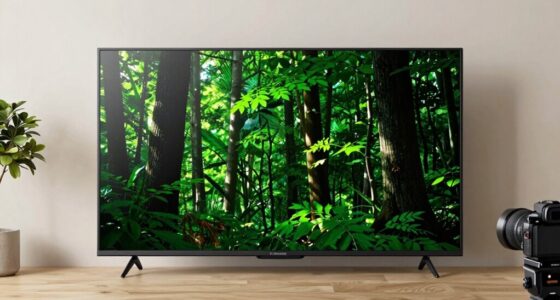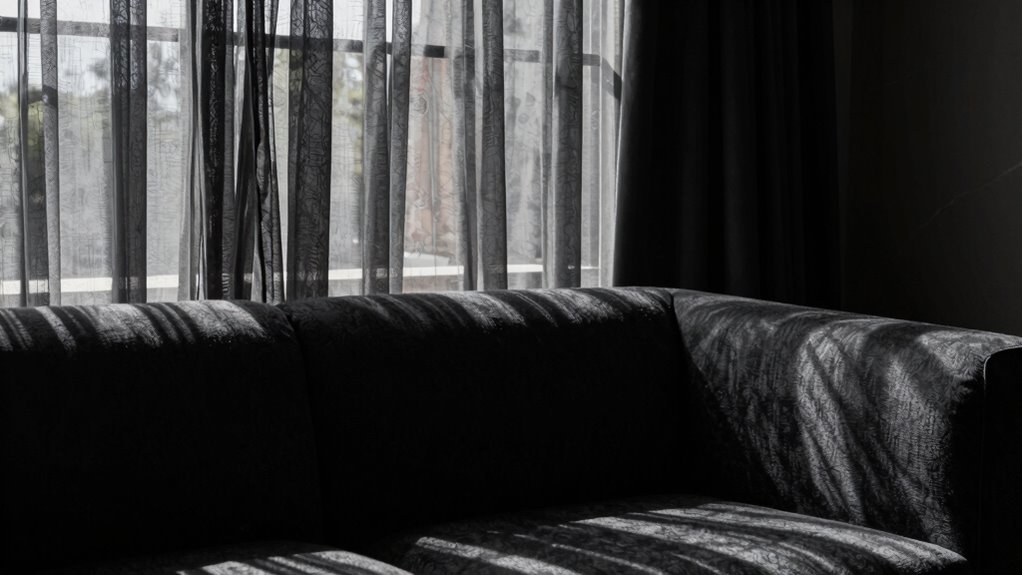

To keep daylight from killing your black levels, control ambient lighting by using heavy curtains, blinds, or window tints to block sunlight. Position your display away from direct light sources and consider reflective or matte screen finishes to reduce glare. Adjust your display’s color temperature and calibration settings to counteract daylight’s cool tones and enhance contrast. Implementing these strategies can dramatically improve black depth; discover more tips to optimize your viewing environment.
Key Takeaways
- Use heavy curtains, blinds, or window tints to block or reduce incoming daylight.
- Position displays away from direct sunlight sources to prevent glare and washed-out blacks.
- Apply matte or reflective screens to minimize glare and improve contrast in bright environments.
- Calibrate display settings, adjusting brightness and contrast to maintain black levels under ambient light.
- Control room lighting with dimmable lights or indirect lighting to prevent ambient brightness from washing out blacks.
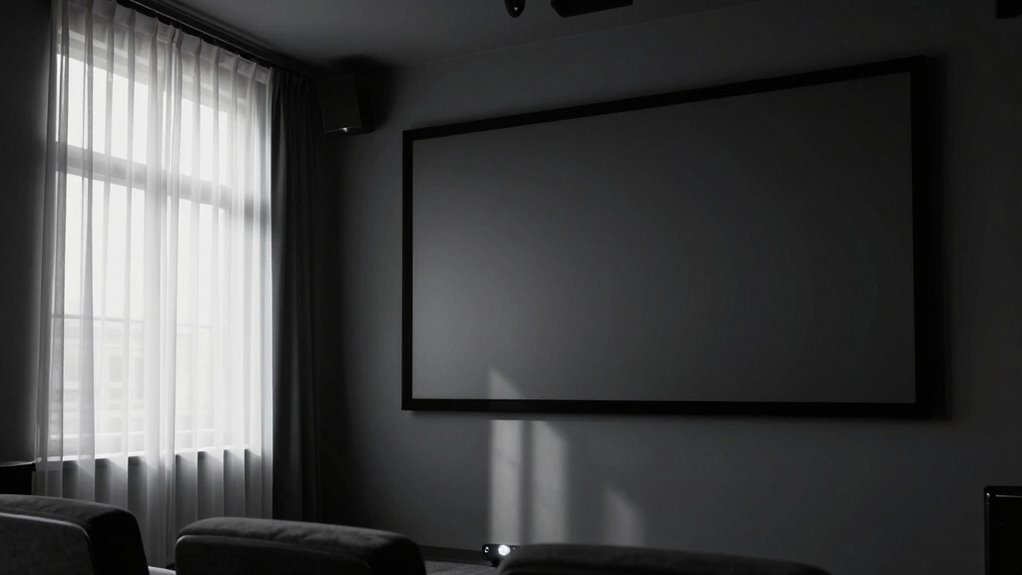
Ever wonder why your black levels look washed out when the sun’s shining through the windows? It’s a common frustration, and the culprit is often the influence of ambient lighting and how your display’s color temperature interacts with it. When daylight floods your room, it introduces a lot of extra light that can wash out the deep blacks you want to see on your screen. To combat this, you need to understand how ambient lighting affects your viewing experience and how adjusting your display’s settings can help preserve those rich black levels.
Ambient lighting, especially sunlight, raises the overall brightness in your room, which makes it harder for your display to produce true blacks. When your room is brightly lit, your TV or monitor struggles to maintain contrast, causing black levels to appear grayish or muted. One effective way to mitigate this is to control the ambient lighting itself—use heavy curtains, blinds, or window tints to reduce the amount of sunlight entering your space. This creates a more controlled environment where your display can perform at its best. If completely blocking out light isn’t feasible, consider placing your display away from direct sunlight or using reflective screens or matte finishes to minimize glare.
Controlling ambient light with curtains or tints helps maintain deep black levels on your display.
Another critical factor is your display’s color temperature. When daylight hits your room, it shifts the perceived color balance, often making whites look bluish or yellowish, which can distort your perception of black levels. Adjusting your display’s color temperature to a warmer setting can help counteract the cool tone of daylight and preserve more natural blacks. Many modern TVs and monitors have presets or advanced calibration options that let you fine-tune this setting. By matching your display’s color temperature to the ambient lighting conditions, you help guarantee that blacks stay deep and consistent, even when the sun’s shining through your windows. Additionally, being aware of ambient light influence is key to understanding how external factors impact your viewing experience and how to adjust accordingly. Incorporating proper room lighting** strategies can further enhance your viewing quality and black level retention. Paying attention to display calibration can also make a significant difference in maintaining optimal black levels under varying lighting conditions. Furthermore, utilizing dynamic contrast settings can help your display adapt better to changing lighting environments, improving black levels during the day. Being mindful of how different lighting environments** impact your screen can lead to better choices in both display setup and room design.

MIULEE Blackout Curtains for Bedroom Living Room 2 Panels, Thermal Insulated Room Darkening Drapes Grommet Noise Reducing Light Blocking Window Treatments 84 Inches Long 40×84 Inch Black
Pair Sold: Each package includes 2 panels of blackout curtains. Each panel measures 40"W x 84"L, with a…
As an affiliate, we earn on qualifying purchases.
As an affiliate, we earn on qualifying purchases.
Frequently Asked Questions
Can Window Treatments Improve Black Levels During Daytime?
Yes, window treatments like blackout curtains or window tinting can markedly improve black levels during daytime. Blackout curtains block out most light, preventing sunlight from washing out your screen’s blacks. Window tinting reduces glare and controls light penetration without completely darkening the room. Both options help maintain richer blacks, so your picture stays sharp and vibrant even in bright conditions. Choose the right treatment based on your room’s lighting needs for ideal results.
What Screen Types Are Best for Daylight Viewing?
Sure, you want screens that fight daylight like a superhero, right? Matte or ambient light-rejecting screens are your best allies, reducing reflections and managing ambient lighting effectively. They absorb excess light instead of bouncing it around, preserving black levels even in bright rooms. Avoid glossy screens—they reflect ambient light and make it impossible to see true blacks. Choose wisely, and your daytime viewing becomes a vivid, shadowy escape rather than a washed-out illusion.
Does Projector Brightness Affect Black Levels in Daylight?
Yes, projector brightness affects black levels in daylight. When ambient light is high, increasing brightness helps make images visible but can wash out blacks, reducing contrast. To counter this, you should use contrast enhancement features to improve black depth. Managing ambient light by controlling room lighting or using a high-lumen projector can help maintain better black levels, ensuring your picture stays sharp and vibrant even in daylight conditions.
How Does Room Color Influence Black Level Visibility?
Room color profoundly influences black level visibility. Bright or reflective walls bounce ambient lighting, washing out shadows and diminishing contrast. Darker hues absorb excess light, boosting contrast and making blacks appear deeper. You can combat this by choosing room colors that minimize light reflection, like matte blacks or deep grays, which enhance color contrast and maintain rich black levels. This simple switch keeps your picture pristine, even in lively, daylight-lit environments.
Are There Specific Calibration Settings for Daytime Viewing?
Yes, for daytime viewing, adjust your calibration settings to reduce screen reflectivity’s impact. Use calibration techniques that fine-tune contrast and black levels, making sure your display isn’t overly bright. Lowering the backlight or adjusting gamma can help prevent washout caused by ambient light. Additionally, invest in a matte screen or anti-reflective coating to minimize glare, ensuring your black levels stay deep even during daylight.

XRRX 43-65 Inch TV Screen Protector, Frosted Matte Anti Glare Outdoor/Indoor Anti Blue LightDustproof Filter Film, Relieve Eye Strain and Sleep Better, for LCD、LED、4K OLED / 43in 942x529mm
FITS SCREEN SIZES: Fits for 43-65 inch (framless/framed), please measure your monitor prior to ordering to ensure proper…
As an affiliate, we earn on qualifying purchases.
As an affiliate, we earn on qualifying purchases.
Conclusion
By controlling ambient light and adjusting your display, you can preserve deep blacks and vibrant contrast, even in daylight. Think of your screen as a canvas—without the right environment, it loses its richness, much like a painting faded in the sun. So, take charge of your viewing space, employ screen filters, and tweak settings. After all, isn’t it worth revealing the full depth of your picture, rather than letting daylight be the thief that steals your black levels?

Calibrite Display Pro HL Monitor Calibration Colorimeter for LCD Mini LED and OLED Displays, Measure up to 3000 Nits, PROFILER Software, USB C with Adapter, Validation/Color Uniformity Tools
SPECIFICATIONS: HL high luminance sensor colorimeter measures up to 3000 nits, calibrates and profiles LCD mini LED OLED…
As an affiliate, we earn on qualifying purchases.
As an affiliate, we earn on qualifying purchases.

Yikuneng Dimmable LED Floor Lamp, Super Bright Reading Lamps Floor Standing lamp with Remote & Touch Control, Stepless Dimming & 2700K-6500K Color Temperature, for Living Room Bedroom Office, Black
【Super Bright & Save Energy】Yikuneng bright floor lamp used advance high brightness LED, 18W LED floor lamp equivalent…
As an affiliate, we earn on qualifying purchases.
As an affiliate, we earn on qualifying purchases.